Still have questions?
Come chat with us and we will get back to you as soon as possible!

Shockbyte
Support Team

How to Join your R5Reloaded Server
Getting started is simple! R5Reloaded runs through its own launcher rather than Steam, so once you've got that installed you'll be able to find and join your server straight from the in-game server browser. Just install the launcher, hit play, find your server in the list, and you're ready to drop in!
Note
To locate your server in the in-game browser, your server will need to have a Hostname set in your Config settings. Please see our guide that explains How to Change the Hostname of your R5Reloaded Server before proceeding with the next steps.
#Installing the R5Reloaded Launcher
Before you can connect, you'll need the R5Reloaded launcher installed on your PC.
-
Head to the official R5Reloaded download page at https://r5reloaded.com/download.
-
Download the launcher and follow the on-screen steps to complete the installation.
#Joining your Server
- Open the R5Reloaded launcher and click Play.

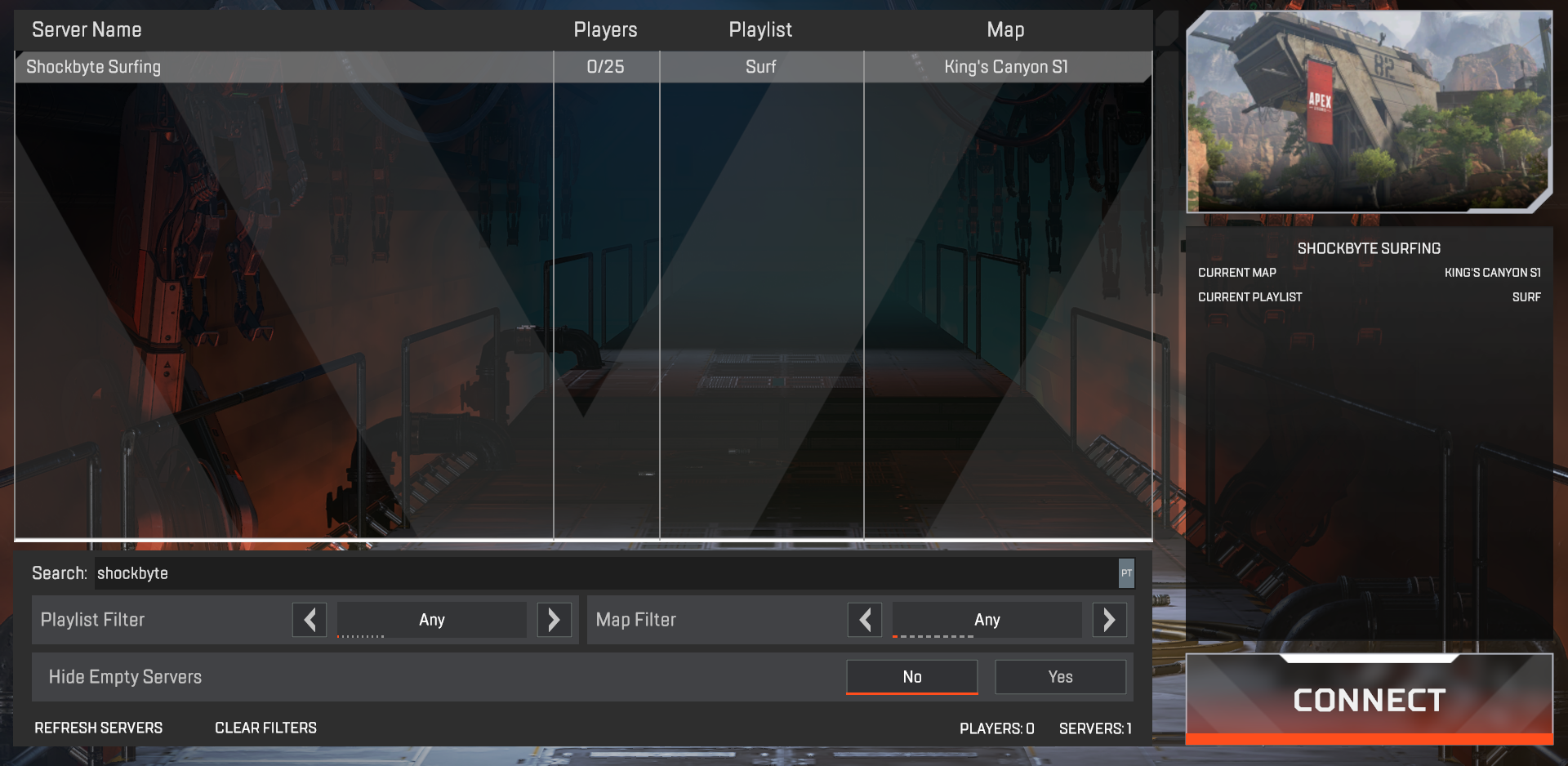
- Once the game has loaded, navigate to the Servers menu.

- Locate your server by its Hostname in the list, then click Connect.
If you require any further assistance, please contact our support at: https://shockbyte.com/billing/submitticket.php