Still have questions?
Come chat with us and we will get back to you as soon as possible!

Shockbyte
Support Team

How to Join Your SCP: Secret Laboratory Server
Once you have finished configuring your SCP: Secret Laboratory server, you can start your server for players to connect and play. SCP allows players to connect via direct connection or via the in-game server list.
#Finding Your Server's IP
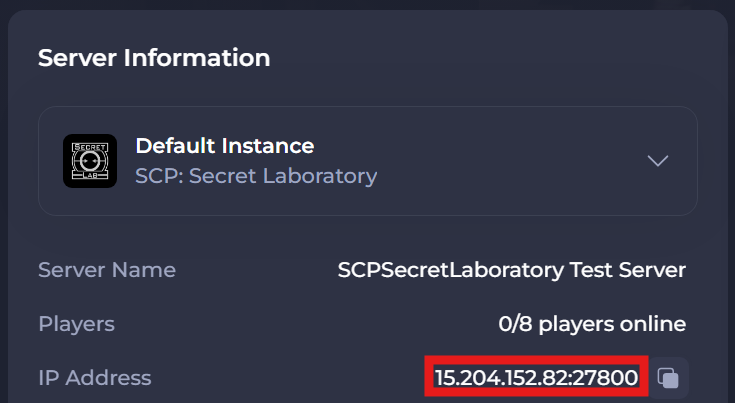
To join your SCP: Secret Laboratory Server directly, you'll first need to find your Server's IP address:
- Log in to your control panel.
- Find your Server Address and copy both the IP and the Port.
#Using Direct Connect
Once you have your server's IP and port you're able to connect to your server directly.
- Launch SCP: Secret Laboratory.
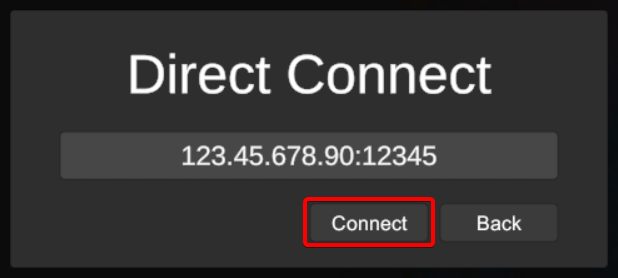
- Select Servers and click Direct Connect.

- Enter your IP & Port as shown on your control panel, then click Connect.
#Using the Server List
It is also possible to find your server on the in-game server list. Before you do this you will need to set your server name.
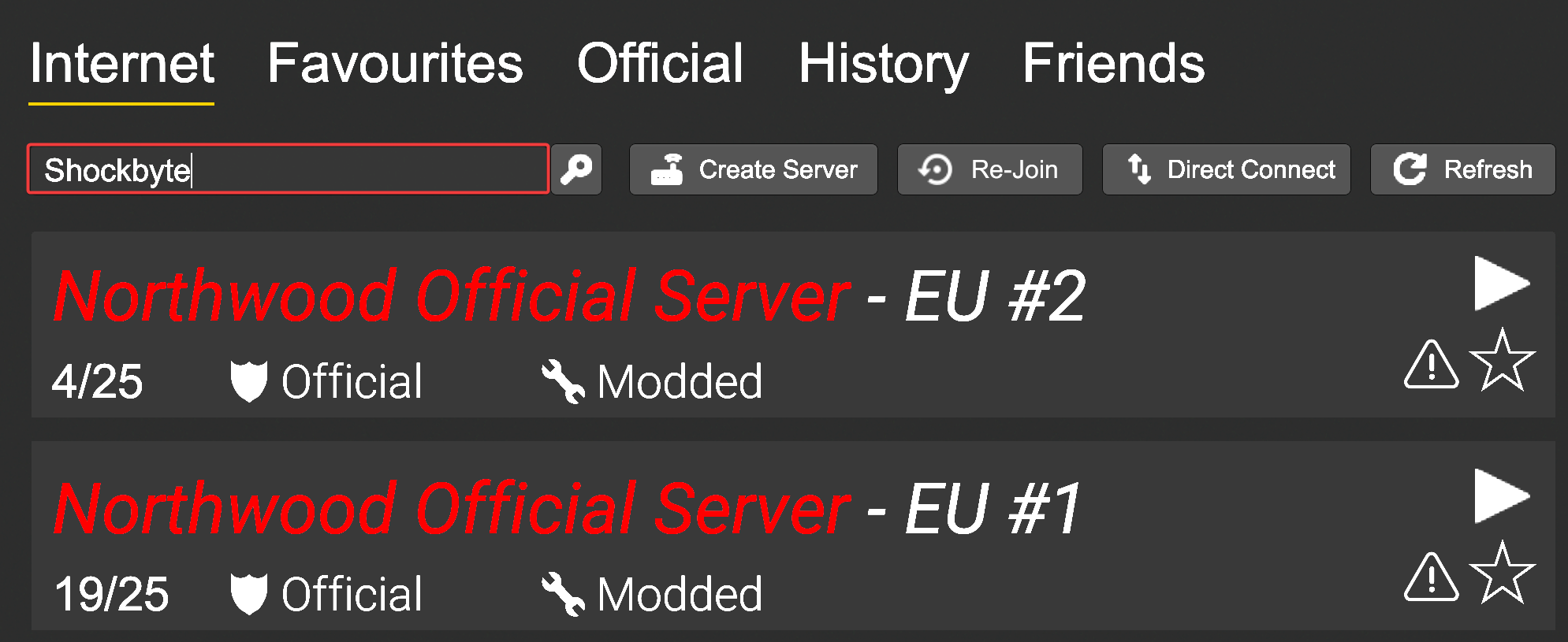
- Launch SCP: Secret Laboratory and click Servers.

- Enter your server's name in the Search field and press Enter.
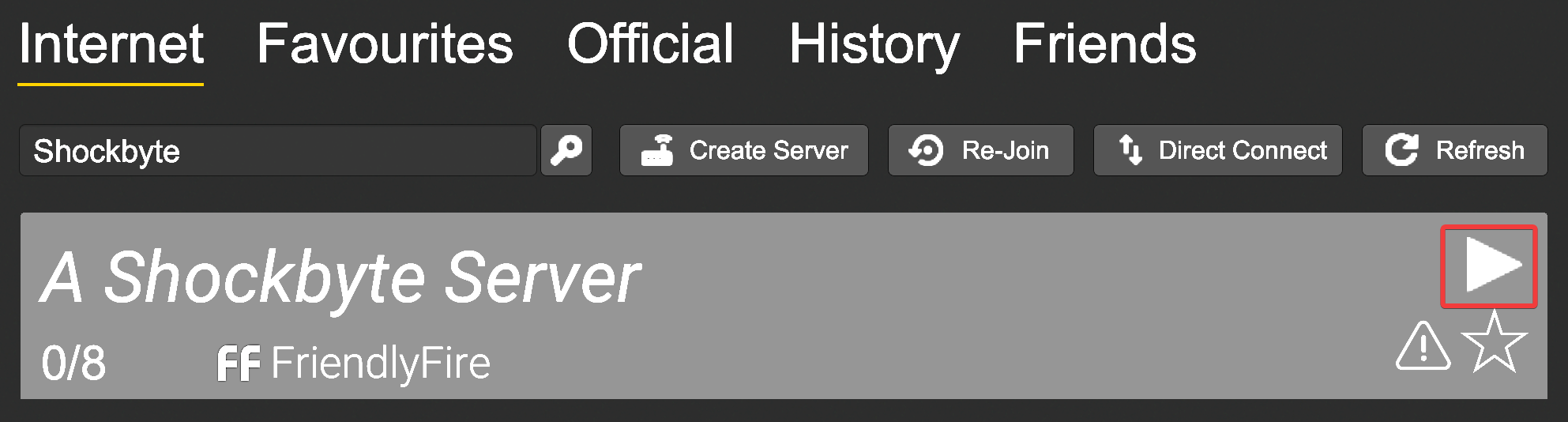
- Locate your server and click the Play button.
#Start the Server
Once all players are connected and ready, you can start the session by running the start command in your server console.

To learn more about SCP: Secret Laboratory server commands, you can check out All SCP: Secret Laboratory Console Commands.
If you require any further assistance, please contact our support at: https://shockbyte.com/billing/submitticket.php