Still have questions?
Come chat with us and we will get back to you as soon as possible!

Shockbyte
Support Team

How To Join your Sons Of The Forest Server
Sons of the Forest
·Nov 12, 2024
·3 min read
After configuring your Sons of the Forest server to your preference, you're all set to connect to your server. Sons of the Forest servers can be joined through the server list or direct connect.
#Connecting With the Server List
-
Launch Sons of the Forest.
-
Navigate to Multiplayer then click Join to open the server list.

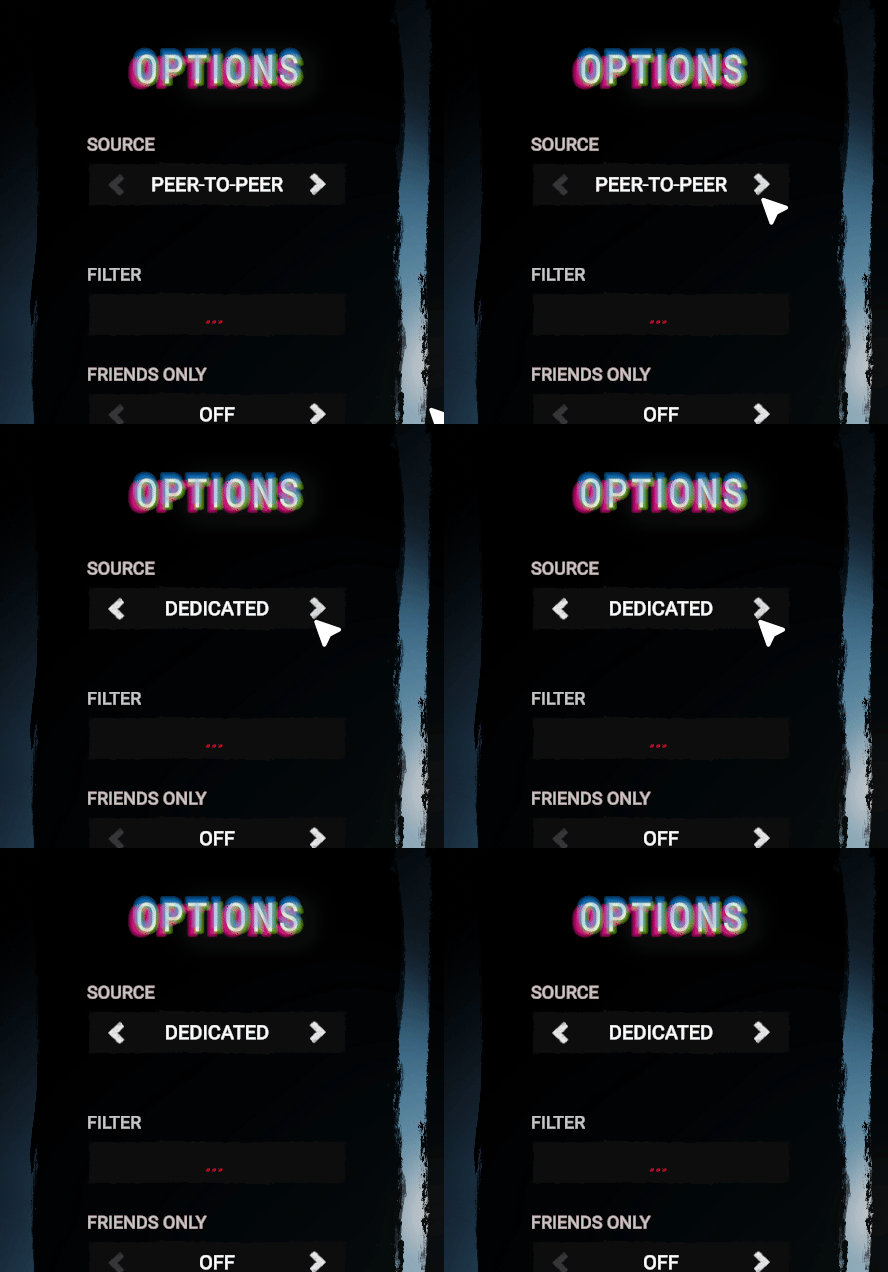
- Under Options, set the Source as Dedicated.
- Enter the Server Name as the Filter.
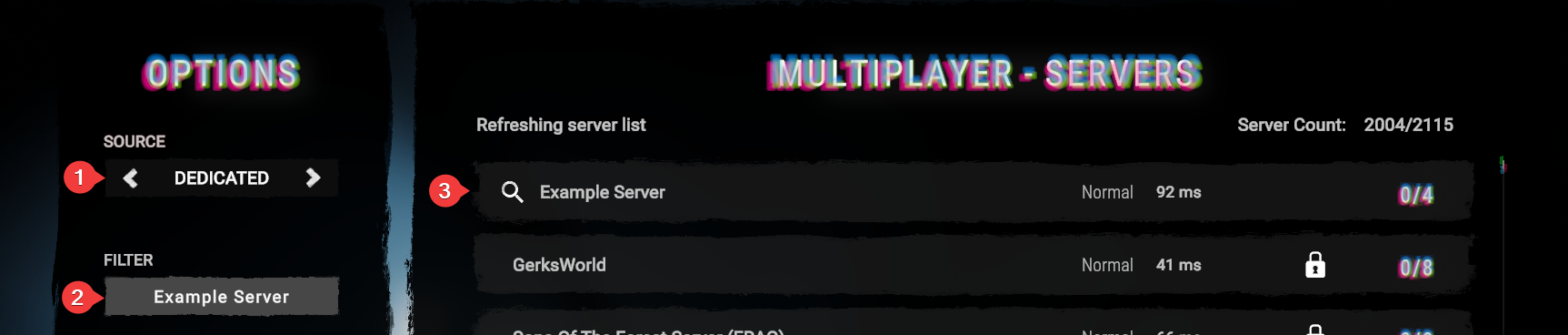
- Hover your cursor over the server, and click Join.
#Connecting with Direct Connect
-
Launch Sons of the Forest.
-
Navigate to Multiplayer then click Join to open the server list.
- Select Direct at the bottom of the screen.

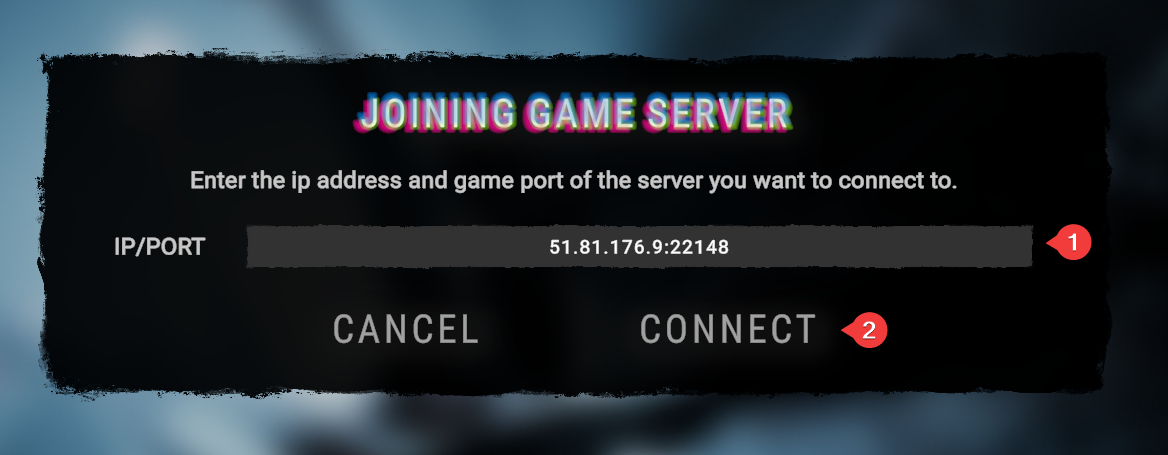
- Enter your Server IP address and click Connect.
Your server IP can be found in the server's control panel next to "IP Address". Copy the full IP, including the port.
To learn more about Sons of the Forest server hosting, you can browse our library of Knowledgebase articles here.