Table Of Contents
Changing Server MapStill have questions?
Come chat with us and we will get back to you as soon as possible!

Ruben B
Partnership Manager
How to Change Your ARK Server Map
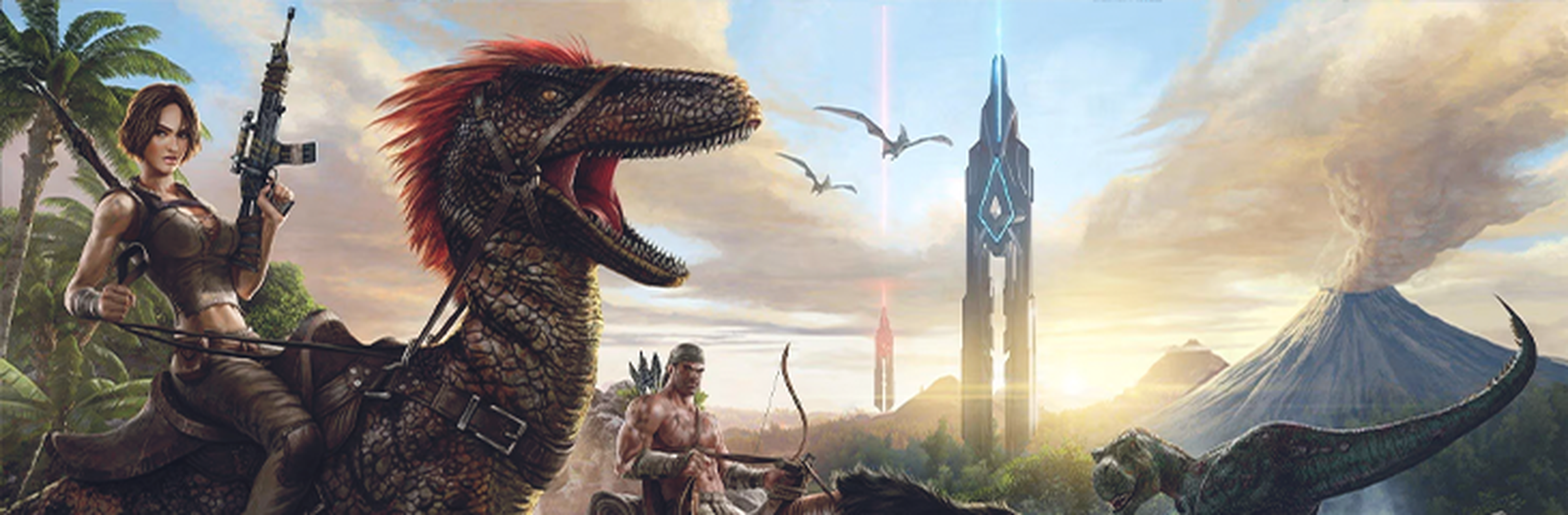
ARK: Survival Evolved offers several playable ARKs which consist of many unique environments, resources and creatures to experience on your server. All ARK maps are supported at Shockbyte, including all Expansion Packs, DLCs and Custom Maps.
#Changing Server Map
To change the server map, you must select the Server Map you wish to switch to through the control panel.
-
Access your Control Panel and Stop your server.
-
Navigate to Config.
-
Click on
ARK Server Settings. Enter the map ID of the map you wish to switch to from the table below.
For example, if we are playing the map Aberration, we would enter the following: Aberration_P.
| Map | Map ID |
|---|---|
| The Island | TheIsland |
| The Center (DLC) | TheCenter |
| Scorched Earth (Expansion Pack) | ScorchedEarth_P |
| Ragnarok (DLC) | Ragnarok |
| Aberration (Expansion Pack) | Aberration_P |
| Extinction (Expansion Pack) | Extinction |
| Valguero (DLC) | Valguero_P |
| Genesis: Part 1 (DLC) | Genesis |
| Crystal Isles (DLC) | CrystalIsles |
| Genesis: Part 2 (DLC) | Gen2 |
| Lost Island (DLC) | LostIsland |
| Fjordur (DLC) | Fjordur |
- Save and Start your server.
To learn more about ARK: Survival Evolved server hosting, you can browse our library of Knowledgebase articles here.