Table Of Contents
Joining your ServerStill have questions?
Come chat with us and we will get back to you as soon as possible!

Nathan Franklin
Game Experience Engineer
How To Join Your Motor Town: Behind The Wheel Server
Joining your Motor Town: Behind The Wheel server allows you and your friends to hop into a shared world and explore, race, transport, and manage vehicles together.
Follow the steps below to join your server from the in-game server list.
Note
To make it easier to locate your server, you should first Change your Server Name.
#Joining your Server
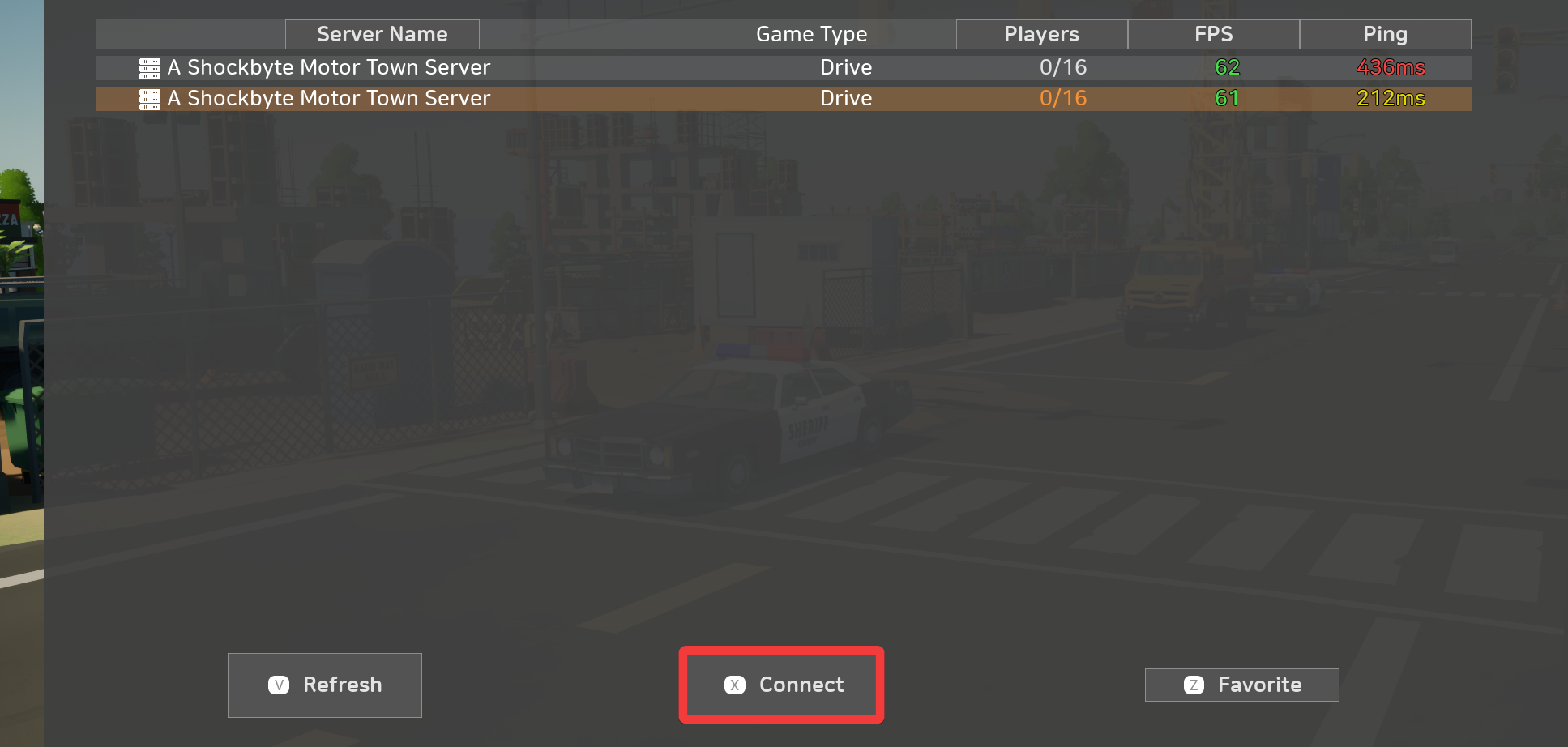
You can join your server directly using the in-game server browser.
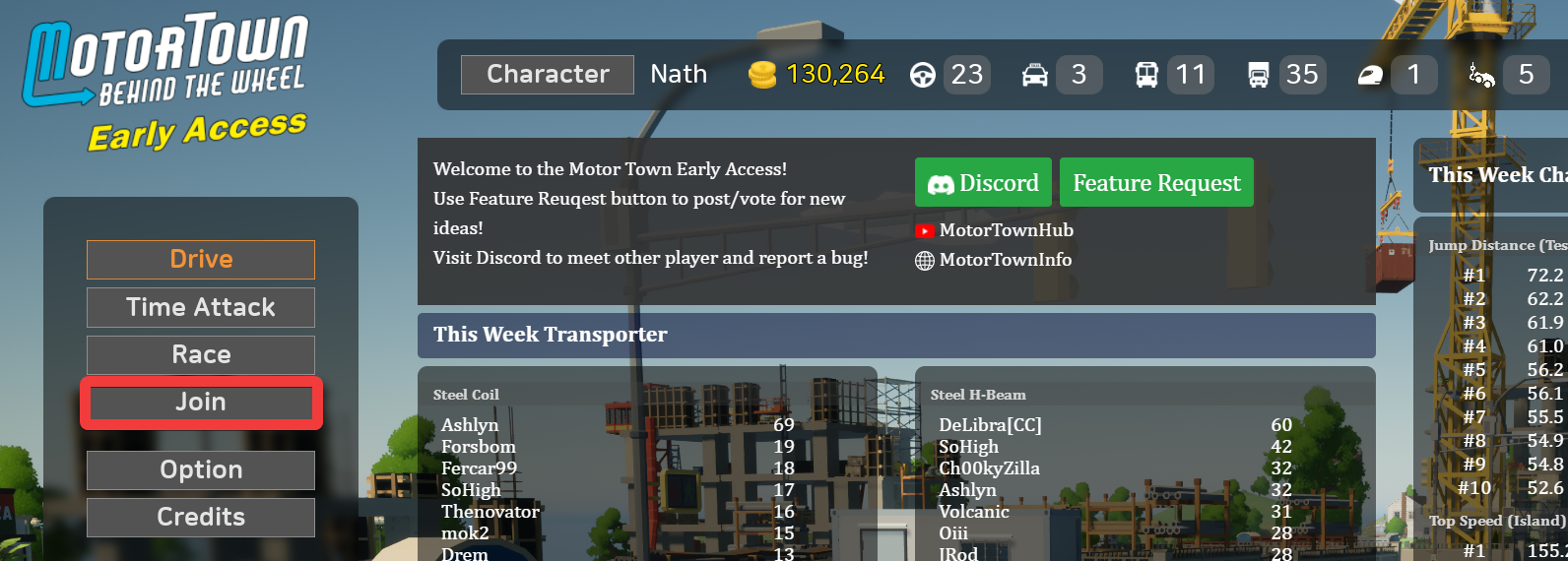
- Click Join.
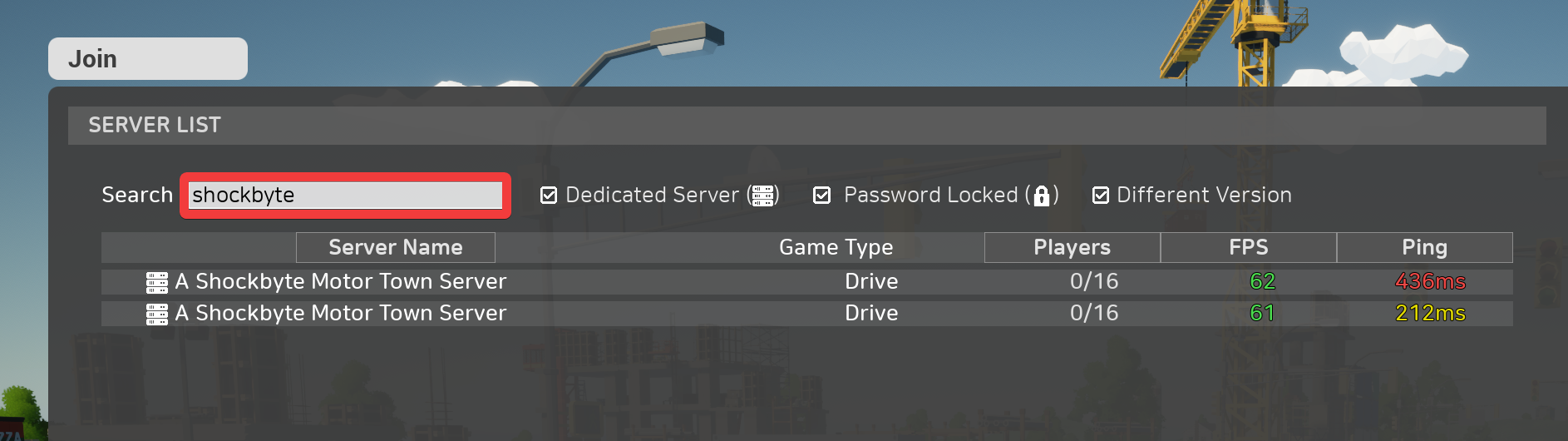
- Locate the Search field and enter your server name.
- Locate and select your server.
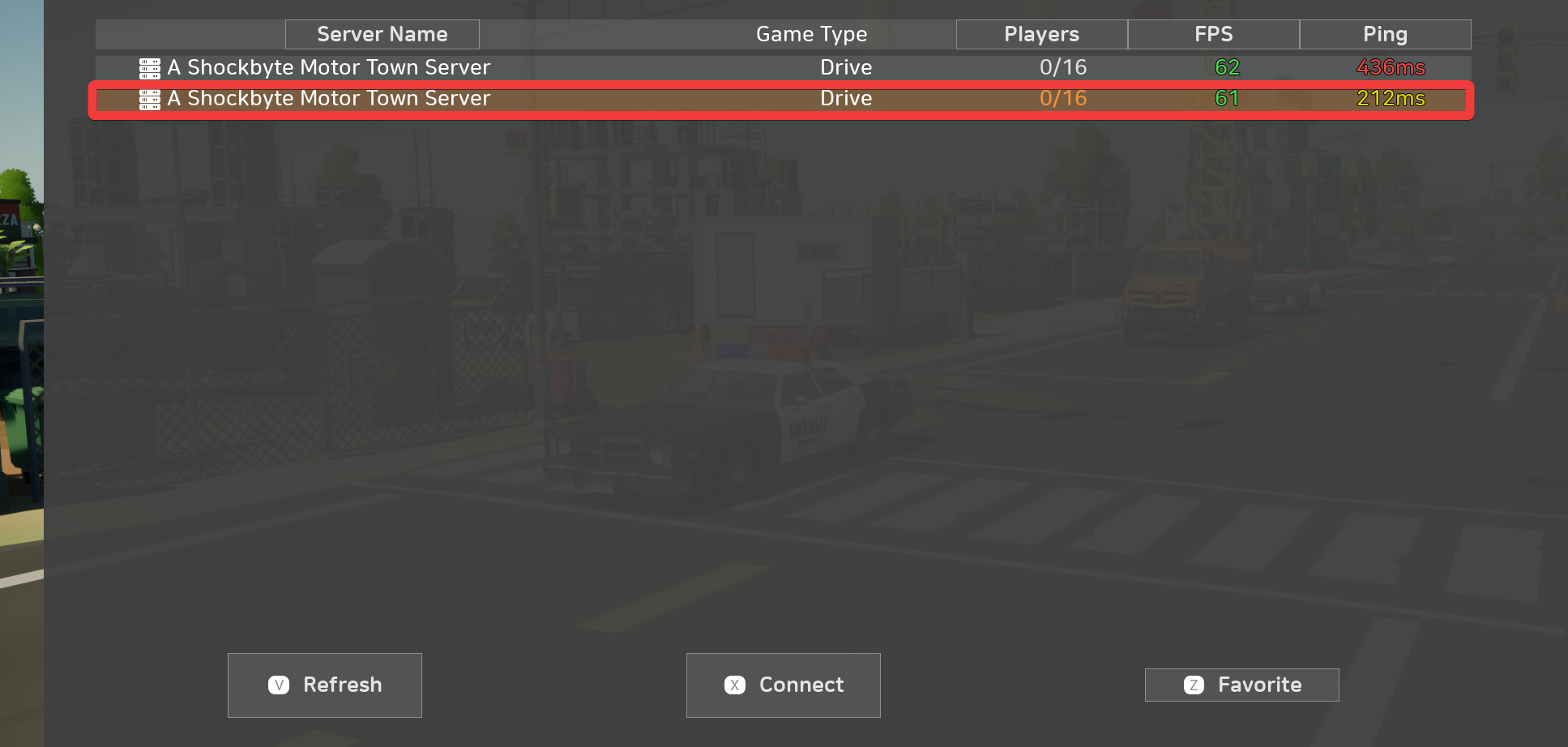
- Click Connect.
Interested in purchasing a Motor Town: Behind The Wheel server with instant activation, easy customisation, and great & extensive Knowledgebase articles? Click here to purchase one!
To learn more about Motor Town: Behind The Wheel Server Hosting, you can browse our Knowledgebase article library here.