Table Of Contents
Accessing the Web PanelStill have questions?
Come chat with us and we will get back to you as soon as possible!

Ruben B
Partnership Manager

How to Access your Assetto Corsa Web Panel
Assetto Corsa
·Nov 8, 2024
·2 min read
Assetto Corsa dedicated servers provide an exclusive web panel for server owners. This web panel is required to configure races, cars, server options, access logs, administer your server and more!
For a server owner, it's worth taking the time to get familiar with this web panel so you can get the most value out of your Assetto Corsa server.
Note:
Please note, that the Web Panel will not be accessible when AssettoServer is enabled.
#Accessing the Web Panel
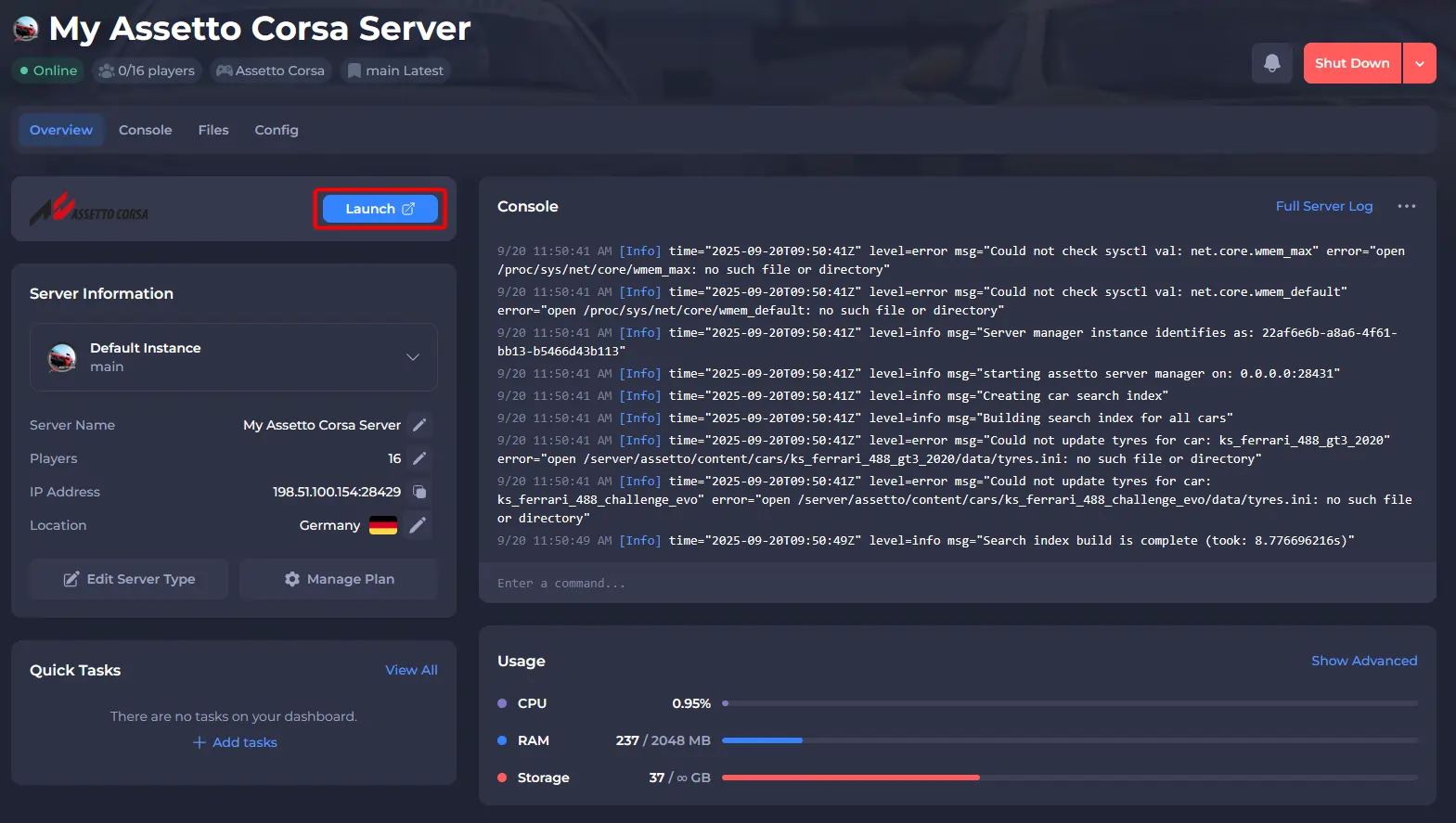
- Access your control panel and ensure your server is Online.
- Open the webinterface.
- Once prompted with the login, enter the following details:
- Username -
admin - Password -
servermanager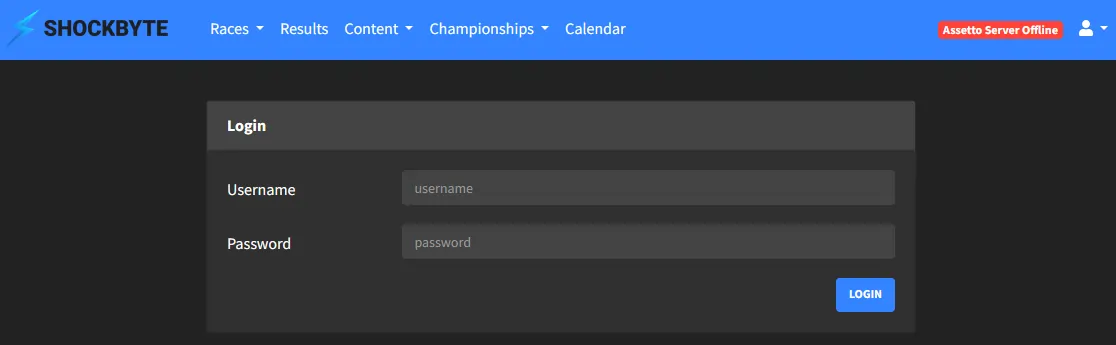
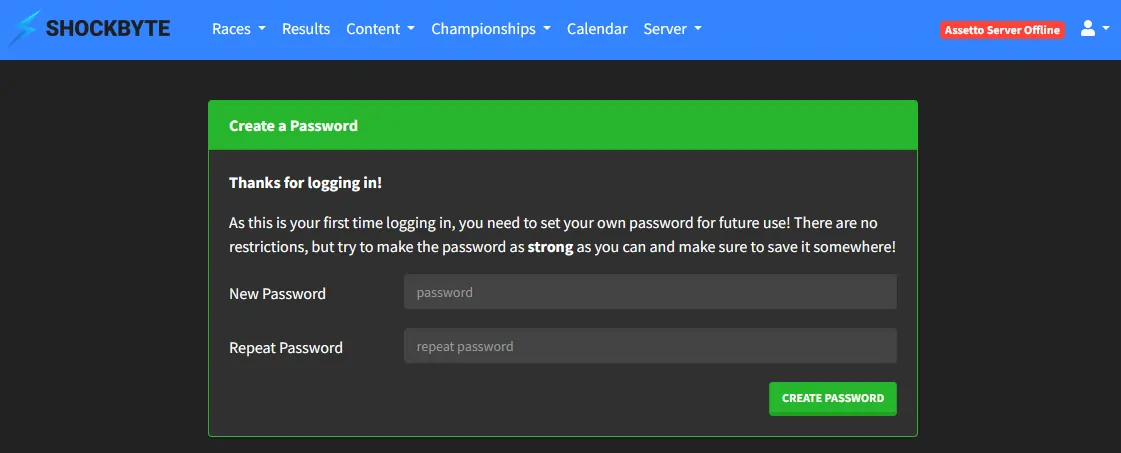
- (Recommended) During your first login, you will be prompted with creating a new password.
- (Optional) Enter your driver details.
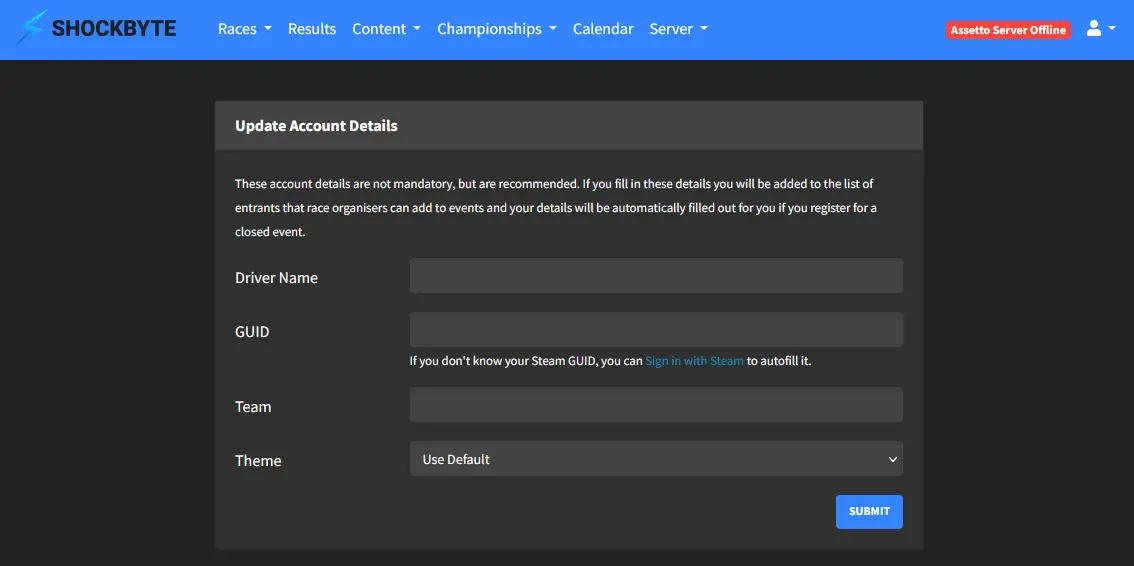
Your account for the Assetto Corsa web interface has now been set up.