Table Of Contents
Connecting to your server using the Lunar ClientStill have questions?
Come chat with us and we will get back to you as soon as possible!

Shockbyte
Support Team

How to join your Minecraft server using the Lunar client
Lunar Client is a popular, free third-party launcher for Minecraft: Java Edition designed to optimize player performance and improve connection efficiency. It comes pre-packaged with essential quality-of-life mods and performance tweaks out of the box, allowing players to join and enjoy your server smoothly without having to manually install or configure client-side mods.
Before we get started, you will need to install the Lunar Client on your PC.
#Connecting to your server using the Lunar Client
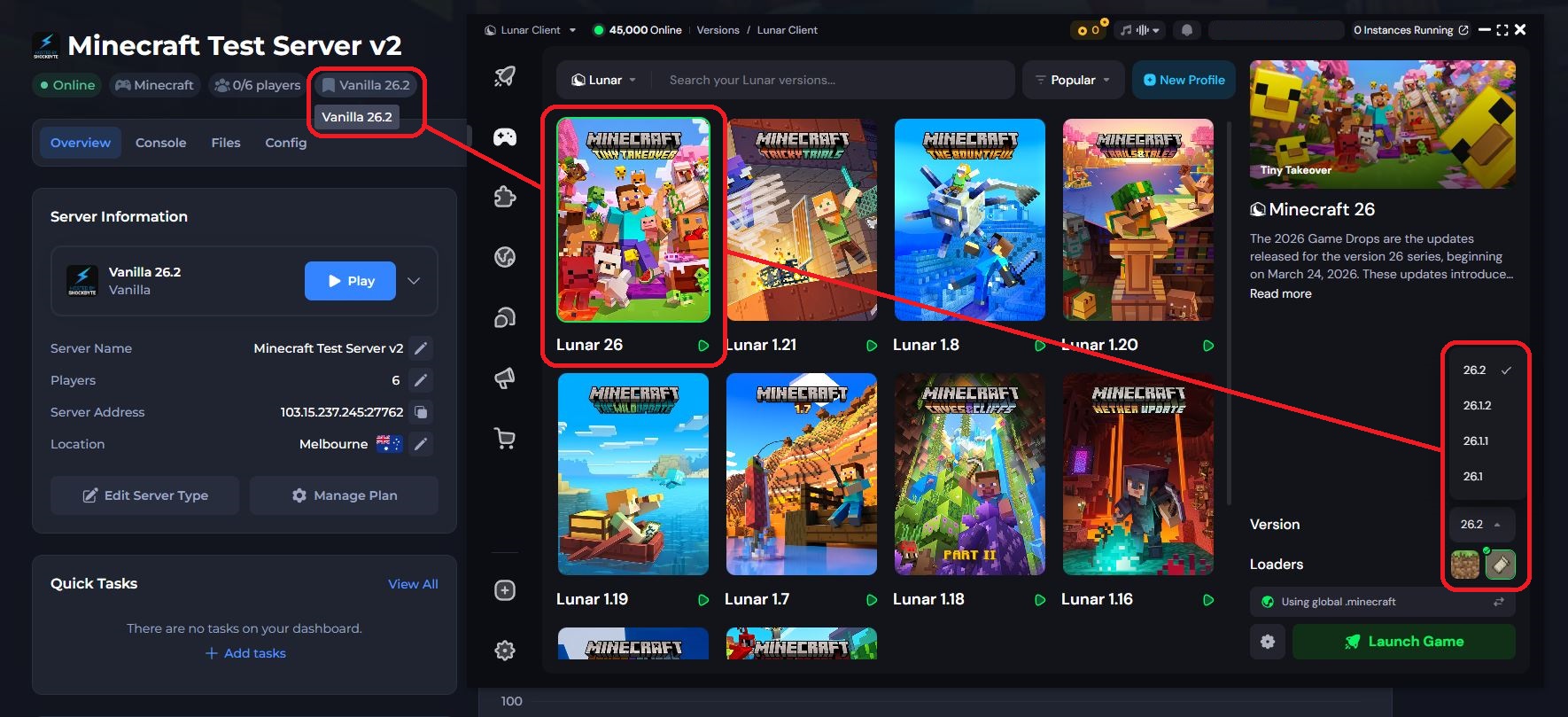
You can connect to your server with the Lunar Client directly within your control panel; however, you will need to ensure you have the same Minecraft version installed and selected before doing so.
-
Access your Control Panel and Start your server
-
Launch the Lunar Client, then select and install the same Minecraft version you are running on your server
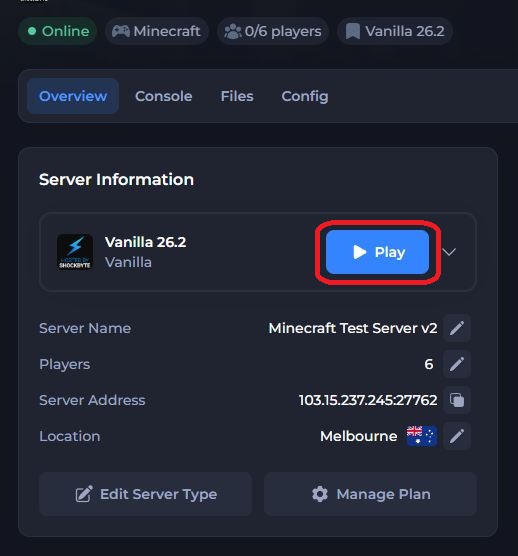
- Head back to your Control Panel and click the Play button
- Select the Lunar Client
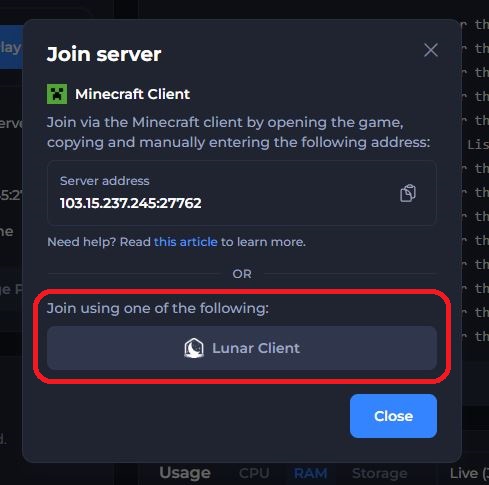
Now sit back and relax while your Lunar Client launches Minecraft and connects to your server.
If you require any further assistance, please contact our support at: https://shockbyte.com/billing/submitticket.php