Still have questions?
Come chat with us and we will get back to you as soon as possible!

Shockbyte
Support Team

How to Join your Space Engineers Server
This guide explains how to join your Space Engineers server. Whether you're connecting for the first time or rejoining after a fresh setup, the steps below will walk you through the process to ensure a smooth connection.
By following this guide, you'll be able to locate your server, connect successfully, and get straight to building and exploring.
#How to find your server IP address
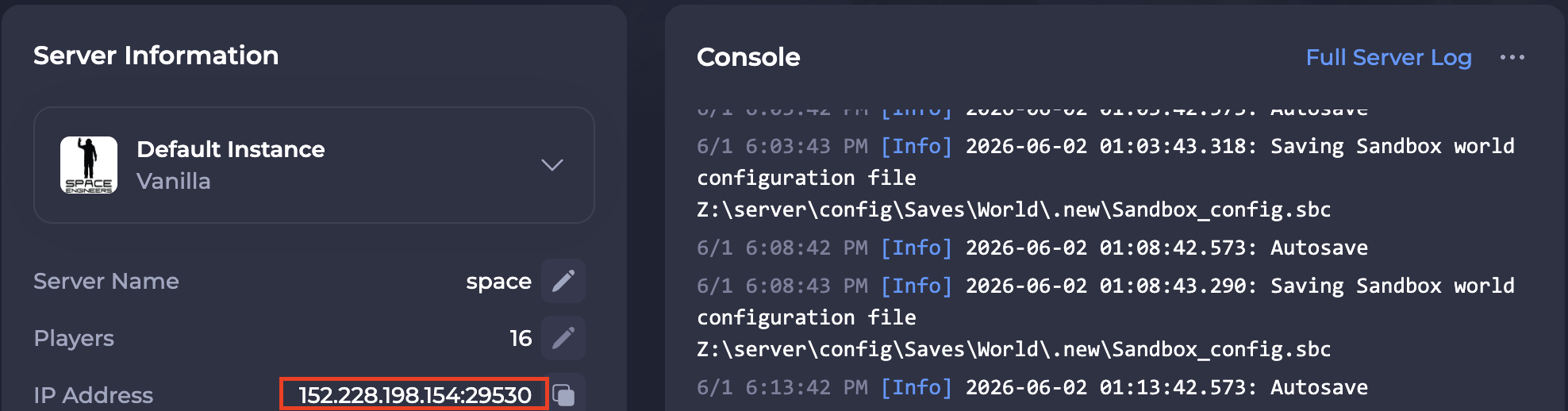
To find the IP address of your server, you will need to log in to your control panel.
Once you’ve logged into your control panel, copy your server IP and port.
#Joining your Server via Direct Connect
Now that you know your server's IP, you can join your server in-game.
-
Open Space Engineers
-
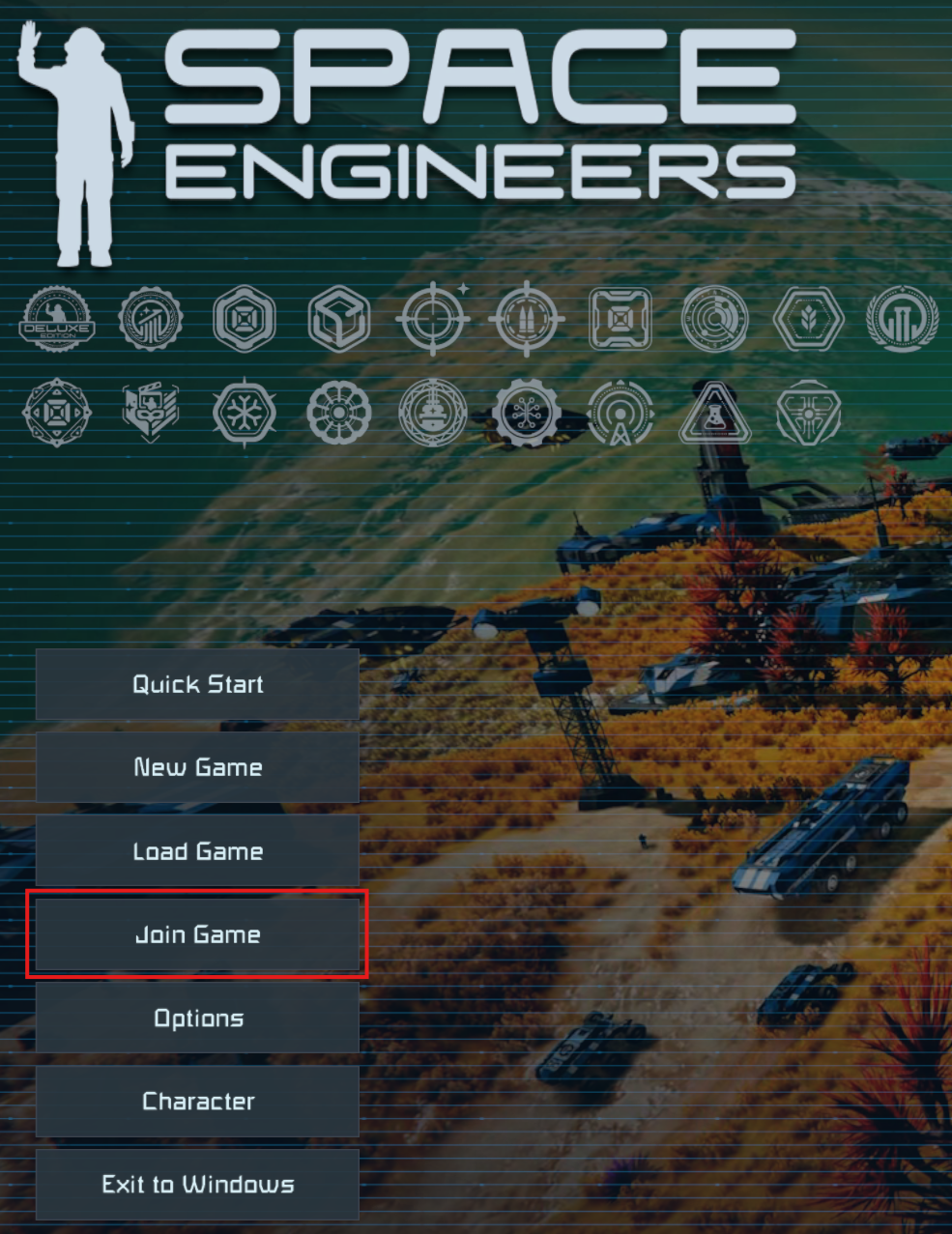
Select the Join Game button.
-
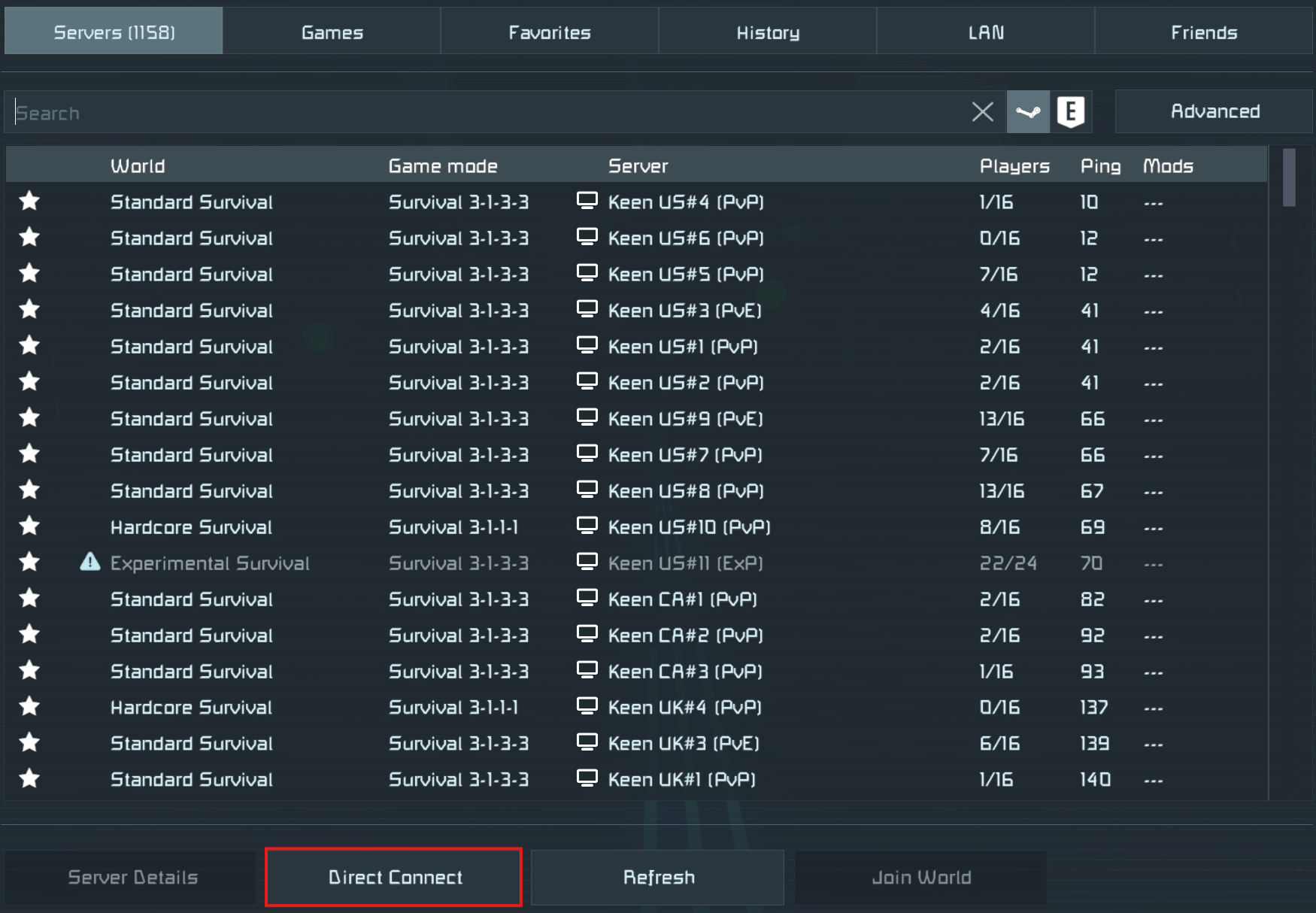
Select Direct Connect button and enter in your IP and Port you gathered earlier in this guide.
You have officially joined your server!
#Joining your Server via the In-Game Server Browser
Alternatively to joining via direct connect, you can search for your server via the in-game server list.
Note
If you have not yet set the name of your server, please refer to our KB that explains How to Set the Name and Description of your Space Engineers Server.
-
Open Space Engineers.
-
Select the Join Game button.
-
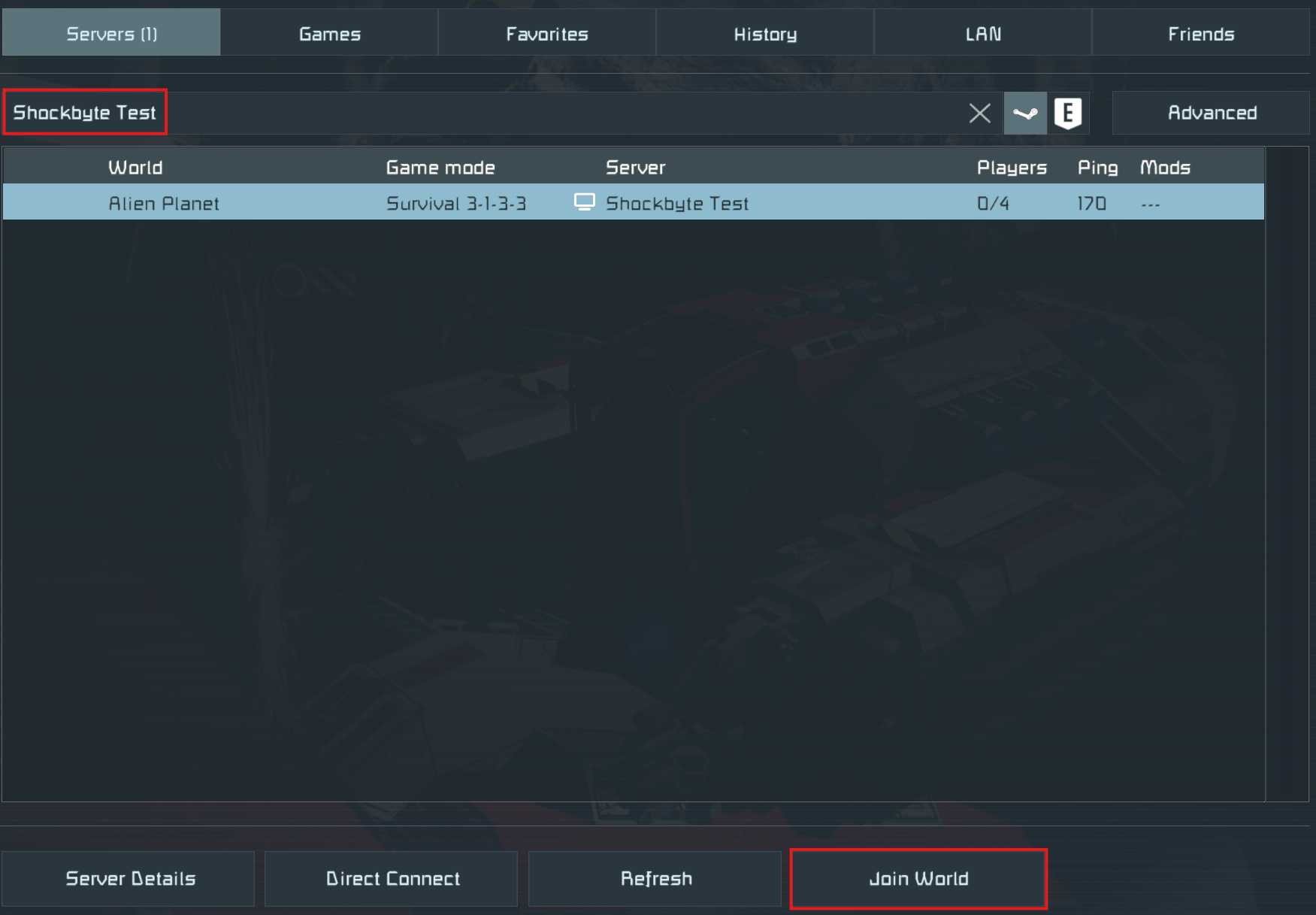
Under the Servers tab, locate the search box and then type in your server's name into the field.
#Joining via the Steam Favorites List
Alternatively, you can join your server via the Steam Favorites List.
-
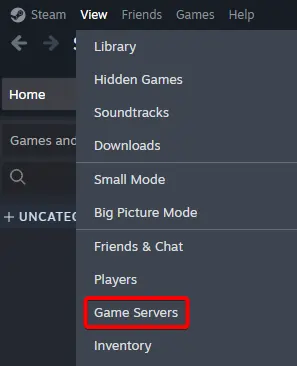
Open Steam and select the View tab. Select Game Servers.
-
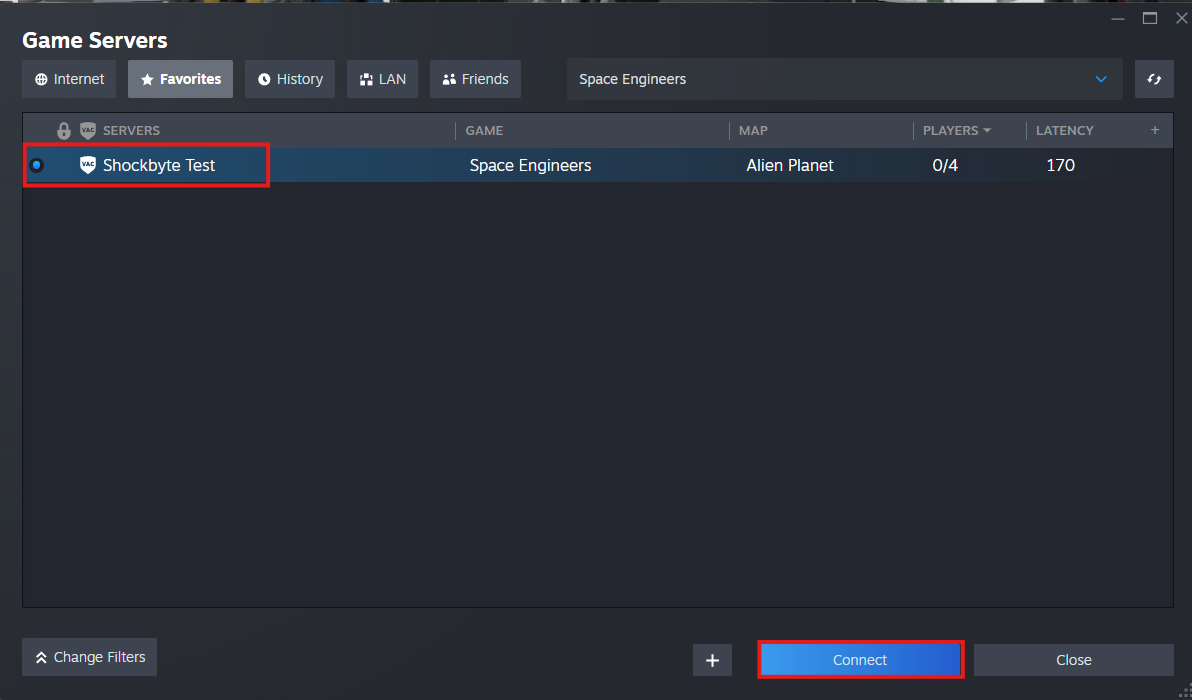
Navigate to the Favorites tab and select the
+sign. Add your server's IP and Port.
-
Select your server and then select the Connect button.
If you require any further assistance, please contact our support at: https://shockbyte.com/billing/submitticket.php