Stardew Valley
How to Rotate Furniture in Stardew Valley (Everything You Need To Know)
 Raj
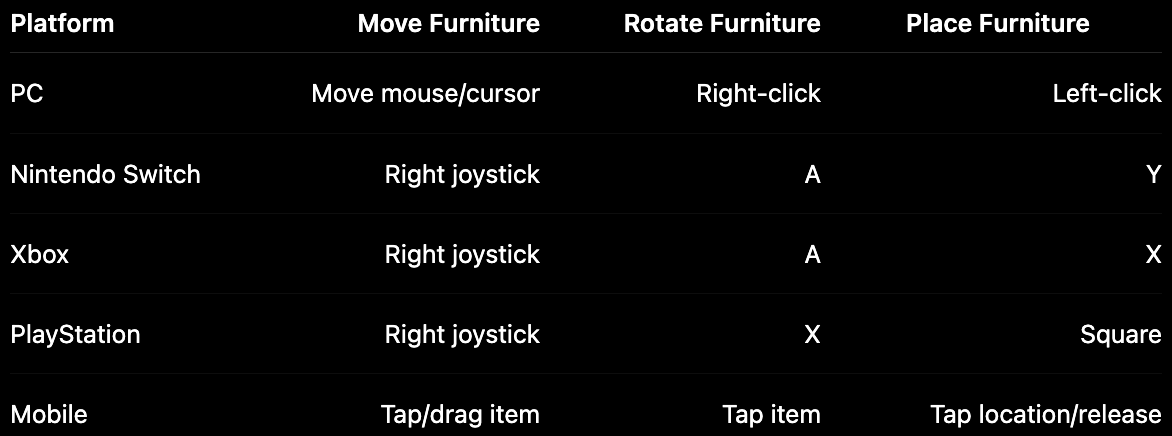
RajTo rotate furniture in Stardew Valley, select the item, move it to a valid spot, then use your platform’s rotate button: right-click on PC, A on Switch/Xbox, X on PlayStation, or tap on mobile. Some furniture, like TVs, paintings, fireplaces, and chests, cannot be rotated.
#How to Rotate Furniture in Stardew Valley on Every Platform
Decorating your farmhouse is one of those tiny Stardew Valley activities that suddenly eats an entire in-game day. You start by moving one chair, then suddenly you’re redesigning your kitchen, color-matching rugs, and wondering why your couch refuses to face the correct way.
So, can you rotate furniture in Stardew Valley? Yep, you absolutely can. The only catch is that the controls change depending on where you’re playing, and the game doesn’t exactly pause to explain them.
Here’s the quick platform-by-platform breakdown.
Once you know the button, it’s super simple. Select the furniture, rotate it until it faces the way you want, then place it on a valid tile.
#Step-by-Step: Stardew Valley How to Rotate Furniture Guide
For anyone searching stardew valley how to rotate furniture, the basic process is the same on every platform. You pick up the item, preview where it goes, rotate it, then place it.
Here’s the easy to understand version:
- Select the furniture item from your inventory or pick it up from your room.
- Move it around using your cursor, joystick, or touch controls.
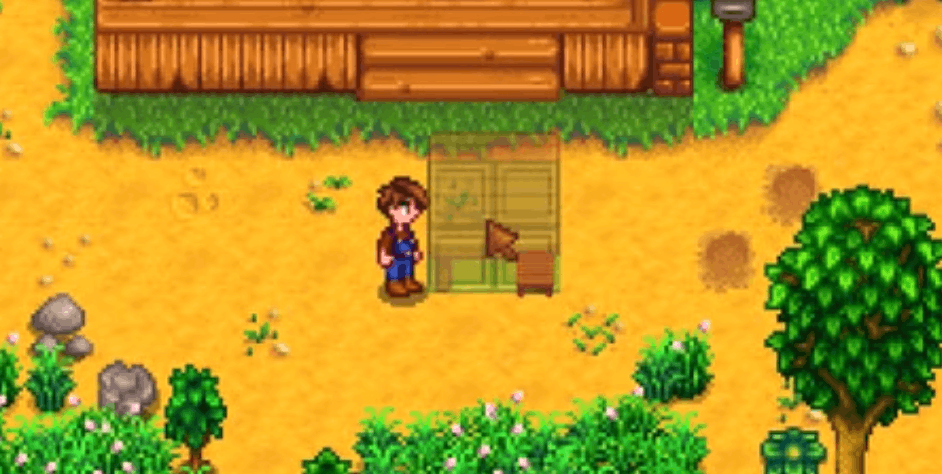
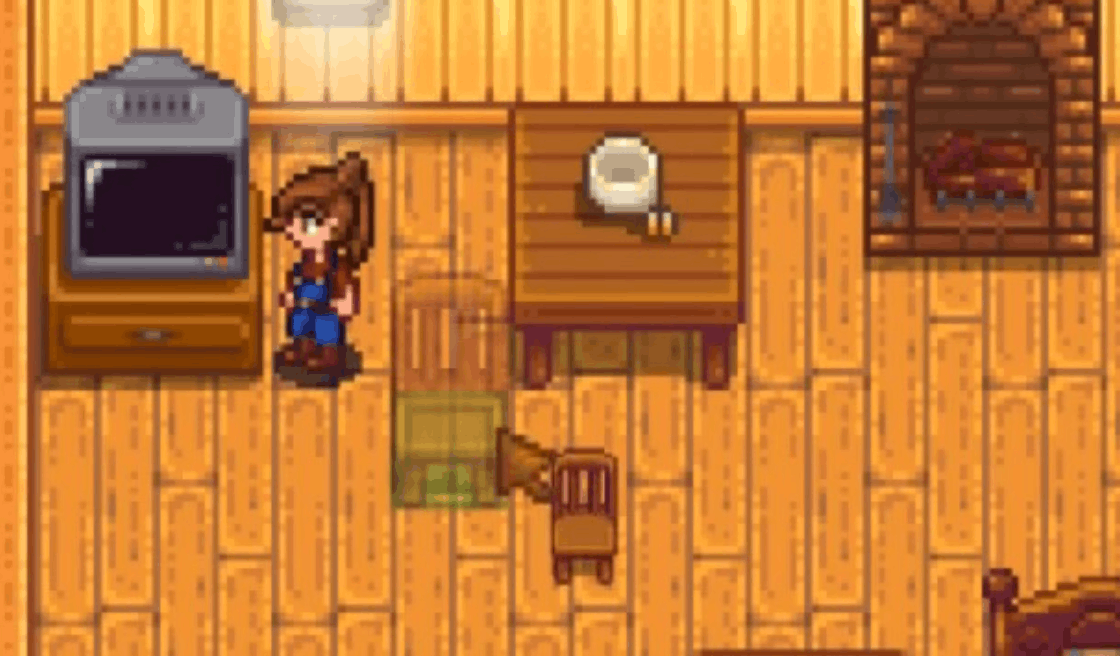
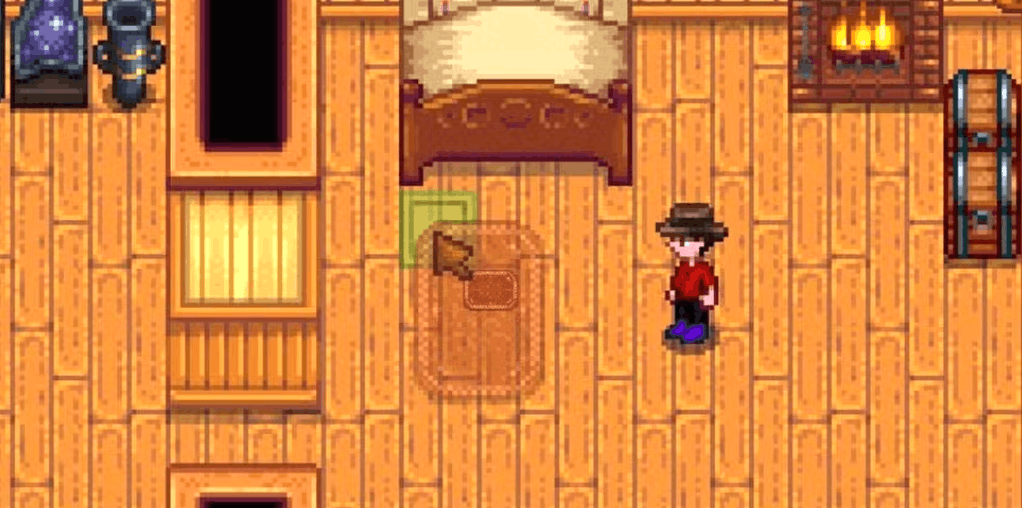
- Look for the placement guide. A green tile means the item can be placed there.
- Press the rotate button for your platform.
- Keep rotating until the furniture faces the direction you want.
- Place it down and admire your very serious interior design skills.
The green placement tile is your best friend here. If the tile turns red, the item cannot be placed in that spot. That usually means something is blocking the space, the item is too close to a wall, or the furniture type just cannot go there.
#PC Controls
On PC, furniture rotation is probably the easiest to remember:
- Left-click to pick up or place furniture.
- Right-click to rotate furniture.
- Move your mouse to position the item.
Once the furniture is attached to your cursor, right-click until it faces the correct way. Then left-click on a green tile to place it.
#Nintendo Switch Controls
On Nintendo Switch:
- Press Y to pick up or place furniture.
- Use the right joystick to move it around.
- Press A to rotate it.
This makes Switch decorating pretty comfortable once the muscle memory kicks in. The only annoying part is accidentally placing something one tile off, but hey, that’s Stardew life.
#Xbox Controls
On Xbox:
- Press X to pick up or place furniture.
- Use the right joystick to move it.
- Press A to rotate it.
If an item does not rotate after pressing A, it probably belongs to the “sorry, this has a front side” club. More on that in a second.
#PlayStation Controls
On PlayStation:
- Press Square to pick up or place furniture.
- Use the right joystick to move it.
- Press X to rotate it.
The process is almost identical to Xbox and Switch, just with different button names.
#Mobile Controls
On mobile, furniture placement is usually handled with taps and dragging:
- Tap or hold the item to select it.
- Drag or move it to the spot you want.
- Tap the item to rotate it.
- Tap or release it in a valid location to place it.
Mobile controls can feel a little fiddly compared to PC or console, especially in a packed farmhouse. Zooming in can make it easier to avoid tapping the wrong item.
#What Furniture Can You Rotate in Stardew Valley?
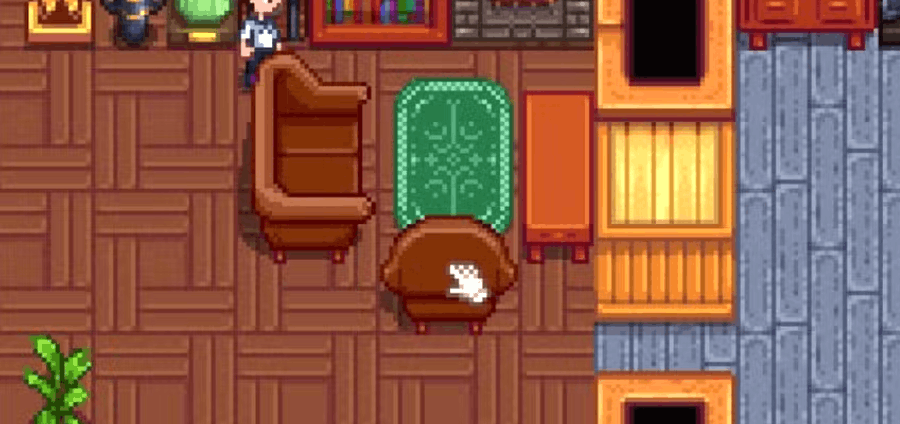
Most furniture that looks good from multiple angles can be rotated. Basically, if it makes sense for the item to face different directions, Stardew Valley usually lets you turn it.
Furniture you can usually rotate includes:
- Chairs
- Benches
- Couches
- Armchairs
- Tables
- Long tables
- Rugs
- Beds
- Some plants
- Certain decorative items
Chairs are a great example because their direction actually matters visually. If you rotate a chair toward a table, your dining area looks intentional instead of like your farmer panic-decorated at 1:50 AM.
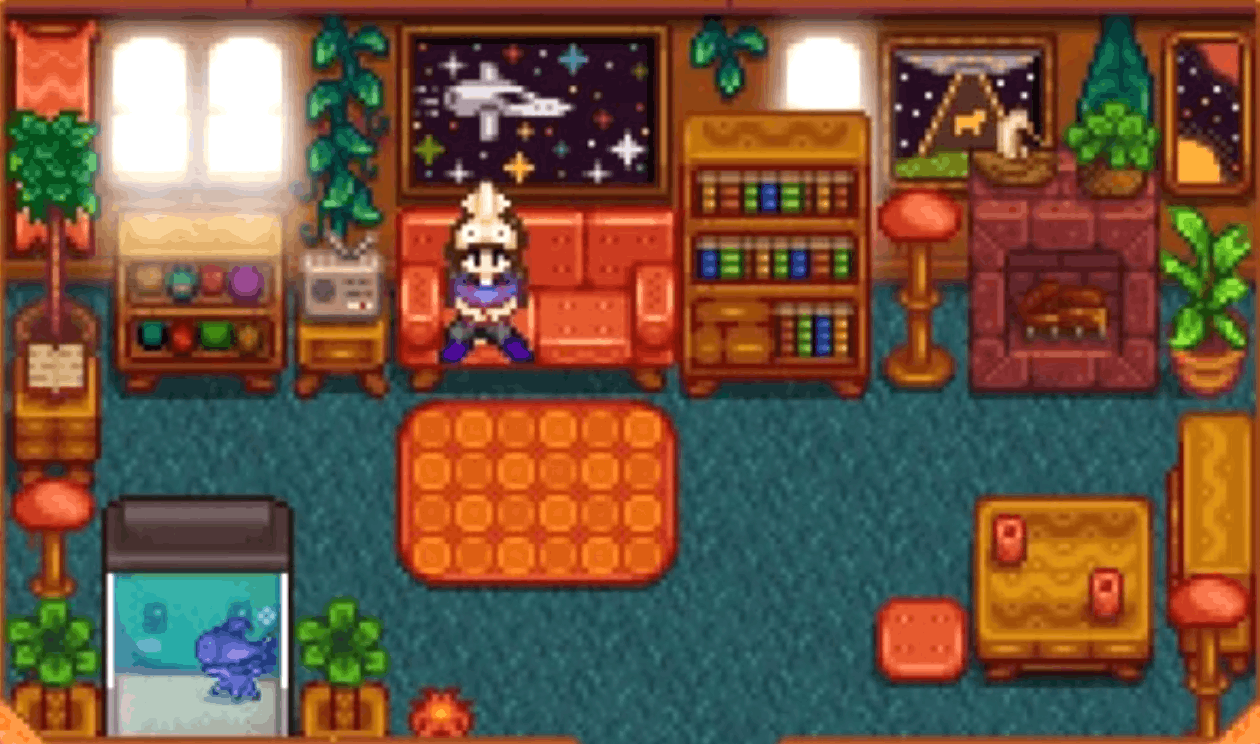
Rugs are another common one. Since they can sit under furniture or help divide rooms, rotating them is useful when you’re trying to make your farmhouse look cozy instead of chaotic.
#What Furniture Cannot Be Rotated?
Not everything in Stardew Valley is rotatable, which is where a lot of confusion comes from. You might be pressing the correct button and still get absolutely nothing.
In general, furniture with a clear “front” cannot be rotated.
That includes items like:
- TVs
- Paintings
- Fireplaces
- Chests
- Bookcases
- Wall decorations
- Some equipment or functional items
The easiest way to think about it is this: if the item is designed to be viewed from one side, placed against a wall, or used from a specific direction, it probably cannot rotate.
So if you’re wondering how to rotate furniture stardew valley players seem to move so easily in screenshots, the answer might be that they’re using rotatable pieces like chairs, couches, rugs, and tables instead of fixed-facing decorations.
#Why Won’t My Furniture Rotate?
Sometimes the controls are right, the vibes are right, and the furniture still refuses to cooperate. Classic.
Here are the most common reasons furniture will not rotate.
#1. The Item Cannot Be Rotated
This is the big one. TVs, paintings, fireplaces, and similar items usually stay locked in one direction. If nothing happens when you press the rotate button, try testing with a chair or rug. If that rotates, your controls are fine.
#2. You Are Holding the Wrong Type of Item
Some objects behave more like tools, machines, or placed items than normal furniture. These may need to be picked up with a tool or placed directly in front of your farmer instead of moved freely with the cursor.
#3. The Tile Is Not Valid
A red tile means no placement. You might be trying to put furniture:
- On top of another object
- Too close to a blocked wall
- In a doorway
- Where your farmer is standing
- In a space the item does not fit
Try moving the item one or two tiles away and rotating it again.
#4. You’re Decorating Outside
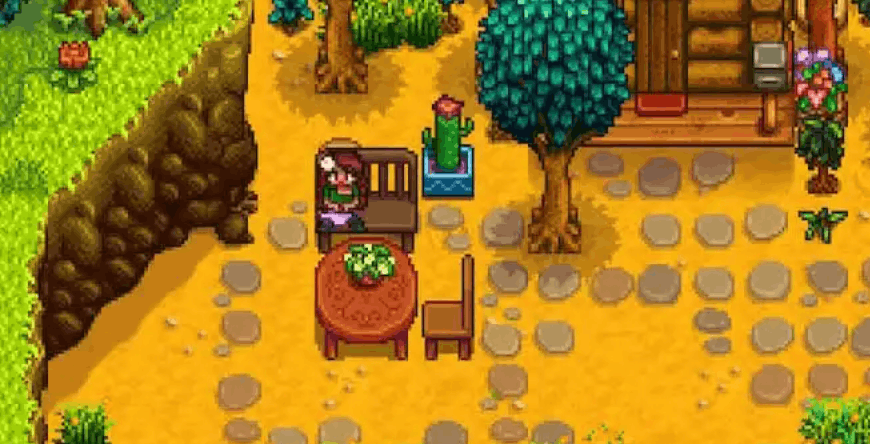
A lot of furniture can be placed outside, but not everything. Some items are indoor-only, especially wall-based decorations and certain cozy farmhouse pieces. If you’re decorating your farmyard, test with plants, chairs, tables, or outdoor-friendly décor first.
#Where to Get More Furniture in Stardew Valley
Once you learn how to rotate furniture in Stardew Valley, the next problem is obvious: you need more stuff. A lot more stuff.
Thankfully, Stardew gives you plenty of ways to build up your furniture collection.
#Robin’s Carpenter Shop
Robin sells furniture at the Carpenter’s Shop in the Mountains. Her stock changes, so it’s worth checking back if you’re hunting for a specific vibe.
You can also buy the Furniture Catalogue from Robin after upgrading your farmhouse. It costs a lot, but it gives you unlimited access to tons of furniture items for free once placed in your home.
#Traveling Cart
The Traveling Cart sometimes sells furniture, though the selection and prices are random. It’s not the most reliable way to decorate, but it’s always worth a quick peek when you pass by.
#Festivals, Rewards, and Special Sources
Some furniture comes from festivals, museum donations, the casino, movie theater machines, and other special places. These pieces are great if you want your farmhouse to feel less like “catalogue showroom” and more like “I have lived 200 hours in Pelican Town.”
#Decorating Tips for a Better-Looking Farmhouse
Rotating furniture is only half the battle. The real magic is making your rooms feel like they belong together.
Here are a few easy design tips that work even if you are not trying to become the next Stardew interior design influencer.
- Build rooms around a purpose. Make a kitchen area, reading corner, bedroom, storage zone, or chill lounge.
- Use rugs to separate spaces. Rugs are great for making open rooms feel more organized.
- Face chairs toward tables, TVs, or fireplaces. It instantly makes the room look more natural.
- Leave walking paths open. Pretty rooms are nice, but getting trapped behind a couch is not.
- Mix functional and decorative items. A room with only useful objects can feel empty, while a room with only décor can get annoying to navigate.
For multiplayer farms, it’s even more fun when everyone has their own decorated cabin or themed corner of the main farmhouse. And if you’re playing co-op with friends, using stable Stardew Valley server hosting with Shockbyte can help keep your shared farm running smoothly while everyone argues over where the couch should go.
#Best Furniture Items to Rotate First
Not sure where to start? Some furniture pieces make a bigger visual difference when rotated than others.
Try rotating these first:
- Chairs: Great for dining rooms, desks, and cozy corners.
- Couches: Perfect for living rooms or TV setups.
- Tables: Useful for kitchens, dining spaces, and item displays.
- Rugs: Easy way to change the shape and flow of a room.
- Beds: Helps make bedrooms feel less default and more personal.
A rotated couch, a rug, and a table can completely change the feel of a room with almost no effort. Add a plant and suddenly your farmer has taste.
#FAQ: Rotating Furniture in Stardew Valley
#Can you rotate furniture in Stardew Valley?
Yes, you can rotate many furniture items in Stardew Valley, including chairs, couches, tables, beds, and rugs. However, some furniture cannot be rotated, especially items with a clear front side, such as TVs, fireplaces, paintings, chests, and certain wall decorations.
#How do you rotate furniture on PC?
Select the furniture, move it with your cursor, then right-click to rotate it. Once it faces the direction you want, left-click on a green tile to place it.
#How do you rotate furniture on Nintendo Switch?
Select the item, move it with the right joystick, press A to rotate it, then press Y to place it.
#How do you rotate furniture on Xbox?
Use the right joystick to move the furniture, press A to rotate it, and press X to place it.
#How do you rotate furniture on PlayStation?
Move the selected furniture with the right joystick, press X to rotate it, and press Square to place it.
#Why can’t I rotate my TV or fireplace?
TVs and fireplaces have a fixed front-facing design, so they cannot be rotated. The same usually applies to paintings, chests, and wall-mounted decorations.
#Now You Know How To Rotate Furniture In Stardew Valley
Learning how to rotate furniture stardew valley style is one of those tiny things that makes your farm feel way more personal. Once you know the right button for your platform, decorating becomes much easier, whether you’re building a cozy cottage, a chaotic collector’s den, or the world’s most unnecessary rug maze.
Just remember: if the item does not rotate, you probably are not doing anything wrong. Some furniture simply cannot be turned. Grab a couch, chair, table, or rug instead, and your farmhouse makeover will be back on track in no time.
We think you will also enjoy the following blogs:
Table Of Contents
How to Rotate Furniture in Stardew Valley on Every PlatformStep-by-Step: Stardew Valley How to Rotate Furniture GuideWhat Furniture Can You Rotate in Stardew Valley?What Furniture Cannot Be Rotated?Why Won’t My Furniture Rotate?Where to Get More Furniture in Stardew ValleyDecorating Tips for a Better-Looking FarmhouseBest Furniture Items to Rotate FirstFAQ: Rotating Furniture in Stardew ValleyNow You Know How To Rotate Furniture In Stardew ValleyJoin Our Newsletter
Get updated on the latest news!
Join Our Discord
Be part of our community!