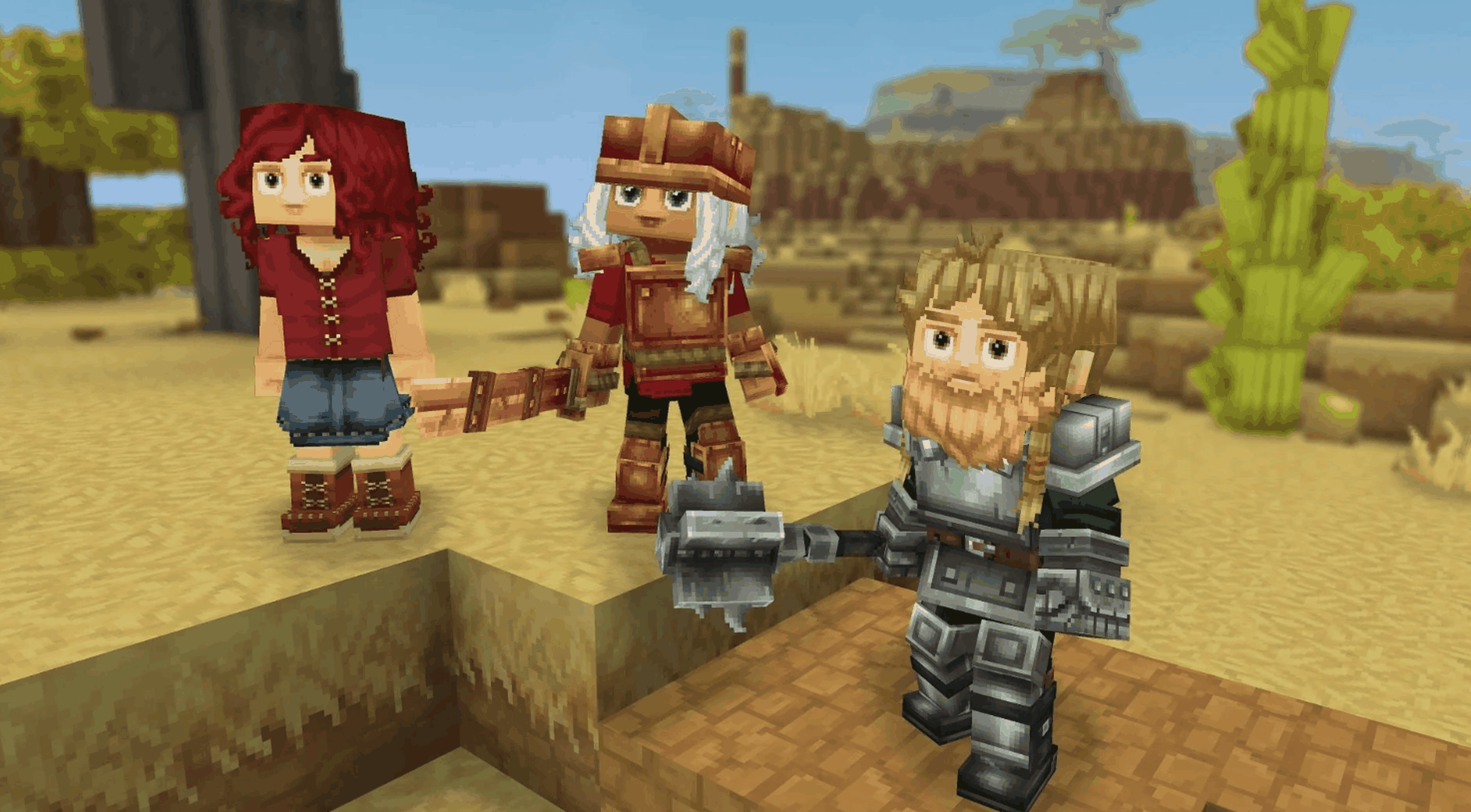

Yes, Hytale is multiplayer right now. Players can join friends through share codes, open singleplayer worlds to co-op, or use dedicated servers for a more permanent setup. So if you’re asking is hytale multiplayer or is hytale multiplayer right now, the answer is a clear yes.
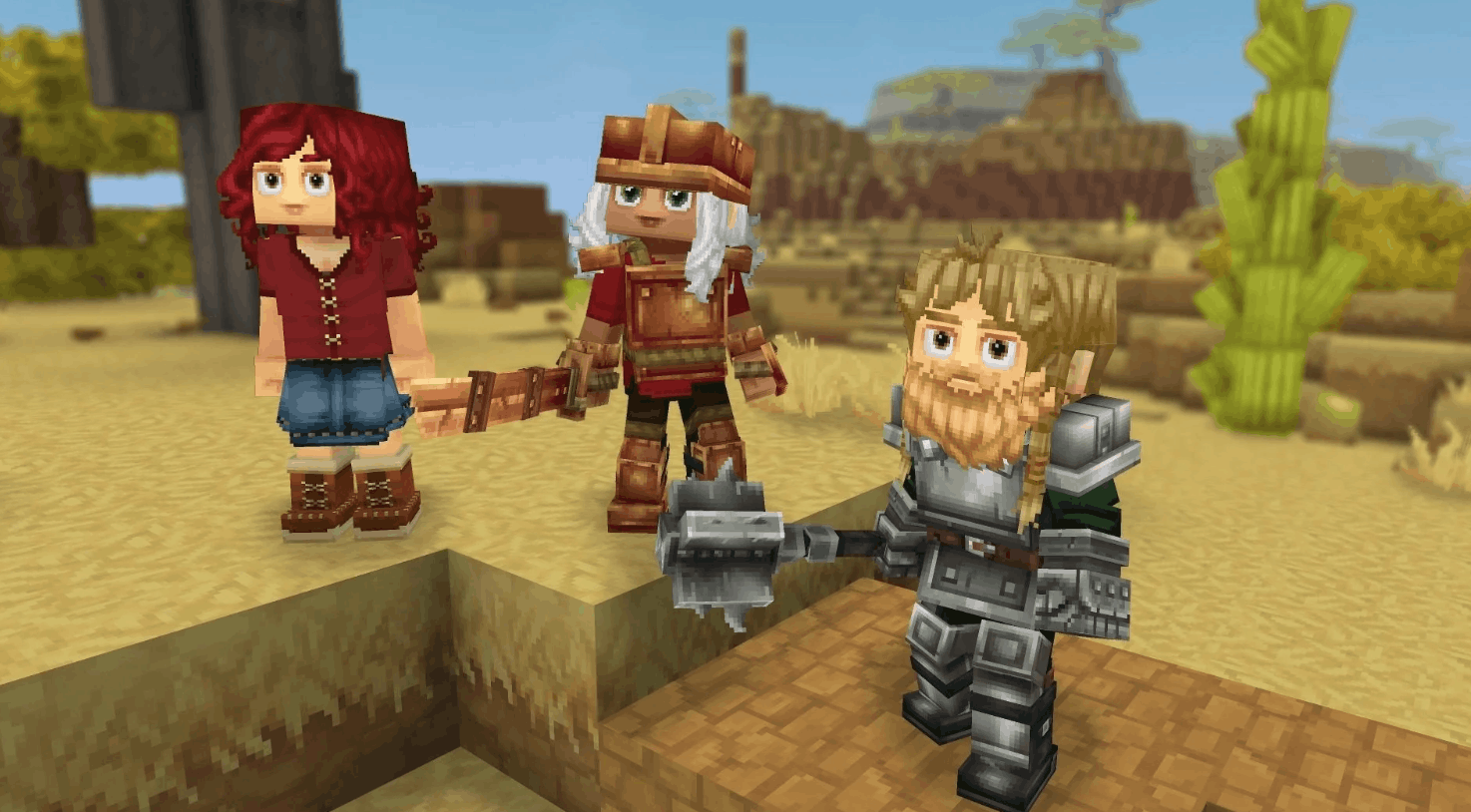
If you’ve just started playing Hytale, this is probably one of the first questions on your mind. A sandbox RPG like this basically begs to be played with friends, whether you’re building a base together, exploring dangerous zones, or just causing absolute chaos for fun.
The good news is that multiplayer is already part of the experience. The slightly less exciting news is that it doesn’t work exactly like dropping an invite through Steam or a console friends list. Hytale does things a little differently, and that can make it feel more confusing than it really is at first.
This guide breaks it all down in a simple way, including how multiplayer works, how to join friends, what dedicated servers do, and whether it’s worth looking into reliable hytale server hosting for a smoother long-term setup.
#Yes, Hytale Has Multiplayer Right Now
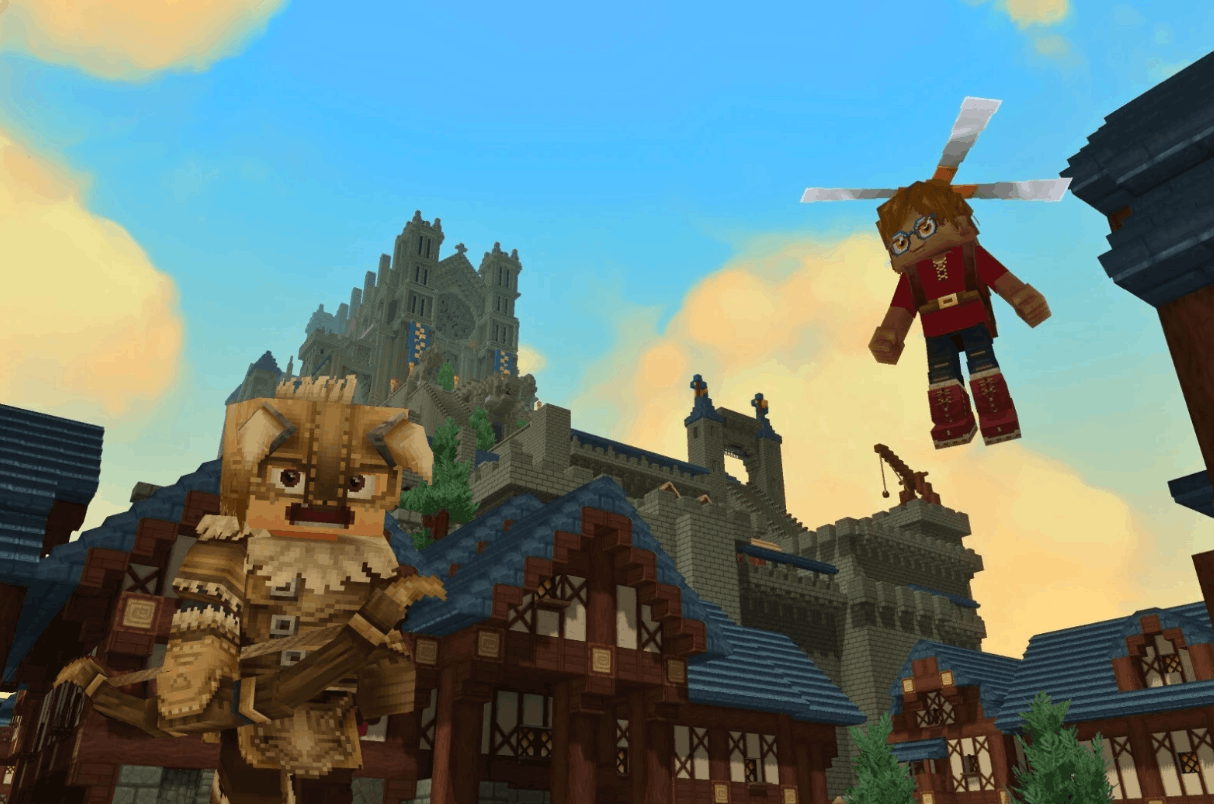
To answer the main question as directly as possible: yes, Hytale has multiplayer support right now.
That means you can:
- Play with friends in a shared world
- Open your own world so others can join
- Join via a share code
- Connect to dedicated servers
- Set up longer-term multiplayer worlds for groups or communities
So if you’ve been searching for is hytale multiplayer or is hytale multiplayer right now, you don’t need to keep guessing. Multiplayer is already available, and it’s a major part of the game.
What matters more is which kind of multiplayer you want to use.
#How Hytale Multiplayer Works
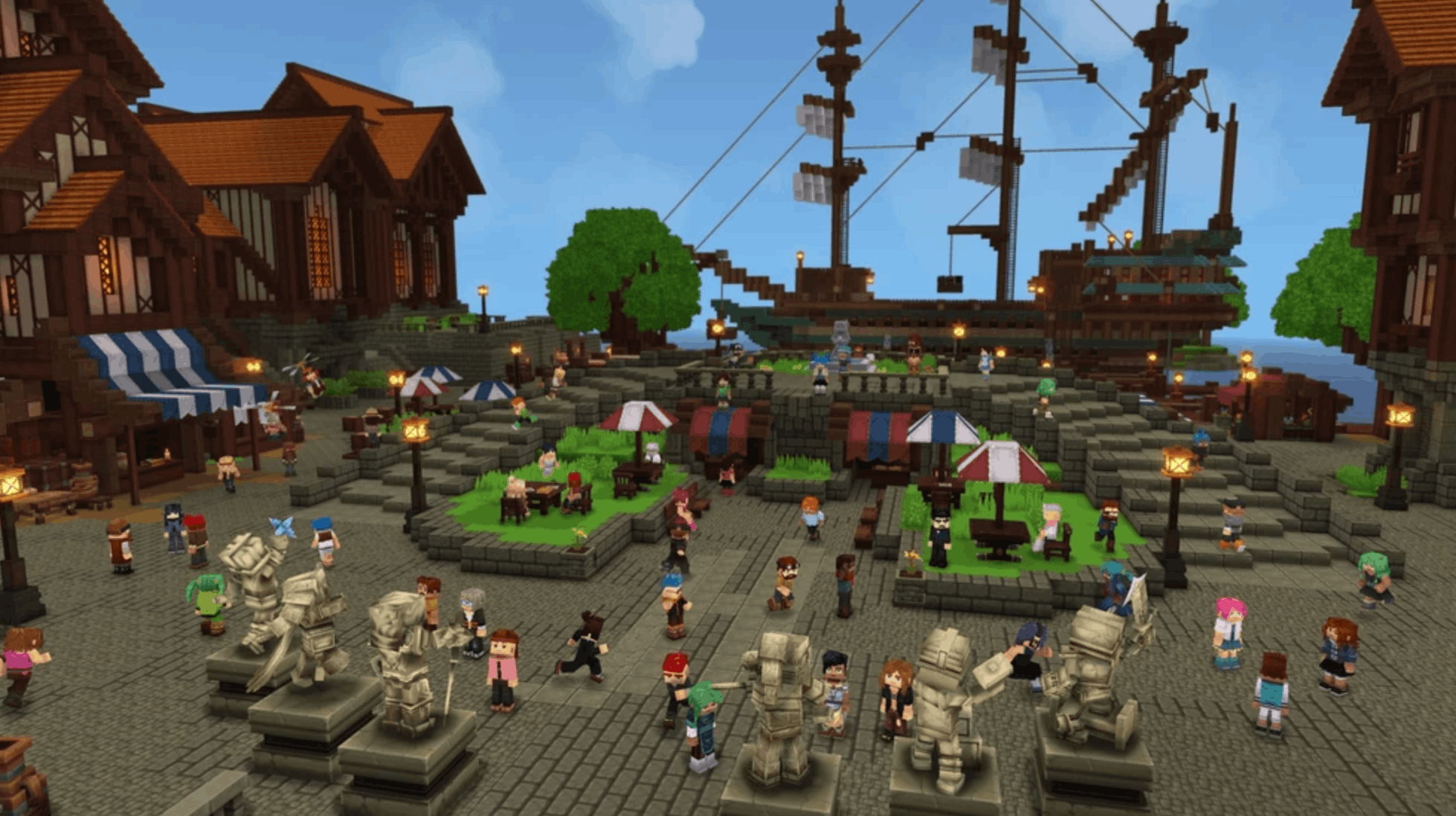
Hytale currently supports two main ways to play with other people:
- Open your own world to friends
- Join or run a dedicated server
Both options let you play together, but they work pretty differently.
#Option 1: Open a singleplayer world to friends
This is the easiest method for casual co-op. You load into your own world, turn on online play, and generate a share code. Your friends use that code to join you.
This is great for:
- Small friend groups
- Casual sessions
- Quick co-op adventures
- Private worlds without extra setup
The main downside is simple: if the host leaves, the world usually goes offline too.
#Option 2: Use a dedicated server
Dedicated servers are better for groups that want a world to stay online even when the owner logs off. These are more stable for regular play and usually feel more like the classic always-online sandbox server experience.
They’re better for:
- Bigger groups
- Persistent worlds
- Community servers
- Better uptime
- More control over settings and mods
That’s where something like affordable hytale server hosting can make sense if you want a world that’s always ready for your group.
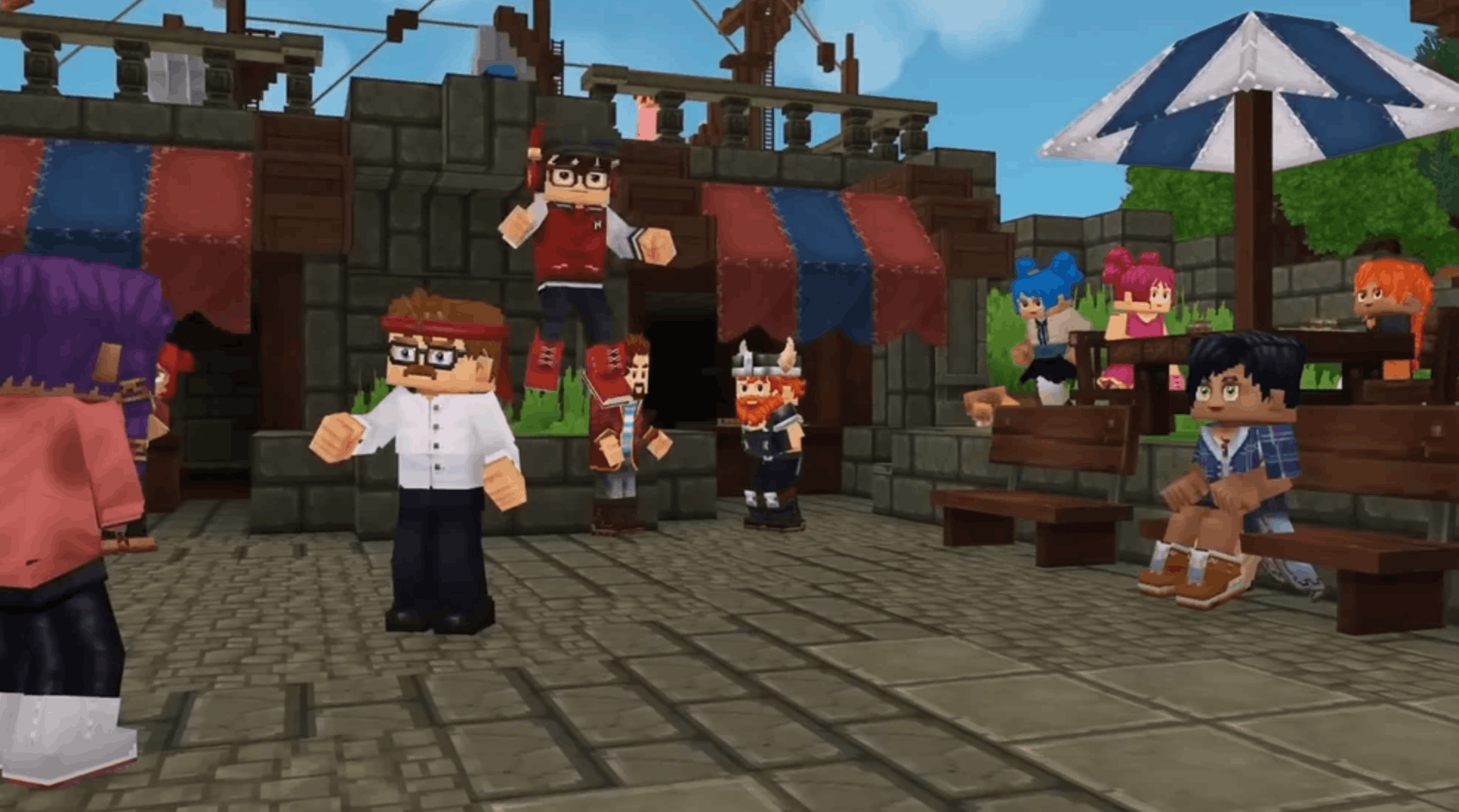
#How to Play Hytale With Friends
If you just want to jump into multiplayer fast, opening your world to friends is the easiest route.
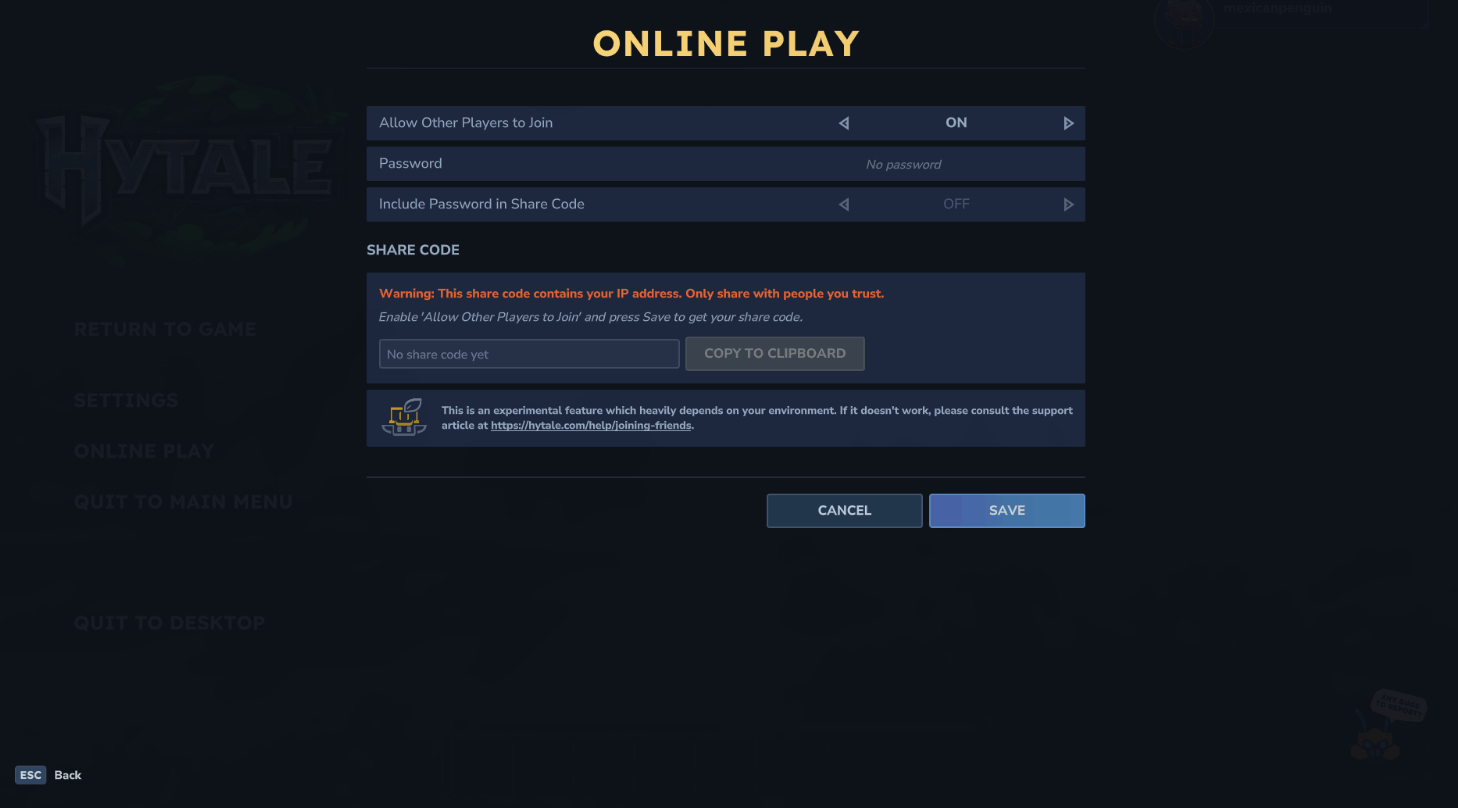
#How to host a world for friends
Follow these steps:
- Launch or load into your Hytale world
- Press Esc to open the menu
- Click Online Play
- Turn on Allow Other Players to Join
- Add a password if you want extra privacy
- Save the settings
- Copy the generated share code
- Send the code to your friends
Once that’s done, your friends can use the code to connect.
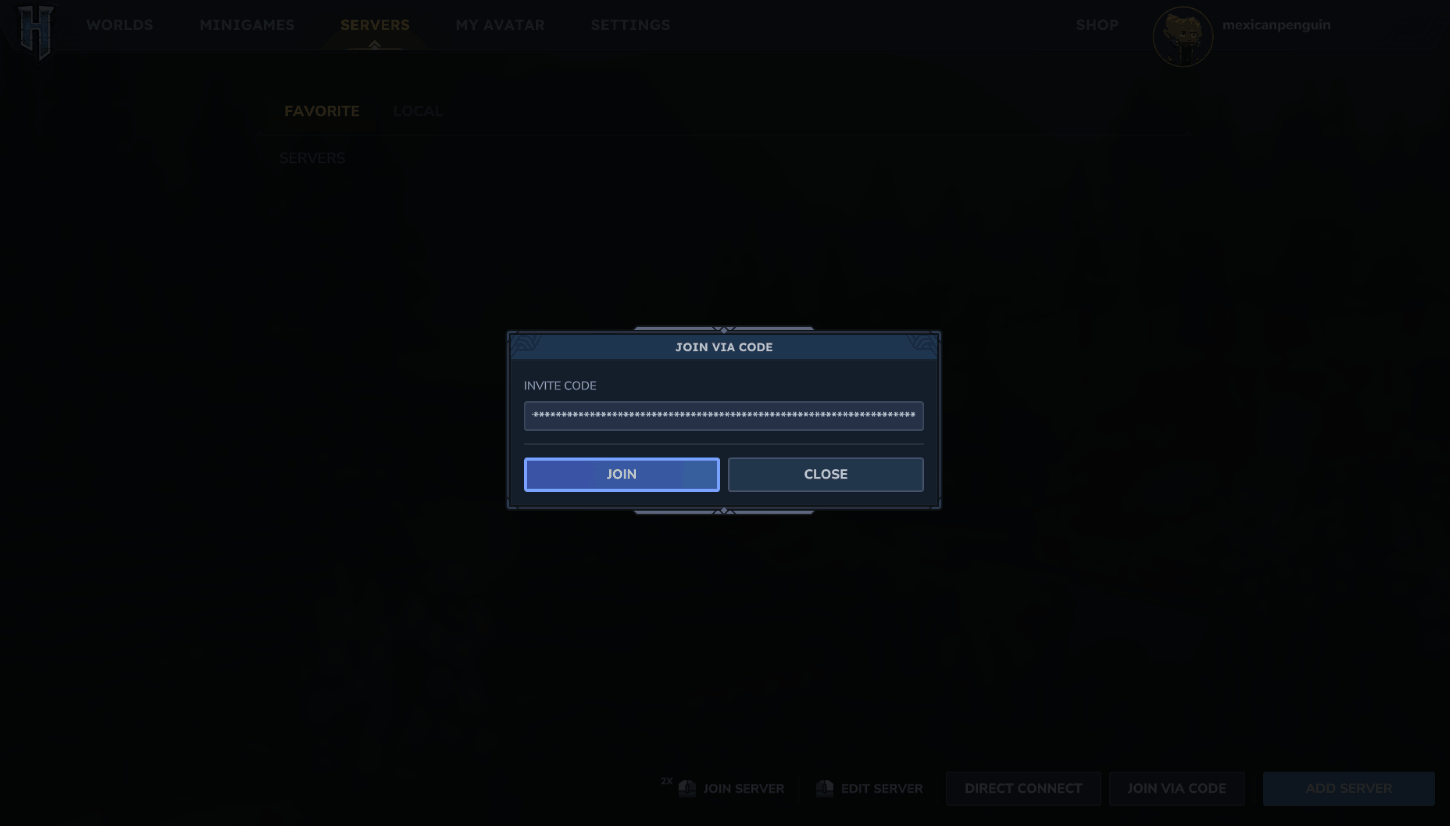
#How to join a friend’s world
Here’s the joining side of it:
- Open Hytale
- Go to the Servers menu
- Choose Join via Code
- Paste the share code
- Enter the password if needed
- Click Connect
That’s it. No complicated menus, no account linking, no massive setup.
#Important thing to know about share codes
There’s one detail players should take seriously: share codes can include connection information tied to the host. In plain English, that means you should only send them to people you trust.
So while the setup is easy, it’s still smart to treat your share code like a private invite rather than something you’d throw into a public Discord.
#Is Hytale Co-op or Full Multiplayer?
It’s both, really.
Hytale supports co-op play if you just want to team up with friends, but it also supports broader multiplayer through community or dedicated servers.
#What you can do together in multiplayer
In co-op or multiplayer worlds, players can usually:
- Explore together
- Gather resources
- Build bases
- Fight enemies
- Progress through the world as a group
- Create custom experiences on servers
That means Hytale multiplayer isn’t just a side feature. It’s built to support shared gameplay in a pretty meaningful way.
#Can you still play solo?
Yes, absolutely.
Even though multiplayer is live, Hytale can still be played solo. You’re not forced into co-op, public servers, or any shared setup if you’d rather learn the game on your own first.
That flexibility is a big plus, especially for players who want to ease into things before inviting friends.
#Dedicated Servers vs Friend-Hosted Worlds
This is where a lot of players get stuck, because both options technically count as multiplayer.
Here’s the easiest way to think about it.
#Friend-hosted worlds
These are worlds hosted from one player’s game session.
Pros:
- Easy to start
- Great for small groups
- No extra cost
- Quick to share
Cons:
- The host usually needs to be online
- Performance depends on the host’s PC and internet
- Can be less reliable for regular group play
#Dedicated servers
These run separately from one player’s live session.
Pros:
- Stay online longer or permanently
- Better for bigger groups
- Usually more stable
- More room for customization
Cons:
- More setup involved
- May require renting a server
- Can feel less beginner-friendly at first
For players planning a long-term world, modded setup, or larger community, best hytale server hosting is likely the more practical route than relying on one friend to host every session.
#When Should You Use Hytale Server Hosting?
Not everyone needs a dedicated server straight away. For a lot of players, the built-in co-op system is enough.
But there are a few situations where premium hytale server hosting starts to make a lot of sense.
#You should consider it if:
- Your group plays often
- You want the world online 24/7
- The host has connection issues
- You want better stability
- You’re planning a bigger world or community
- You want more control over server settings
In other words, casual co-op is fine for weekend sessions, but a dedicated setup is usually better for serious long-term play.
#Common Hytale Multiplayer Issues
Even though multiplayer is live, it’s still not always perfect. Some players run into connection problems, especially when hosting directly from a home network.
#Common problems include:
- Share code not generating
- Friends timing out while connecting
- Firewall issues
- Router or UPnP problems
- NAT or CGNAT limitations
- Host performance drops
#Quick troubleshooting checklist
Before giving up, try this:
- Make sure Hytale is allowed through your firewall
- Check whether UPnP is enabled on the router
- Re-save the online play settings
- Ask a different friend to host
- Use a dedicated server if direct hosting keeps failing
This is one of the biggest reasons some groups move from local hosting to trusted hytale server hosting. It cuts out a lot of the messy networking problems and makes the whole process less annoying.
#Does Hytale Multiplayer Feel Worth Using Right Now?
For most players, yes.
The current multiplayer setup might not be the most polished or familiar system in gaming, but it already does the main job: it lets you play Hytale with your friends right now.
That’s the part that matters most.
You can:
- Start a private world
- Invite your group
- Explore together
- Build and survive as a team
- Move to a dedicated server later if needed
So while there’s still room for improvement, Hytale multiplayer is already very usable for both casual and more committed players.
#The best setup depends on your group
Here’s the simple version:
- For 2 to 4 friends: a shared world is usually enough
- For regular group play: a dedicated server is better
- For larger communities or modded plans: hosting is the smarter move
That means the answer to “should I use multiplayer?” is easy, but the answer to “which type?” depends on how serious your group is.
#So...Is Hytale Multiplayer Right Now?
Yes, it is.
If you’re wondering is hytale multiplayer right now, the answer is yes: you can already play with friends through share codes, co-op worlds, and dedicated servers. If you’re asking is hytale multiplayer, the answer is also yes, and it’s already a core part of the game’s experience.
For quick sessions, opening your own world works well. For a smoother long-term experience, dedicated servers are the better choice.
So if your squad is ready to jump in, Hytale multiplayer is ready too.
#FAQ
#Is Hytale multiplayer right now?
Yes. Hytale supports multiplayer right now through share codes, co-op worlds, and dedicated servers.
#Is Hytale multiplayer or singleplayer?
It’s both. You can play solo, but multiplayer is fully supported.
#Can you play Hytale with friends?
Yes. You can invite friends by opening your world and sharing a join code.
#Do you need a dedicated server to play together?
No. You can play together through a friend-hosted world. Dedicated servers are just better for persistent uptime and larger groups.
#Is Hytale better with server hosting?
For long-term worlds, bigger groups, and more stable uptime, yes. Dedicated hosting is usually more convenient than relying on one player to host every session.
We think you will also enjoy the following blogs: