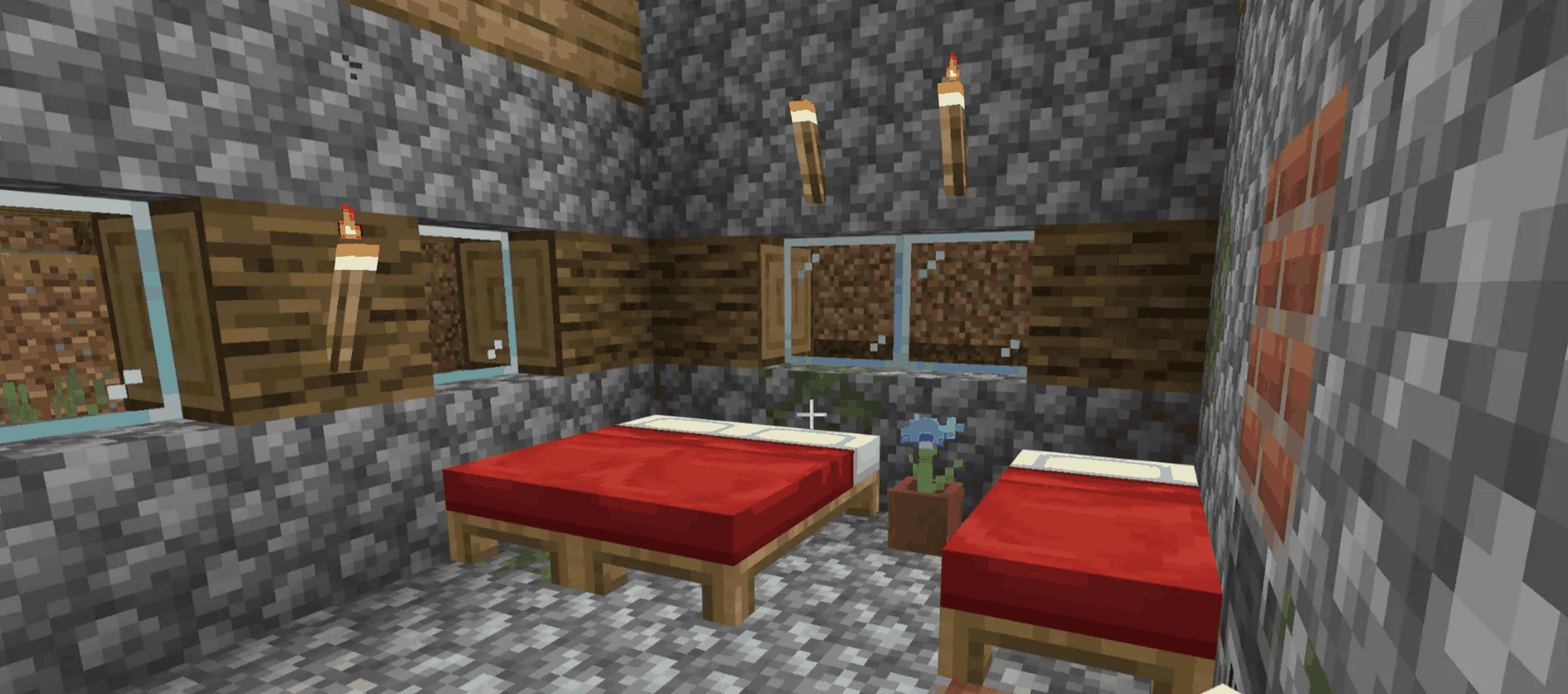

To make a bed in Minecraft, place three matching wool blocks across one horizontal row of a crafting table, then place three wooden planks directly underneath them. Move the finished bed into your inventory, place it on two clear blocks, and use it to skip the night and set your respawn point.
A bed is one of those Minecraft items that seems simple until night falls, skeletons start firing arrows through your unfinished windows, and you realise your “starter house” is currently three dirt walls and a dream.
Fortunately, learning how to make a bed in Minecraft takes only a few minutes. You need six materials in total, all of which can be collected on your first day in most Survival worlds.
Once crafted, a Minecraft bed lets you skip dangerous nights, choose where you respawn after dying, and avoid Phantom attacks. It can also add a splash of colour to your base, or explode dramatically if you use it in the wrong dimension.
Let’s get crafting.
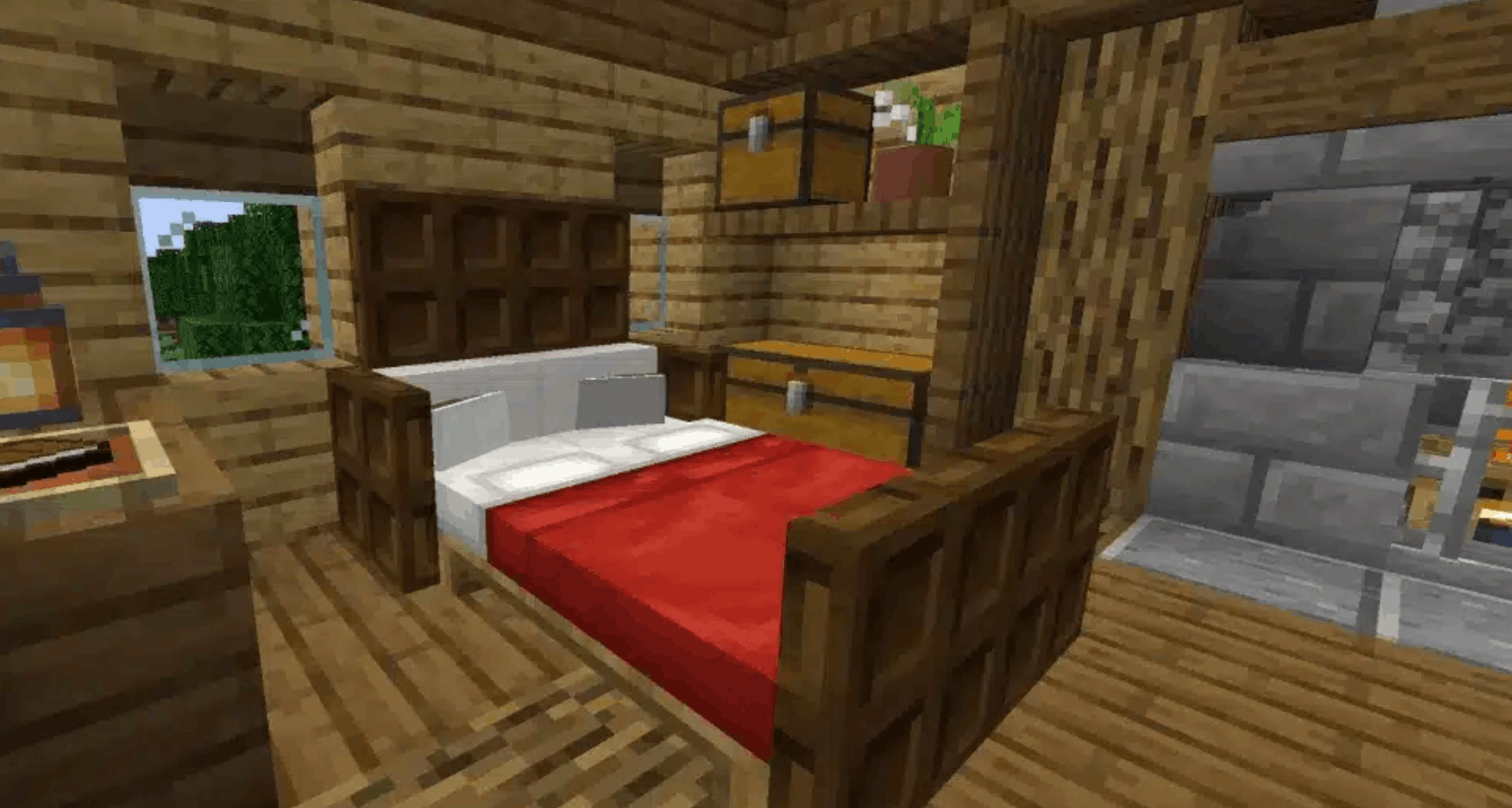
#Minecraft Bed Recipe: What Materials Do You Need?
The standard Minecraft bed recipe uses two types of resources:
- 3 wool blocks of the same colour
- 3 wooden planks
- 1 crafting table
Your three wool blocks must match. For example, you can use three white wool blocks or three red wool blocks, but you cannot combine two white wool blocks with one black wool block.
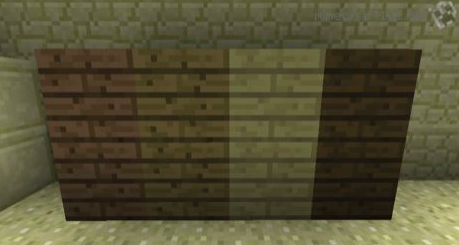
The wooden planks do not need to match. Oak, spruce, birch, jungle, acacia, dark oak, mangrove, cherry, bamboo, crimson, pale oak and warped planks can all be used. You can even mix different plank types in the same recipe.
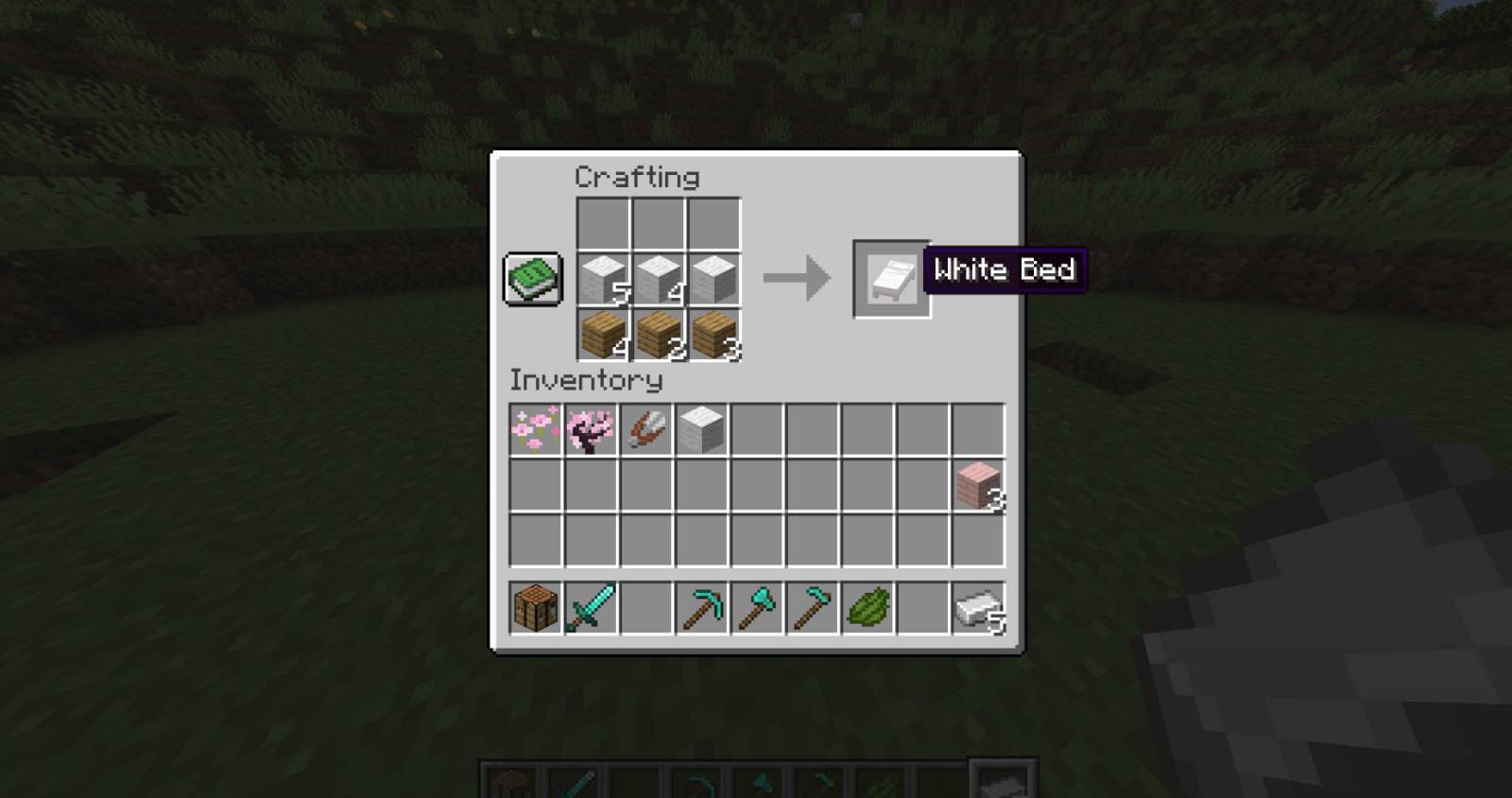
Here is the bed recipe Minecraft players need to remember:
| Crafting row | Materials |
|---|---|
| Upper row | Wool, wool, wool |
| Row directly below | Plank, plank, plank |
The wool can be placed in either the top or middle row, provided the three wooden planks sit directly underneath it.
#How to Craft a Bed in Minecraft
Here is how to craft a bed in Minecraft from start to finish:
- Collect three matching wool blocks. Find sheep and shear them, defeat them for wool, or craft wool from string.
- Collect at least one wooden log. Breaking one log gives enough planks for the recipe.
- Turn the log into wooden planks. Place the log in your inventory crafting grid to create four planks.
- Open a crafting table. A bed cannot be made in the smaller 2x2 inventory grid.
- Place three wool blocks in a horizontal line.
- Place three wooden planks directly below the wool.
- Move the finished bed into your inventory.
That’s it. The bed Minecraft recipe does not require any tools, rare ores, or upgraded equipment.
#How to Get Wool for a Minecraft Bed
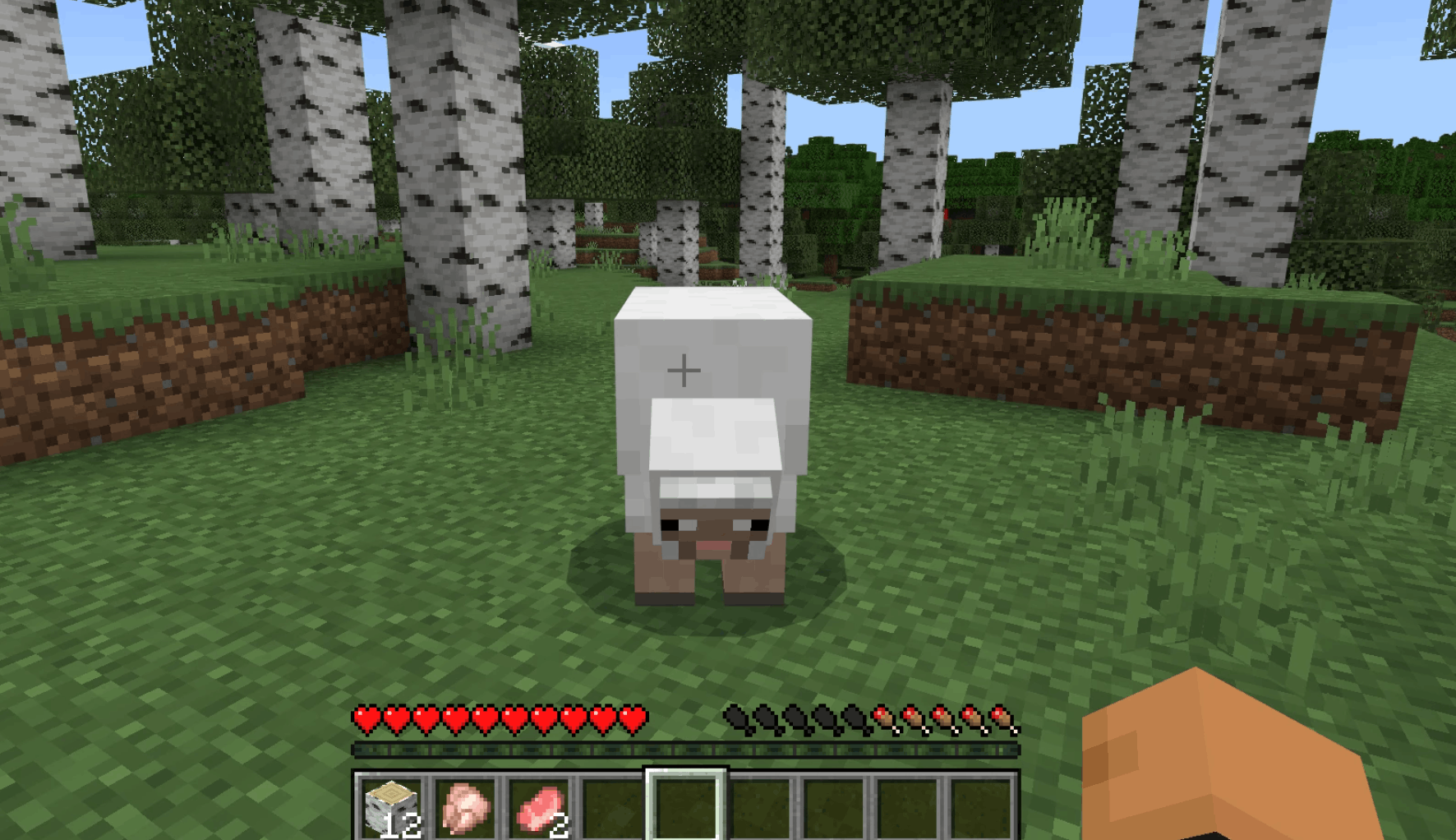
Wool is usually the only part of the recipe that takes a little searching. Trees are everywhere, but sheep do not always appear right beside your spawn point.
#Shear sheep for reusable wool
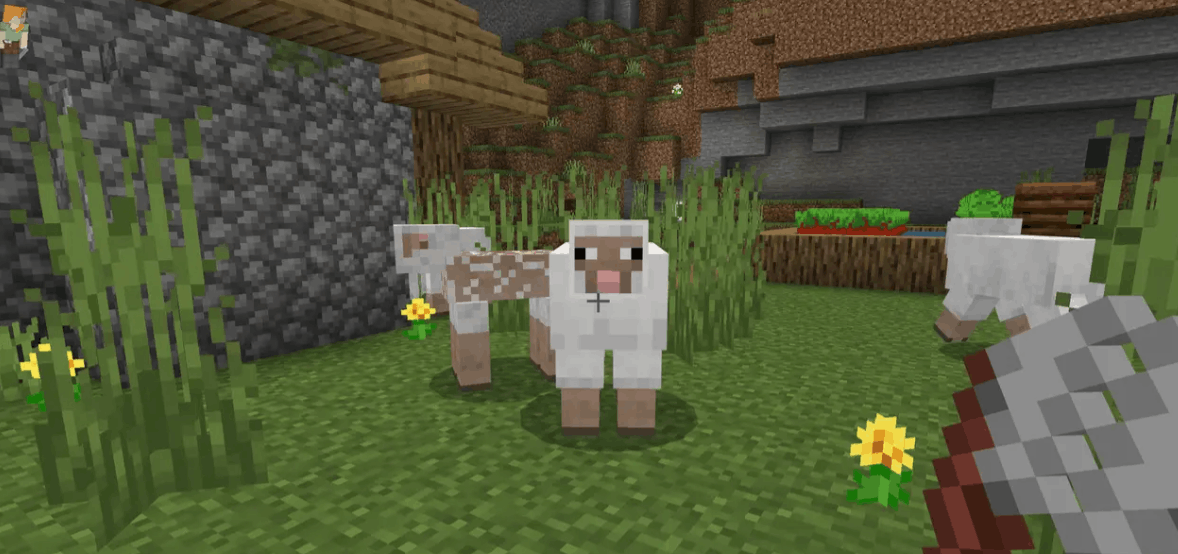
The best long-term method is to shear sheep. You can craft shears using two iron ingots, then use them on a sheep to collect wool without harming it.
A sheared sheep can regrow its wool after eating grass, making this a renewable option for players who want several beds, carpets, banners, or decorative wool blocks.
To build a small wool farm:
- Place fences around a grassy area.
- Lead at least two sheep inside using wheat.
- Breed the sheep with additional wheat.
- Shear them whenever their wool grows back.
#Collect wool without shears
No iron yet? You still have a couple of options:
- Sheep drop wool when defeated.
- Four pieces of string can be crafted into one wool block.
- String is commonly dropped by spiders and found in cobwebs or loot chests.
- Beds can sometimes be found inside villages and igloos.
Finding a village can save time, although taking a villager’s bed may leave them standing around looking understandably annoyed.
#How to Get Wooden Planks
Wooden planks are much easier to collect.
Break a log from any tree, open your inventory, and place the log in the crafting grid. One log produces four wooden planks, while the Minecraft bed recipe only requires three.
That means a single log gives you enough planks for the bed, with one plank left over.
You will also need a crafting table if you have not already made one. Place four wooden planks in your 2x2 inventory crafting grid to create it.
Because the crafting table itself costs four planks, collect at least two logs when starting from nothing. That gives you enough wood for both the table and the bed.
#How to Build a Bed in Minecraft and Place It
When people ask how to build a bed in Minecraft, they sometimes mean the actual placement rather than the crafting recipe.
A bed occupies two horizontal blocks, so choose a flat area with enough room. Select the bed in your hotbar and use the place button while facing the floor.
For the safest setup:
- Place the bed inside an enclosed shelter.
- Leave open space beside it so you can respawn safely.
- Keep the area well lit with torches or another light source.
- Avoid placing blocks directly around every side of the bed.
- Keep nearby doors closed to stop hostile mobs wandering inside.
The bed will point away from your character when placed. If it faces the wrong direction, simply break it, collect it, and place it again.
Beds can be broken by hand or with any tool, so rearranging your bedroom is quick and painless.
#What Does a Bed Do in Minecraft?
A bed in Minecraft is more than a decorative furniture block. It serves several important Survival and multiplayer functions.
#Skip the night
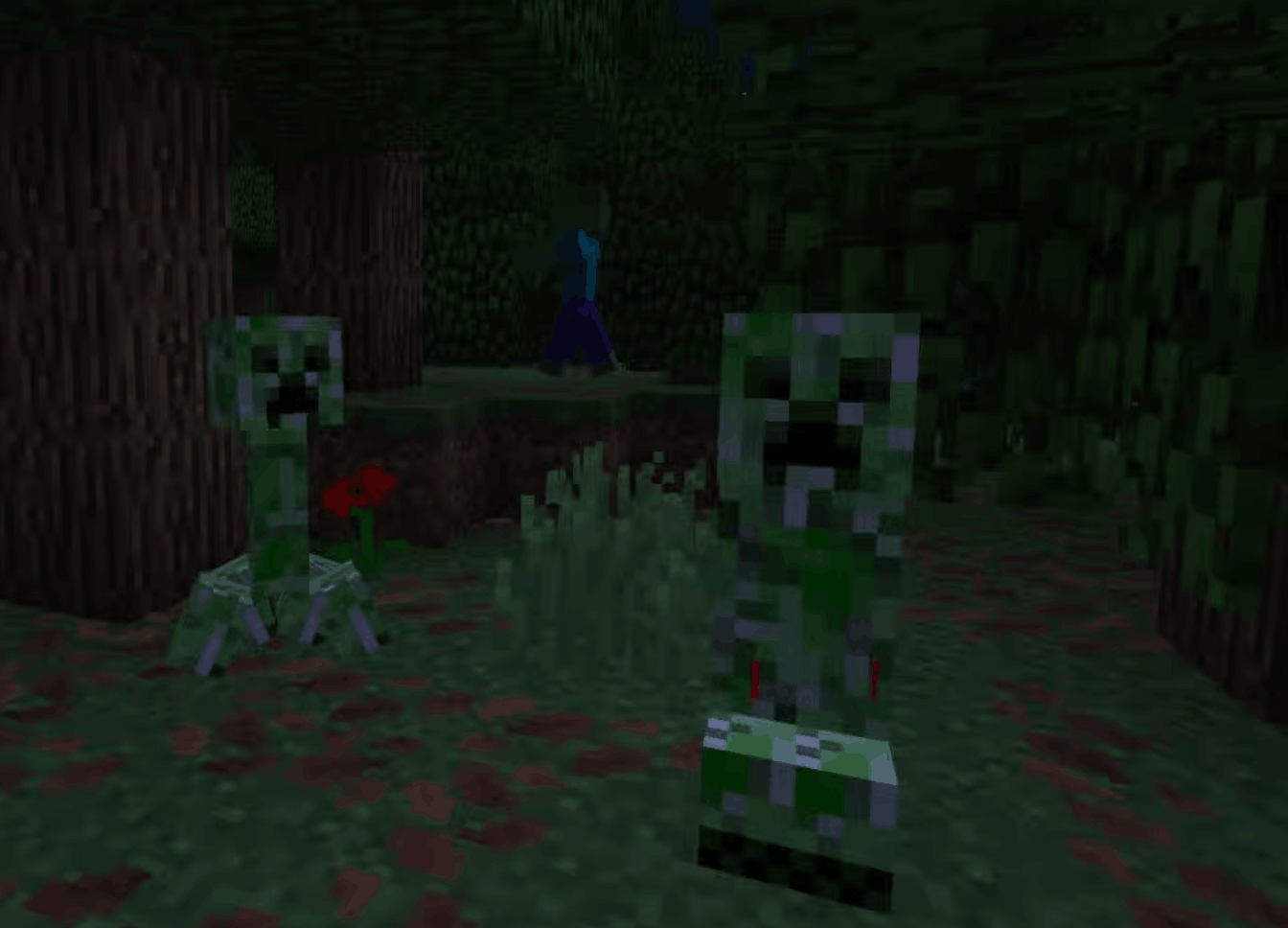
Using a bed at night allows time to move forward to morning. This helps you avoid hostile mobs such as:
- Zombies
- Skeletons
- Creepers
- Spiders
- Endermen
- Witches
You can also sleep during thunderstorms, which makes beds useful when dangerous mobs begin spawning earlier than expected.
#Set your respawn point
Using a bed in the Overworld sets it as your respawn point. After dying, you will reappear near that bed instead of returning to the original world spawn.
Make sure there is enough free space around it. If the bed is destroyed, removed, or completely obstructed when you die, the game may send you back to the world spawn instead.
You do not always have to wait until nighttime to update your spawn. Interacting with a bed during the day can also display the “Respawn point set” message.
#Prevent Phantoms
Phantoms can begin appearing after you have gone several in-game days without sleeping. These flying mobs swoop down from the sky and can become seriously irritating when you are building outside.
Sleeping regularly resets your insomnia timer and keeps them away.
#Support village mechanics
Villagers claim beds as part of their daily routine. Available beds are also important when breeding villagers or creating certain village-based farms.
If you are designing a trading hall or villager breeder, bed placement can affect whether the setup works correctly.
#How to Change the Colour of Your Minecraft Bed
Minecraft offers 16 standard bed colours, so you do not have to keep the basic white version forever.
You can choose a colour in two ways:
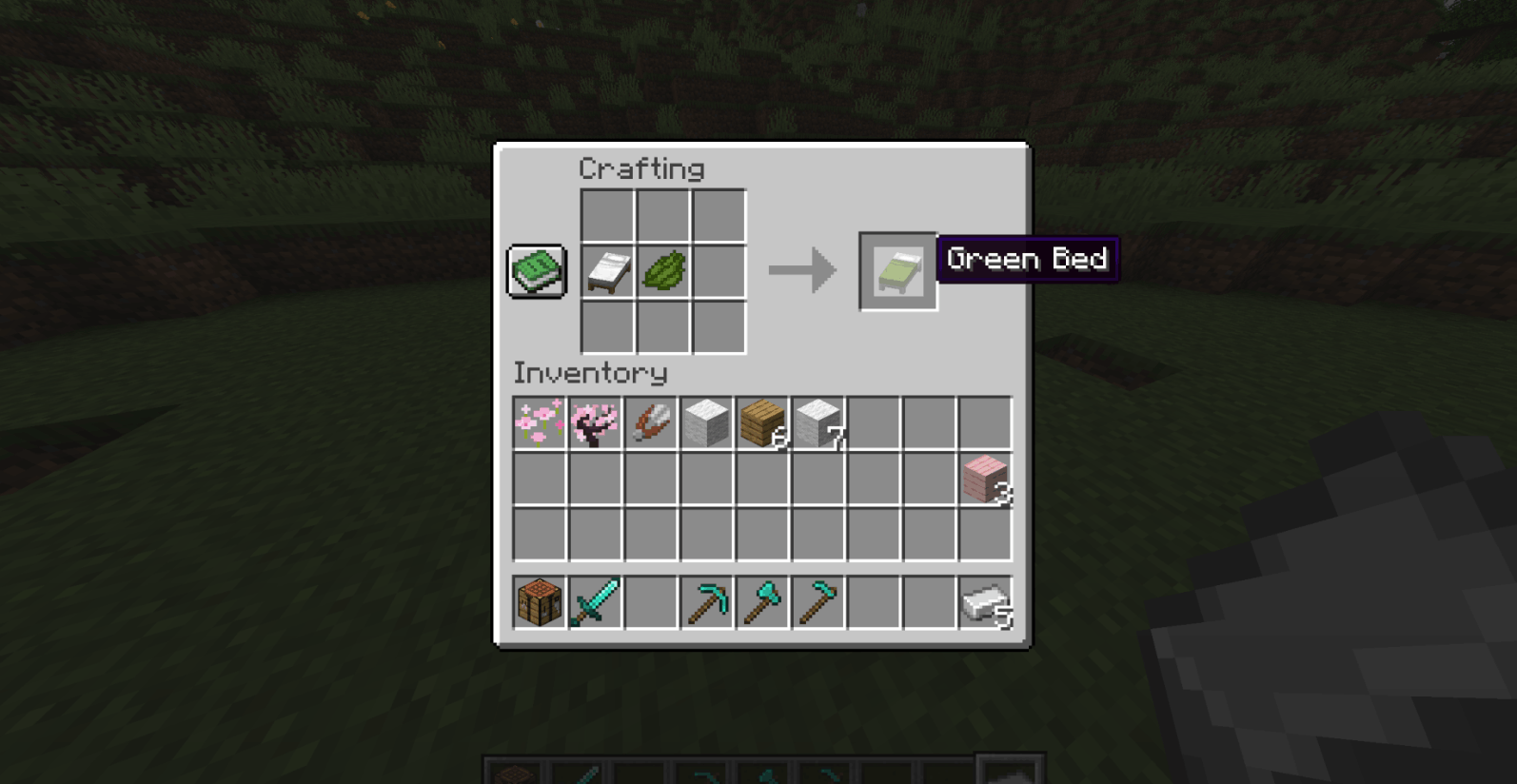
- Dye the wool before crafting. Use three matching dyed wool blocks in the normal recipe.
- Dye an existing bed. Combine the finished bed with your chosen dye in a crafting grid.
Popular choices include:
- Red for the classic Minecraft look
- Black or grey for modern builds
- Blue or cyan for ocean-themed bases
- Green for woodland houses
- Pink or magenta for colourful cottage builds
- White for clean or minimalist interiors
Dyes can be created from flowers, plants, ink sacs, cocoa beans, lapis lazuli, bone meal, and several other materials.
Your bed’s colour does not change how it functions, so choose whichever option matches your base, or whichever sheep happened to spawn nearby.
#Why Can’t You Sleep in Your Bed?
Crafting the bed is easy, but Minecraft may occasionally refuse to let you use it. Here are the most common reasons.
#It is not nighttime
Beds can normally be used for sleeping only at night or during a thunderstorm. During the day, interacting with the bed may set your respawn point without letting you sleep.
#Monsters are nearby
Hostile mobs close to the bed can prevent you from sleeping. Check outside your shelter, light up nearby caves, and make sure a zombie is not hiding on the other side of the wall.
#The bed is occupied
A villager or another player may already be using the bed. Find another one or encourage the current occupant to move.
#The bed is too far away
Stand closer and interact with the bed again. This issue is especially common when clicking through doorways, fences, or other blocks.
#The area is obstructed
A cramped space can create problems when placing the bed or respawning beside it. Give the bed two blocks of floor space and leave room around at least one side.
#Do Beds Explode in the Nether and the End?
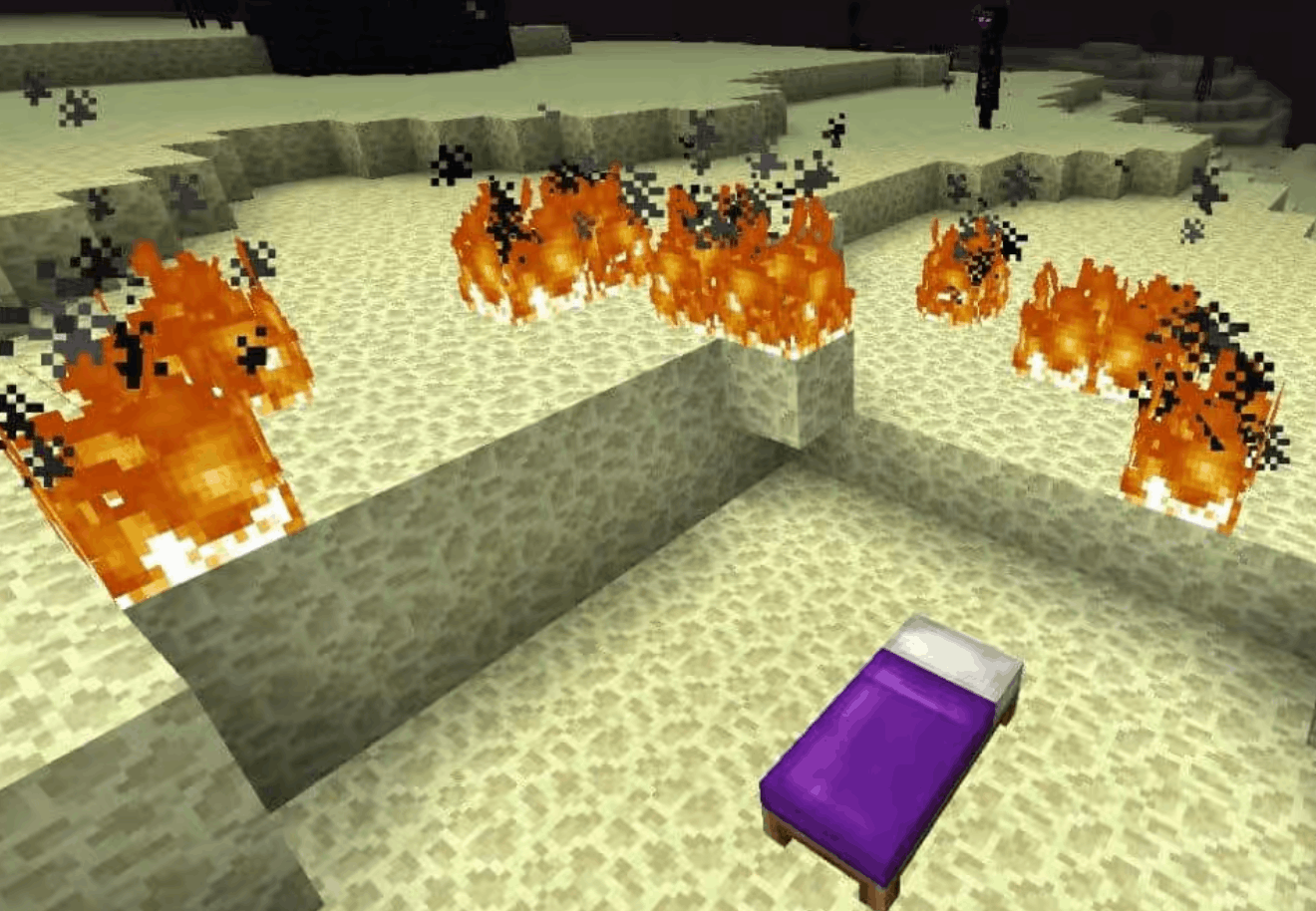
Yes. Attempting to sleep in a normal bed in the Nether or the End causes a powerful explosion.
The bed will not set your spawn point in either dimension, and the blast can kill an unprepared player instantly. It can also ignite nearby blocks and destroy part of your surroundings.
For Nether respawning, use a charged respawn anchor instead.
Experienced players sometimes use bed explosions intentionally. They can help expose Ancient Debris in the Nether or deal large amounts of damage during an Ender Dragon fight. However, this strategy requires careful positioning, explosion-resistant blocks, food, and strong armour.
For a first visit to either dimension, leave the bedtime routine back in the Overworld.
#Using Beds on a Multiplayer Minecraft Server
Beds become even more useful when exploring with friends. Every player can create a personal respawn point near the group’s base, reducing the risk of someone respawning thousands of blocks away after an unfortunate Creeper encounter.
By default, multiplayer worlds may require every active player to sleep before the night is skipped. Server owners can adjust the required sleeping percentage, allowing morning to arrive when only part of the group is in bed.
A smooth multiplayer world starts with a safe base and good Minecraft server hosting with Shockbyte, especially when several players are exploring, building, and sleeping at the same time.
It is also worth keeping spare beds near:
- Community bases
- Villager trading halls
- Mining outposts
- Distant farms
- Major building projects
- Nether portal locations in the Overworld
Just remember that changing your respawn point during an expedition means you may no longer return to your main base after dying.
#Minecraft Bed FAQ
#How do you make a bed in Minecraft?
Place three matching wool blocks in a horizontal row on a crafting table, then place three wooden planks directly underneath them. Move the completed bed into your inventory.
#Can you make a bed without sheep?
Yes. Craft one wool block from four pieces of string, then repeat until you have three matching wool blocks. You can also collect an existing bed from a generated structure or purchase one from a shepherd villager.
#Does the wood type change the bed?
No. All wooden plank types produce the same bed. Only the colour of the wool affects the finished bed’s appearance.
#Do all three wool blocks need to match?
Yes. The three wool blocks used in the recipe must be the same colour. Mixing different wool colours will not produce a bed.
#Can two players use the same bed as a spawn point?
Players can interact with beds to establish respawn locations, although exact multiplayer behaviour can vary between Minecraft editions and server settings. Providing one bed per player is the simplest and safest setup.
#What is the fastest way to make a bed?
Collect one or two logs, craft a crafting table, and search nearby grassy areas for sheep. Shear or collect three matching wool blocks, then place them above three planks in the crafting grid.
#Now You Know How To Make A Minecraft Bed
Learning how to make a bed in Minecraft should be one of your first priorities in a new Survival world. It costs only three matching wool blocks and three wooden planks, but it gives you control over nighttime, respawning, Phantom attacks, and long-distance exploration.
Craft one before sunset, place it somewhere safe, and remember to update your spawn point whenever you move to a new base. Your future self will be grateful the next time a Creeper appears behind you.
We think you will also enjoy the following blogs:

Table Of Contents
Minecraft Bed Recipe: What Materials Do You Need?How to Craft a Bed in MinecraftHow to Get Wool for a Minecraft BedHow to Get Wooden PlanksHow to Build a Bed in Minecraft and Place ItWhat Does a Bed Do in Minecraft?How to Change the Colour of Your Minecraft BedWhy Can’t You Sleep in Your Bed?Do Beds Explode in the Nether and the End?Using Beds on a Multiplayer Minecraft ServerMinecraft Bed FAQNow You Know How To Make A Minecraft BedJoin Our Newsletter
Get updated on the latest news!
Join Our Discord
Be part of our community!