Still have questions?
Come chat with us and we will get back to you as soon as possible!

Shockbyte
Support Team

How to Upload Blueprints to Your Satisfactory Server
Satisfactory blueprints allow players to save factory layouts for future use. This makes factory building more efficient by letting players copy parts of a factory without having to build it from scratch every time.
#How to Find Blueprint Files
Blueprints can be downloaded online or created in-game.
#Downloading Blueprint Files Online
-
Navigate to the Satisfactory Calculator website.
-
Download the
.sbpand.sbpcfgfiles of the blueprint that you'd like to use on your server.
#How to Find Blueprints Created in Your Save Game
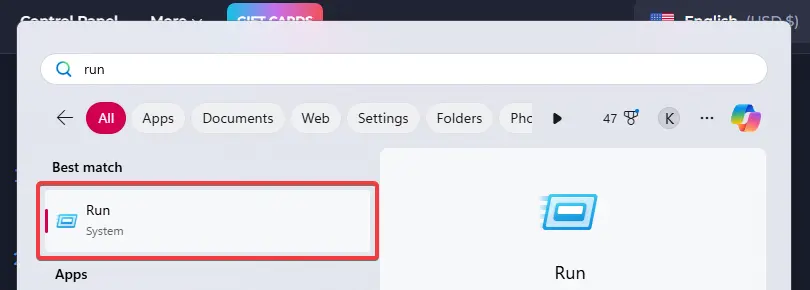
- Use Win+R to open the Run program, or search and open the "Run" program in your Windows start menu.
-
Enter the following path in the Run program:
C:\Users\%username%\AppData\Local\FactoryGame\Saved\SaveGames\blueprints -
Open the folder matching the name of the save where you created the blueprint.
-
Identify the blueprint that you created and keep the folder open.
Your blueprint files are both the .sbp and .sbpcfg files. These can be uploaded to the server.
#Uploading Blueprints to Your Server
-
Access your server's Control Panel and shut down the server.
-
Navigate to the Files tab on your server.
-
Navigate to
/.config/Epic/FactoryGame/Saved/SaveGames/server. -
In this folder, open the
blueprintsfolder.
Note:
If the blueprints folder is not present, join your server, create a blueprint in-game, then refresh the File Manager in the control panel. This will generate the blueprints directory.
-
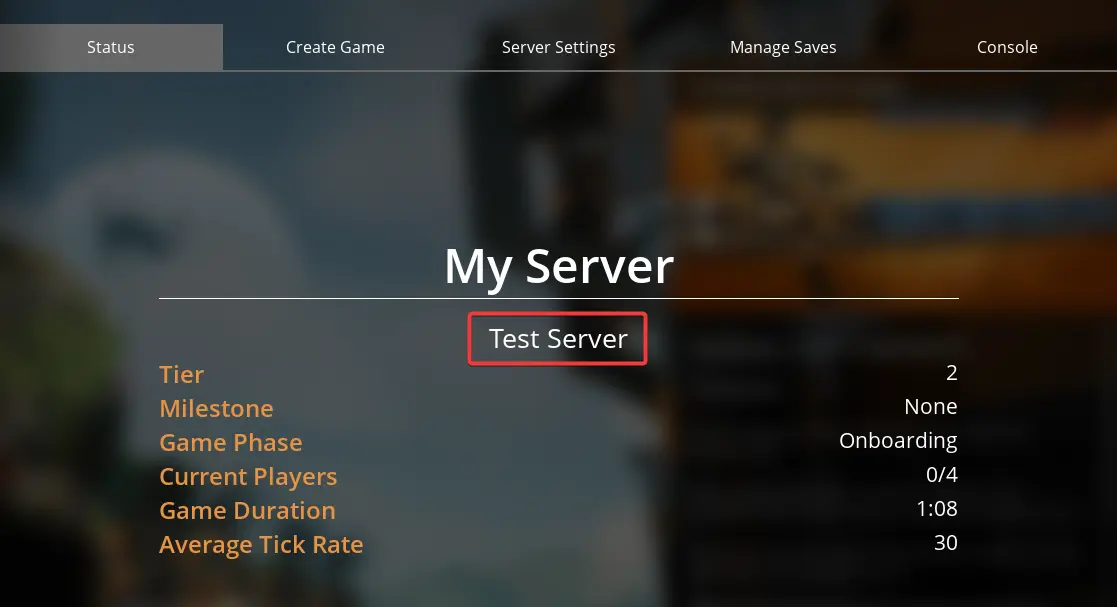
In the blueprints folder, open the folder matching the name of your save game.
-
Upload the
.sbpand.sbpcfgfiles inside this folder.
Now you can start the server, and your blueprints should be available in-game.