
WITCHBROOK SERVER HOSTING
Coming soon! - Master the magical arts and develop your skills as a witch-in-training at Mossport. Your journey at Witchbrook College begins here—host your own magical world today!

EXCLUSIVE FEATURES
- Mod Support
- 100% Uptime
- DDoS Protection
- Global Locations
- 24/7 Support
- Self-Serve Guides
- Easy Configuration
- Automatic Backups
- Low Latency
- Full File Access
PLAY WITCHBROOK MULTIPLAYER
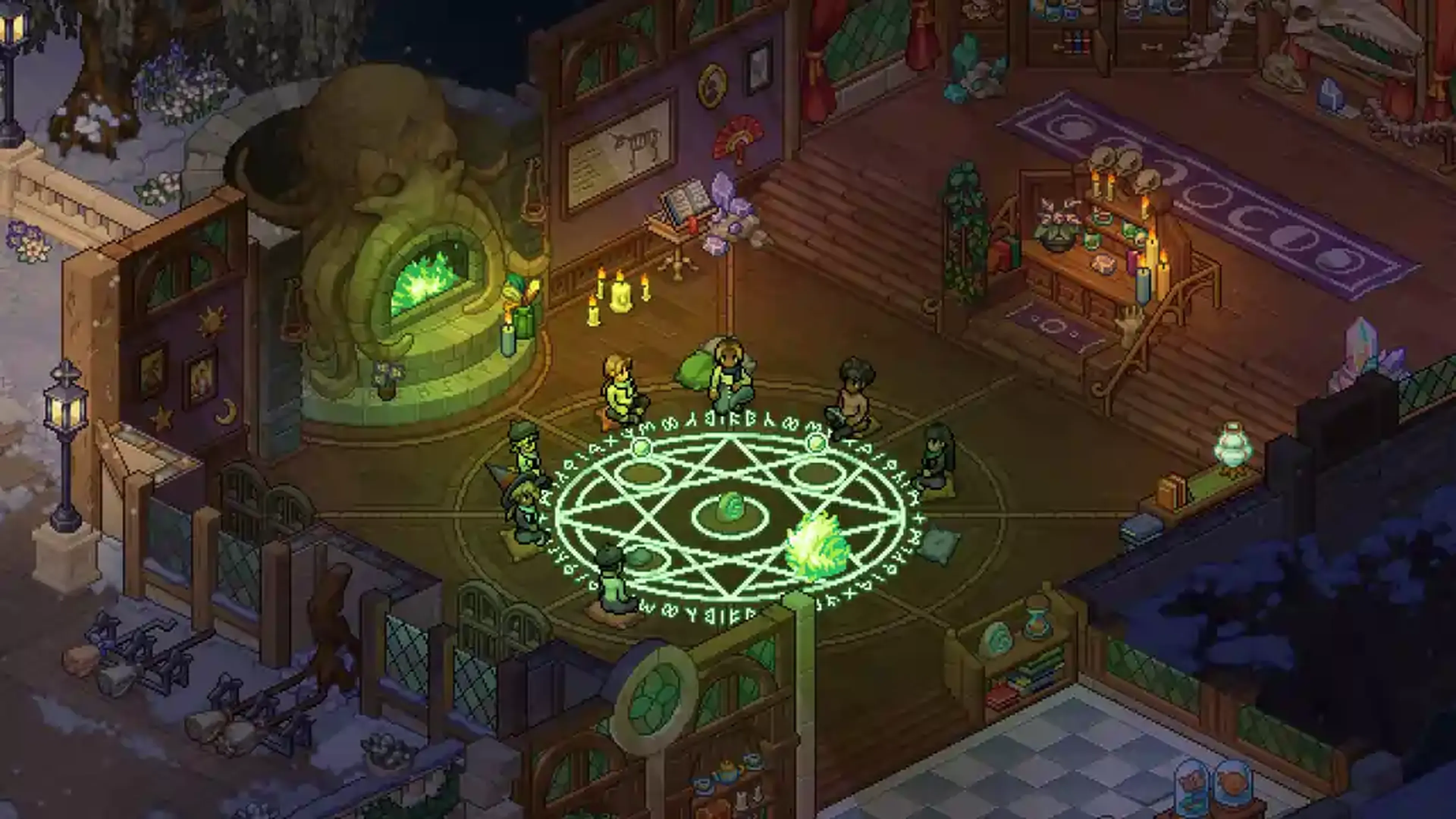
Witchbrook is more than just a school; it’s a living, breathing world where you forge your own path. By hosting your own Witchbrook private server, you and your friends can attend classes together, master forbidden spells, and compete in magical activities without the interruption of lag or random disconnects.
Whether you are focusing on your studies, decorating your cozy cottage, or exploring the town of Mossport, a dedicated server ensures that your magical progress is always saved and your world remains online 24/7, even when you aren't.
WHAT IS WITCHBROOK SERVER HOSTING?
A Witchbrook dedicated server provides a private, high-performance environment for you and your fellow students. Unlike peer-to-peer hosting which relies on a single player's internet connection, our professional hosting services utilize enterprise-grade hardware to ensure a smooth, low-latency experience for everyone.
Why choose Shockbyte for your magical studies?
⚙ Ultimate Control: Customize your world settings, manage player permissions, and tailor the difficulty to your group's playstyle.
📈 Consistent Performance: Our high-speed NVMe SSDs and powerful CPUs handle complex magical effects and large social gatherings with ease.
🧩 Mod-Friendly: Easily install community-made content and tweaks to expand your curriculum and add new life to Mossport.
Get Your Own Witchbrook Server!
Don't let lag ruin your graduation. Get a Witchbrook server and start brewing your destiny!

Shockbyte's ease of access
Shockbyte's ease of access to all of your files, video tutorials on how to edit your server to how you want, 24/7 support, and fair pricing on rental plans keeps me staying here with them as my go-to server rental! While I have to occasionally stop renting a server for financial issues, in the end I don't think I'd want to swap out to a different one!
Always used this for minecraft servers…
Always used this for minecraft servers with 0 problems, and today i had and isue with my server. I contacted support and got awesome help by Michael Y. and solved my problem in no time. Really happy with shockbyte in general: prices, ui, support,etc
Extremely good support and fast running…
Extremely good support and fast running servers. Lag on these servers are practically non-existent and I haven't had any issues with this server hosting besides slow support at times, but the wait is definitely worth it because they WILL help you with anything.
FREQUENTLY ASKED QUESTIONS
Here are some of our new customers' frequently asked questions. If you still need help, you can check out our knowledgebase articles or contact support.
It's easy! Pick a plan based on your preferences (number of players, mod usage, etc...), complete the check out and you're done! Now you'll be able to access your server's control panel to adjust any settings you'd like and connect to it using its IP address.