Still have questions?
Come chat with us and we will get back to you as soon as possible!

Nuno Paiva
Game Integration Specialist @ Shockbyte
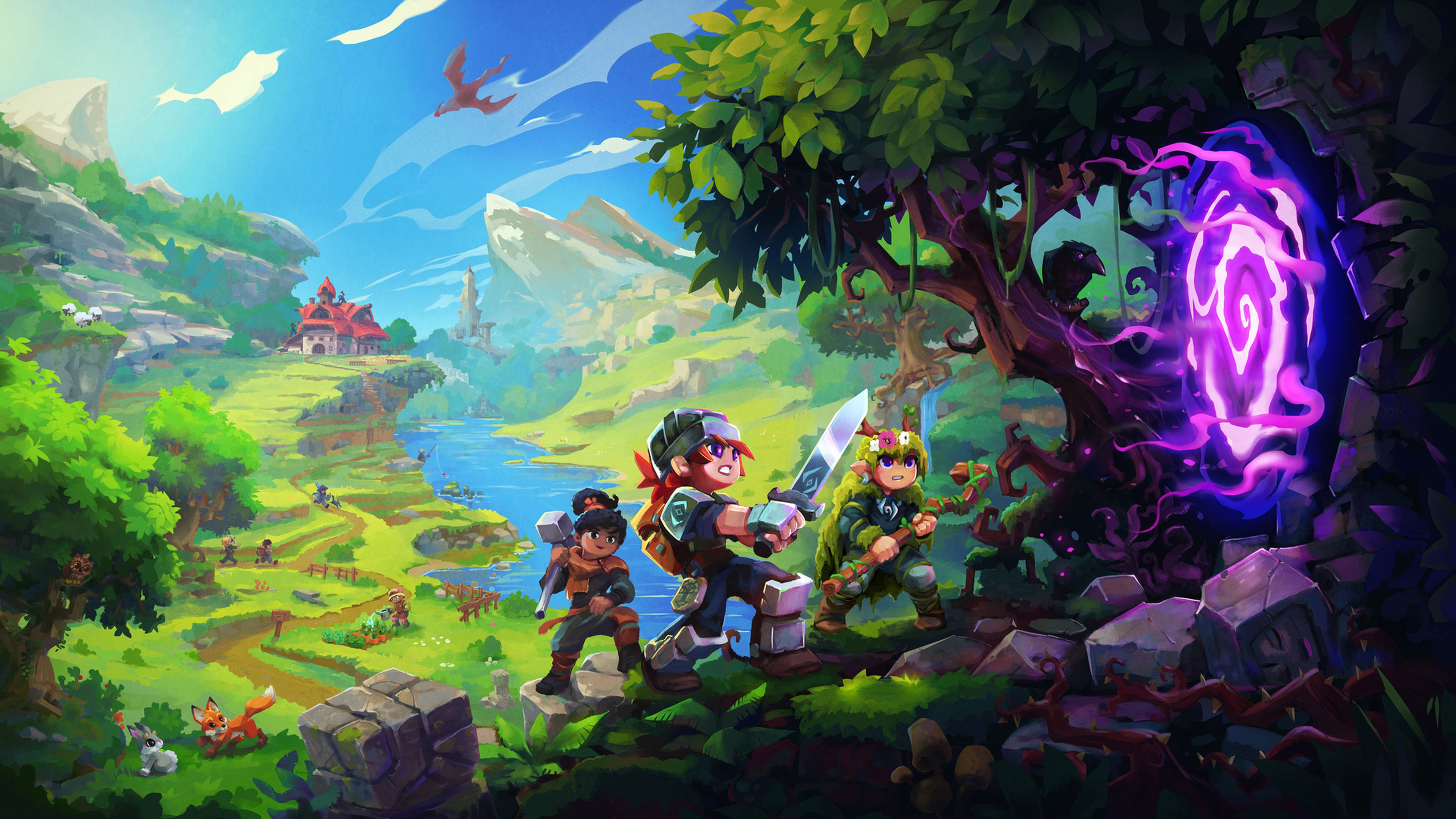
Getting Started with your Hytale Server
Getting started with your Hytale server is quick and simple. This guide acts as a central hub to help you find the right setup articles and get playing as fast as possible.
Follow the sections below in order, or jump straight to what you need.
#Join Your Server
Once your server is online, the first step is connecting in-game.
Follow this guide to learn how to find your server IP and join:
#Configure Your Server
Before inviting others, you may want to customize how your server looks and behaves.
These guides cover the most common configuration options:
- How to Configure Your Hytale Server Settings
- How To Change The Name Of Your Hytale Server
- How to Customize Your Hytale Server MOTD
- How to Add a Password to Your Hytale Server
#Manage Players and Permissions
To moderate your server and control player access, you will need admin tools.
Start here:
Then explore:
- How To Kick, Ban and Unban Players From Your Hytale Server
- How to Enable and Manage a Hytale Whitelist
#Import Singleplayer Progress
If you want to continue a singleplayer adventure on your server, you can bring your data with you.
Use these guides:
- How to Upload and Use a Singleplayer World on Your Hytale Server
- How to Import Player Data from Singleplayer to Your Hytale Server
#Improve Performance and Stability
Keeping your server running smoothly is easy with scheduled restarts.
Learn how here:
That’s it. With these guides, you have everything you need to set up, manage, and enjoy your Hytale server. Have fun exploring and building your world!