
 1.0 Out NowAvailable On Steam
Valheim Server Hosting
Valheim 1.0 is out now! Our Valheim server hosting is here to help you on your epic Viking journey.
Choose Your Plan



Exclusive Features
- Mod Support
- ValheimPlus Support
- Steam Beta Support
- Self-Serve Guides
- 24/7 Support
- Automatic Backups
- DDoS Protection
- Low Latency
- 99.9% Uptime
- Full FTP Access
- Instant Setup
- Global Locations
- Automatic Updates

Play Valheim 1.0 Multiplayer
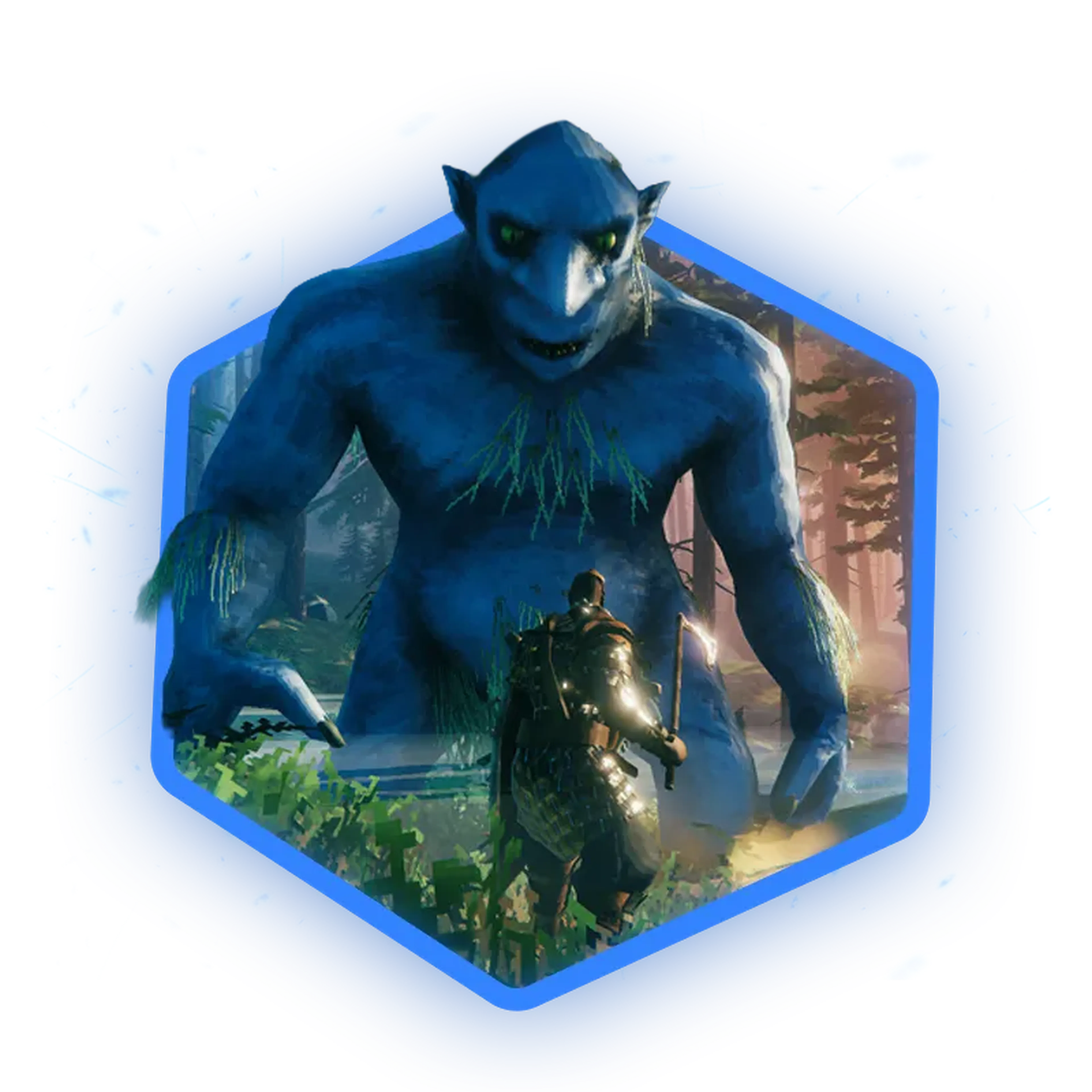
Valheim 1.0 is here! Rally your Viking crew on our Valheim dedicated servers. Take down Forsaken bosses, raid Winding Tunnels, and build a base that survives the snow. Full crossplay between PC, Xbox, PS5, and Switch 2, running 24/7 with zero lag.
Full Mod Support
Want to spice up your Valheim adventure? Our servers make it super easy to install and manage all your favorite mods. Customize your game with new features, tweaks, and content to make your Viking saga truly unique.
Plus, we support popular tools like BepInEx and ValheimPlus, so you can enhance your gameplay and server management effortlessly.

Learn About Valheim Server Hosting
Become an expert Valheim server owner with our library of knowledgebase articles and video tutorials!

How To Start A Valheim Server
Getting started? We got you! Check out our videos on how to set up your server for the first time.

How To Add Server Admins
For other people to manage your server (being able to ban, kick, or unban people), you’ll need to give them admin rights.

How To Install Mods On Your Valheim Server
Want to mix things up? Learn how to install mods on your Valheim server!


Frequently Asked Questions
Here are some of our new customers' frequently asked questions. If you still need help, you can check out our knowledgebase articles or contact support.
To host a Valheim server with Shockbyte, sign up on our website and purchase the Valheim hosting plan. After completing your purchase, you'll receive an email with your server details and login information. Log into the Shockbyte control panel, configure your server settings, and start your server. It's that simple – you're now ready to explore Valheim with your own server!