Table Of Contents
Becoming an AdminStill have questions?
Come chat with us and we will get back to you as soon as possible!

Shockbyte
Support Team

How to Add an Admin on your Assetto Corsa Server
Trusted players can use a configurable admin password to grant themselves in-game admin permissions. This is a useful server feature as it allows for quick and easy distribution of admin permissions without needing to search for a player's Steam ID.
By default, there is no admin password generated for your server; this means anyone can use the /admin command without needing a password. If you don't mind who has admin permission, you can leave this as is and skip to step 5 of this article. Alternatively, you can set up an admin password in your server's web panel.
#Becoming an Admin
After configuring your server's admin password, you can use it to access admin commands in-game.
-
Access your web panel by following this guide.
-
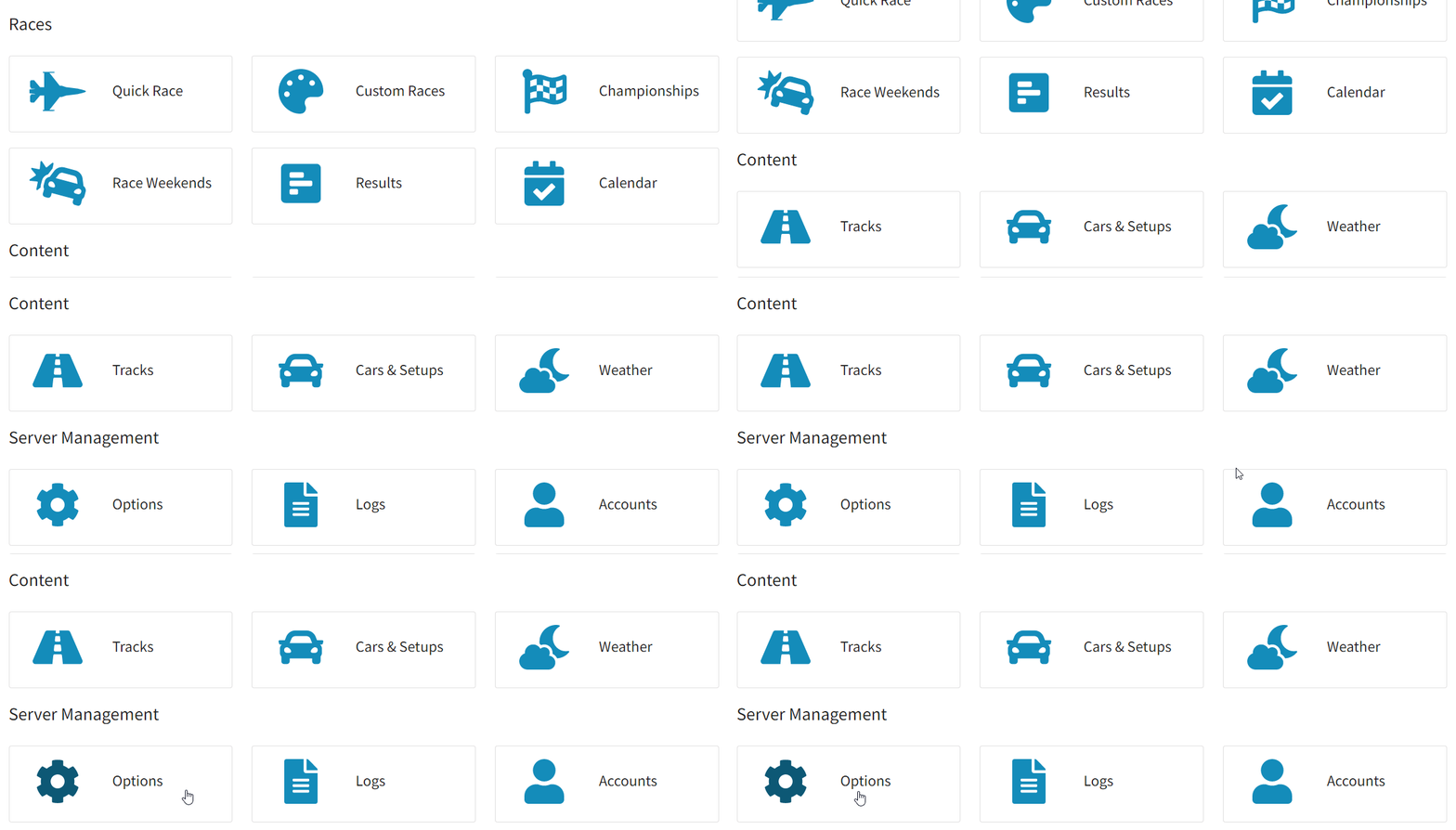
Navigate to Server Management > Options.
-
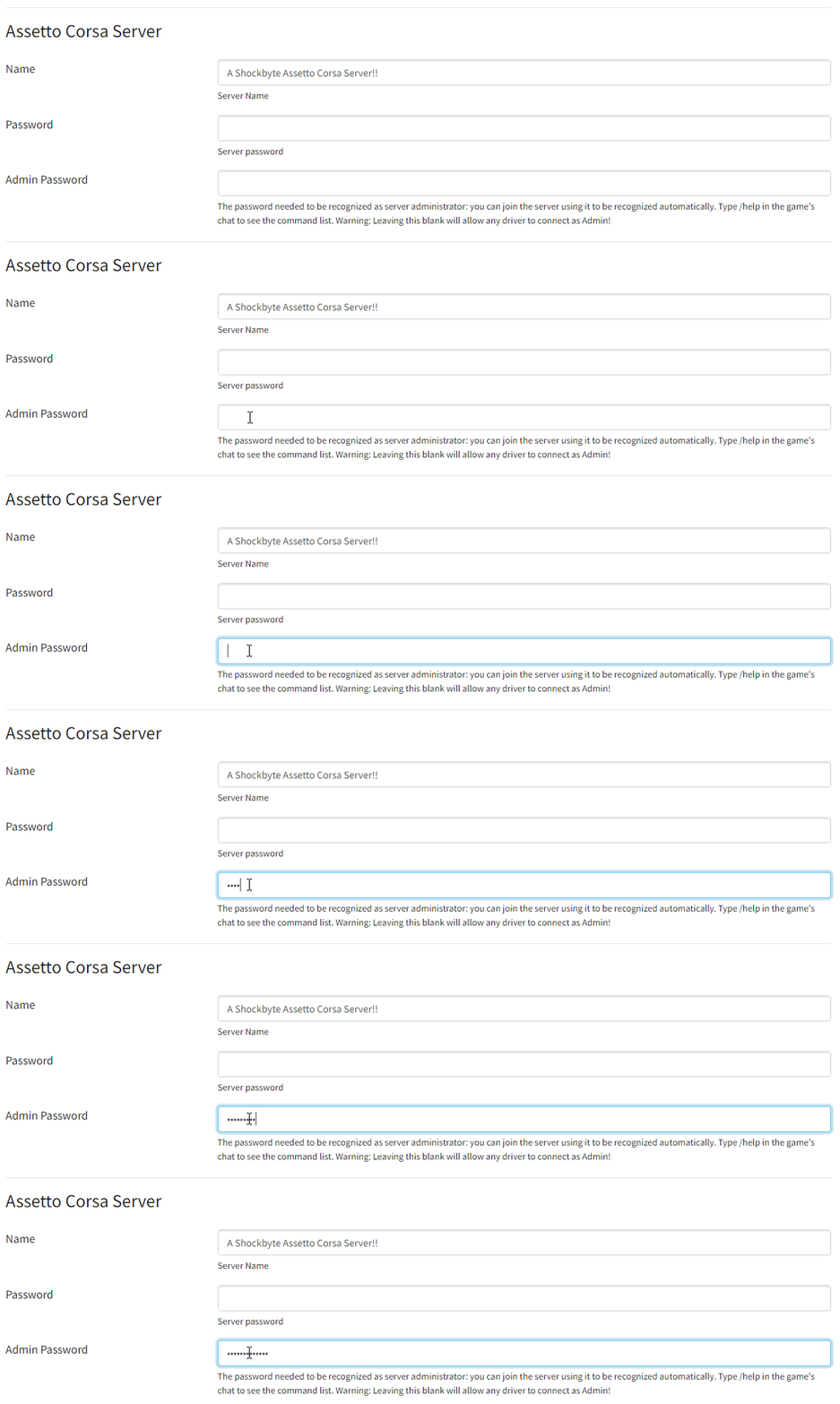
In the Admin Password field, enter your desired password (case sensitive).
-
At the bottom of the page, click Save.
-
While logged into the server and using the in-game chat, enter the command
/admin (admin password).
To learn more about Assetto Corsa server hosting, you can browse our library of Knowledgebase articles found here.
If you require any further assistance, don't hesitate to get in touch with our support at: https://shockbyte.com/billing/submitticket.php