Still have questions?
Come chat with us and we will get back to you as soon as possible!

Jay Miller
Game Engineer

How to Increase Gather Rates
If you wish to increase gather rates for resources in your server, you will need to use an Oxide plugin. In this example, we will change the gather rate of all resources by 50.
Oxide
This article assumes you have Oxide installed. If you need help with installing Oxide, you can find our tutorial here.
#Installing GatherManager
You can install the GatherManager plugin using our built-in installer on the control panel.
-
Open your control panel and stop your server.
-
Navigate to the Modding tab and select Discover more.

- Search for the GatherManager plugin and click Install.

- Restart your server to install the plugin.
#Increasing Gather Rates
-
Connect to your server and the Gather Manager plugin should now be loaded.
-
Press F1 to open the console
-
Type
gather.rate dispenser * 50and hit enter.
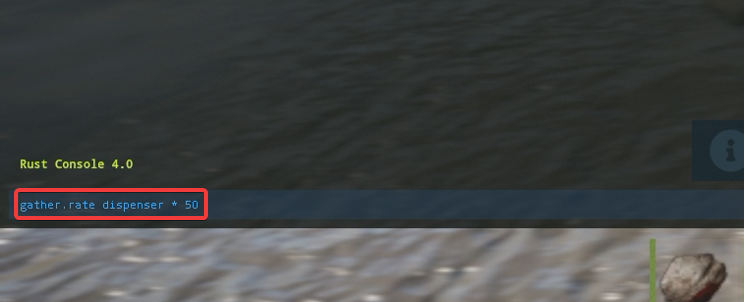
Now you will get 50 times the amount of resources you would normally get in the base game.
Gather rates can be configured further, from adjusting specific resources to all resources. More commands and documentation can be found on the plugin's website.
If you require any further assistance, please contact our support at: https://shockbyte.com/billing/submitticket.php