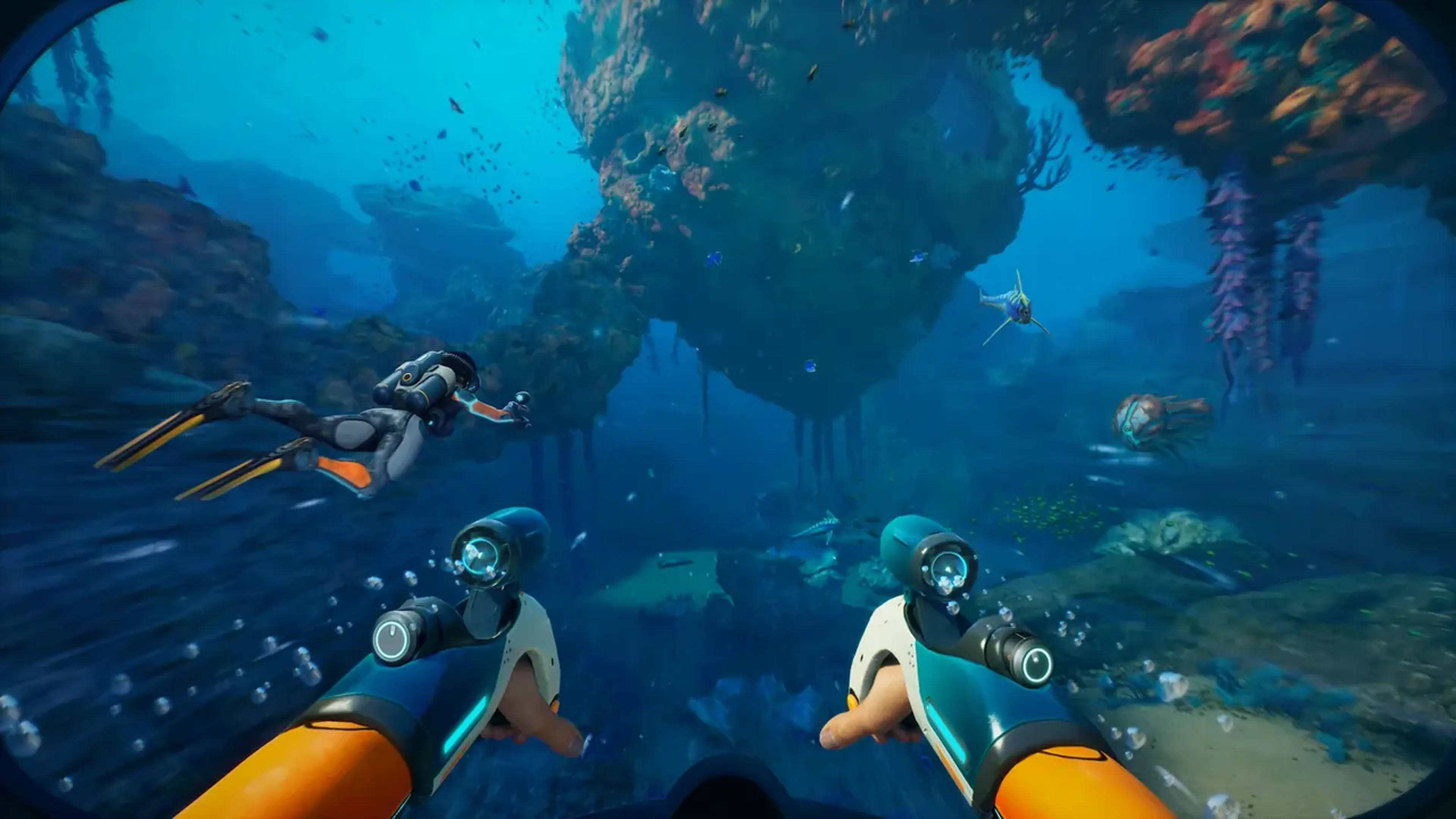
Subnautica 2 Server Hosting
Coming soon! - For the first time in the franchise, dive into an alien ocean with your crew. Experience native 4-player co-op on high-performance hardware designed for deep-sea exploration.


EXCLUSIVE FEATURES
- Mod Support
- 100% Uptime
- DDoS Protection
- Global Locations
- 24/7 Support
- Self-Serve Guides
- Easy Configuration
- Automatic Backups
- Low Latency
- Full File Access
PLAY SUBNAUTICA 2 MULTIPLAYER
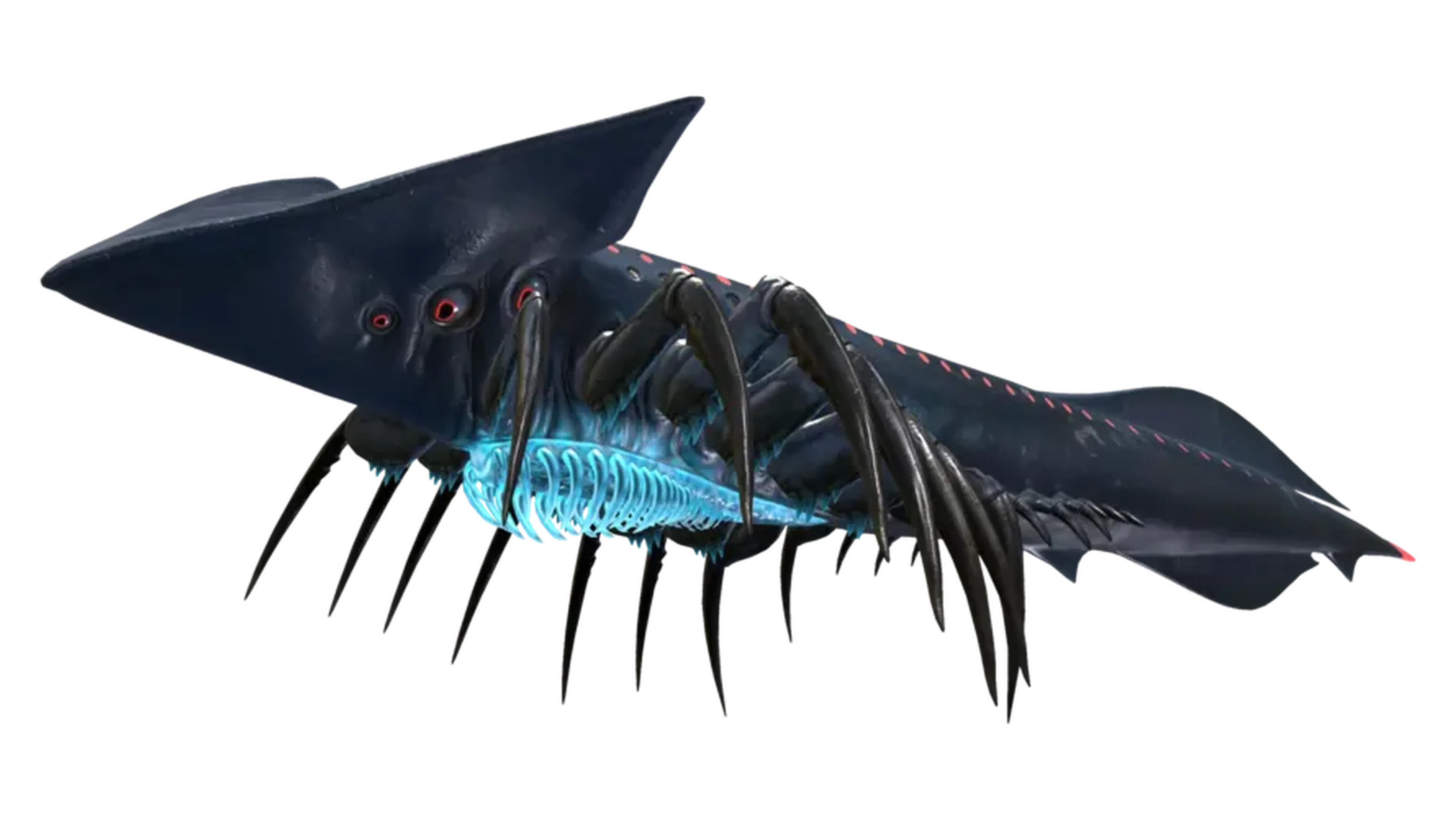
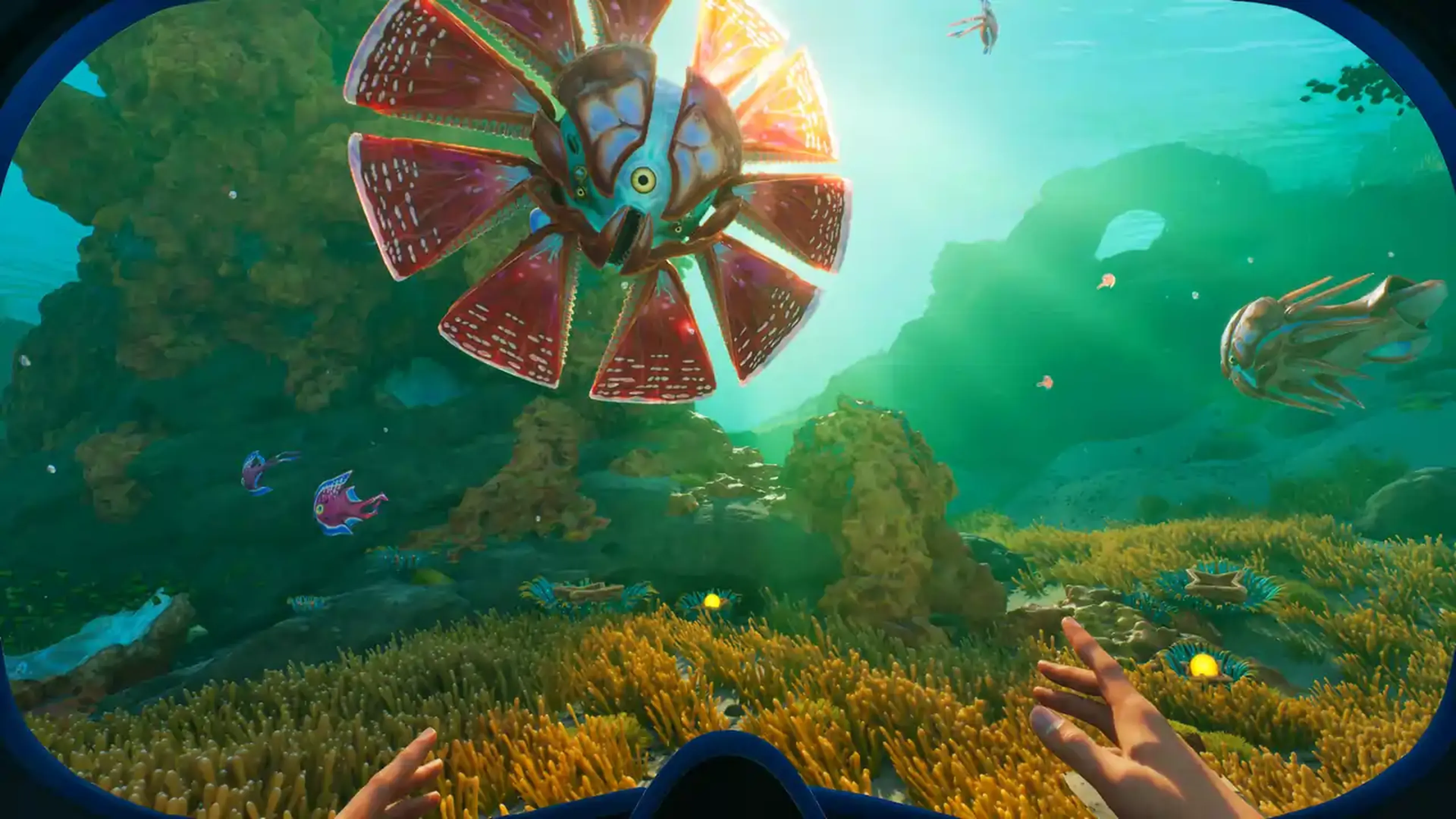
The long-awaited sequel to the survival masterpiece is here, and it brings a feature the community has demanded for years: official multiplayer co-op. In Subnautica 2, you are no longer alone in the dark. Whether you’re scouting bioluminescent biomes or fleeing from a massive new Leviathan, doing it with friends changes everything.
With a Subnautica 2 private server, you don't have to worry about host-migration issues or losing progress when a friend logs off. Our servers provide a persistent, always-on world where your underwater bases and vehicles are waiting for you 24/7. Built on Unreal Engine 5, the world of Subnautica 2 is more demanding than ever—our enterprise-grade hardware ensures your deep-sea adventure remains smooth and immersive.
WHAT IS SUBNAUTICA 2 SERVER HOSTING?
Subnautica 2 server hosting provides a dedicated server environment where your game world lives independently of any single player's PC. In previous titles, multiplayer was only possible through complex mods; now, Unknown Worlds has built native co-op directly into the engine.
By choosing a dedicated Subnautica 2 dedicated server, you gain several critical advantages for your crew:
🌎 Persistent World: Your base-building progress is saved to the server, allowing any of your 4-player squad to jump in and continue the mission at any time.
🗺 Lag-Free Exploration: Avoid the "rubber-banding" common in peer-to-peer hosting. Our global network ensures low latency for everyone in your party
⚙ Full Control: Use our custom control panel to manage your world settings, backups, and player whitelists with a single click.
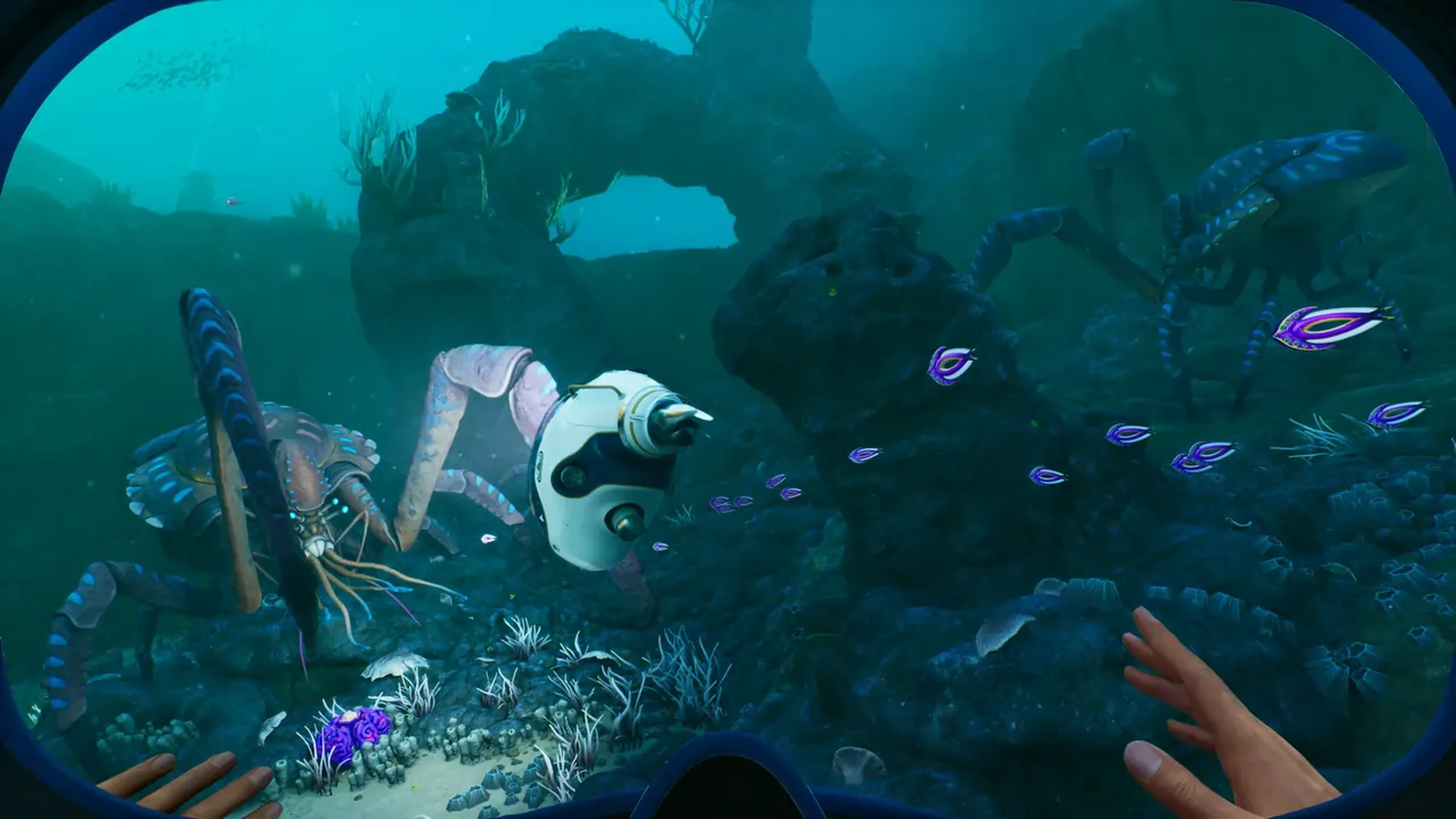
Get Your Own Subnautica 2 Server!
Deploy your Subnautica 2 server in seconds and start your co-op journey on a brand-new alien world.
Shockbyte's ease of access
Shockbyte's ease of access to all of your files, video tutorials on how to edit your server to how you want, 24/7 support, and fair pricing on rental plans keeps me staying here with them as my go-to server rental! While I have to occasionally stop renting a server for financial issues, in the end I don't think I'd want to swap out to a different one!
Always used this for minecraft servers…
Always used this for minecraft servers with 0 problems, and today i had and isue with my server. I contacted support and got awesome help by Michael Y. and solved my problem in no time. Really happy with shockbyte in general: prices, ui, support,etc
Extremely good support and fast running…
Extremely good support and fast running servers. Lag on these servers are practically non-existent and I haven't had any issues with this server hosting besides slow support at times, but the wait is definitely worth it because they WILL help you with anything.
FREQUENTLY ASKED QUESTIONS
Here are some of our new customers' frequently asked questions. If you still need help, you can check out our knowledgebase articles or contact support.
It's easy! Pick a plan based on your preferences (number of players, mod usage, etc...), complete the check out and you're done! Now you'll be able to access your server's control panel to adjust any settings you'd like and connect to it using its IP address.