Table Of Contents
Configuring DecayStill have questions?
Come chat with us and we will get back to you as soon as possible!

Jay Miller
Game Engineer

How to Configure Building Decay on your Rust Server
Rust has a built-in game mechanic called decay to counteract inactive player-built structures. Decay will occur when a tool cupboard does not have enough upkeep resources available, resulting in structures slowly losing health over time until they are destroyed or repaired by a player. This configuration option is useful if a server owner would like to alter the rate at which structures decay or disable it entirely.
#Configuring Decay
You can modify the decay rate using the server.cfg configuration file located in your server's control panel.
-
Access your control panel.
-
Navigate to the Files tab and open your
server.cfgfile.
If you are unable to locate the server.cfg file, you can refer to our guide on the topic here.

- Enter
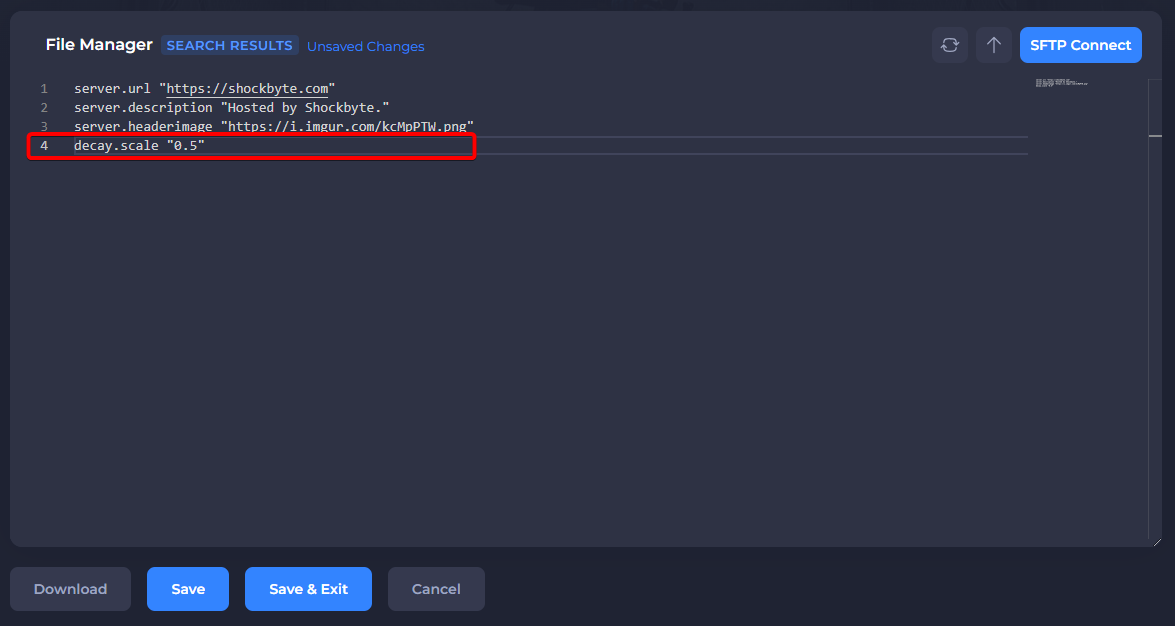
decay.scalefollowed by your desired value. For example,decay.scale "0.5"will result in a decay rate of 50%, and a decay scale of zero will disable it entirely.
- Save the file and then go to the server console.

- Enter the commands
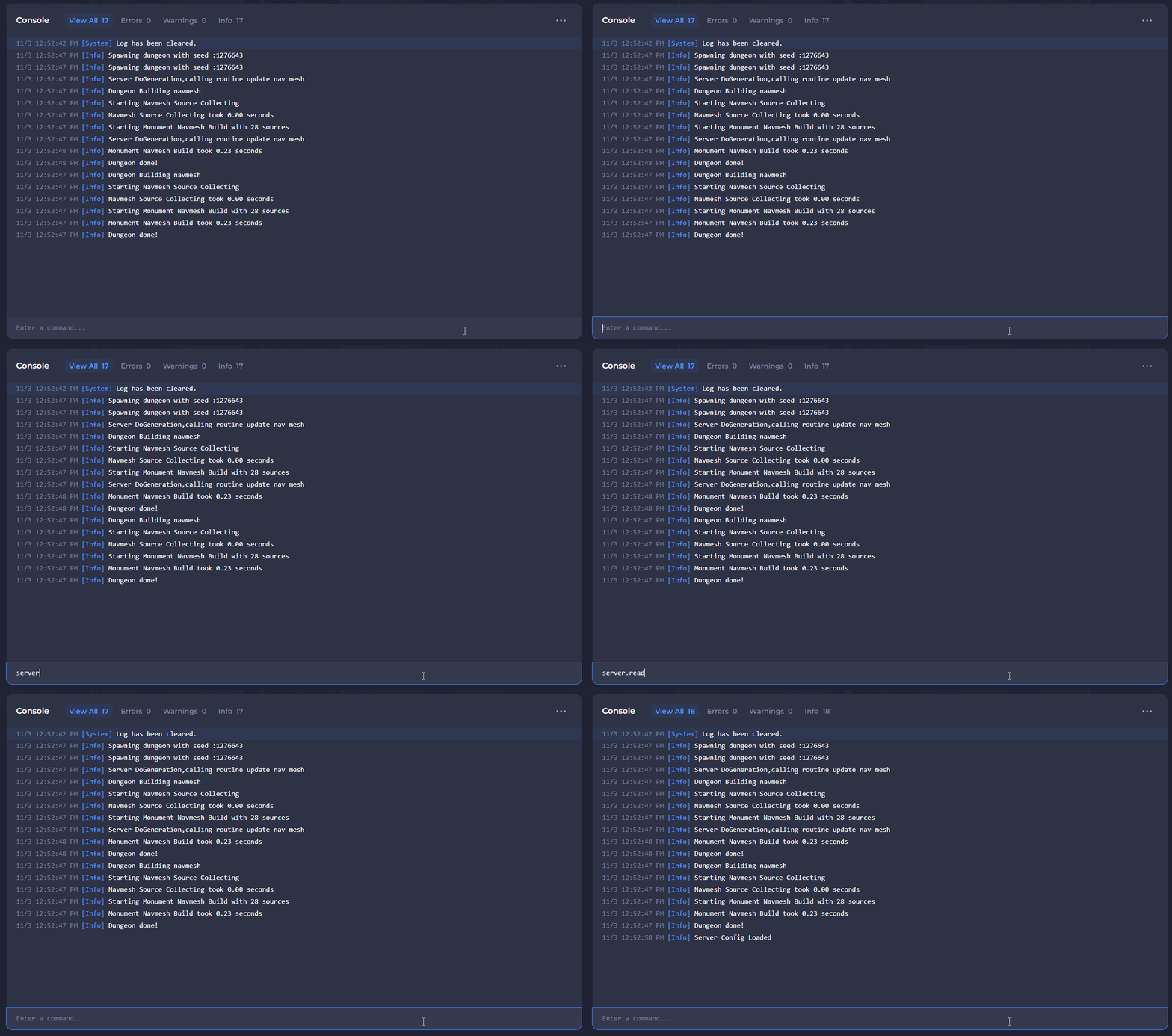
writecfgandreadcfgto make the changes live.
To learn more about Rust server hosting, you can browse our library of Knowledgebase articles here.