Still have questions?
Come chat with us and we will get back to you as soon as possible!

Nuno Paiva
Game Integration Specialist @ Shockbyte
How to Import Player Data from Singleplayer to Your Hytale Server
If you want to carry over your progress from singleplayer into your Hytale server, you can do so by importing your player data. This allows your character data, inventory, and progress to be used online without starting over.
Please Note
Player data is tied to the universe it was created in. Make sure you upload the player data to the correct universe on your server.
#Locating Your Singleplayer Player Data
To access your singleplayer player data, you will need to open the universe folder from the game.
- Open Hytale.
- Click on Worlds.
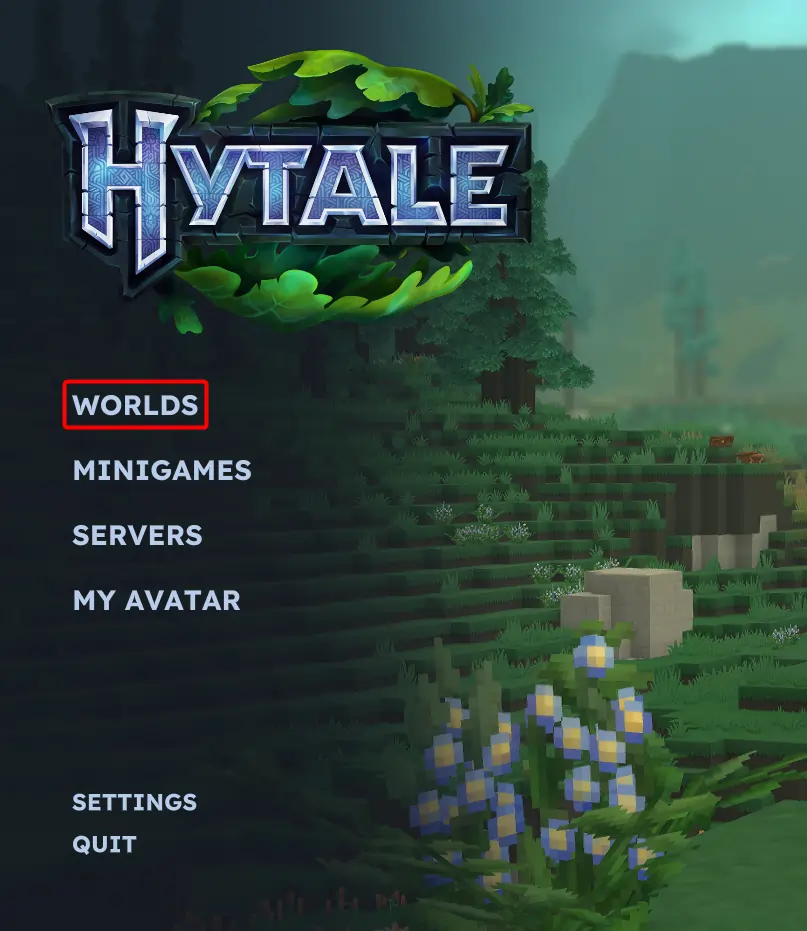
- Right click any world that belongs to the universe you want to use.
- Click Open Folder.
This will open the universe directory on your computer.
- Navigate to the following folder:
universe/players/
Inside this folder, you will find the player data files that store character progress and inventory.
#Uploading Player Data to Your Server
Once you have located the player data, you can upload it to your server.
-
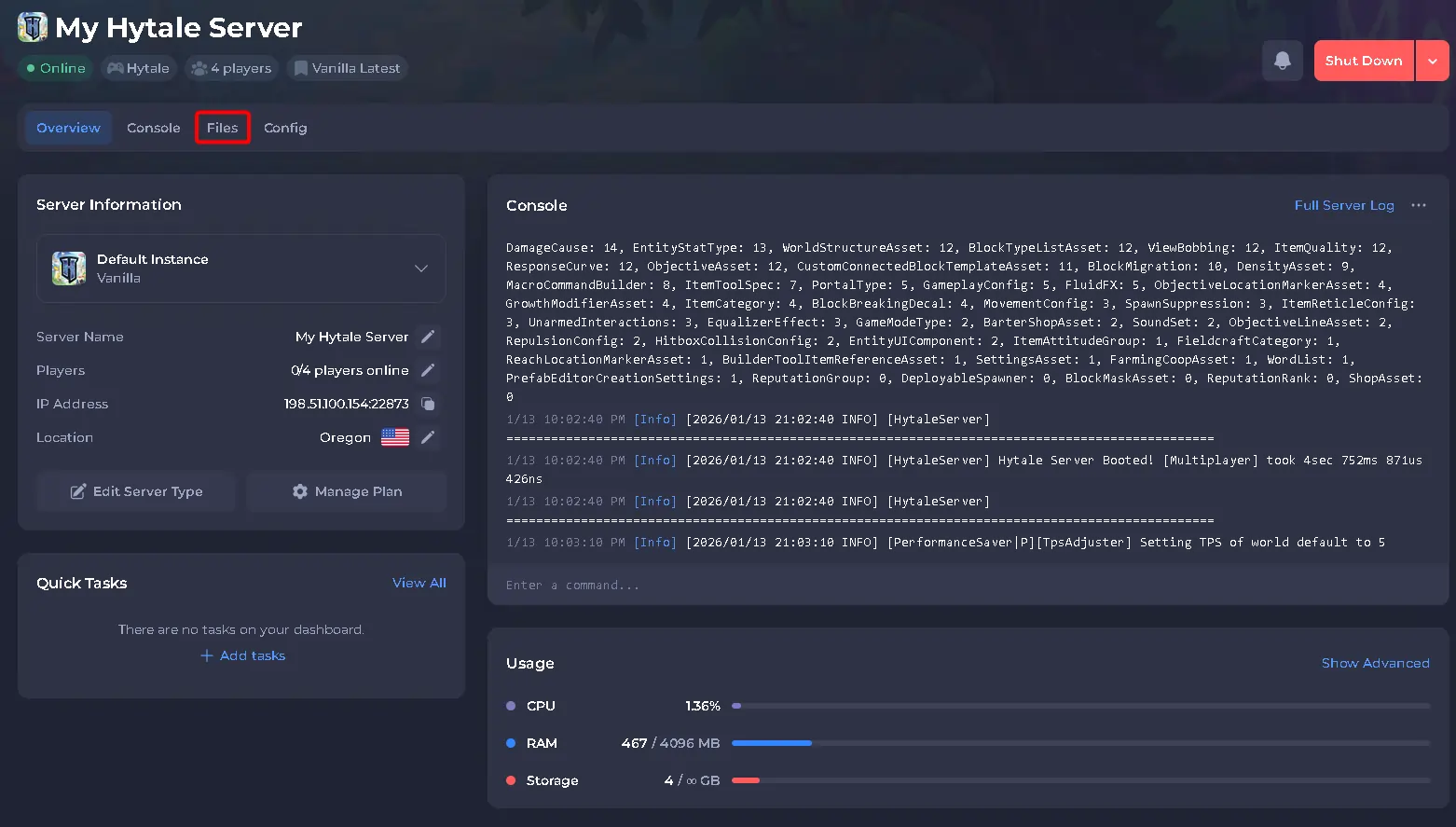
Access your Control Panel.
-
Navigate to the Files tab.
-
Open the following directory on your server:
universe/players/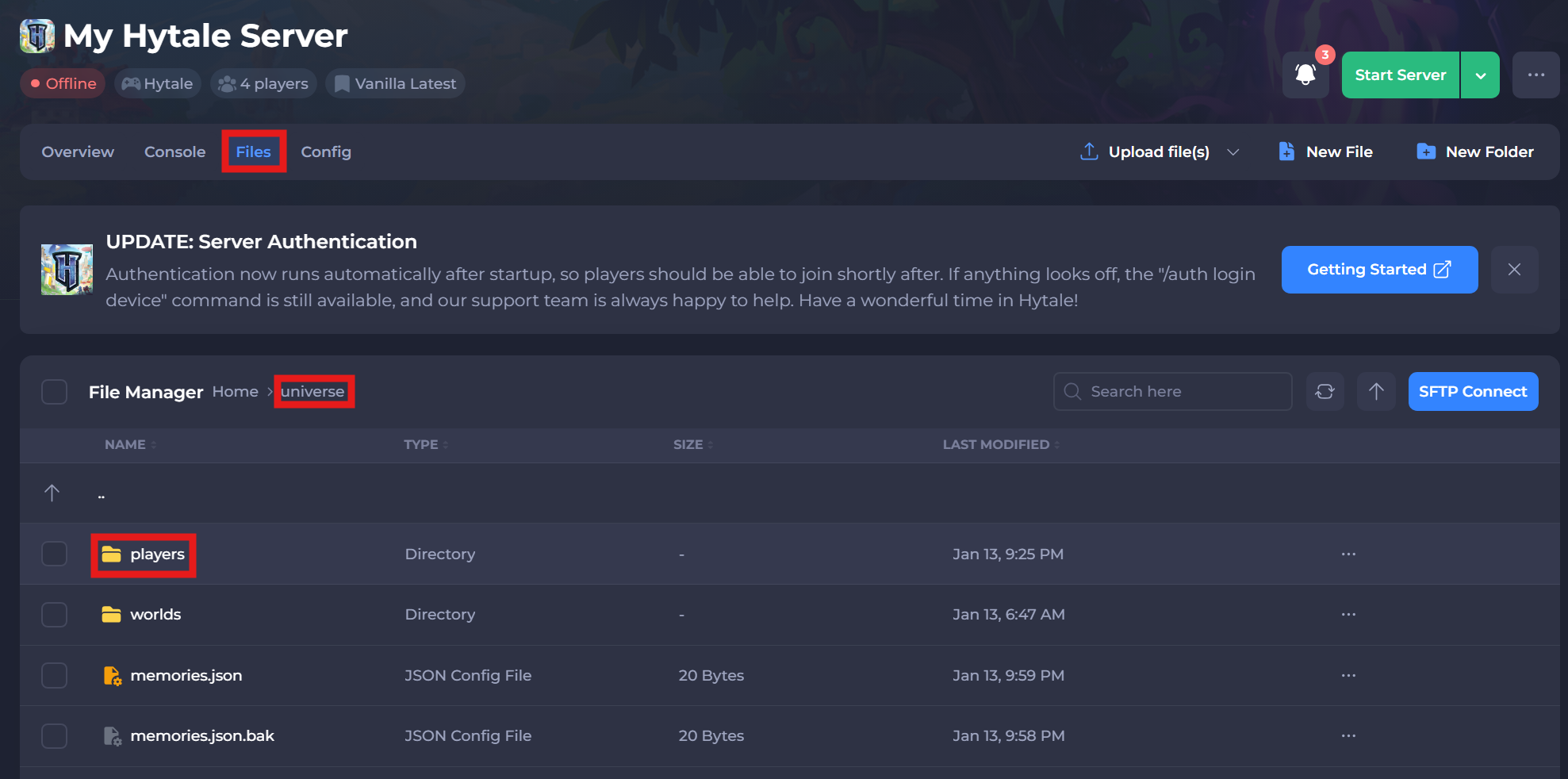
-
Upload the player data files from your computer into this folder.
For best results, make sure the server is stopped while uploading player data.