Table Of Contents
Joining your server in-gameStill have questions?
Come chat with us and we will get back to you as soon as possible!

Shockbyte
Support Team

How to Join your Assetto Corsa Competizione Server
Assetto Corsa Competizione
·Jun 23, 2026
·2 min read
Joining your Assetto Corsa Competizione server is quick and easy. This guide covers finding your server in the in-game browser and connecting to it.
Note
By default, your server is named ACC Server by Shockbyte. To make it easier to find, you can rename it first. See our guide on How to Change the Name of your Assetto Corsa Competizione Server.
#Joining your server in-game
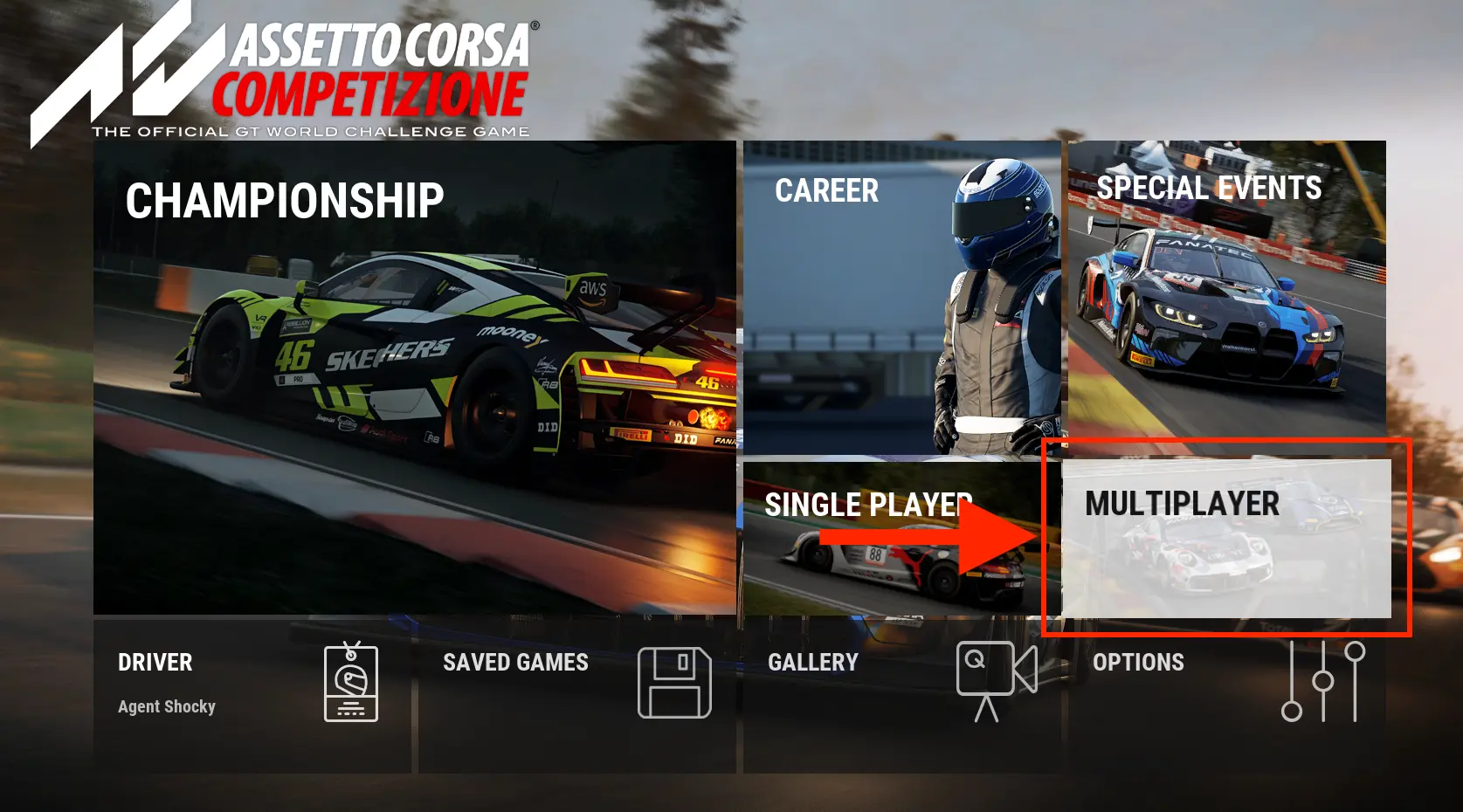
- Launch Assetto Corsa Competizione and select Multiplayer from the main menu.
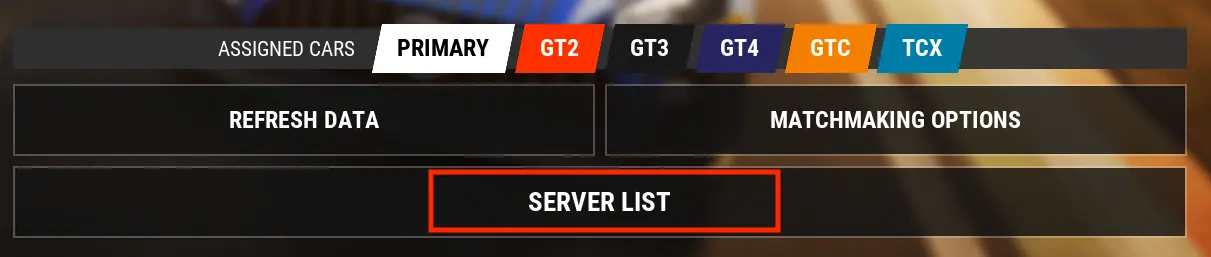
- Click Server List.
- In the search box, type your server's name (by default, ACC Server by Shockbyte).
- Select your server from the list, then click Connect in the top-right corner.
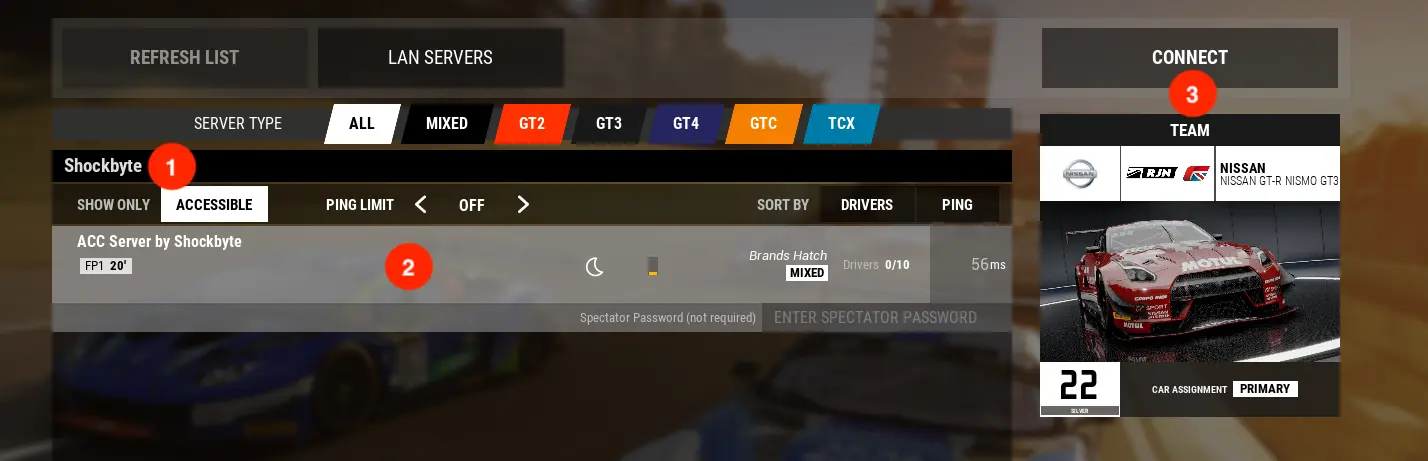
You'll now load into your server and be ready to race.
If you require any further assistance, please contact our support at: https://shockbyte.com/billing/submitticket.php