Subnautica
Is Subnautica Multiplayer? (And How Co-Op Actually Works)
 Mitch
MitchSubnautica is not multiplayer by default - the base game is officially single-player. However, you can play Subnautica multiplayer on PC by installing the Nitrox mod, which adds co-op via a host or dedicated server. With Nitrox, you can join friends, build together, and explore Planet 4546B as a team.
If you’ve ever screamed “TURN AROUND” at your screen because something huge and angry just roared behind you… yeah, you’re not alone. And it makes total sense to ask: is Subnautica multiplayer?
Let’s get the main thing out of the way:
-
Officially: no.
-
In practice (on PC): yes, with a mod.
That’s where Nitrox comes in - the fan made multiplayer mod that lets you experience Subnautica with friends. It turns the lonely survival vibe into a “you grab titanium, I’ll scan the nightmare eel” kind of adventure.
Below, we’ll break down does Subnautica have multiplayer, what Nitrox changes, and how to play Subnautica multiplayer step-by-step.
#Does Subnautica Have Multiplayer Officially?
Does Subnautica have multiplayer? Not as a built-in feature. When you launch vanilla Subnautica, you won’t find:
-
matchmaking
-
invite buttons
-
co-op lobbies
-
server browser
It’s designed to be a single-player survival experience - explore, craft, build, and progress through the story at your own pace.
That said, the community has done what gaming communities do best: modded the dream into reality.
#Can You Play Subnautica Multiplayer? Yes - With the Nitrox Mod
So, can you play Subnautica multiplayer? Yes, but you’ll need one key ingredient:
#You must install Nitrox to play Subnautica multiplayer
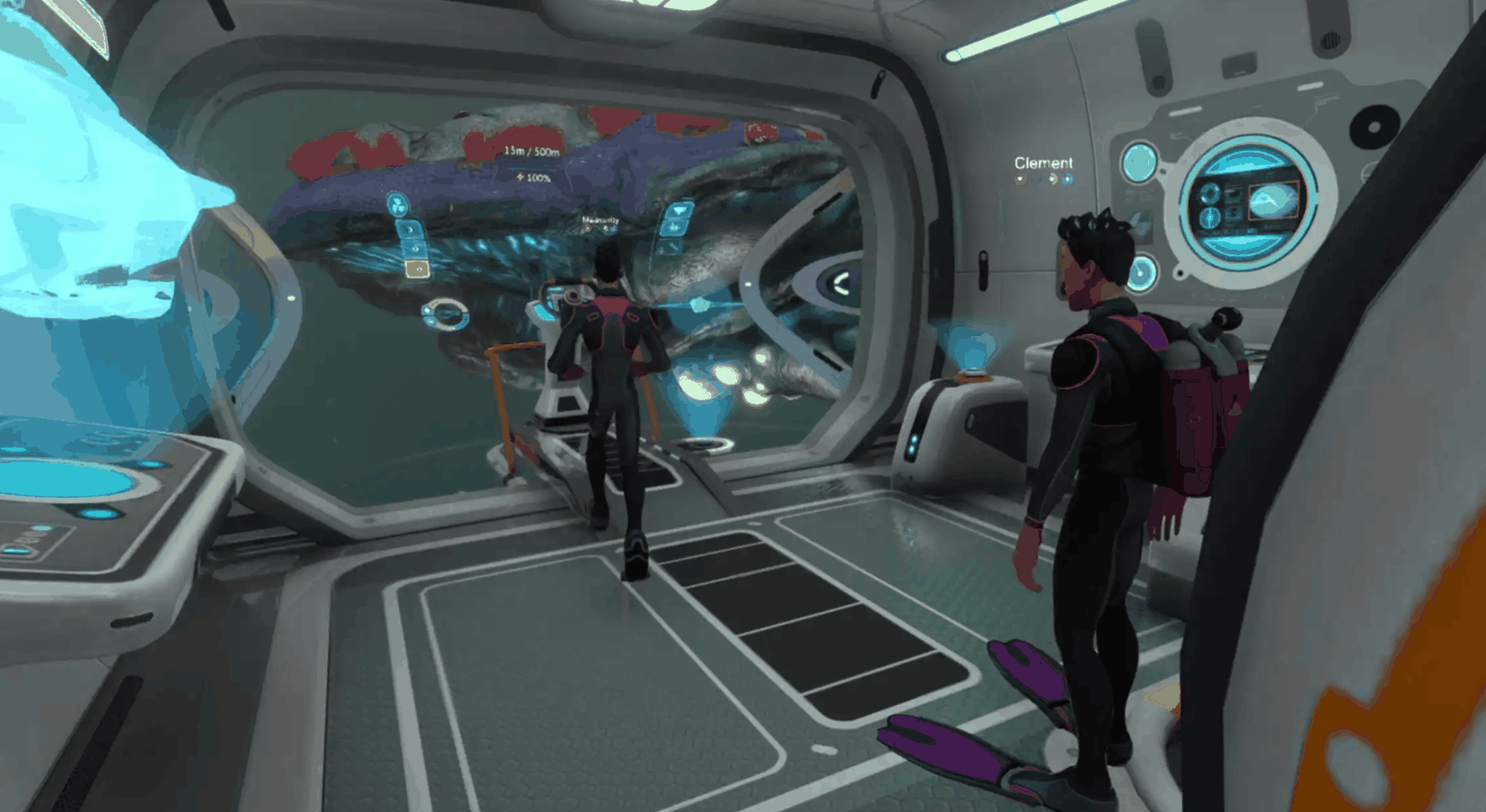
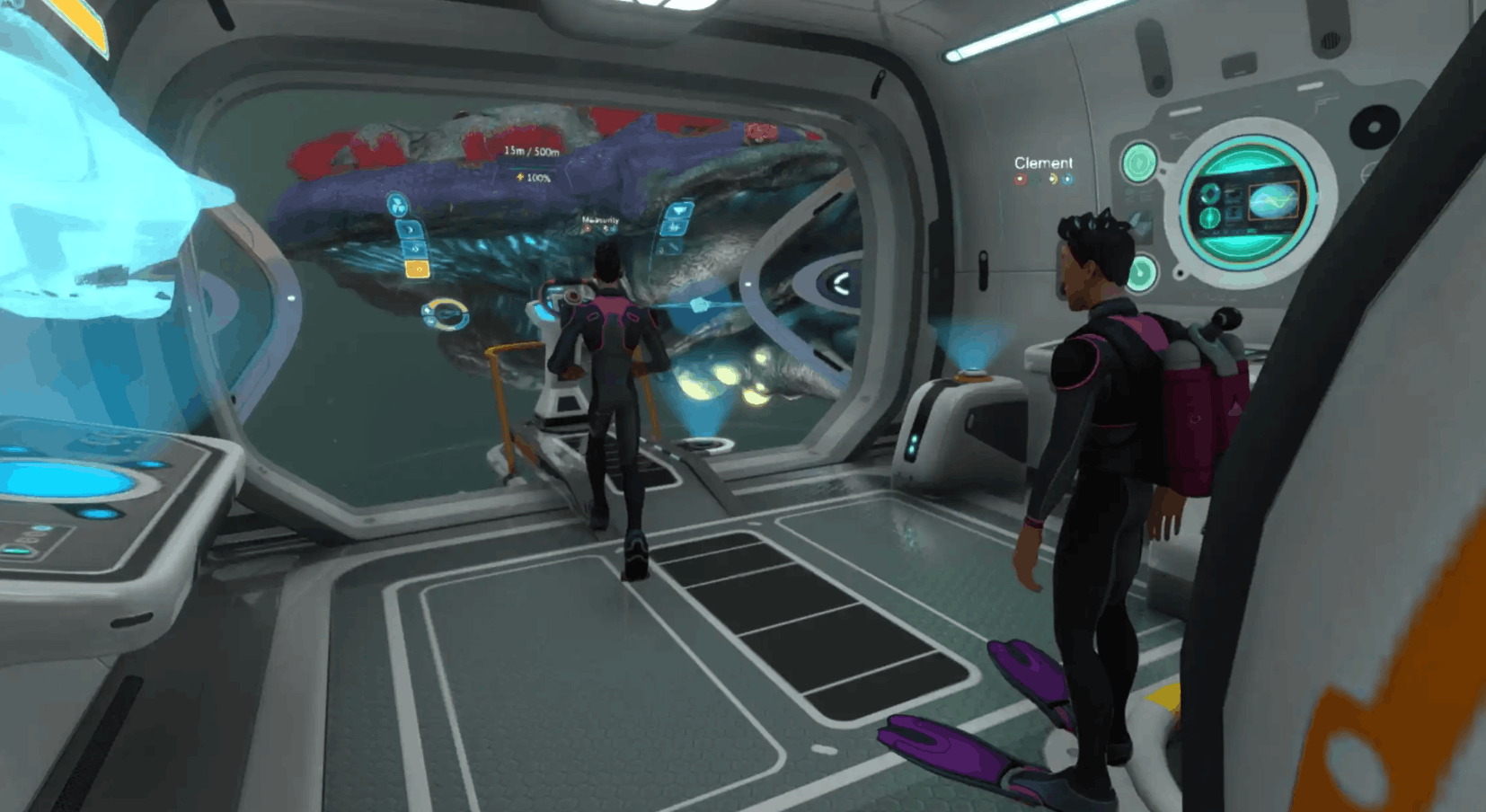
Nitrox adds a multiplayer layer to Subnautica using a client/server setup. In plain English: one player hosts (or you run a dedicated server), and everyone connects to that shared world.
#What Nitrox lets you do
Nitrox makes co-op feel surprisingly natural for a game that wasn’t built for it. Depending on your setup and mod version, you can typically:
-
explore biomes together
-
gather resources as a team
-
build bases with friends
-
communicate using in-game messaging/chat features
Nitrox is also known for supporting larger player counts in theory, but for most friend groups, smaller parties tend to be the smoothest experience.
#What You’ll Need Before You Start
Before you jump into how to play Subnautica multiplayer, here’s your quick checklist.
#Minimum requirements (the practical stuff)
-
A PC copy of Subnautica
-
Nitrox mod installed
-
A stable connection (especially for the host)
-
A plan for hosting:
-
Host from your PC (simple for friend groups)
-
Or run/rent a dedicated server (best for always-on worlds)
#Platform note
Nitrox multiplayer is generally treated as PC-focused. If you’re on console, Subnautica multiplayer through mods typically isn’t an option.
#How to Play Subnautica Multiplayer With Nitrox (Step-by-Step)
Alright, here’s the part you came for: how to play Subnautica multiplayer.
#Step 1: Install the Nitrox mod
At a high level, the process usually looks like this:
-
Download Nitrox (via the official Nitrox channels)
-
Extract/install it into its own folder
-
Launch the Nitrox Launcher
-
Point the launcher to your Subnautica install directory (if needed)
#Step 2: Decide who’s hosting
You have two main options:
Option A: One player hosts (quickest for friends)
-
One friend runs the server from their machine
-
Everyone else connects using the host’s IP details
Option B: Dedicated server (best for “always on” worlds)
If you want a world that’s up even when your “host friend” is asleep, a dedicated server is the move. This is where Subnautica server hosting becomes relevant - especially if your group wants reliability.
You’ll often see people choose dedicated setups when they want:
-
fewer disconnect headaches
-
consistent performance
-
the ability to play without waiting on the host
(And if you’re exploring hosting options, this is where a Subnautica Nitrox server hosting setup can feel way more convenient than DIY network tinkering.)
#Step 3: Start the server
In the Nitrox launcher/server tools, the host typically:
-
Starts the Nitrox server
-
Confirms network settings (some setups require port access)
-
Shares connection details with friends
#Step 4: Friends join the server
Other players usually:
-
Open Nitrox
-
Choose Multiplayer / Join
-
Enter host IP (or server address)
-
Connect and load into the same world
That’s it - you’re officially doing the “two divers enter the kelp forest, zero divers feel safe” experience.

#Hosting Choices: Self-Host vs Dedicated Subnautica Server Hosting
Hosting is where most groups either have a perfect time… or spend 45 minutes saying “wait, can you see me?”
Here’s the honest breakdown.
#Self-hosting (pros and cons)
Pros
-
Free (assuming you already own the game)
-
Fast to start for small groups
-
Great for casual weekend sessions
Cons
-
Host performance matters a lot
-
You’re limited by the host’s upload speed
-
Friends can only play when the host is online
#Dedicated hosting (pros and cons)
Pros
-
More stable for groups
-
Always-on world (massive win)
-
Easier for “we play whenever” friend groups
Cons
-
Costs money
-
Still requires basic setup know-how
If your crew is serious about building a long-term base (and inevitably turning it into a chaotic underwater Ikea), a dedicated setup can be worth it. A reliable Subnautica dedicated server hosting plan can also reduce the classic co-op pain points: lag spikes, random disconnects, and “why did the base de-sync?”
#Multiplayer Tips to Avoid Chaos (and Leviathan Snacks)
Nitrox is awesome, but multiplayer survival gets messy fast. Here are some simple ways to keep your run fun and stable.
#Practical co-op tips (do these early)
- Assign roles for the first few hours:
-
one person scans everything
-
one farms materials
-
one handles base building
-
Build a small starter base before you go deep
-
Carry extra food/water because someone will forget. Always.
#Performance and stability tips
-
Keep your player count reasonable for smoother gameplay
-
Save often (mods + survival games = respect the chaos)
-
If the host is struggling, consider switching to a more stable Subnautica multiplayer server hosting setup so the world doesn’t depend on one PC.
#“Don’t blame me” safety checklist
-
Don’t take your first Reaper encounter personally
-
Don’t split up in a new biome
-
Don’t park vehicles in “obviously safe” areas (they are never safe)
#What Multiplayer Feels Like in Subnautica
Single-player Subnautica is quiet, tense, and super immersive. Co-op Subnautica is:
-
“Did you hear that?”
-
“No.”
-
“Okay good.”
-
ROAR
-
“WE NEED TO LEAVE.”
Jokes aside, multiplayer changes the vibe in a great way:
#Why people love co-op Subnautica
-
exploration is less intimidating
-
resource grind is faster with teamwork
-
base building becomes a shared project
-
emergencies become hilarious stories instead of rage quits
And if you’ve got a group that likes survival/crafting games, this is one of those experiences that sticks.
#FAQ: Subnautica Multiplayer Questions People Actually Ask
#Is Subnautica multiplayer on Steam/console?
Subnautica multiplayer isn’t built into the base game on any platform. On PC, you can add co-op using Nitrox. On consoles, mod-based multiplayer typically isn’t supported.
#Does Subnautica have multiplayer without mods?
No - does Subnautica have multiplayer without mods? It doesn’t. You’ll need Nitrox to play co-op.
#Can you play Subnautica multiplayer with more than 2 people?
With Nitrox, you can play with multiple friends. Larger sessions may be possible, but smaller groups are usually recommended for smoother gameplay.
#How do you make Subnautica multiplayer less laggy?
-
Use a strong host PC + good upload speed, or
-
switch to a dedicated option like Subnautica server hosting for Nitrox so the session isn’t tied to one person’s connection
-
keep your group size reasonable
#How to play Subnautica multiplayer in the simplest way?
-
Install Nitrox
-
Have one friend host a server
-
Everyone joins using the connection details That’s the quickest path for most friend groups.
#Final Thoughts: So… Is Subnautica Multiplayer?
To wrap it up: is Subnautica multiplayer? Not officially - but yes, you can absolutely play co-op if you install the Nitrox mod.
If you’re just doing a couple of sessions with friends, hosting from one PC is fine. But if your group is planning a long-term world (mega bases, vehicle fleets, deep-biome expeditions), looking into a more stable Subnautica server hosting approach can make the whole experience smoother and more “play game” and less “debug night.”
We think you will also enjoy the following blogs: