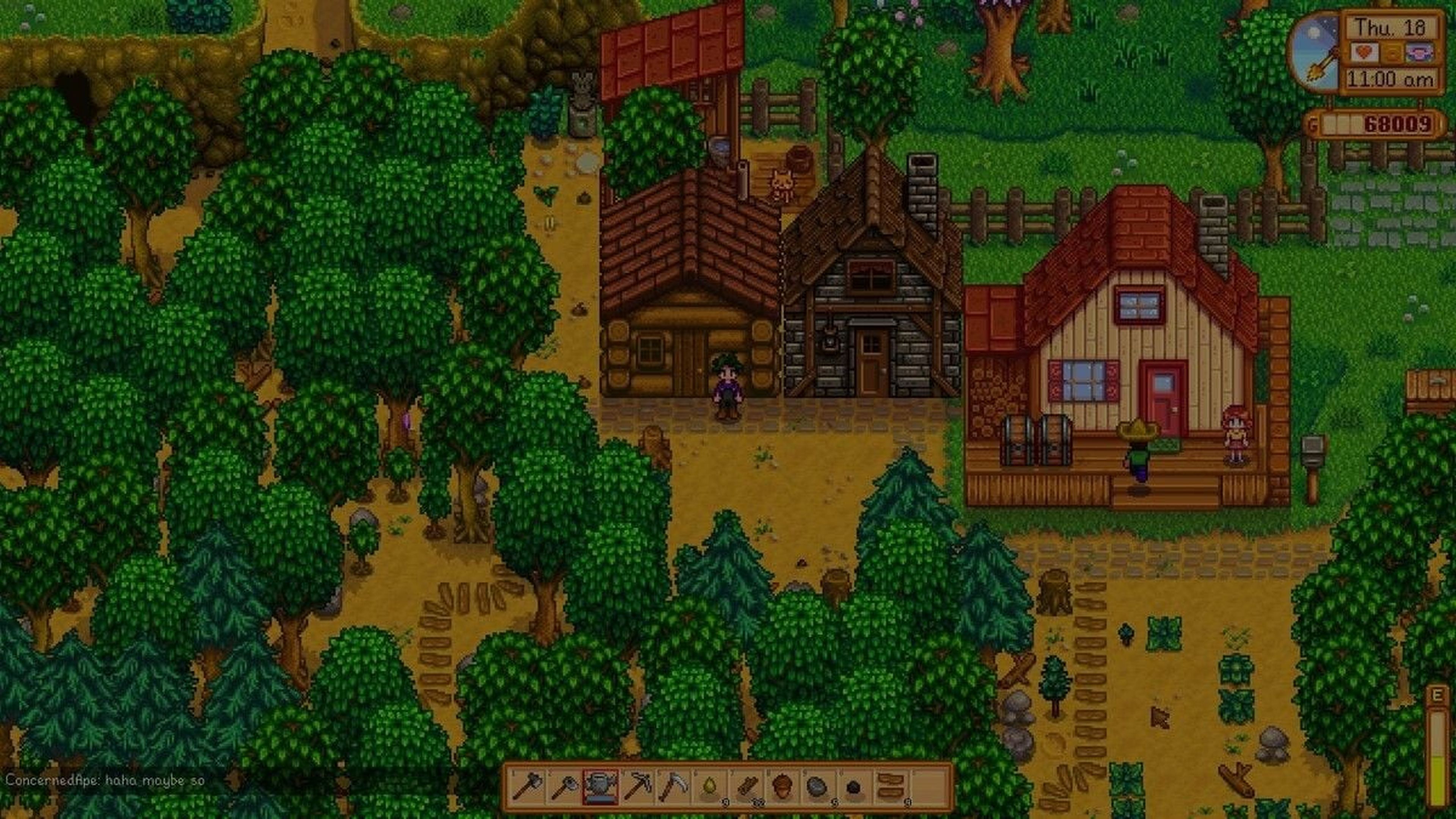
Stardew Valley
New Stardew Valley Mobile Multiplayer: What You Need To Know
 Cami
CamiThe beloved farming simulator Stardew Valley just got an exciting new update: multiplayer mode is now available on mobile! If you’ve ever wanted to tend your crops and livestock with friends from the comfort of your mobile device, here’s your chance. Here’s everything you need to know to start co-op farming on your phone.
#How To Unlock Mobile Multiplayer for Stardew Valley
To access the multiplayer feature, firstly make sure your Stardew Valley app is updated to the latest version. Then, you'll need to follow a special unlock sequence:
- On the main menu screen, tap the leaves in this exact order: Up, Up, Down, Down, Left, Right, Left, Right
- Then, tap the “?” button in the bottom-right corner of the screen.
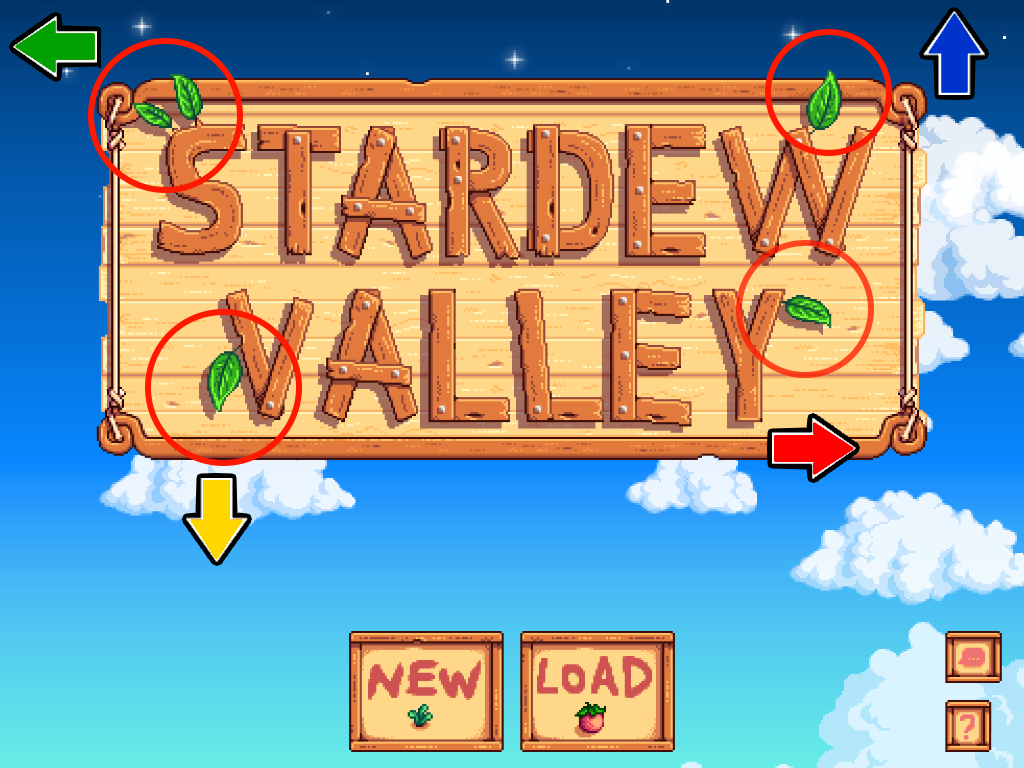
This will activate multiplayer mode, allowing you to host or join games on your mobile device. Once unlocked, you’ll be able to jump right into co-op farming with friends!
#Setting Up Mobile Multiplayer
Once you've unlocked the multiplayer option, you can either host a new game or join someone else's farm. Make sure to connect to a reliable Wi-Fi network for a smoother multiplayer experience, especially if you’re using mobile data.
#Hosting vs. Joining: Key Differences
When hosting a game, you’ll be in charge of the farm’s setup and decisions.
- Hosting gives you control over game options (like profit margins, cabin settings, and difficulty levels) and the ability to pause the game when necessary.
- Joining, on the other hand, is a bit simpler. You’ll start in a new cabin on your friend’s farm and you can help with farming, mining, and other activities to contribute to the farm’s progress.
What's great about this, is that you're not limited to joining mobile farms. You can now cross-play between mobile and PC! This means that your if your friends are playing on PC but you want to be comfy in bed and play from your phone, you can now do that!
#Multiplayer-Specific Tips
To get the most out of mobile multiplayer, keep these tips in mind:
- Split Responsibilities: Assign roles—one friend can focus on fishing, another on crops, and someone else on mining.
- Communication: Join a voice call to coordinate tasks and plan the farm’s progress.
- Seasonal Planning: Work together to plant, harvest, and make the most out of each season.
#Troubleshooting Common Issues
Some common issues can arise, especially with connectivity. Here’s how to fix them:
- Lag or Disconnects: Make sure both players are on a strong internet connection.
- Can’t Join a Game: Restart the app and try reconnecting or make sure you have the latest version of Stardew Valley.
- Sync Issues: Avoid fast travel or sleeping while waiting for friends to join.
#Why Mobile Multiplayer is a Game-Changer
Stardew Valley's mobile multiplayer update brings a whole new level of convenience. Now, you can team up with friends from anywhere, even when you’re on the go. Whether you’re a long-time fan or new to Stardew Valley, the mobile multiplayer experience offers a fresh way to enjoy the charm of Stardew Valley's farming life with friends.