Still have questions?
Come chat with us and we will get back to you as soon as possible!

Shockbyte
Support Team
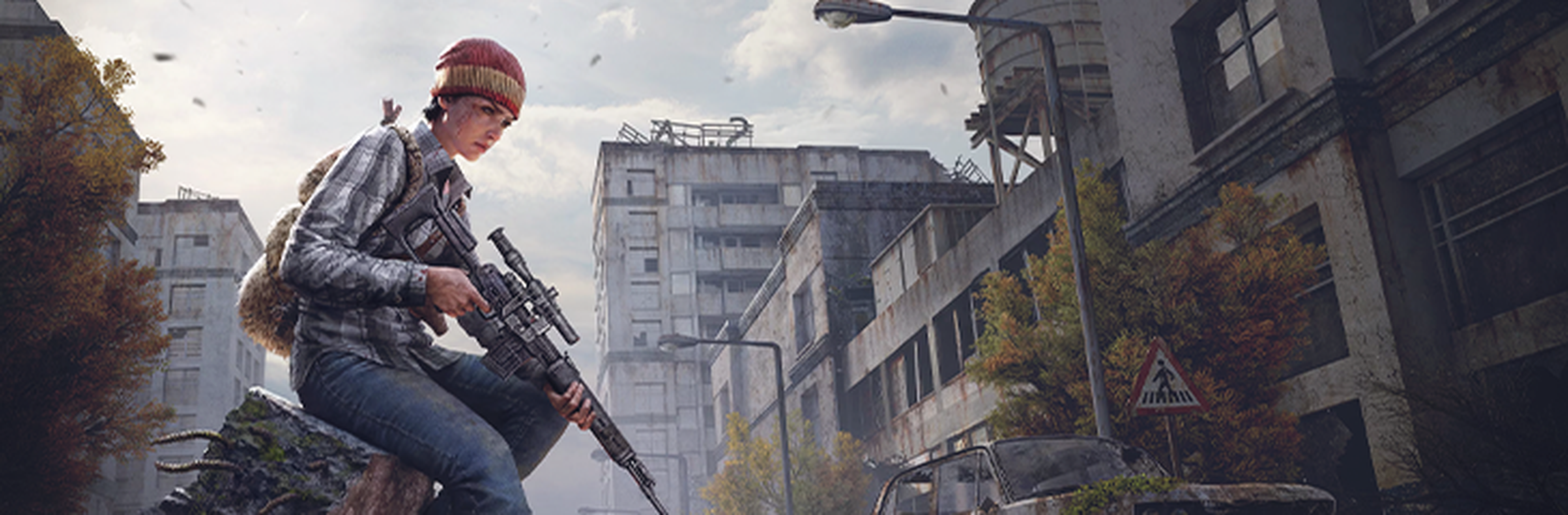
Getting Started with your DayZ Server
Enter the harsh, post-apocalyptic world of DayZ, where survival depends on your ability to scavenge, adapt, and outlast both the environment and other players. Explore a vast open world, gather resources, and create your own stories in an unforgiving setting.
A DayZ dedicated server allows you to experience the game in a persistent environment with others, giving you full control over gameplay settings, mods, and player interactions.
#Getting Started
The following articles cover the most common questions you may have when first starting with your new DayZ server.
- How to Join your DayZ Server
- How to Make your DayZ Server Private
- How to Become an Admin on your DayZ Server
- How to Change the Name of your DayZ Server
- How to Find DayZ Server Logs
#Server Configuration
The following articles cover the most common questions you may have when configuring your DayZ Server.
- How to Adjust the DayZ Server Settings
- How to Configure Starting Items on your DayZ Server
- How to Change the Map on your DayZ Server
- How to Install Workshop Mods on your DayZ Server
- How to Install VPPAdminTools on your DayZ Server
- How to Install Workshop Mods on your DayZ Client
- How to Change the DayZ Client to Experimental
- How to Change the Loot Spawns on your DayZ Server
- How to Change the Time Acceleration Speed on your DayZ Server
- How to Reset your DayZ Map and Playerdata
If you need additional help, our support team is always happy to assist: https://shockbyte.com/contact