Table Of Contents
Adding a Custom MapStill have questions?
Come chat with us and we will get back to you as soon as possible!

Ruben B
Partnership Manager

How to Add a Custom Map to your Don't Starve Together Server
If you have an existing single-player Don't Starve Together map or a map that you have found online, this article will walk you through the process of uploading and using that world on your server.
#Adding a Custom Map
-
Access your Control Panel and Stop your server.
-
Connect to your server via FTP. We recommend using FileZilla for this.
-
Navigate to the server's
/config/folder. -
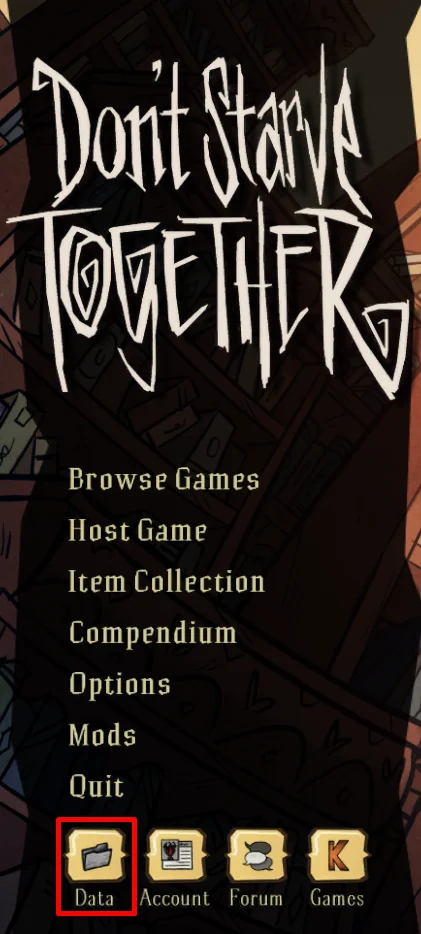
Open Don't Starve Together and select the Data button.
-
Upload the cluster folder for your custom save from the data folder to
/config/on your server and make note of the new folder name.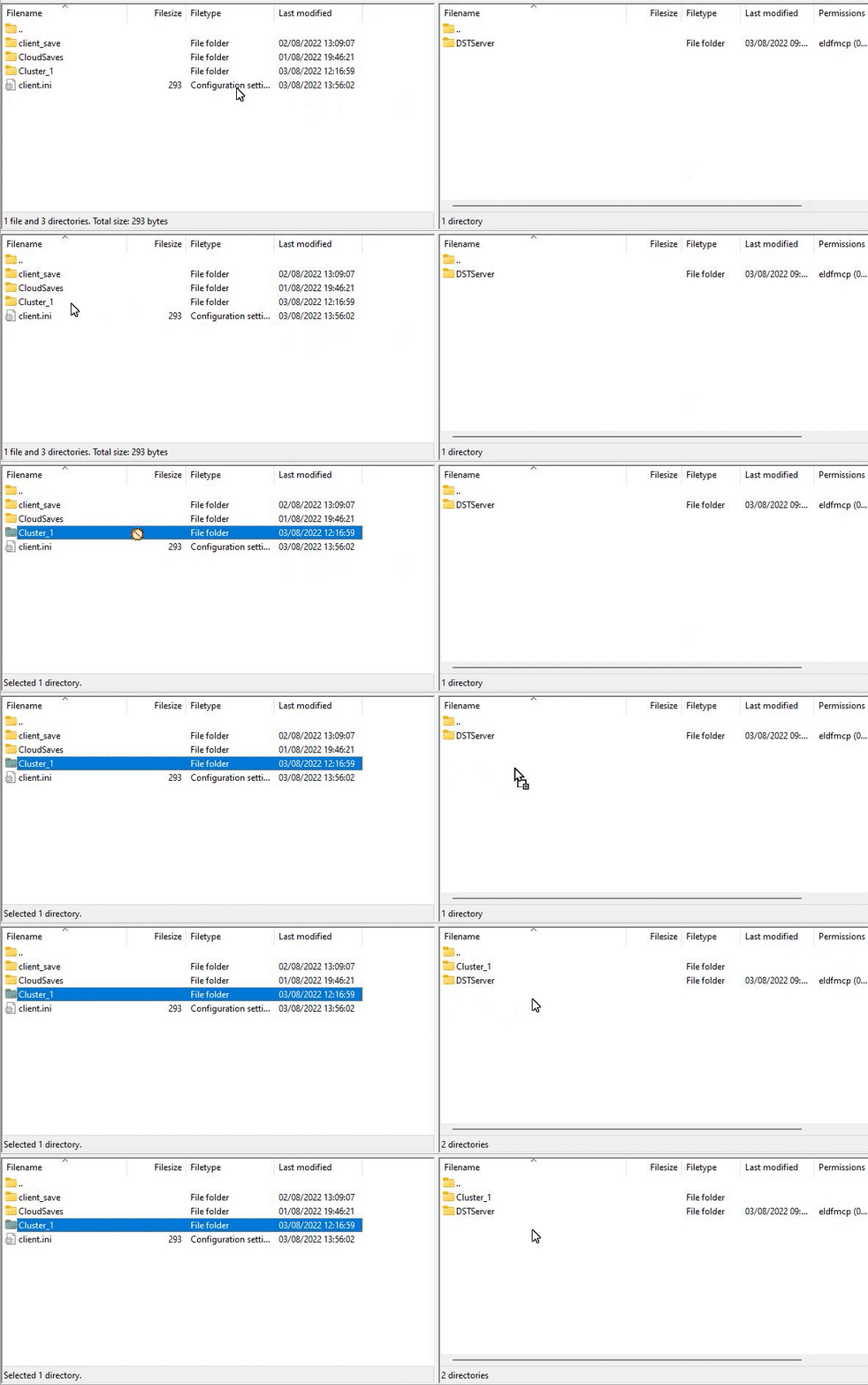
-
Go back to your server's panel and navigate to the Config tab.
-
Locate the
Cluster Namesetting and set this field to the name of the folder you uploaded in the previous step.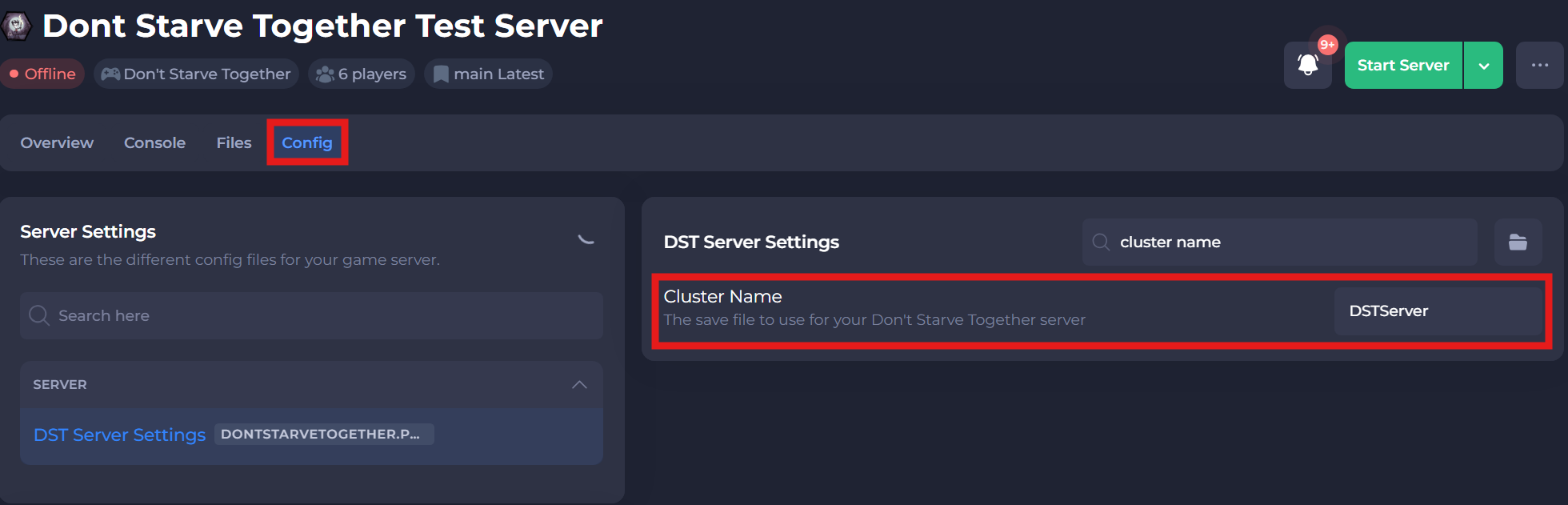
-
Save and restart your server to ensure the new changes apply.
If you require any further assistance, please contact our support at: https://shockbyte.com/billing/submitticket.php