How to Add a Moderator to your Euro Truck Simulator 2 Server (ETS2 & ATS)
Table Of Contents
How to Add ModeratorsStill have questions?
Come chat with us and we will get back to you as soon as possible!

Ruben B
Partnership Manager

How to Add a Moderator to your Euro Truck Simulator 2 Server (ETS2 & ATS)
Moderators in Euro Truck Simulator 2 and American Truck Simulator are players who have permission to change the in-game time. This can be done by entering the command: /set_time HH:MM in the chat.
Currently, the only way to assign a moderator is by adding their SteamID to your server's Truck Simulator Server Settings file.
Note
In order to follow this article you will need to know a player's SteamID, if you need to know how to obtain this we have another article that will guide you through the process here.
#How to Add Moderators
To make a player a moderator on your server, you must add their SteamID to your server's properties file under Moderator List.
- Access your control panel and Stop your server.
- Navigate to Config.
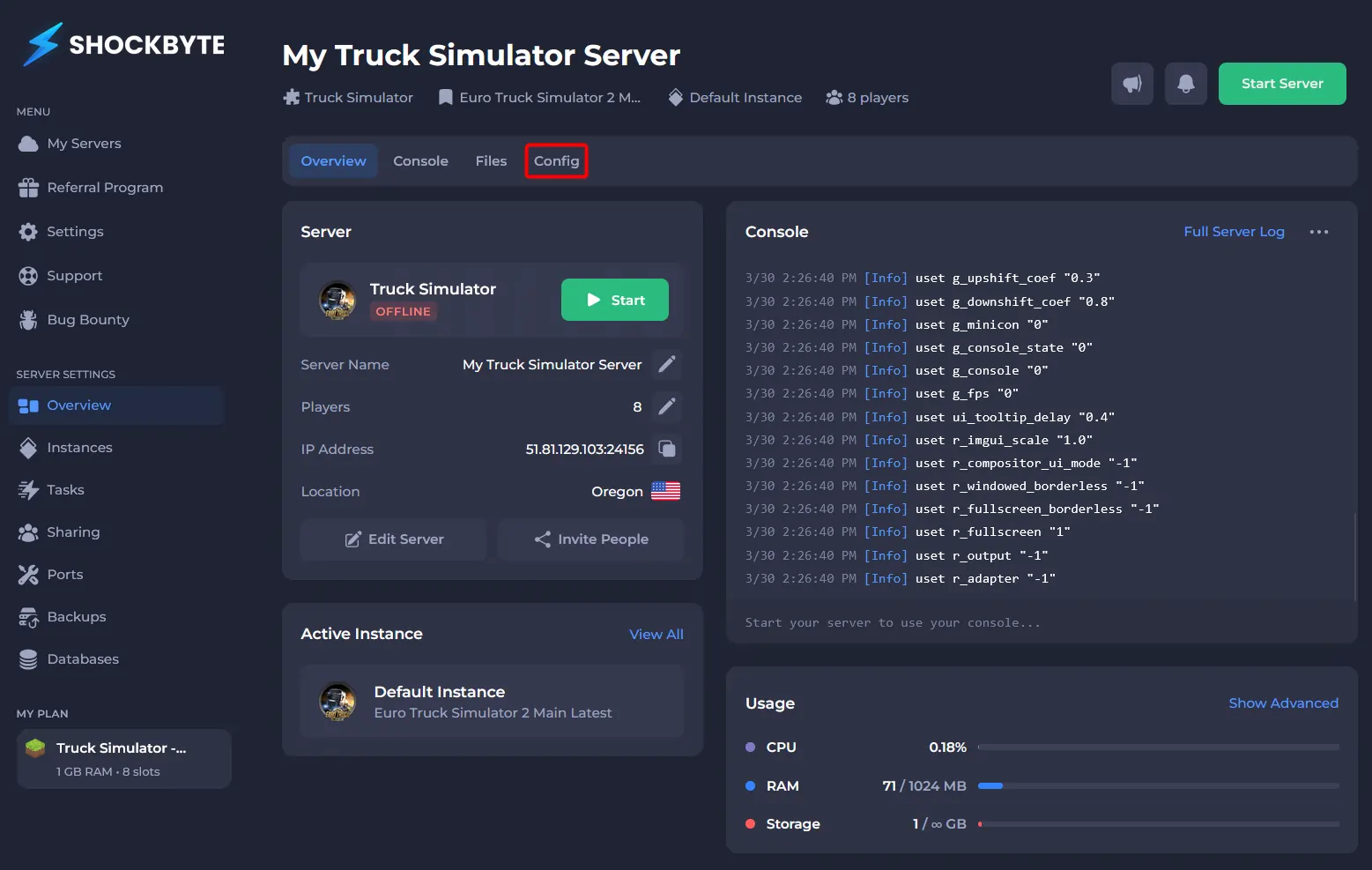
- Click Truck Simulator Server Config.
- In the Moderator List field, enter your desired SteamID(s).
- Save and Start your server.