Table Of Contents
Changing Your Server's DifficultyStill have questions?
Come chat with us and we will get back to you as soon as possible!

Shockbyte
Support Team
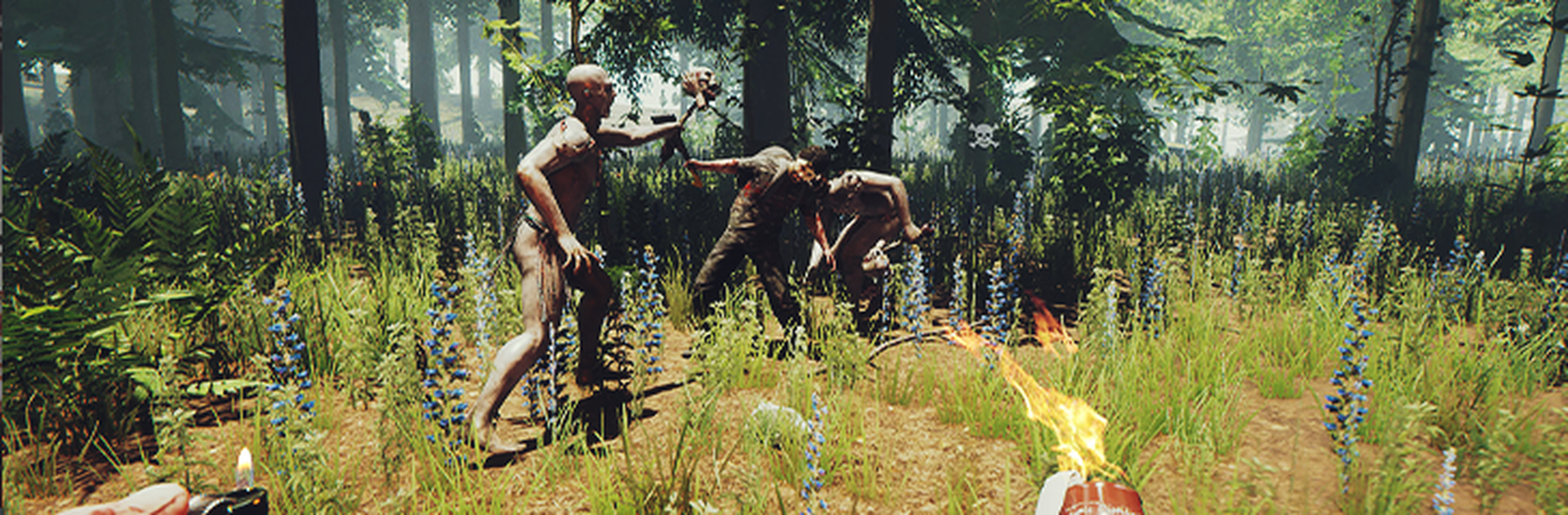
How to Change the Difficulty of your The Forest Server
There are four available difficulties for your The Forest server:
-
Peaceful - which will remove all cannibals and mutants from the surface world.
-
Normal - which is the standard and recommended game mode.
-
Hard - which makes a range of changes that include more mutants that deal more damage, lower spawn rates for animals/fish, lower health regen and a range of other stat changes that make the world even more unforgiving.
-
Hard Survival - which was added in v0.69 increasing the difficulty of hard mode further.
A complete list of the difficulties and the differences between then can be found on The Forest's Wiki here.
Important
When changing difficulty, you are required to use a new save slot.
#Changing Your Server's Difficulty
Your server's difficulty can be set using The Forest Server Settings on your server's control panel.
-
Go to your Control Panel.
-
Navigate to the Config tab and locate the Difficulty dropdown. Select your desired difficulty.
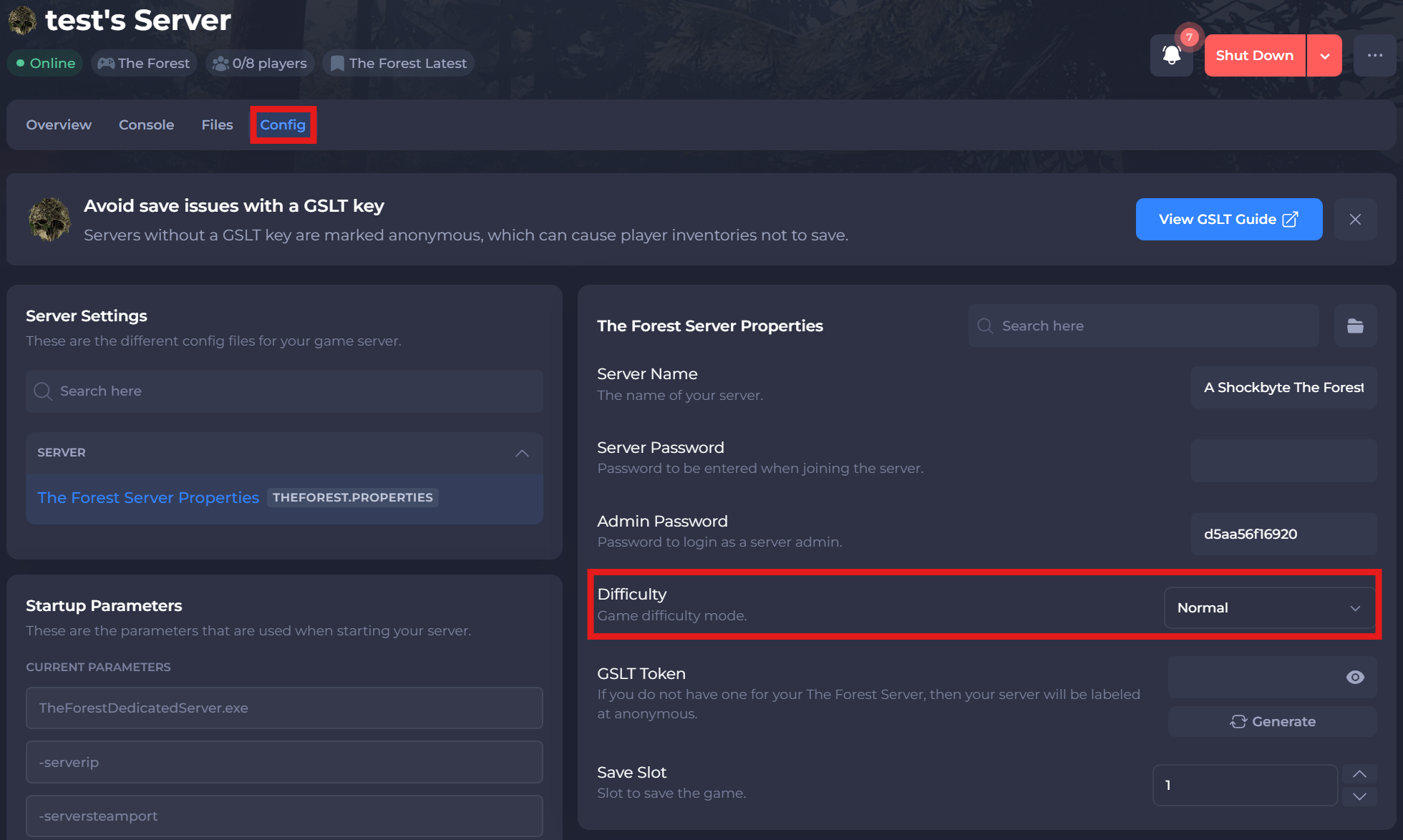
- Click Save and restart your server.
To learn more about The Forest server hosting, you can browse our library of Knowledgebase articles here.