How to Change the Map on your Primal Carnage: Extinction Server
Still have questions?

Shockbyte
Support Team
How to Change the Map on your Primal Carnage: Extinction Server
This guide explains how to change the map on your Primal Carnage: Extinction server. Maps determine the environment and layout where gameplay takes place, and switching them allows you to rotate between different experiences for your players.
You can change the active map either through your server panel or in-game using administrator commands.
#Setting a Map
- Access your Control Panel.
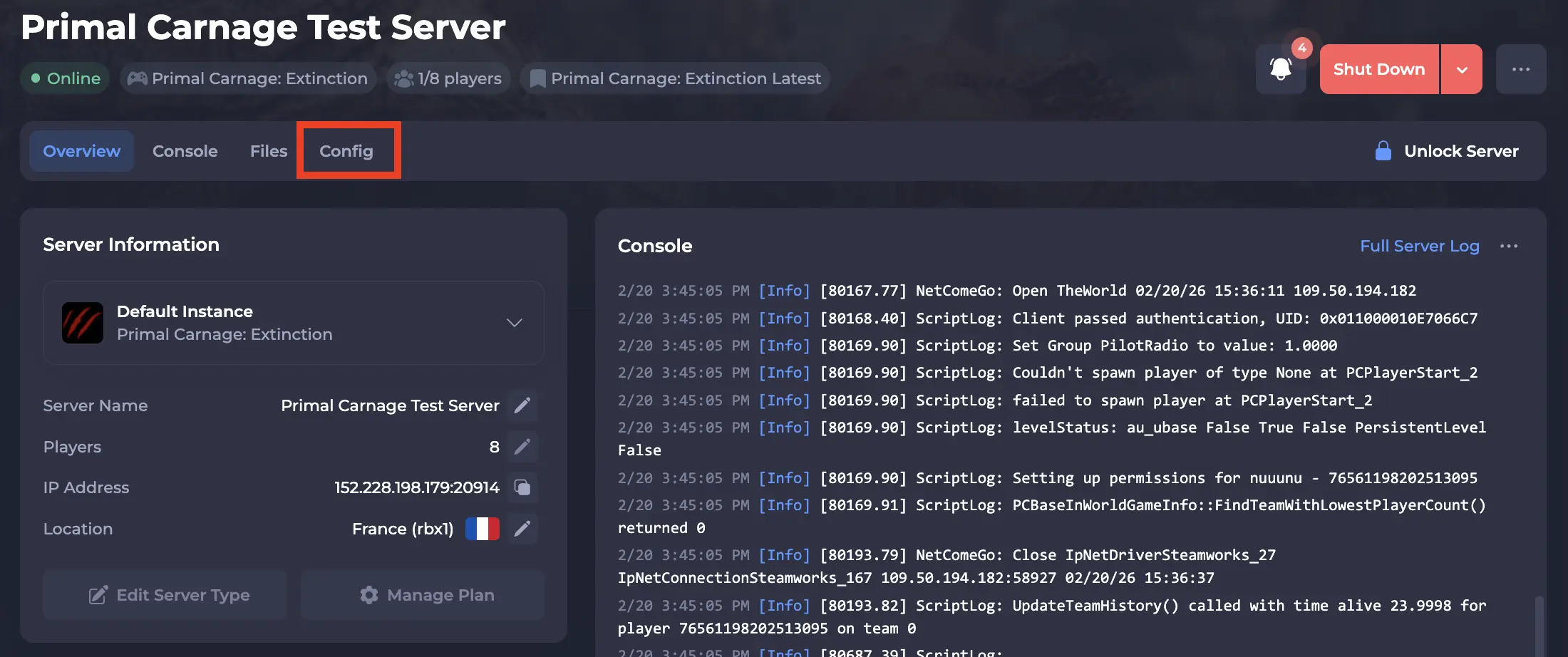
- Navigate to the Config tab.
-
Locate the
Mapsetting, and select the dropdown to set your desired map that your server will start on. Available maps depend on the selected game mode.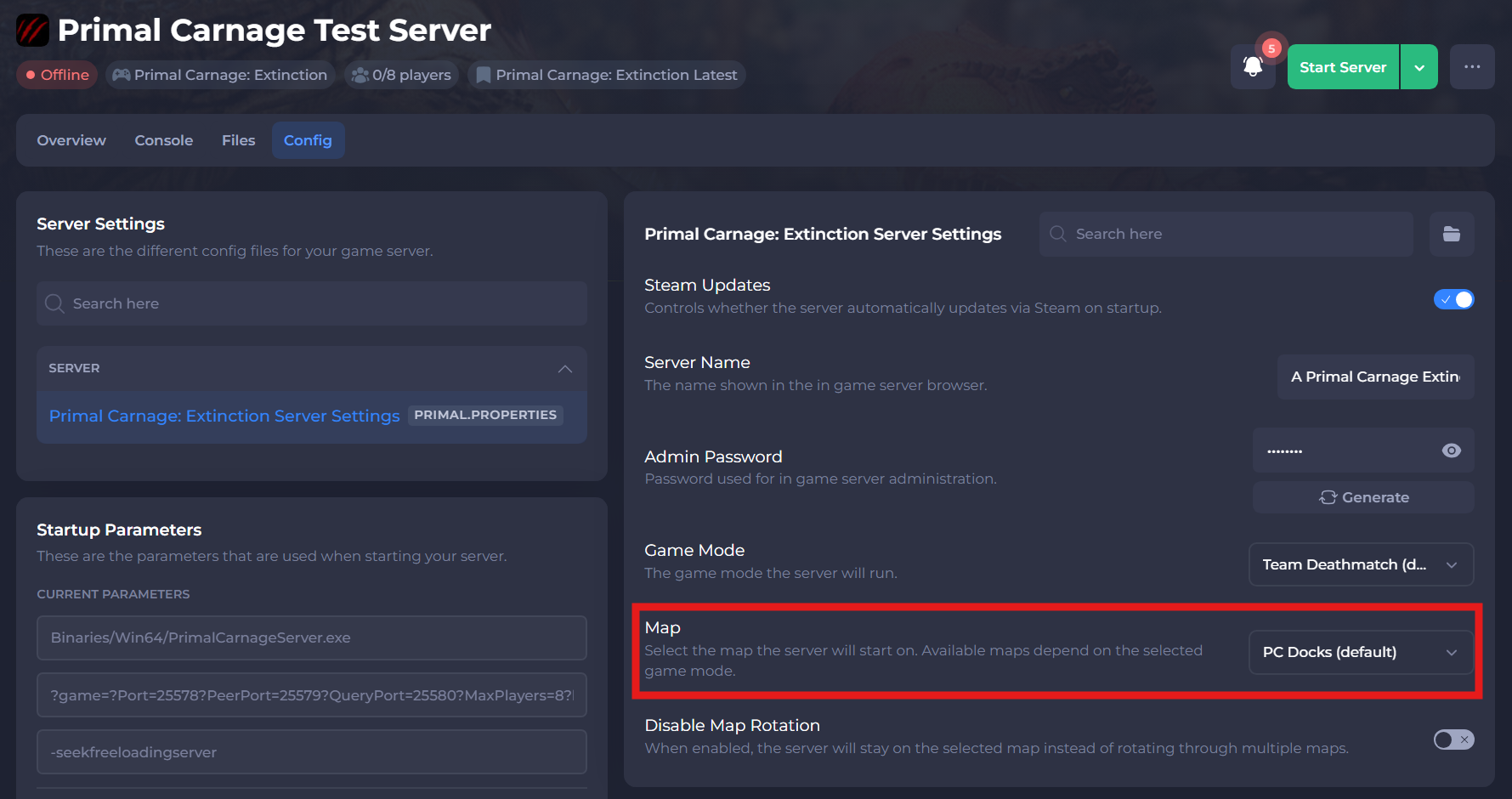
-
Save and restart your server to ensure the new changes apply.
#Changing the Map from In-Game
Alternatively, you can change your map from in-game. You will need to be an Admin of the server in order to do this.
Note
After changing the map in-game using an admin command, the server will revert to the map set in the panel the next time it restarts.
- Join your Primal Carnage: Extinction server.
- Open the console in game (
~key) and typeadminlogin password. - Set your desired map with the following command:
AdminChangeMap (Map Name). - Enter the command
AdminRestartMapto save the changes.
If you need additional help, our support team is always happy to assist: https://shockbyte.com/contact