Table Of Contents
Changing Server NameStill have questions?
Come chat with us and we will get back to you as soon as possible!

Ruben B
Partnership Manager

How to Change the Server Name of your Icarus Server
Icarus
·Nov 9, 2024
·2 min read
To locate and differentiate your server from others on the Icarus in-game server list you will need to change the default server name setting.
#Changing Server Name
Your server's name can be updated in the Icarus Server Settings section of your server's control panel.
- Access your control panel and Stop your server.
- Navigate to Config.
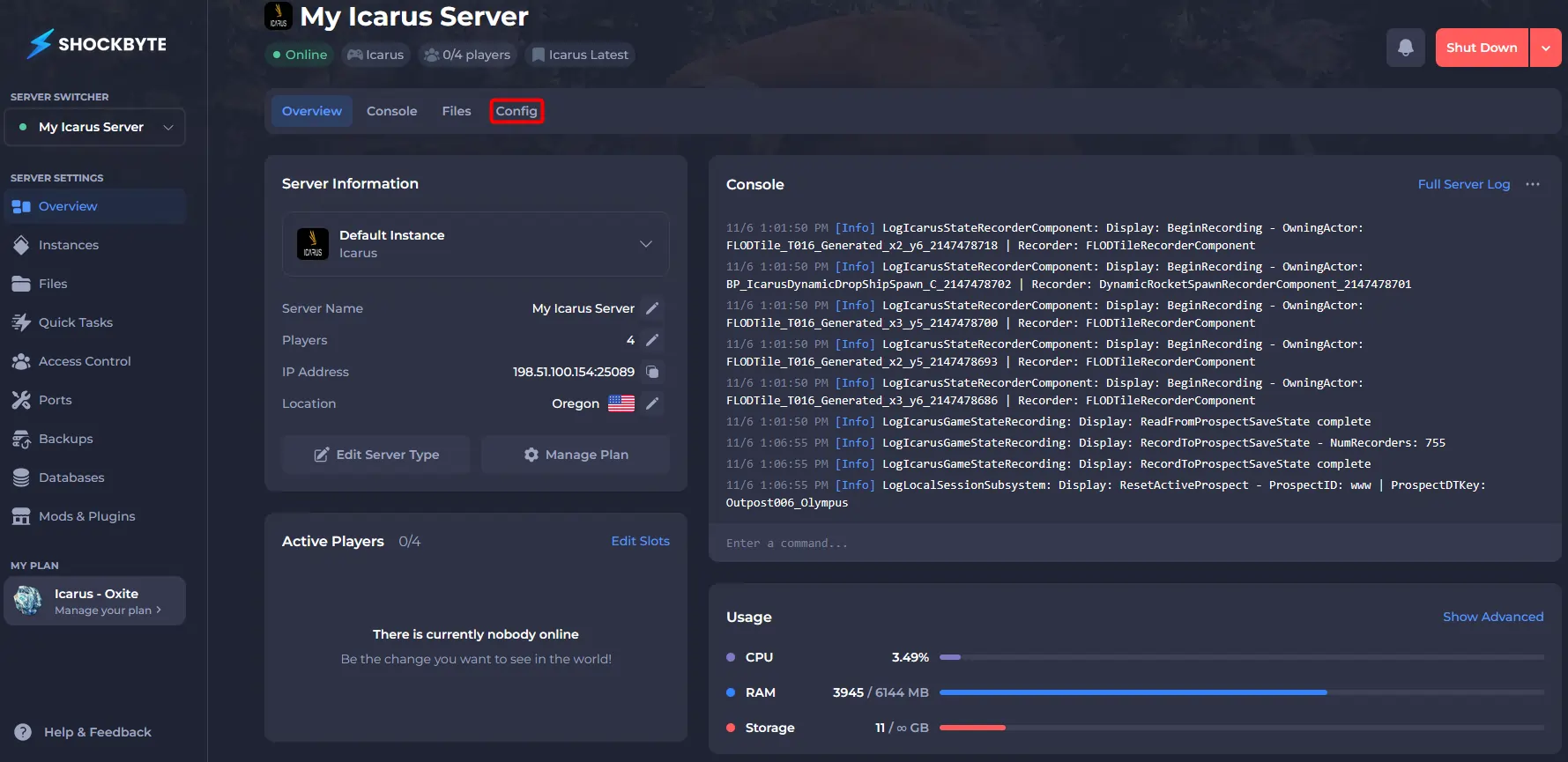
- Click Icarus Server Settings.
- Locate the Server Name field and enter your desired server name.
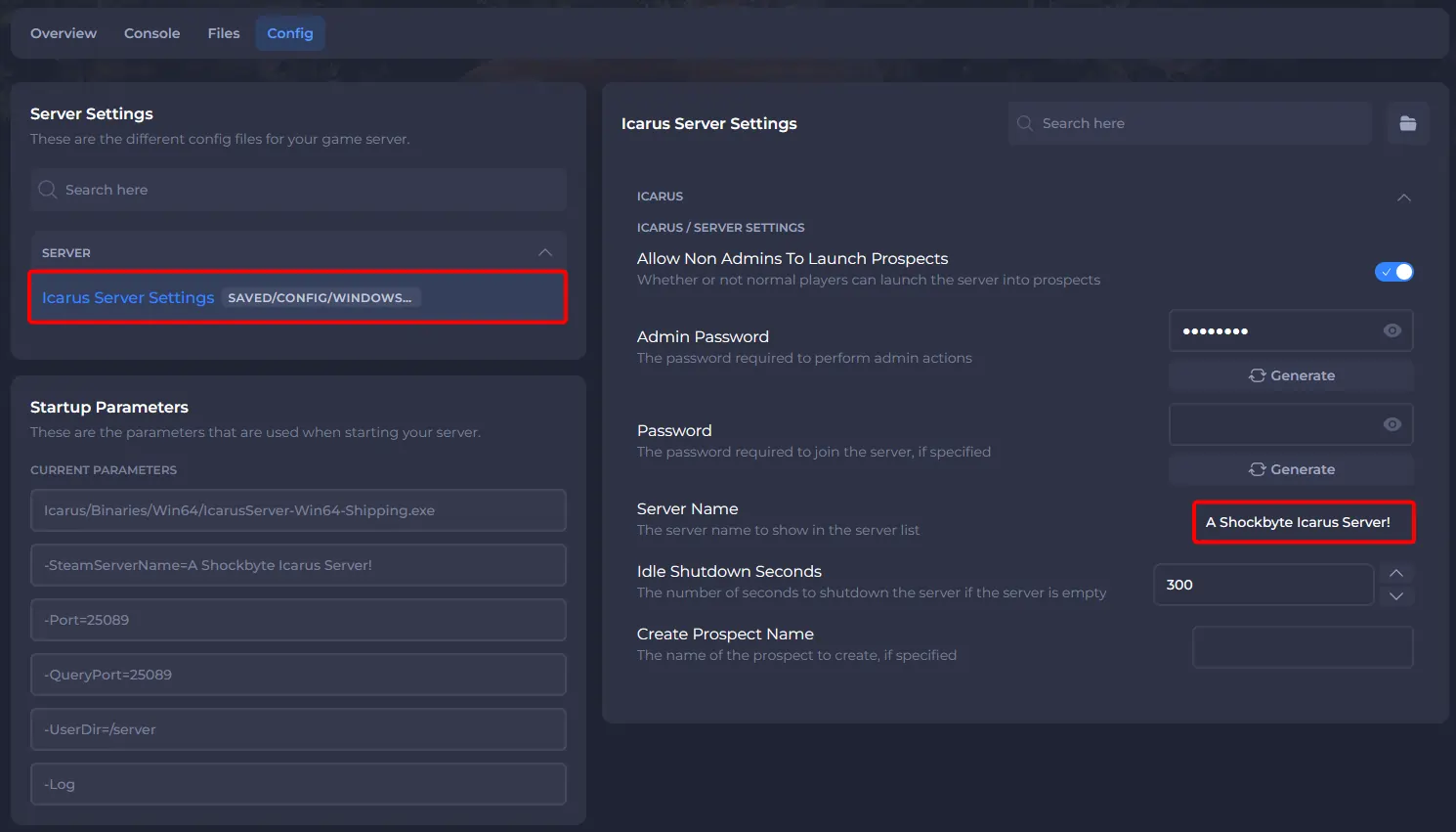
- Save and Start your server.
If you would like any additional information or have any other questions about your Icarus server, you can find our other articles here.