Still have questions?
Come chat with us and we will get back to you as soon as possible!

Shockbyte
Support Team

How To Configure Your Conan Exiles Server
This guide explains how to configure your Conan Exiles server. Configuration options allow you to personalize your server, adjust gameplay mechanics, and create a unique experience for your players.
This article will cover the different configuration files used by Conan Exiles, where to locate them, what settings they control, and how to edit them correctly. The steps below will help you customize your server to best fit your preferred playstyle and community.
#Using the In-Game Server Configuration
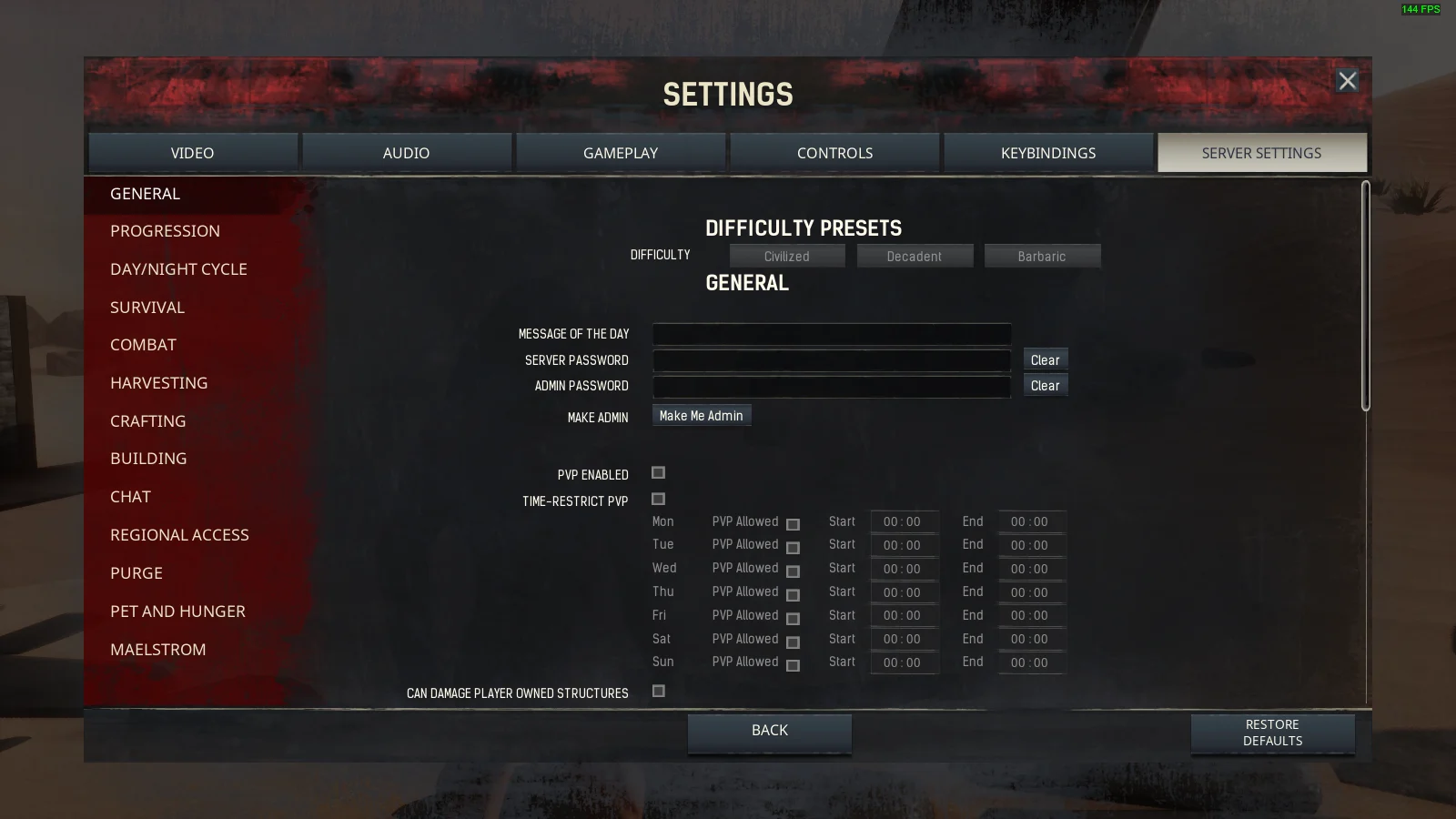
Whilst connected to your Conan Exiles server as an administrator, you can configure the majority of settings inside the Server Settings menu.
This makes changes instantly in-game that then updates the ServerSettings.ini file without having to restart your server.
#Using the Conan Exiles Properties File
The conan-exiles.properties file allows for a very basic level of server configuration. Mainly allowing for server management, rather than gameplay changes.
- Via control panel: Config > Conan Exiles Server Properties
- Via FTP:
/ConanSandbox/Saved/Config/LinuxServer/ServerSettings.ini
| Setting | Description |
|---|---|
Server Name | The server name to show in the server list |
Server Password | The password required to join the server |
Admin Password | This password gives administration rights |
Map | The map type to load for the server. This map must be present in your game files |
PVP Enabled | Whether or not PVP is enabled on the server |
Workshop Mod IDs | Mod IDs to automatically install from the Steam workshop |
If you require any further assistance, please contact our support at: https://shockbyte.com/billing/submitticket.php