Still have questions?
Come chat with us and we will get back to you as soon as possible!

Shockbyte
Support Team

How to Enable DLC Content on your RedM Server
RedM allows you to enforce a specific game build, which determines what DLC content your server can use, including maps, clothing, weapons, and mission content.
By setting a game build, all players connecting to your server will load the same DLC version, preventing compatibility issues and unlocking additional features.
#Available Game Builds
Below is a list of commonly used RedM game builds and what they include:
| Build ID | Description |
|---|---|
| 1311 | Mid-2020 update (Not compatible with Red Dead Online licenses) |
| 1355 | December 2020 update (Compatible with newer RDO editions) |
| 1436 | July 2021 update — includes Blood Money DLC content |
| 1491 | September 2022 update — minor additions and adjustments |
Tip
Most servers use build 1436 for maximum compatibility while still supporting newer DLC content.
#Activating your DLC Content in txAdmin
-
Go to your Shockbyte Control Panel.
-
Launch txAdmin.
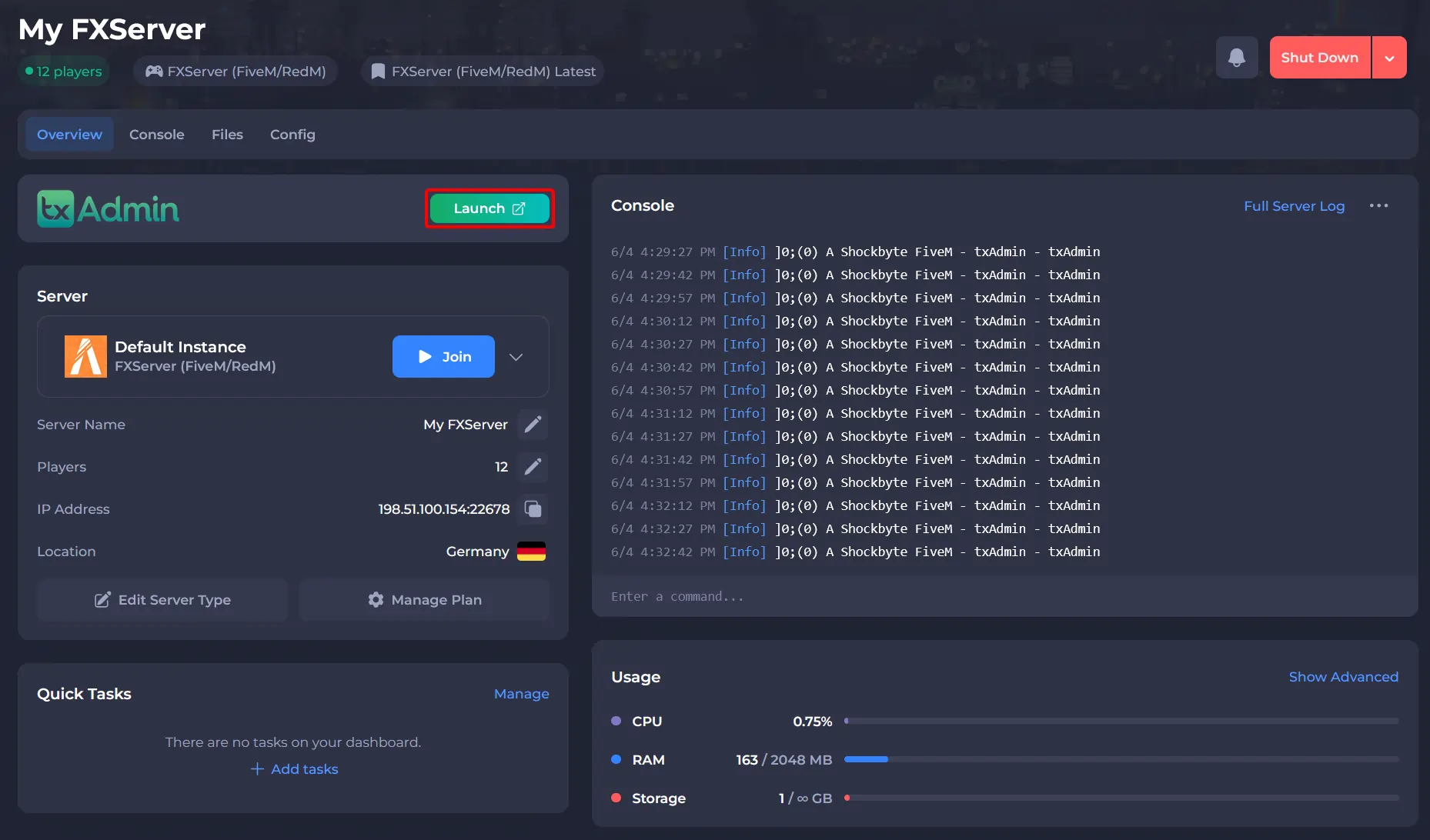
-
Navigate to the CFG Editor area and add the line:
sv_enforceGameBuildfollowed by your desired build. For example:sv_enforceGameBuild 1491. -
Click Save File at the bottom of the page.
-
Restart your server to allow for the changes to take affect.
#Troubleshooting
Players cannot connect:
-
Ensure players have updated their game
-
Try a slightly older build (e.g. 1355)
DLC content not appearing:
-
Confirm the build supports that DLC
-
Restart the server after editing the config
-
Make sure the line is not duplicated in the
server.cfg
Server starts but scripts break:
- Some scripts require specific builds — check script compatibility
To learn more about RedM server hosting, you can browse our library of Knowledgebase articles here.