Still have questions?
Come chat with us and we will get back to you as soon as possible!

Shockbyte
Support Team

How to Enable GameStats on your Insurgency Sandstorm Server
Any Insurgency: Sandstorm community servers hosted with Shockbyte can host a stats-enabled game. Enabling stats on your server also enables experience gain while playing on the server.
Important
In order to enable GameStats your server must have a Steam GSLT Key, and must NOT have a server password.
#Generating a GameStats Token
In order to enable GameStats you will first need to generate a GameStats Token using your Steam account.
-
Navigate to the GameStats website.
-
Click Connect using Steam.

-
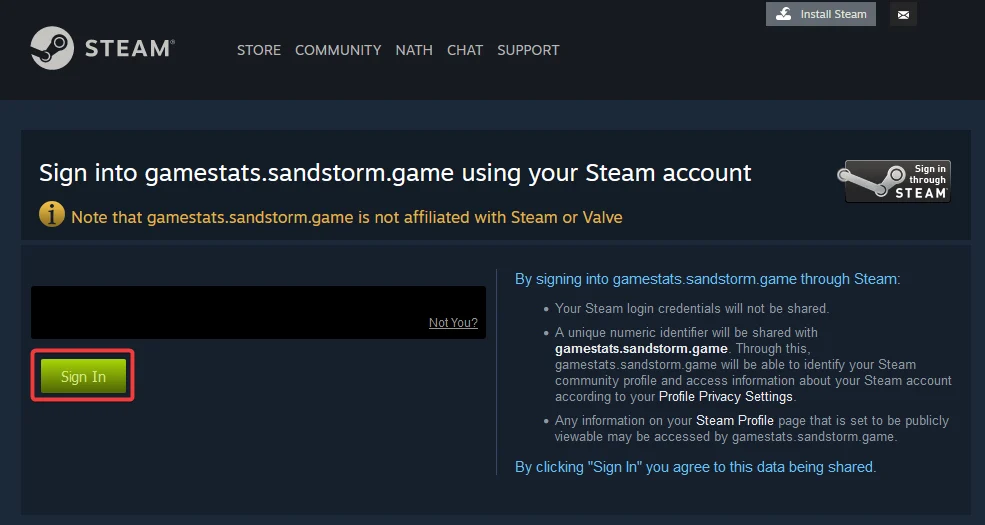
Click Sign In to link your Steam Account.
-
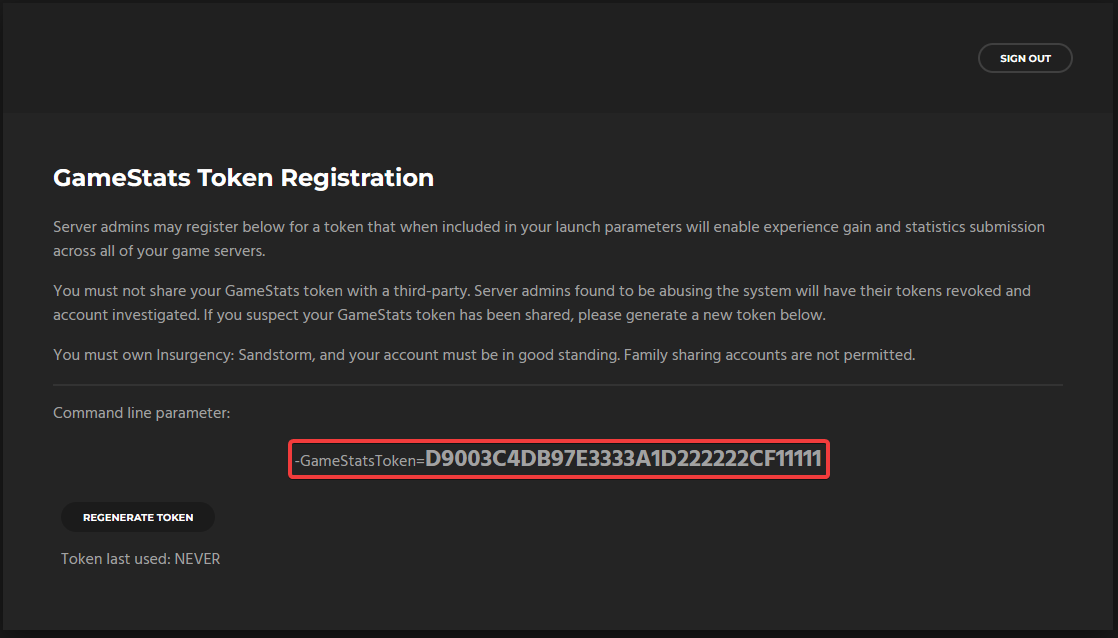
Make a note of your GameStatsToken.
-
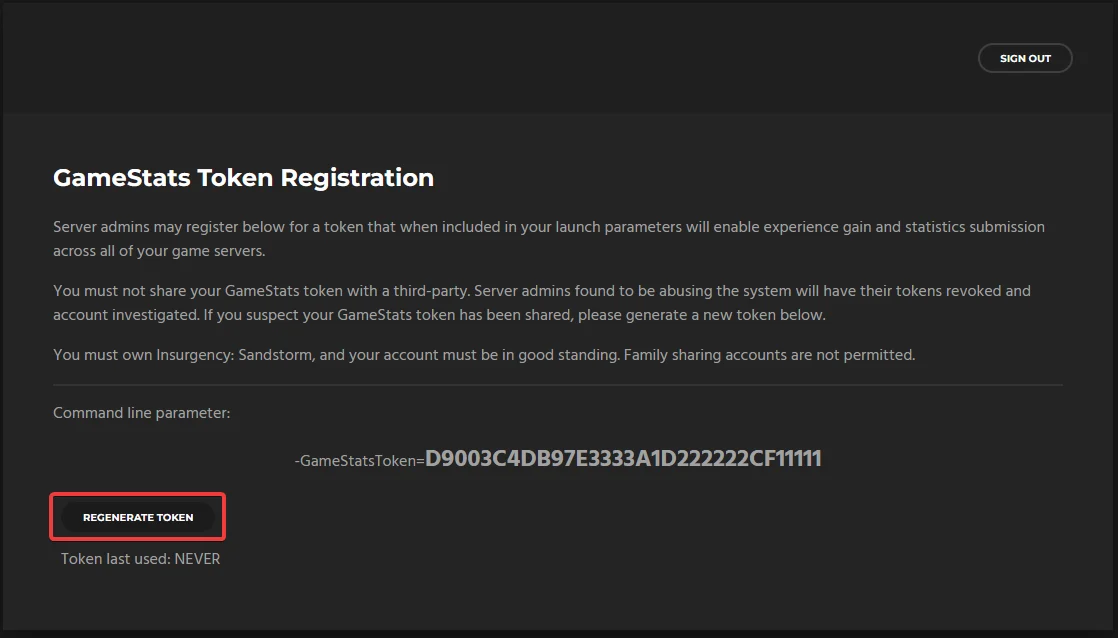
If you need to generate a new token click Regenerate Token.
#Adding a GameStats Token to your Server
Once you have a GameStats Token it can be added to your server in the Insurgency Sandstorm Server Settings section of your server's control panel.
-
Access your Control Panel and navigate to the Config tab.
-
Select the
Insurgency: Sandstorm Server Settingsfile and locate theGame Statsoption. -
Locate the
Game Stats Tokenfield and implement your token you generated earlier in this guide.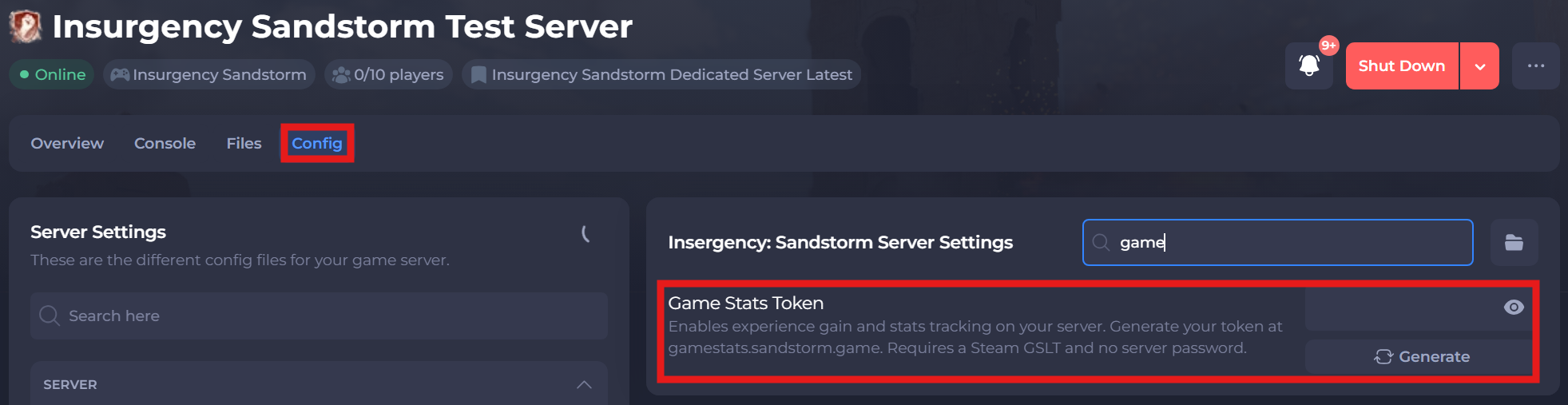
-
Save and restart your server to ensure the new changes apply.
If you require any further assistance, please contact our support at: https://shockbyte.com/billing/submitticket.php