How to Get a Cluster Token and Add it to your Don't Starve Together Server
Still have questions?
Come chat with us and we will get back to you as soon as possible!

Ruben B
Partnership Manager

How to Get a Cluster Token and Add it to your Don't Starve Together Server
All Don't Starve Together servers are required to have a Cluster Token before they can be shown as online and allow players to connect. This article will walk you through the process of obtaining and then adding a Cluster Token to your server.
#Generating a Cluster Token
In order to obtain a Cluster Token, you must own a copy of Don't Starve Together on Steam. Although the below steps are shown using the Steam overlay, they can also be followed by accessing the Klei website in any browser.
-
Launch Don't Starve Together on Steam.
-
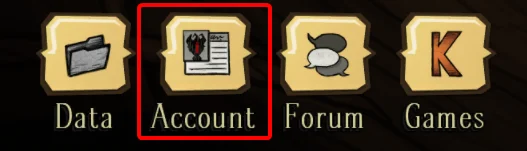
When on the main menu, click on the Account icon.
-
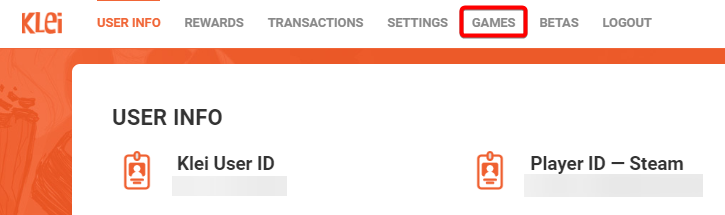
Once on the account page, click the Games tab.
-
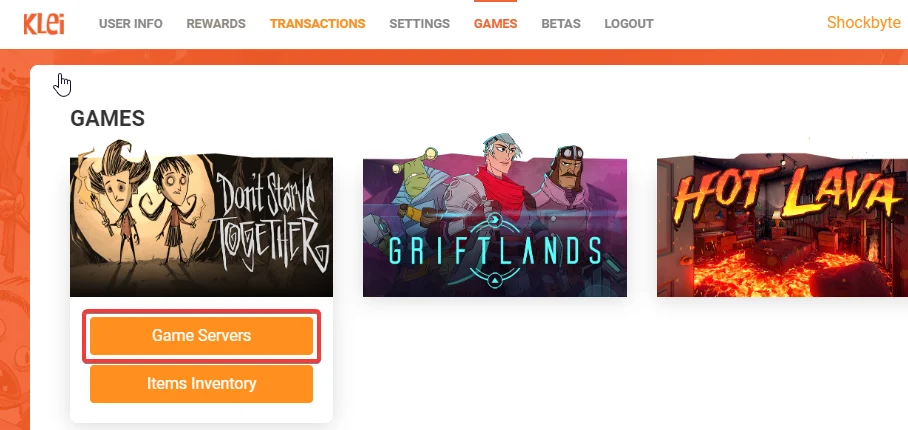
Click Game Servers under Don't Starve Together.
-
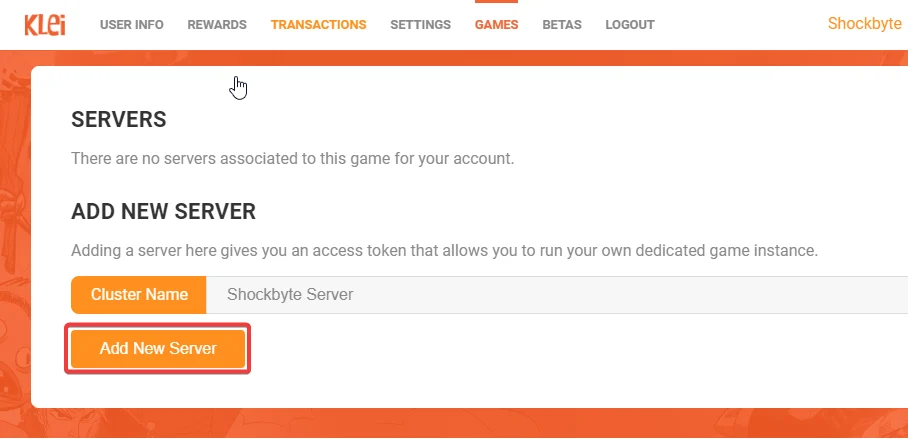
Enter a Cluster Name and then click Add New Server. This name is not public and is just for your own reference.
-
On the next page you will be shown your Cluster Token. Make a note of this and proceed to the next section.
#Adding the Cluster Token to your Server
-
Access your Control Panel and navigate to the Config tab.
-
Locate the
Cluster Tokenoption and enter in the Cluster Token you copied from the steps above.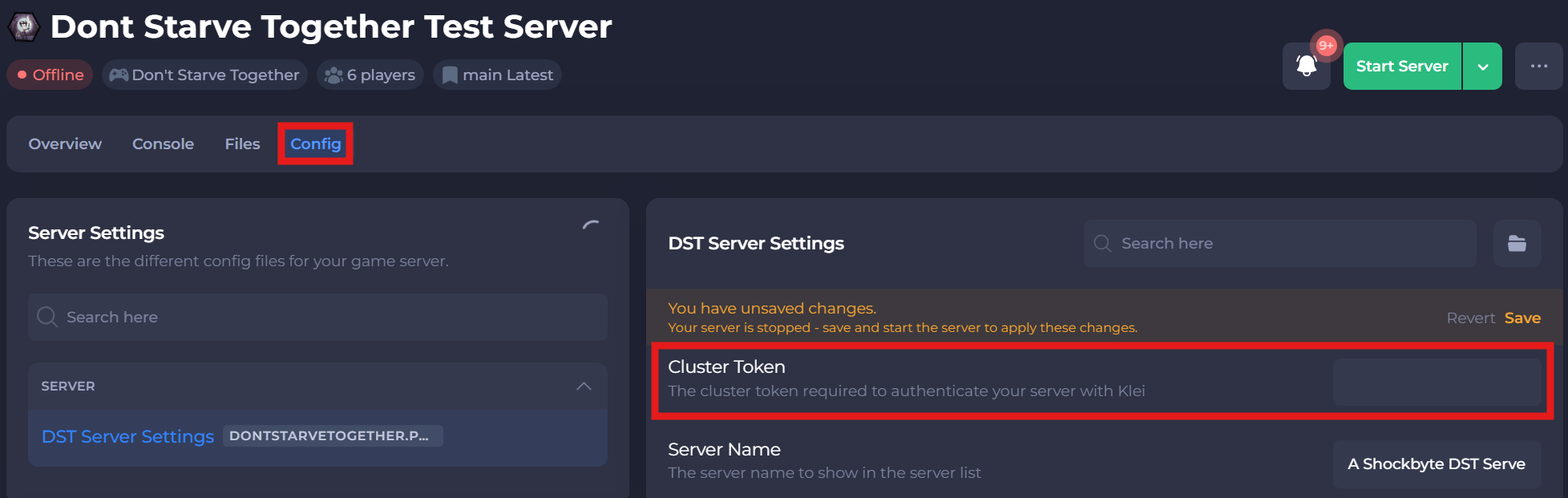
-
Save and restart your server to ensure the new changes apply.
If you require any further assistance, please contact our support at: https://shockbyte.com/billing/submitticket.php