Still have questions?

Nuno Paiva
Game Integration Specialist @ Shockbyte
How to Join your Primal Carnage: Extinction Server
When joining your Primal Carnage: Extinction server, you will need to use your Server Name instead of an IP address. This guide walks you through the steps required to configure your server name and connect to your server in game.
#Setting Your Server Name
Before launching the game, make sure your server has a unique and recognizable name by following these steps:
- Access your Control Panel.
- Navigate to the Config tab.
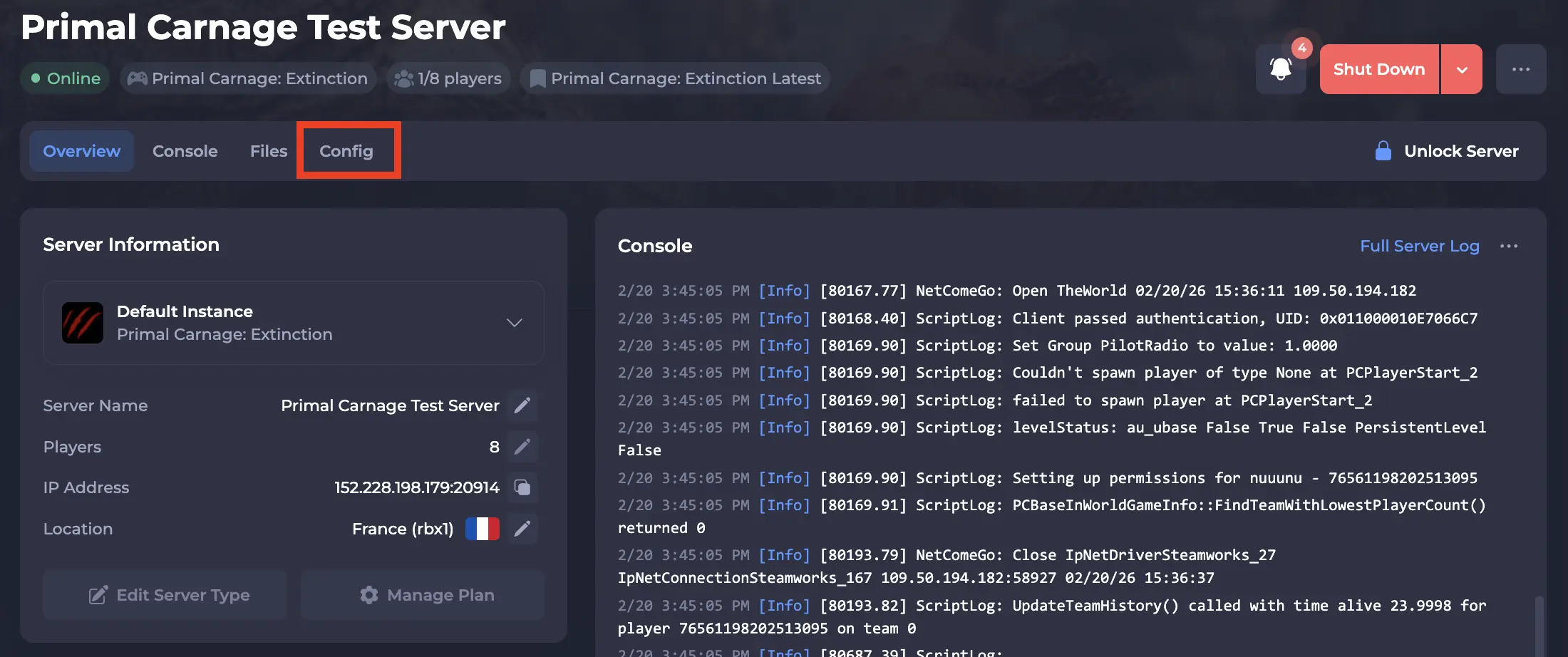
- Locate the Server Name option.
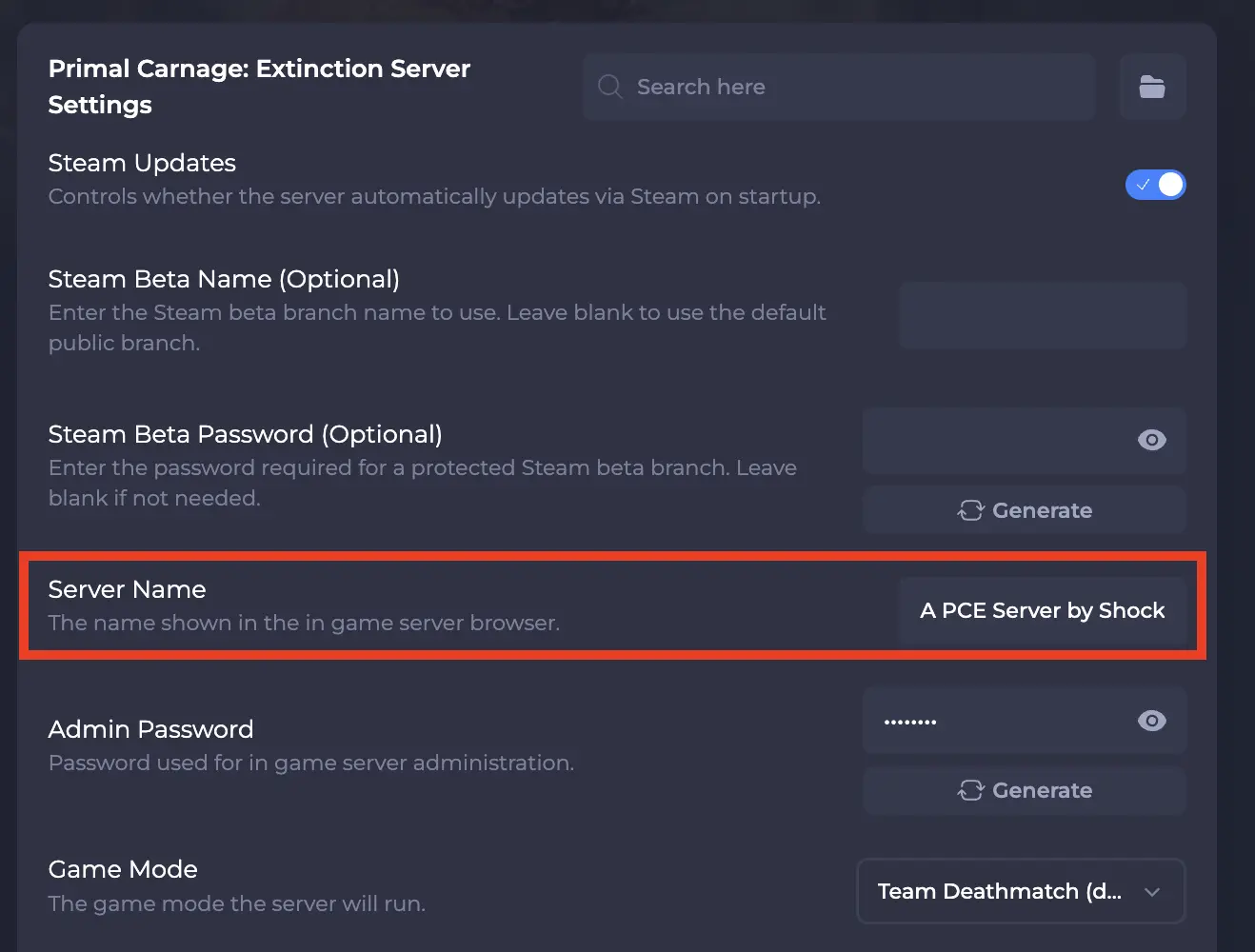
- Enter a custom name that will appear in the in game server browser.
- Click Save & Restart.
#Joining Your Server In Game
Once your server is online and running, you can connect through the game client.
- Launch Primal Carnage: Extinction.
- From the main menu, click Multiplayer.
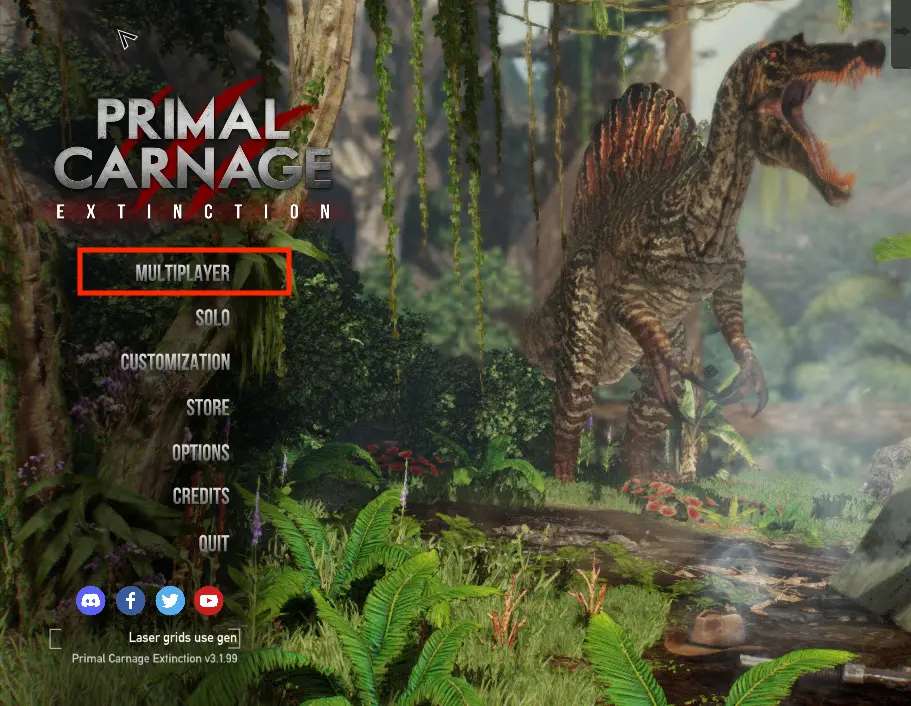
- In the server browser, choose the correct tab based on your game mode:
- Competitive
- Cooperative
- Custom
By default, Shockbyte servers run Team Deathmatch, which appears under the Competitive tab.
- Browse the list to find your server by the Server Name you configured earlier.
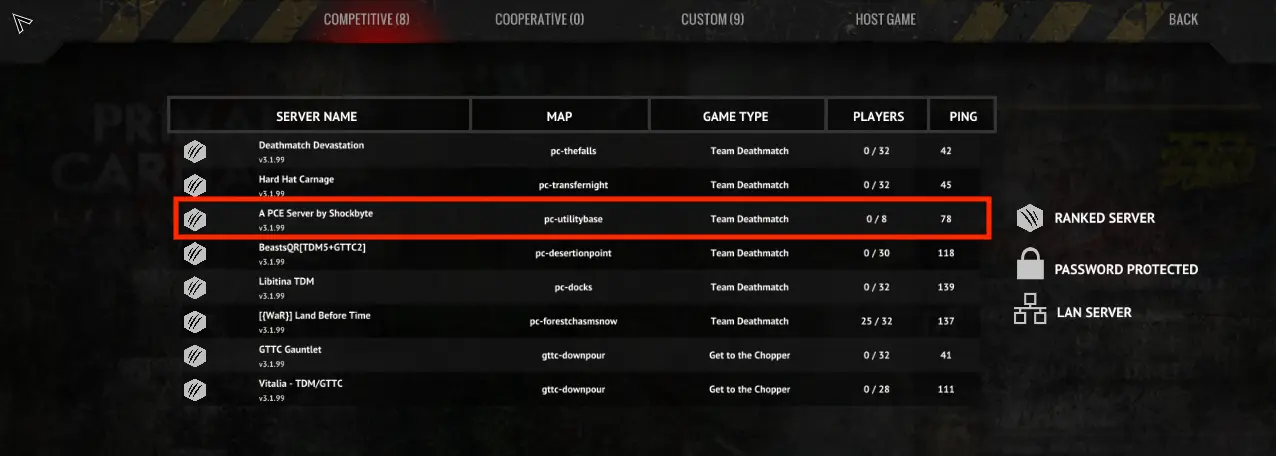
- Click on your server name.
- Click Join to connect.
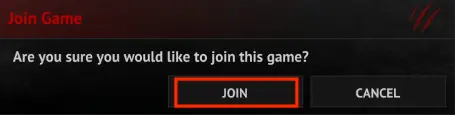
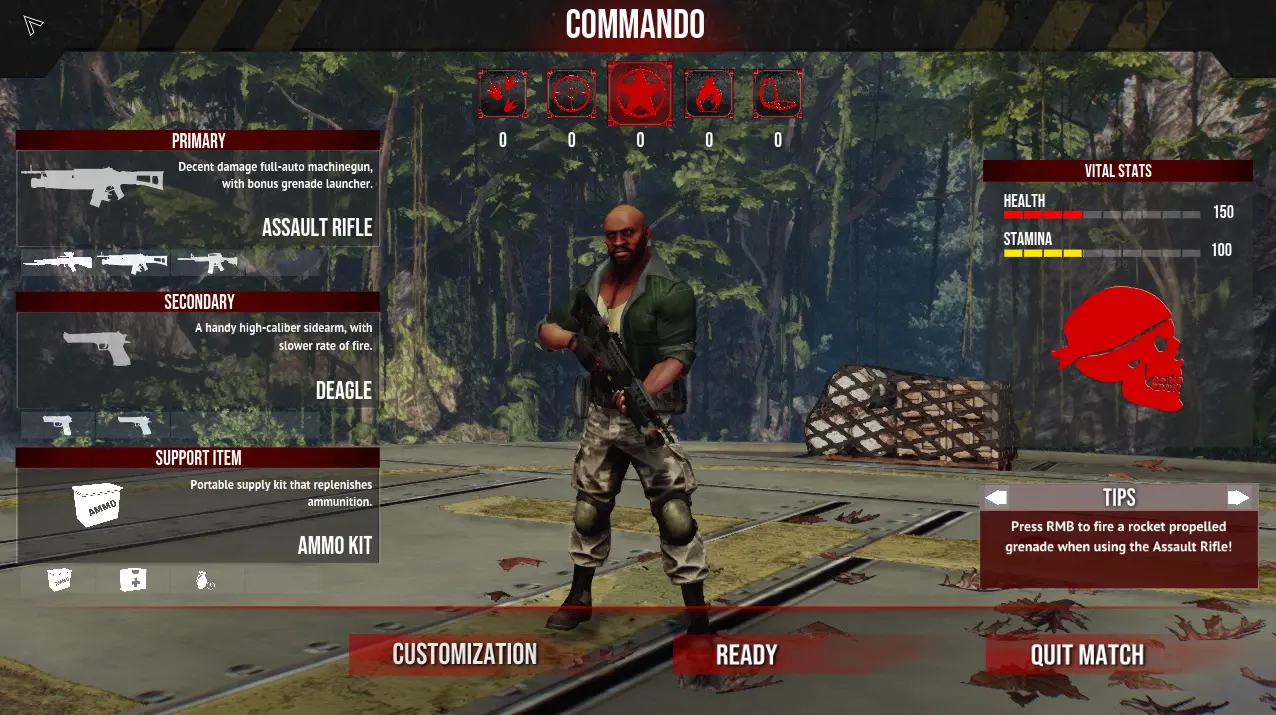
The game will begin connecting you to your server.
#Connection Help and Next Steps
If you cannot find your server in the browser, ensure the server is fully online in your control panel and that you have restarted it after making any configuration changes.
If you need additional help, our support team is always happy to assist: https://shockbyte.com/contact