Table Of Contents
Using The Server ListStill have questions?
Come chat with us and we will get back to you as soon as possible!

Jay Miller
Game Engineer
How to Join your The Forest Server
The Forest
·Nov 14, 2024
·1 min read
Once your The Forest Shockbyte server is configured the way you would like it to be you're ready to join. The easiest way to join is by using the in-game server list.
#Using The Server List
The easiest way to connect to your server is by using The Forest's built-in server browser.
- Click Multiplayer on The Forest's main menu.
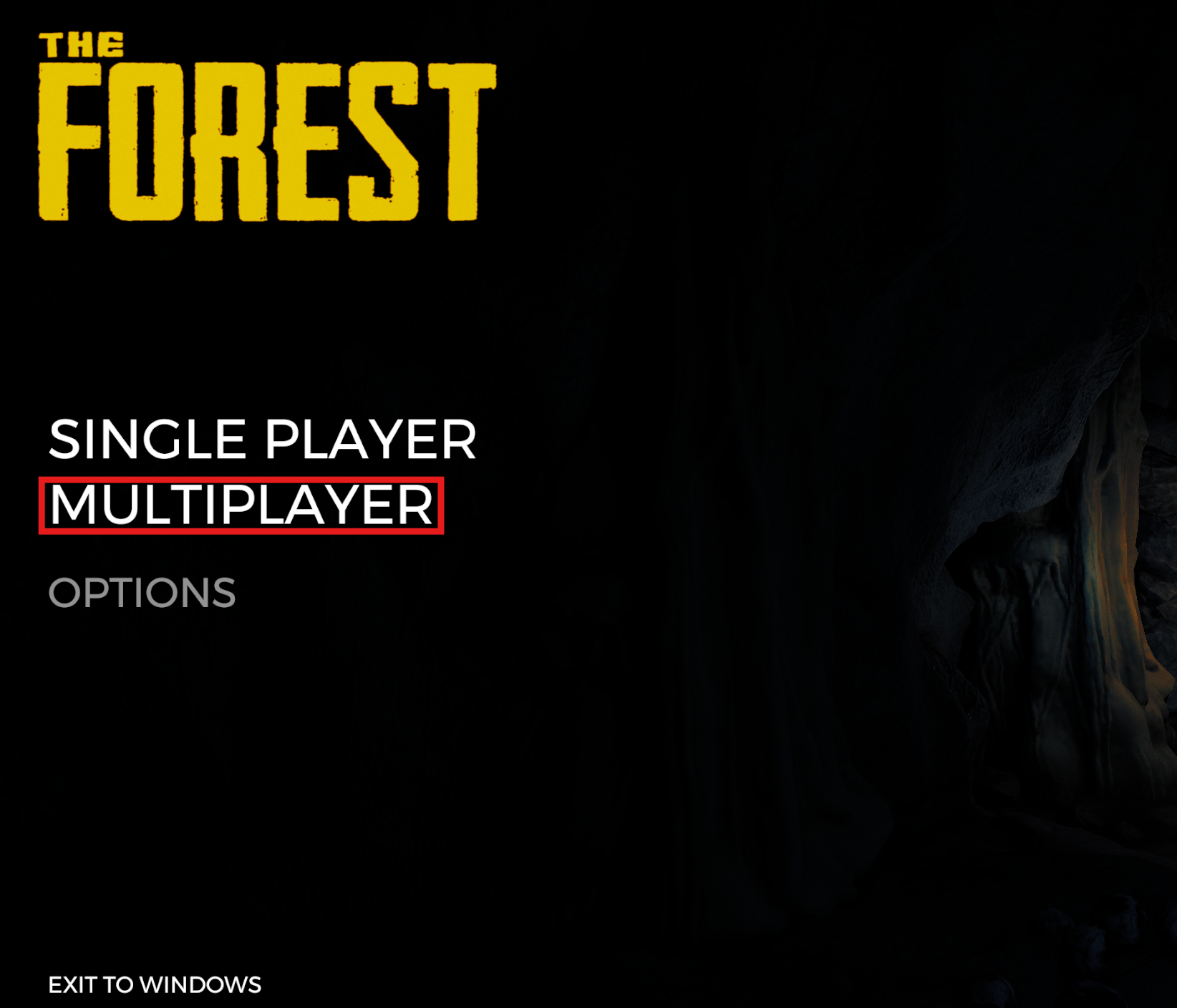
- Click Join Game.

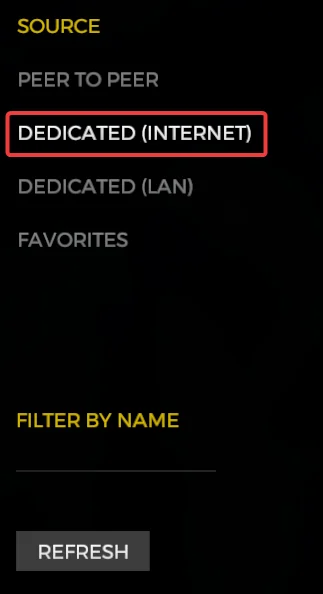
- Click Dedicated (Internet).
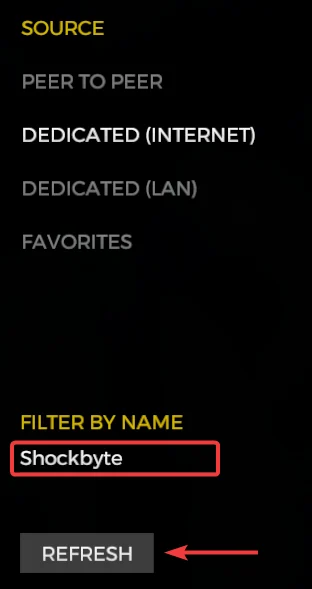
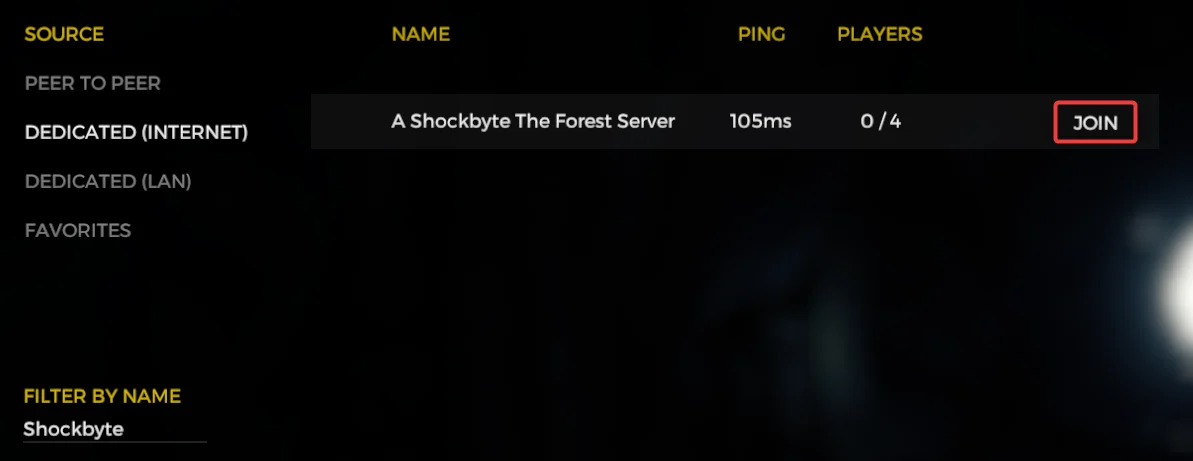
- Enter your server name in the Filter By Name field then click Refresh.
- Locate your server then click Join.
To learn more about The Forest server hosting, you can browse our library of Knowledgebase articles here.