Still have questions?
Come chat with us and we will get back to you as soon as possible!

Jay Miller
Game Engineer
How to Kick/Ban Players from your V Rising Server
It is possible for a V Rising server Administrator to kick or ban disruptive players or unwanted from the server. This can easily be done using the in-game console. Banning or unbanning players using the server's banlist via FTP is also possible.
#Kicking a Player Using Commands
Kicking a player can be done by a server Administrator entering the /kick command followed by the player's character name, IP or User ID.
- Press the backtick (`) key to open the console.
- Enter
kick <playername/IP/UserID>and press Enter.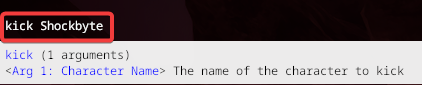
#Banning a Player Using Commands
The easiest way to ban a player is to have an Administrator use the /bancharacter command followed by the player's character name.
- Press the backtick (`) key to open the console.
- Enter
bancharacter CharacterNameand press Enter.
#Unbanning a Player Using Commands
The easiest way to lift a players ban is to have an Administrator use the /unban command followed by the player's Steam64 ID.
- Press the backtick (`) key to open the console.
- Enter
unban <Steam64ID>and press Enter.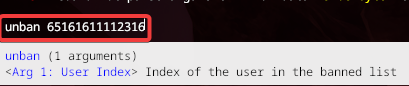
#Using your Server's banlist.txt
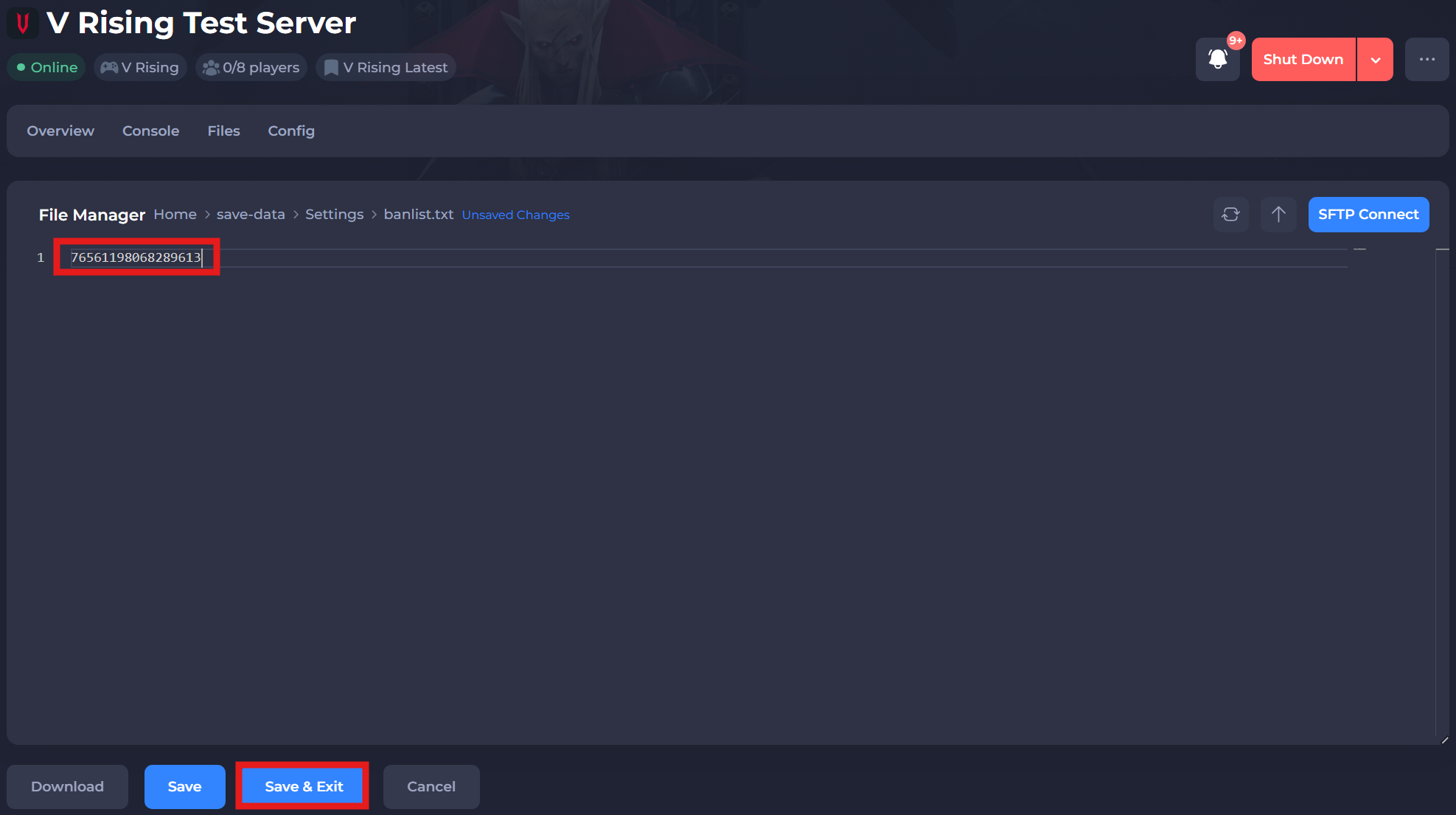
It is also possible to ban or unban players from your server by manually making changes to the banlist.txt file via your server's control panel.
-
Access your Control Panel and Stop your server.
-
Navigate to the Files tab and locate the
/save-data/Settings/banlist.txtfile. Select it to edit it.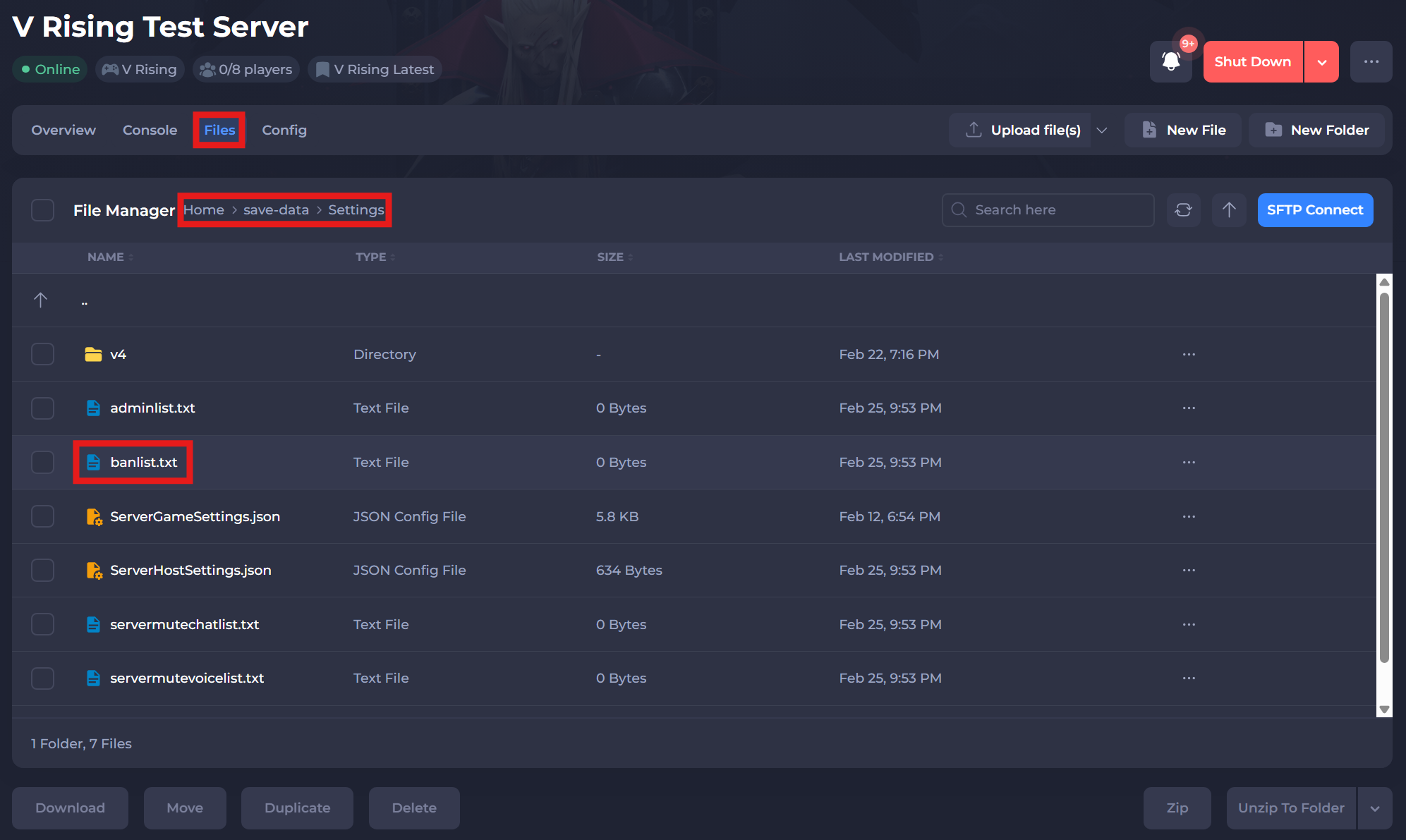
-
To ban a player add their Character Name/Steam64ID/User ID in the following format:
-
Save and exit the file. Restart your server to ensure the changes apply.
If you require any further assistance, please contact our support at: https://shockbyte.com/billing/submitticket.php