Still have questions?
Come chat with us and we will get back to you as soon as possible!

Shockbyte
Support Team

How to Kick or Ban a Player From Your Project Zomboid Server
Project Zomboid
·Nov 10, 2024
·2 min read
Sometimes it is incredibly useful to ban/kick disruptive or unwanted players from your Project Zomboid server. This article will cover how to kick and ban players from your server using the server console.
#Banning a Player
Banning via a Steam64ID
- Access your Control Panel and Stop your server.
- Find the SteamID64 of the player using steamid.io.
- Type in your console:
banid <SteamID64>.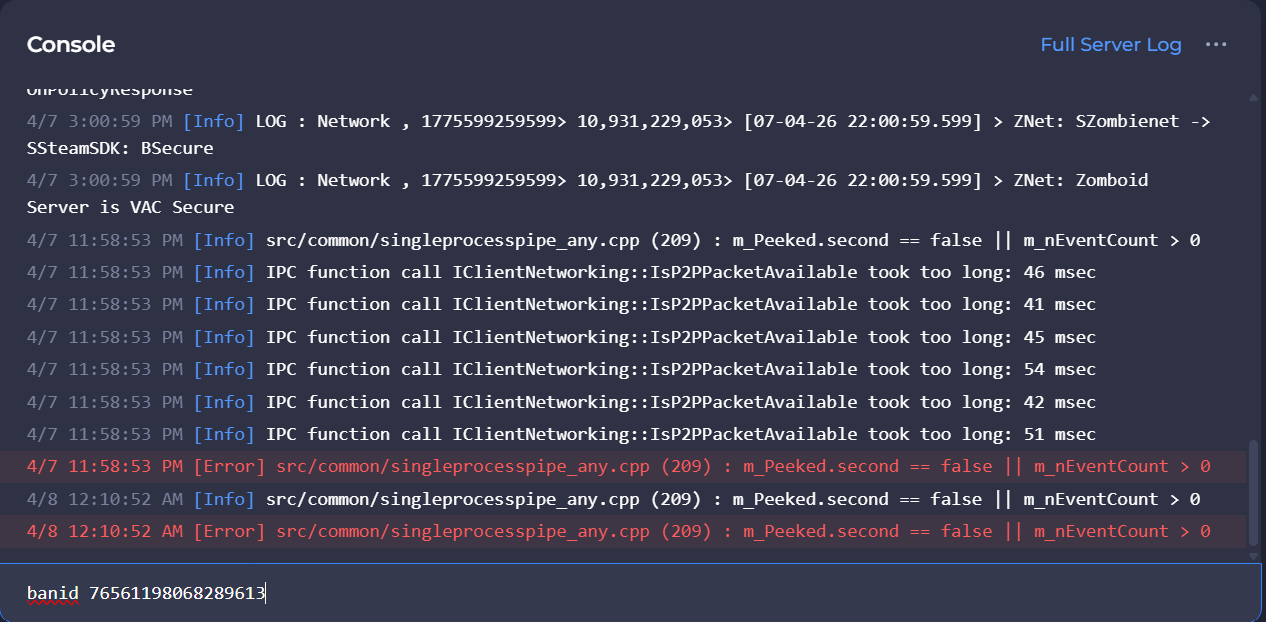
Banning via a Username
- Access your Control Panel and Stop your server.
- Type in your console:
banuser <Username>. To unban a player type in your console:unbanuser <Username>.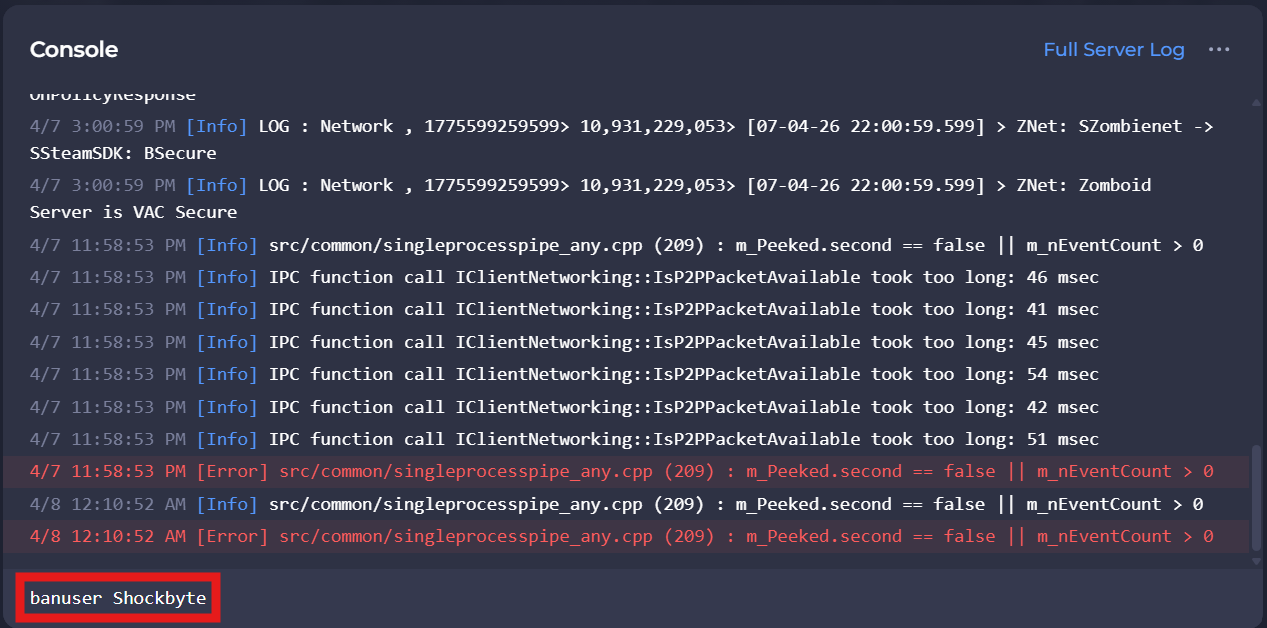
#Kicking a Player
- Access your Control Panel and Stop your server.
- Type in your console:
kickuser <Username>.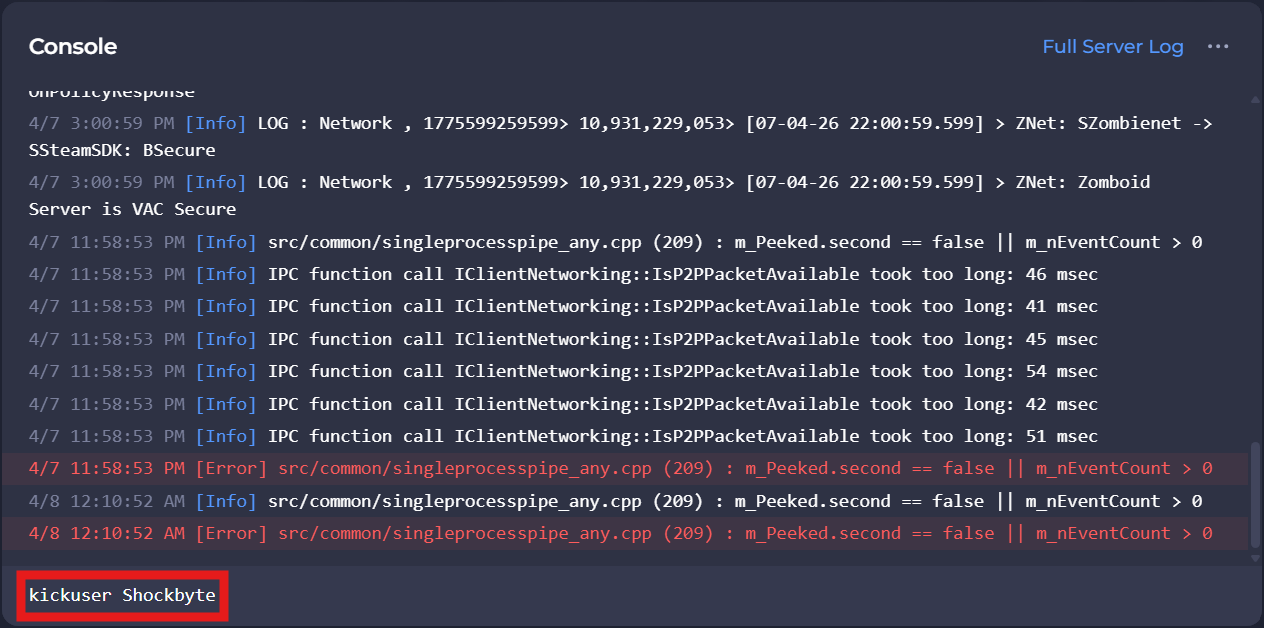
If you require any further assistance, please contact our support at: https://shockbyte.com/billing/submitticket.php