Still have questions?
Come chat with us and we will get back to you as soon as possible!

Nuno Paiva
Game Integration Specialist @ Shockbyte
How to Upload and Use a Singleplayer World on Your Hytale Server
If you have a Hytale world from singleplayer that you would like to continue playing on your server, you can upload it and use it online with friends. Hytale handles worlds a little differently, as each universe can contain multiple worlds, but once you know where to look, the process is straightforward.
This guide will walk you through extracting your singleplayer world, uploading it to your server, and managing it in game.
#Locating Your Singleplayer World Files
Before uploading anything, you will need to grab the world data from your singleplayer universe.
-
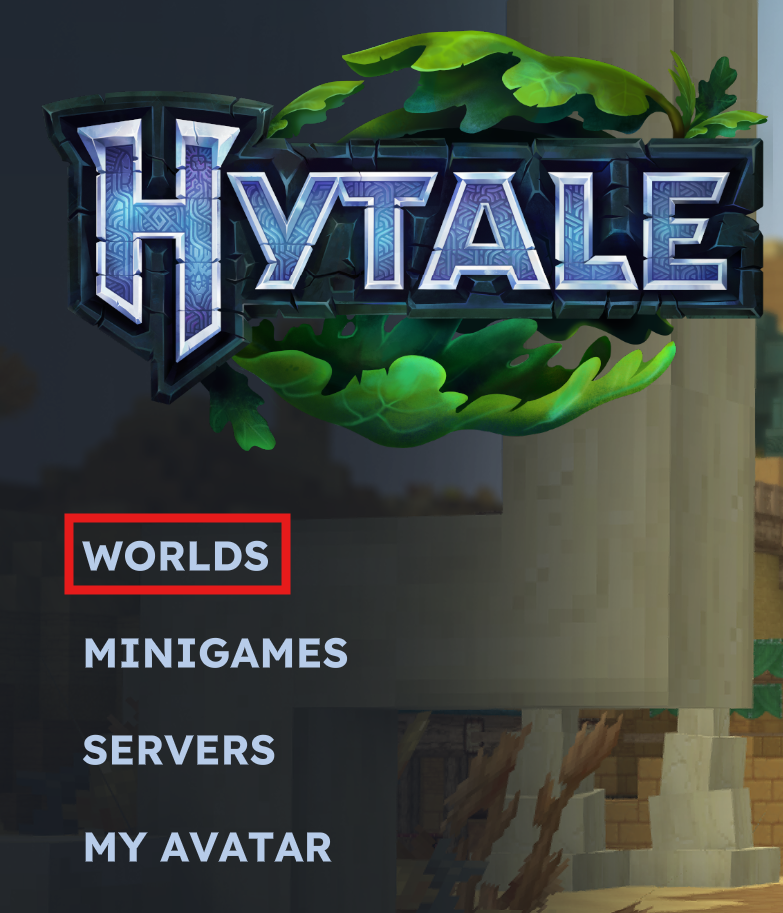
Open Hytale.
-
Click on Worlds.
-
Right click the world you want to upload.
-
Click Open Folder.
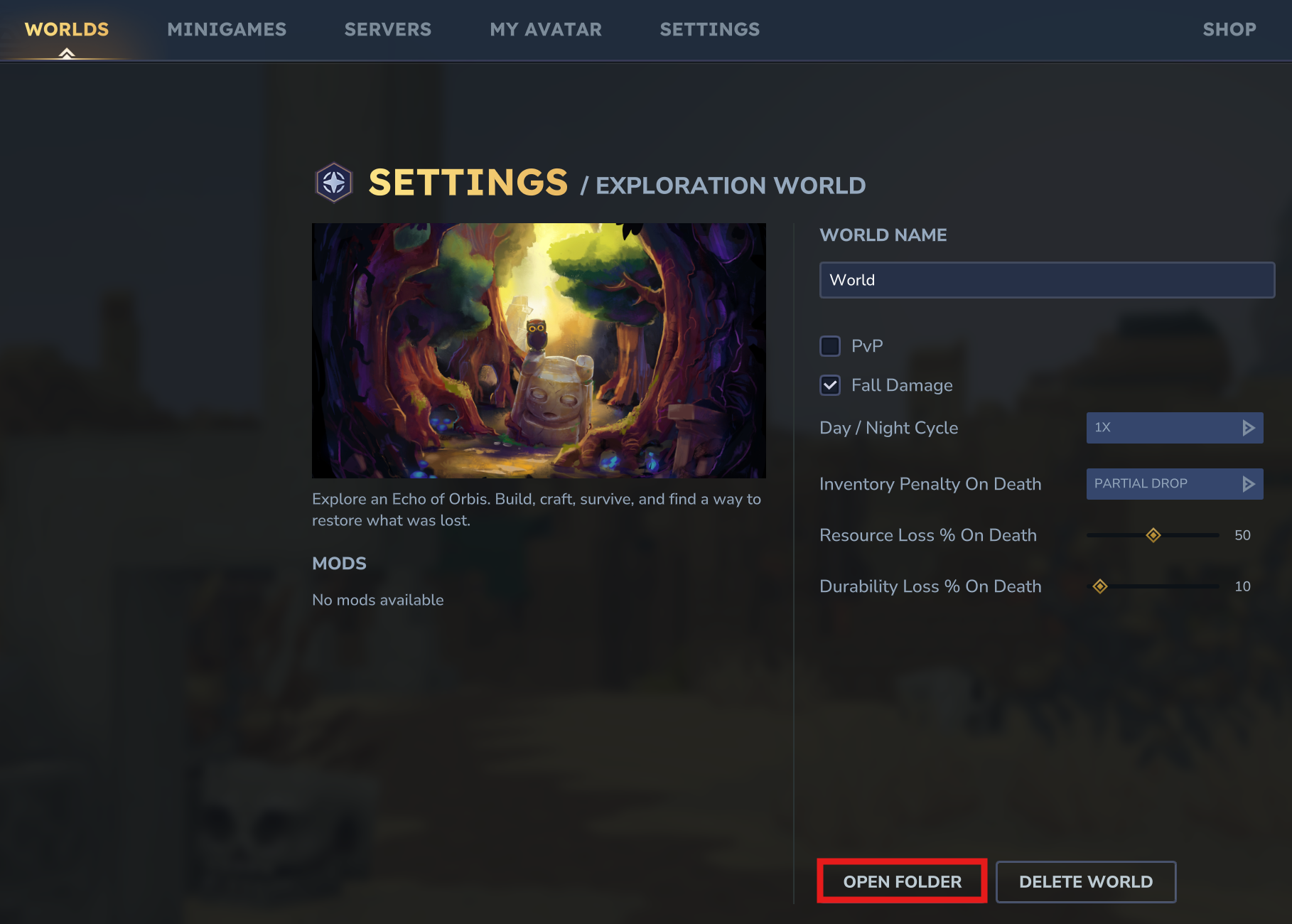
This will open the world directory on your computer.
- Navigate into the following path:
universe/worlds/
Inside this folder, you will find one or more world folders. Each folder represents a world inside that universe. These are the folders you will upload to your server.
#Uploading Your World to the Server
Once you have the world folder or folders ready, you can upload them to your server.
- Access your Control Panel.
- Navigate to the Files tab.
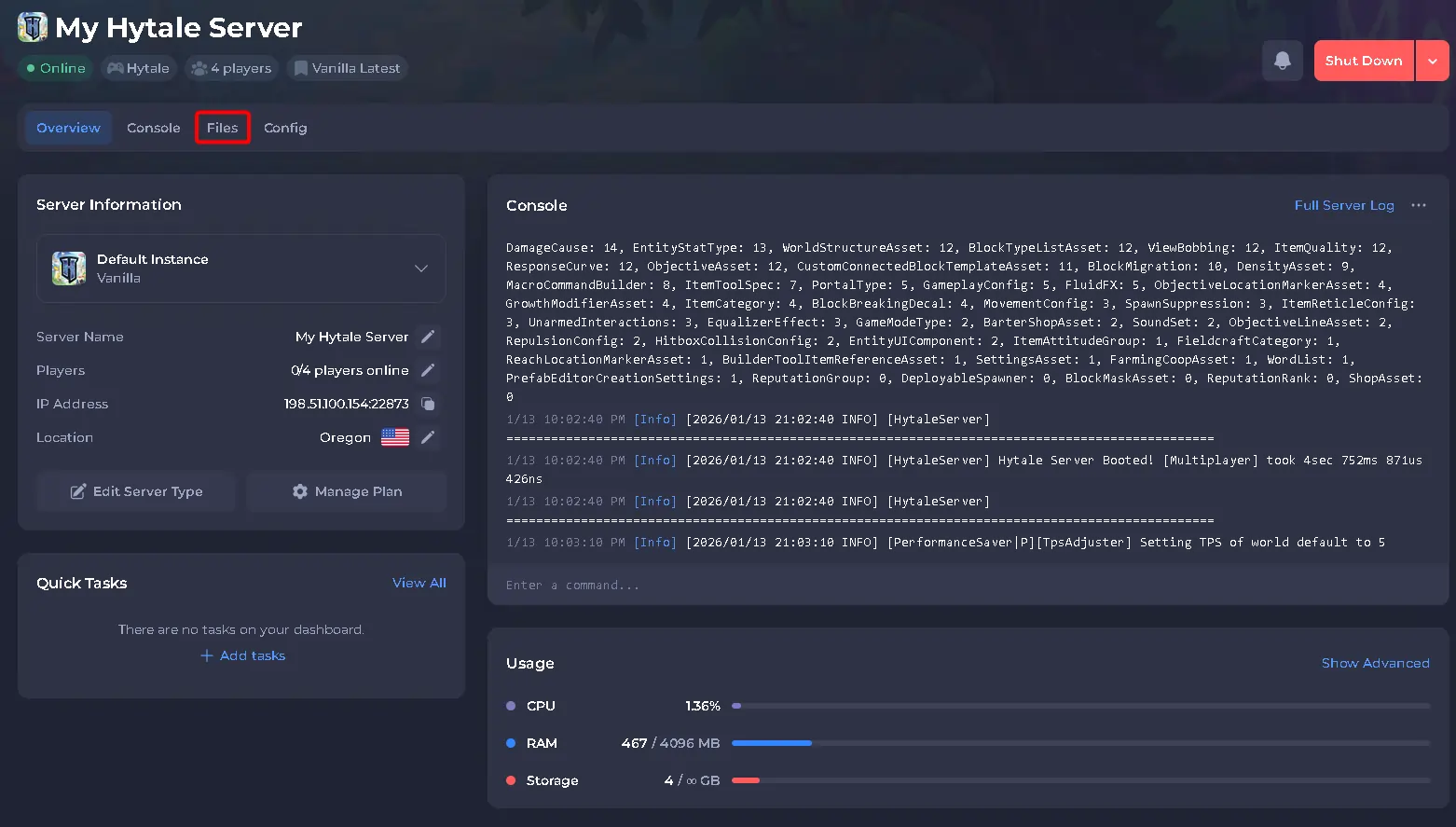
- Open the following directory on your server:
universe/worlds/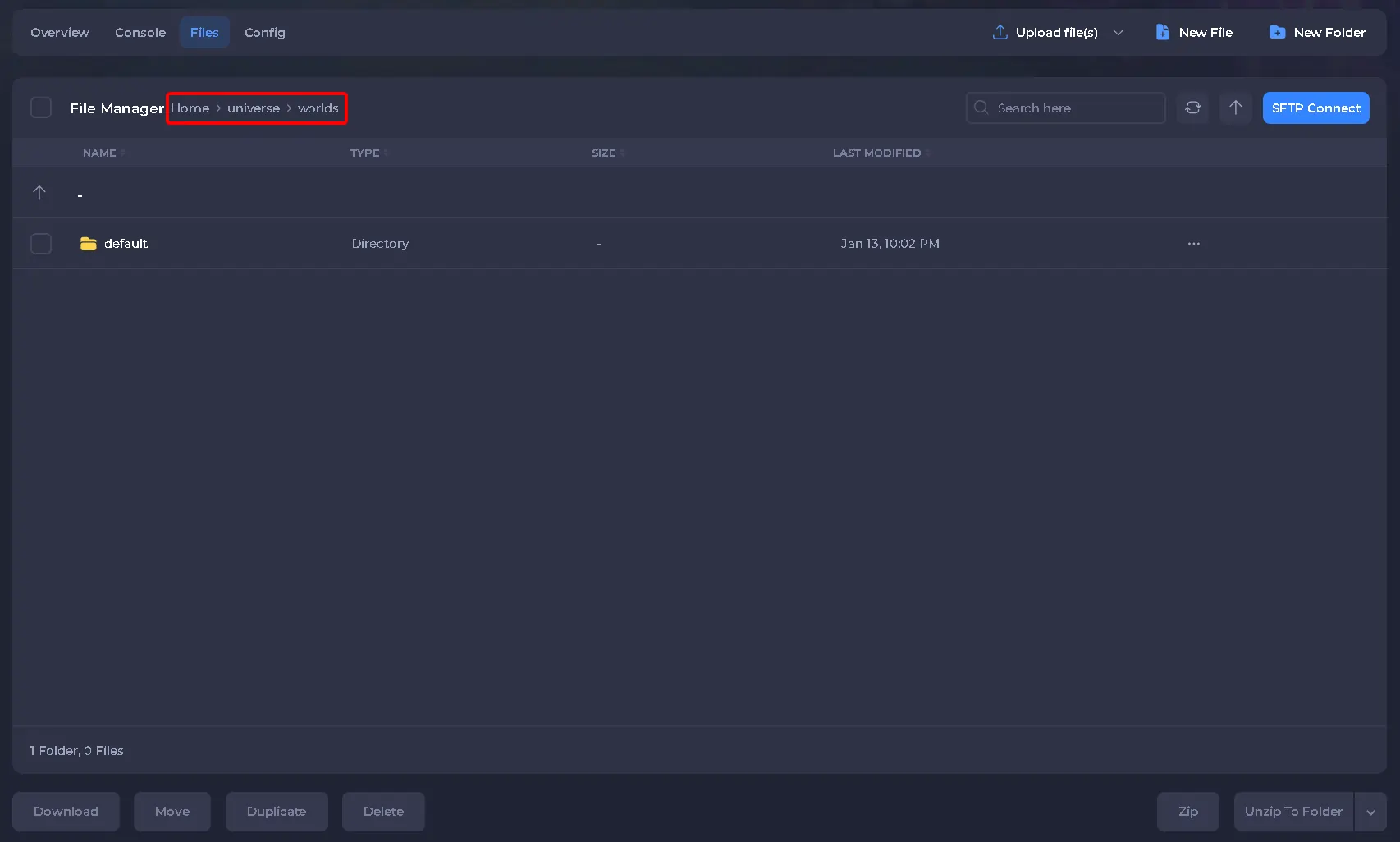
- Drag and drop your world folder or folders into this directory.
#Loading Worlds on the Server
After uploading the worlds, you need to load them on the server so they become accessible.
From the server console, run the following command for each world you uploaded:
world load <worldname>
Replace <worldname> with the exact name of the world folder.
You can verify which worlds are currently loaded by running: world list
#Setting the Default World
If your universe contains multiple worlds, you can choose which one players spawn into by default.
Run the following command from the server console:
world setdefault <worldname>
This sets the selected world as the main world for the server.
#Traveling Between Worlds
Once multiple worlds are loaded, admins and players with permission can move between them in game using:
/tp world <worldname>
This allows seamless travel between worlds inside the same universe.
That’s it! Your singleplayer world is now fully uploaded and ready to be explored on your Hytale server.