Table Of Contents
Hosting a HumanitZ ServerStill have questions?
Come chat with us and we will get back to you as soon as possible!

Ruben B
Partnership Manager
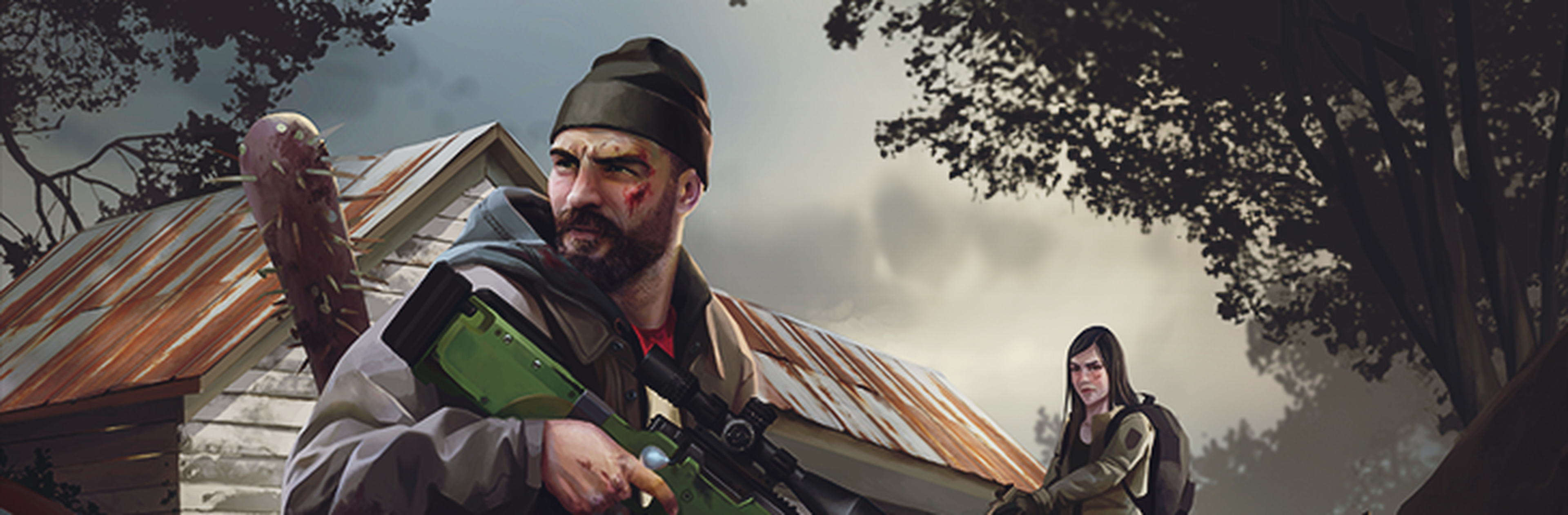
How To Host A HumanitZ Server
Hosting a HumanitZ server can be a daunting and difficult process. However, purchasing a HumanitZ dedicated server at Shockbyte, the official HumanitZ server hosting provider, makes becoming a HumanitZ server owner extremely easy!
Interested in purchasing a HumanitZ server with instant activation, easy configurations, and great Knowledgebase tutorials? Click here to purchase one!
#Hosting a HumanitZ Server
The following section covers the first-time setup we would suggest HumanitZ server owners follow to get started with their server!
#Server Name
As the only method to connect to HumanitZ server is through the in-game server browser list, it's very important to have a unique server name as a form of identification allowing players to easily find and connect to your server.
#(Optional) Making your Server Private
If you don't plan on hosting a public HumanitZ server, you can add a password to your server to restrict access to only those with knowledge of the server password.
#Admins
Admins are an important part of any server, having players that have additional permissions that can help moderate and customise your server.
#Joining your Server
Once the initial setup is ready, then you and other players can connect to your server.