Table Of Contents
Kicking Players In-GameStill have questions?
Come chat with us and we will get back to you as soon as possible!

Nuno Paiva
Game Integration Specialist @ Shockbyte
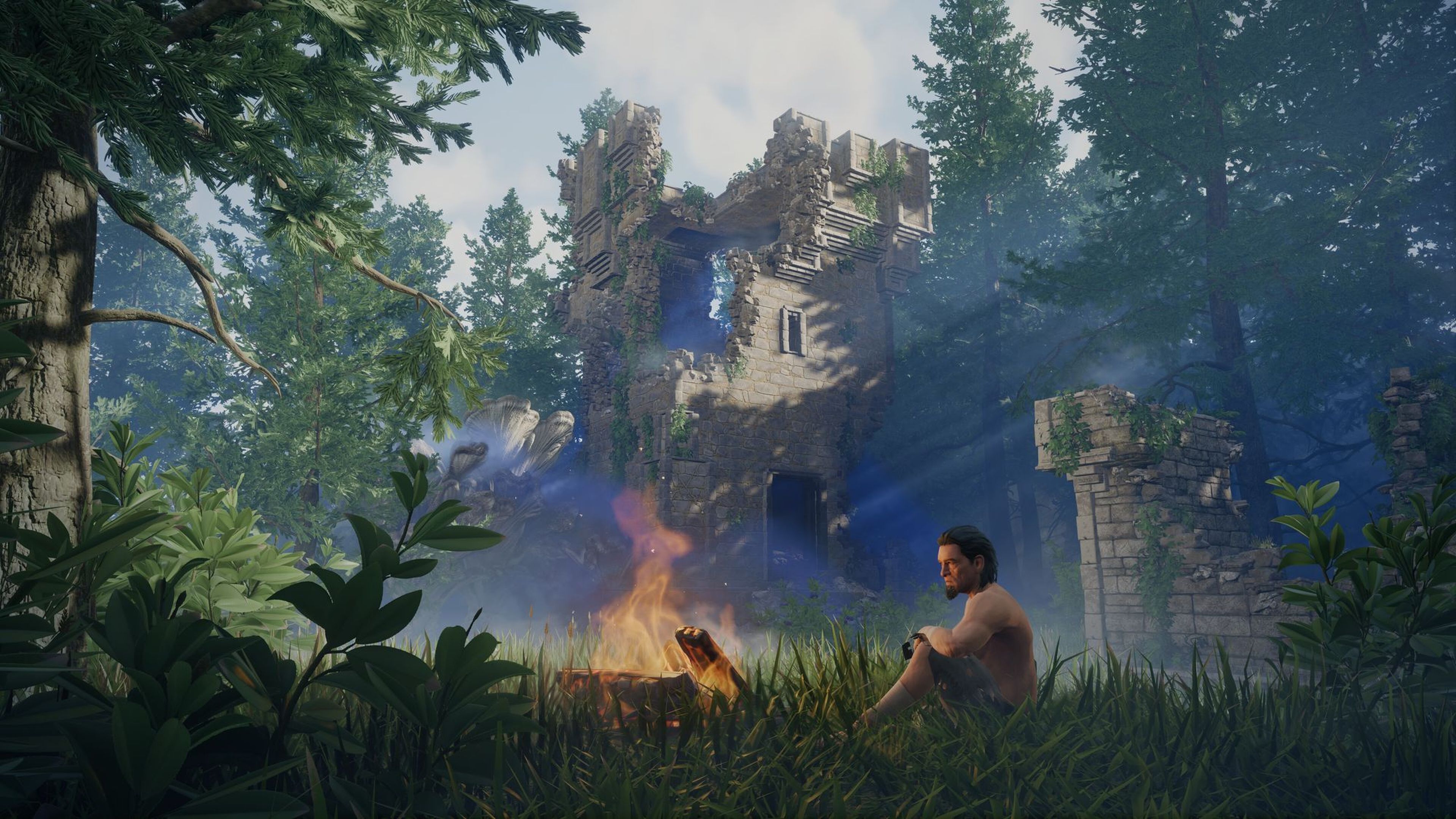
How to Kick Players on Your Enshrouded Server
Enshrouded servers include built-in admin functionality that allows administrators to manage players directly from within the game. If a player is being disruptive or you simply need to free up a slot, you can remove them from the server by using the Kick Player option.
Before you can kick players, make sure you are connected as an admin. If you haven’t set up your admin access yet, follow our guide on How to Add Admins to Your Enshrouded Server.
#Kicking Players In-Game
Once you are connected as an admin, you can remove players from your server by following these steps:
- Press O on your keyboard to open the Social Menu.
- From the player list, select the player you want to remove.
- Choose Kick Player to disconnect them from the server.
To learn more about managing your Enshrouded server, visit our full collection of Knowledgebase articles here.