Project Zomboid
Can You Pause Project Zomboid (What You Need To Know)
 Chloe
ChloeYes, you can pause Project Zomboid in single-player. Hit F2, or press Escape to open the menu. Multiplayer works differently: no single player can freeze a shared world while others are connected. On a server, PauseEmpty=true pauses world simulation automatically once the last player disconnects. It's already the default in a fresh server config, so check it before you change anything.
You've survived the helicopter event, filled your cupboards with canned food, and somehow kept your character alive for more than a week. Now real life is calling.
So, can you pause Project Zomboid without coming back to rotten food, a dead generator and a pen full of very unhappy chickens?
If you're playing alone, the answer is simple: yes. Multiplayer and dedicated servers are a different story, and a lot more people are running into that difference now that Build 42 has taken multiplayer to the next level. If you wanted to know more about the Project Zomboid Build 42 multiplayer release date, we have perfect blog waiting just for you!
Back to pausing Project Zomboid, here's exactly how it works.
#Can You Pause Project Zomboid in Single-Player?
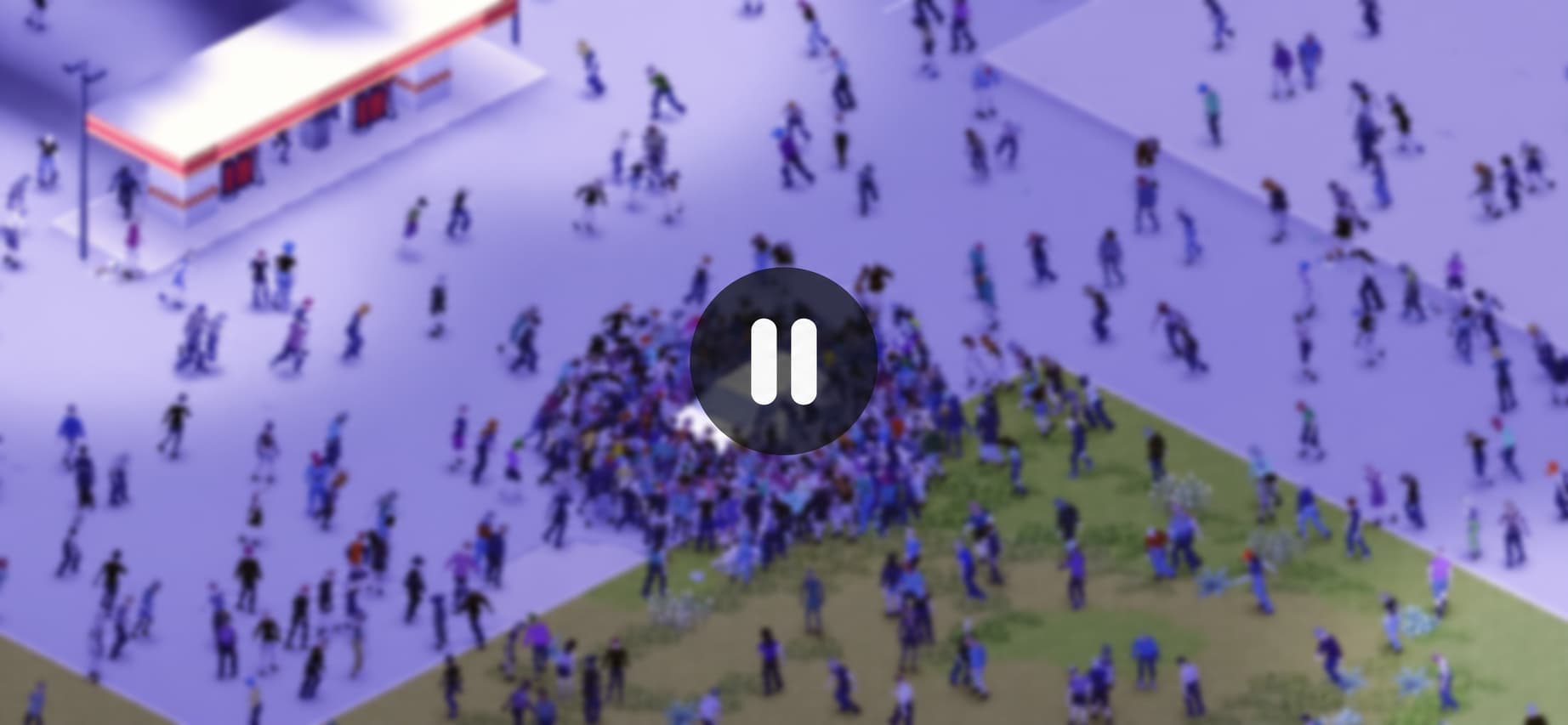
Yes. A single-player save can be paused whenever you like, because nobody else is relying on the world to keep ticking.
#Using the in-game time controls
The speed controls sit in the top-right corner of the screen, just under the clock. You get pause, normal speed, and three fast-forward settings.
Default keybinds:
- F2 - pause
- F3 - back to normal speed
- F4, F5, F6 - fast-forward, from mildly impatient to "I am reading this entire book right now"
Both the buttons and the keys can be rebound in Options > Key Bindings, so check there if F2 isn't doing anything.
Handy when you need a moment to plan without a zombie casually wandering through an open window behind you. You can't perform actions while paused, though. Time stops, and so does your character.
#Opening the menu with Escape
Pressing Escape also pauses a solo game, and it's the option most players reach for out of habit.
The difference is that Escape brings up the pause menu over everything, while F2 pauses the world and leaves your screen alone. Either way you're free to grab food, answer a message, or spend ten minutes questioning why you thought fighting five zombies with a frying pan was a reasonable idea.
#Auto-pause when reading maps
Build 42 added an accessibility option that pauses the game automatically whenever you open a map, then unpauses when you close it. You'll find it under the Accessibility section of the game options.
It's one of the better quality-of-life additions in recent memory, especially if you're exploring the expanded Knox County and stopping constantly to work out where you are.
#Alt-tabbing does not pause the game
This one has killed more survivors than most zombies have. Minimising the game, alt-tabbing to your browser, or clicking onto a second monitor does not pause anything.
If you're stepping away, pause properly first. The apocalypse does not respect your Discord notifications.
#How to Pause Project Zomboid in Multiplayer
If you're wondering how to pause Project Zomboid in multiplayer, there's one major difference to understand:
A shared world can't be paused by an individual player while other people are connected.
Opening your own menu doesn't freeze everyone else. That makes sense when you think about it. If four people are playing together and one person opens their settings, the other three still need to loot, drive, fight zombies and accidentally set the neighbourhood on fire.
Here's the basic difference:
| Game type | Can you pause? | What happens? |
|---|---|---|
| Single-player | Yes | The simulation stops while you're paused |
| Local split-screen co-op | Yes | One machine, one clock, so the whole couch is paused |
| Online co-op via the Host option | Not normally | Hosting runs a server, so the world keeps running |
| Dedicated server with players on | Not normally | The shared world continues running |
| Any server with nobody online | Yes, with PauseEmpty=true | World simulation pauses when the last player disconnects |
For server owners, that final row is the important one.
#How to Pause a Project Zomboid Server When Nobody Is Online
Project Zomboid includes a server setting called PauseEmpty. When it's enabled, the world automatically pauses once the final player leaves.
The line in your config looks like this:
PauseEmpty=true
Instead of shutting the server down every time everyone logs off, the server stays up and available while the game world waits for somebody to come back.
#Why PauseEmpty is useful
Imagine your group logs off on Sunday night and doesn't return until Wednesday. If the world keeps progressing that whole time, everything tied to in-game time changes with nobody there to manage it.
Depending on your settings and mods, that can affect:
- Food spoilage and generator fuel
- Crops and farming
- Animals that need feeding and watering
- Zombie migration and respawns
- Seasons and general world progression
With PauseEmpty=true, all of that stops once everybody disconnects and picks up again when someone returns. For small private servers, that's usually exactly what players want.
#How to Enable PauseEmpty on a Project Zomboid Dedicated Server
Before you change anything, look at the current value. A fresh Project Zomboid server config ships with PauseEmpty=true already set, so there's a good chance it's enabled and something else is causing the behaviour you've noticed.
Menu names differ between hosts, but the setting is the same everywhere.
#Using a server control panel
- Stop your Project Zomboid server.
- Open the server's configuration or advanced settings.
- Search for
PauseEmpty. - Check the current value.
- If it reads
PauseEmpty=false, change it toPauseEmpty=true. - Save your changes.
- Start the server again.
Stopping the server before editing is a good habit. Plenty of setups write their config back to disk on shutdown, which quietly undoes anything you changed while it was running.
#Editing the server configuration manually
If you're Self-hosting, you can make the same change directly in the server's .ini file.
It's stored in your Zomboid user folder, at %UserProfile%\Zomboid\Server\ on Windows or ~/Zomboid/Server/ on Linux. The file is named after your server, so it'll be servertest.ini unless you launched with a custom -servername.
Open it, find PauseEmpty, set it to true, save, and restart. No mods or external scripts required.
#If you're hosting through the in-game Host option
Playing co-op through the game's Host button still spins up a server, so PauseEmpty applies to you too. You'll find it in the server settings when you set the game up rather than in a control panel. Same setting, different door.
#What Does PauseEmpty Actually Do?
Think of it as an automatic pause button controlled by player count.
While somebody is online, the world runs normally. Time passes, zombies keep doing zombie things, every simulation system keeps working. When the last player disconnects, progression stops. When someone reconnects, it starts again. Nobody has to type a command or log into a panel every night, which is what makes it so convenient for friends who want a shared server without treating Project Zomboid like a second job.
For groups that want their world available whenever somebody feels like jumping back in, reliable Project Zomboid server hosting with Shockbyte can be paired with settings like PauseEmpty to build a multiplayer setup that fits how your group actually plays.
#Should You Enable PauseEmpty?
It depends on the kind of apocalypse you're trying to run.
Private servers usually want it on. Your world doesn't advance for days while everyone's offline, nobody gets punished because they couldn't log in, and time-sensitive resources stay manageable. It's especially handy when everyone in the group has different work, uni or gaming schedules.
Persistent communities often want it off. PauseEmpty=false makes the server feel like a world that doesn't care whether you show up, which suits roleplay servers, long-running public servers, and groups that want seasons rolling on regardless. The trade-off is that players have to plan around it.
Neither option is better. They're just different styles of server.
#PauseEmpty vs Stopping Your Project Zomboid Server
Pausing an empty server isn't the same as shutting it down. With PauseEmpty enabled the server is still running and ready for connections; it's the game world simulation that waits. Stopping the server kills the process entirely.
For most friend groups, PauseEmpty wins because nobody needs control-panel access to boot the server every time the group wants to play.
#What to Do If PauseEmpty Isn't Working
Enabled the setting but the world still seems to be moving? Check a few things before assuming the apocalypse has developed a personal grudge against you.
-
Restart the server. Config changes usually won't apply until it has.
-
Check you edited the right file. Servers with multiple profiles can have several
.inifiles, and a custom-servernamemeans a differently named one. -
Check the spelling. It should read exactly
PauseEmpty=true. -
Confirm everybody has actually disconnected. The setting triggers on an empty server, not on your own character logging out.
-
Consider your mods. Some mods run on their own timers or real-world time and can behave oddly when normal world progression stops. If your server is heavily modded, test PauseEmpty before relying on it.
#Frequently Asked Questions About Pausing Project Zomboid
#What is the pause key in Project Zomboid?
F2 by default. F3 returns time to normal, and F4 through F6 fast-forward. All of them can be rebound in Options > Key Bindings.
#Does Project Zomboid pause when you press Escape?
In single-player, yes. In multiplayer, no. Other players and the server keep running while you sit in a menu, so get somewhere safe first.
Preferably somewhere with doors. And curtains. And no broken windows.
#Does Project Zomboid pause when you alt-tab?
No. Minimising or switching to another window leaves your character standing there. Pause with F2 or Escape before you tab out.
#Can you pause a Project Zomboid dedicated server manually?
There's no built-in command for it. PauseEmpty=true is the practical answer for server owners. If you need the server fully offline, stop it through your panel instead.
#Does PauseEmpty disconnect players?
No. It only activates because there are already no players connected. Once somebody joins, normal gameplay resumes.
#Does PauseEmpty work while one player is still online?
No. The whole point is to pause an empty server. One connected player means the world has to keep running for them.
#Is PauseEmpty useful for a two-player server?
Absolutely. Small private servers are the ideal case. If you and a friend play a few evenings a week, pausing between sessions saves you from days of unwanted world progression.
#So Can You Pause Project Zomboid?
Can you pause Project Zomboid? Yes, but how depends on how you're playing.
Solo games pause with F2 or Escape, and Build 42's map auto-pause covers you while navigating. Multiplayer worlds keep running while players are connected, because everyone shares one simulation.
For servers, PauseEmpty=true is the setting to remember. It pauses world progression when the last player disconnects and resumes when somebody returns, and it's on by default in a fresh config.
For a private server with friends, leaving it on is usually the right call. You get a proper multiplayer world without discovering that three in-game weeks passed because your group played something else for the weekend.
The zombies can wait.
We think you will also enjoy the following blogs:

Table Of Contents
Can You Pause Project Zomboid in Single-Player?How to Pause Project Zomboid in MultiplayerHow to Pause a Project Zomboid Server When Nobody Is OnlineHow to Enable PauseEmpty on a Project Zomboid Dedicated ServerWhat Does PauseEmpty Actually Do?Should You Enable PauseEmpty?PauseEmpty vs Stopping Your Project Zomboid ServerWhat to Do If PauseEmpty Isn't WorkingFrequently Asked Questions About Pausing Project ZomboidSo Can You Pause Project Zomboid?Join Our Newsletter
Get updated on the latest news!
Join Our Discord
Be part of our community!