Table Of Contents
Adding an AdministratorStill have questions?
Come chat with us and we will get back to you as soon as possible!

Ruben B
Partnership Manager

How To Add An Admin On Your Barotrauma Server
Barotrauma
·Nov 8, 2024
·2 min read
Barotrauma server administrators have access to a range of server management commands, including kicking/banning players, changing server settings, spawning items and a lot more.
#Adding an Administrator
Administrators can be set by adding their name and Steam64ID in the Barotrauma Permission Settings section of your control panel.
-
Access your Control Panel and Stop your server.
-
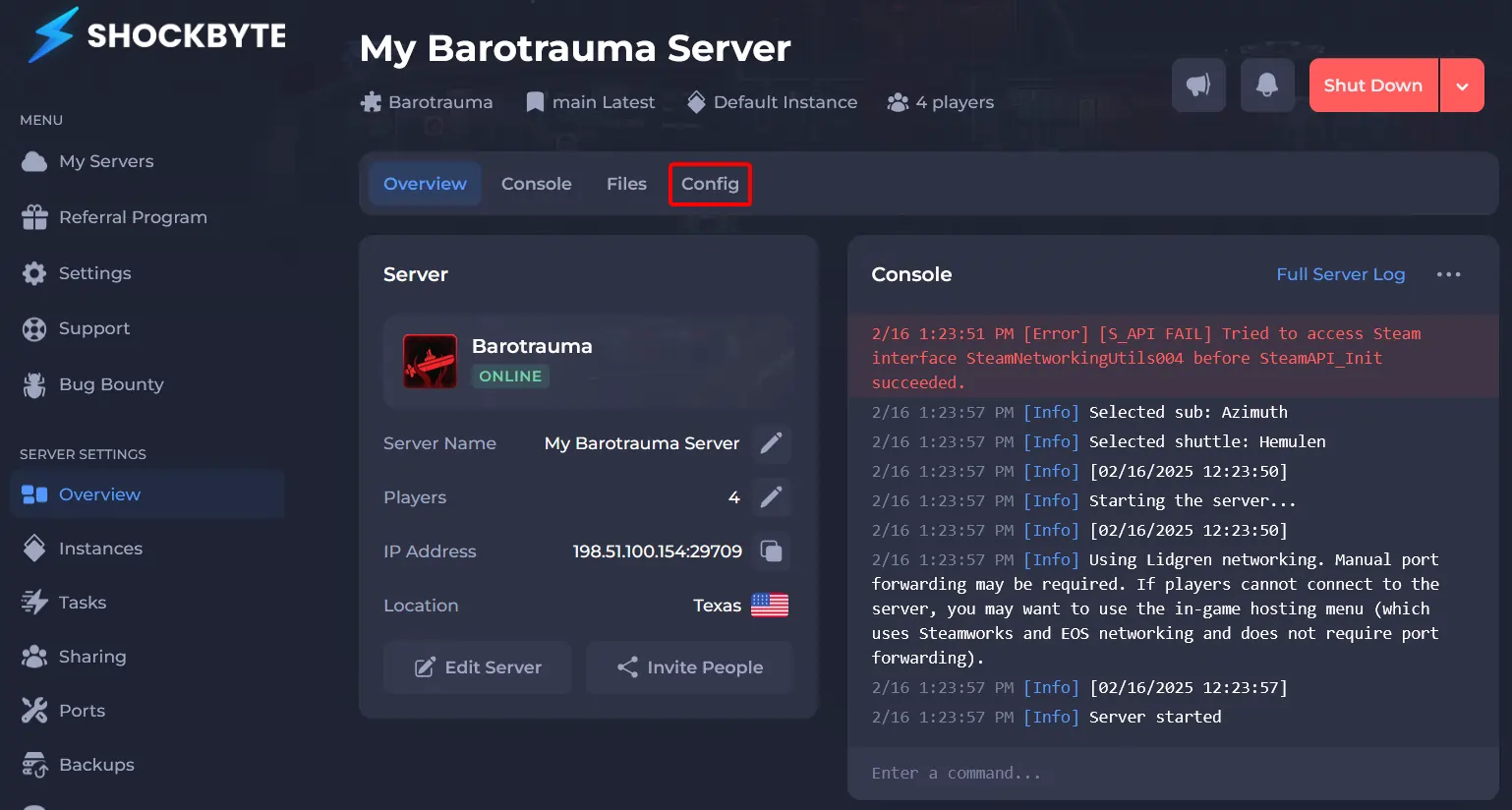
Navigate to Config.
-
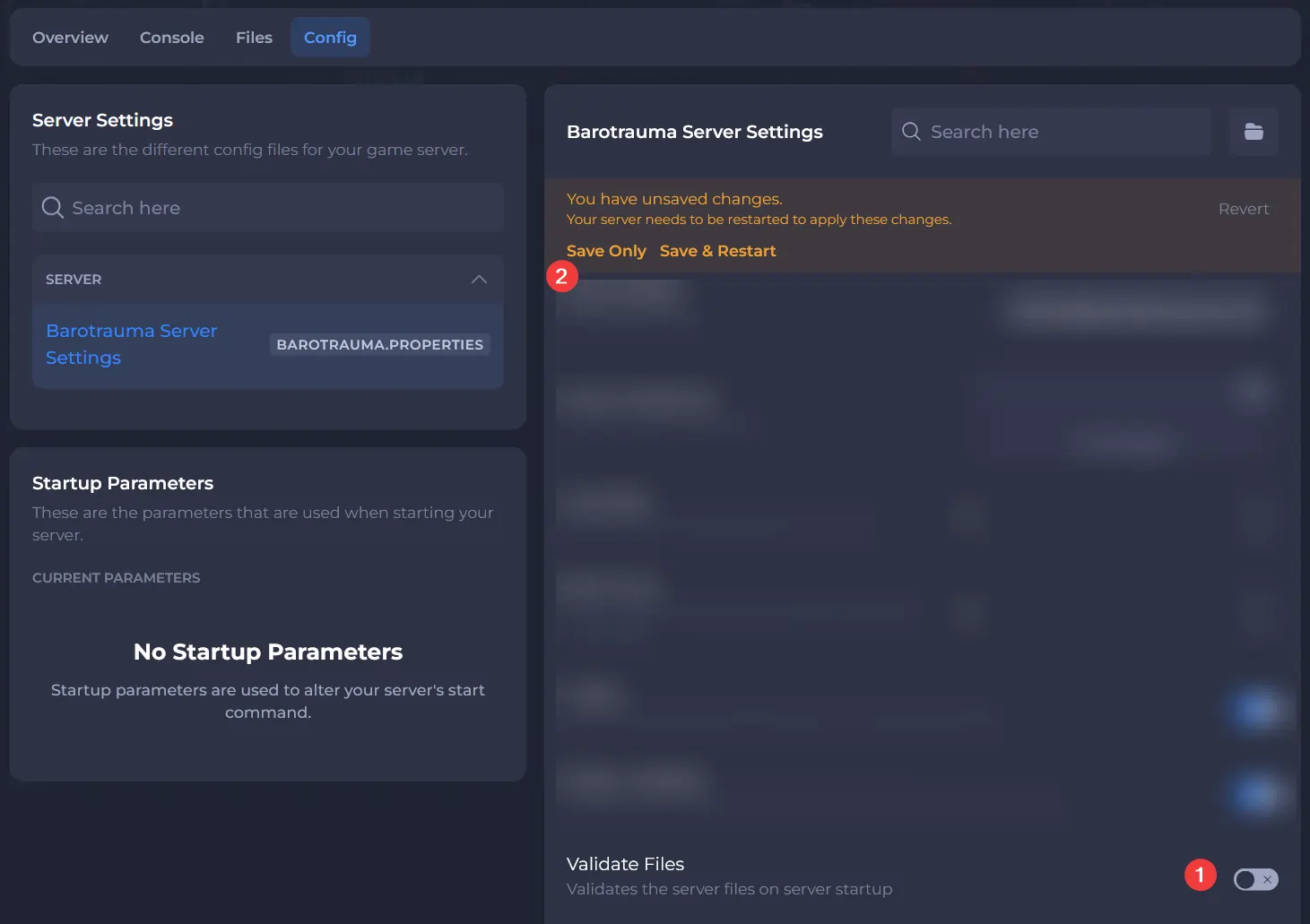
Click Barotrauma Server Settings.
-
Set Validate Files to Disabled.
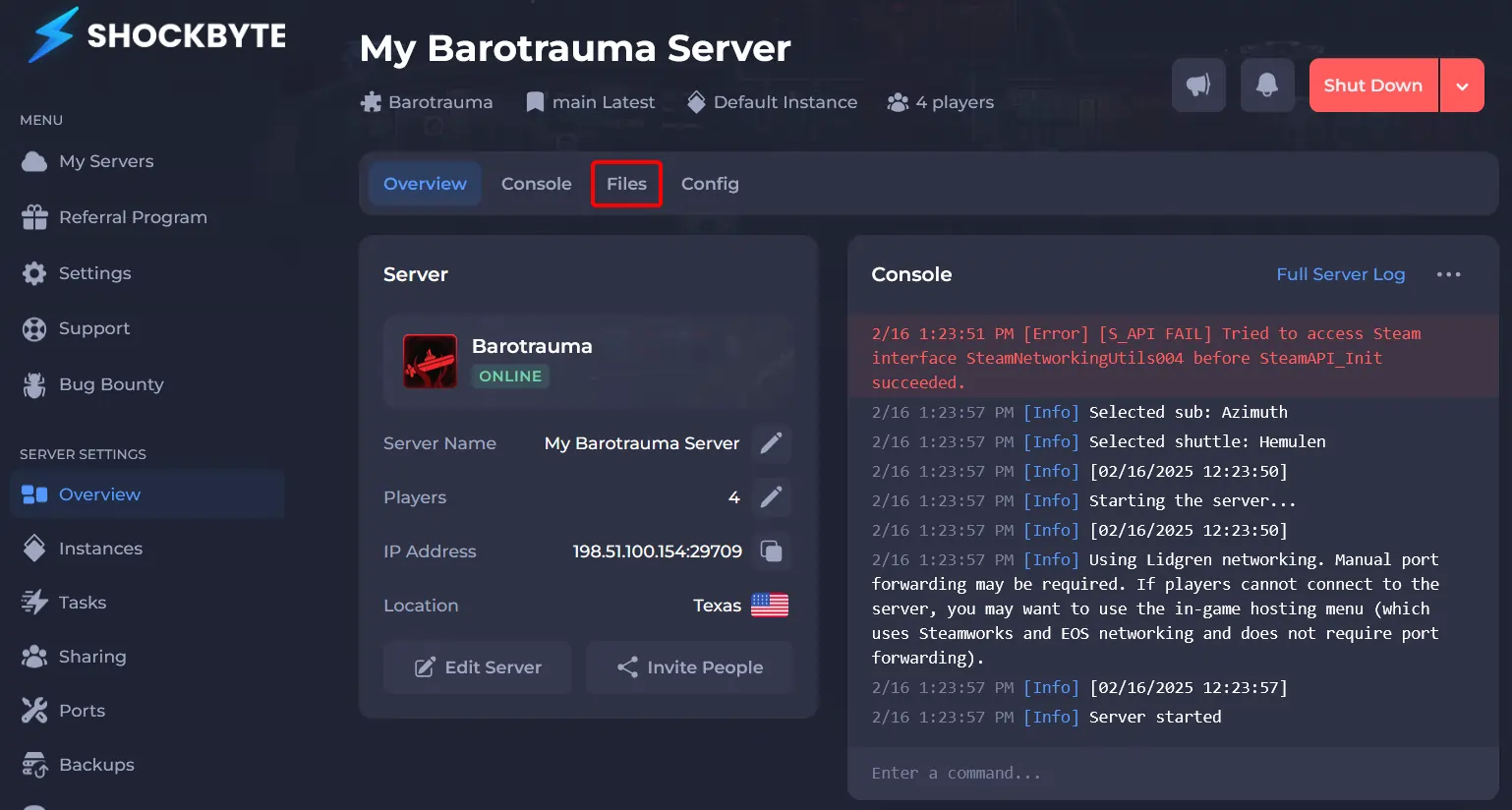
- Navigate to Files.
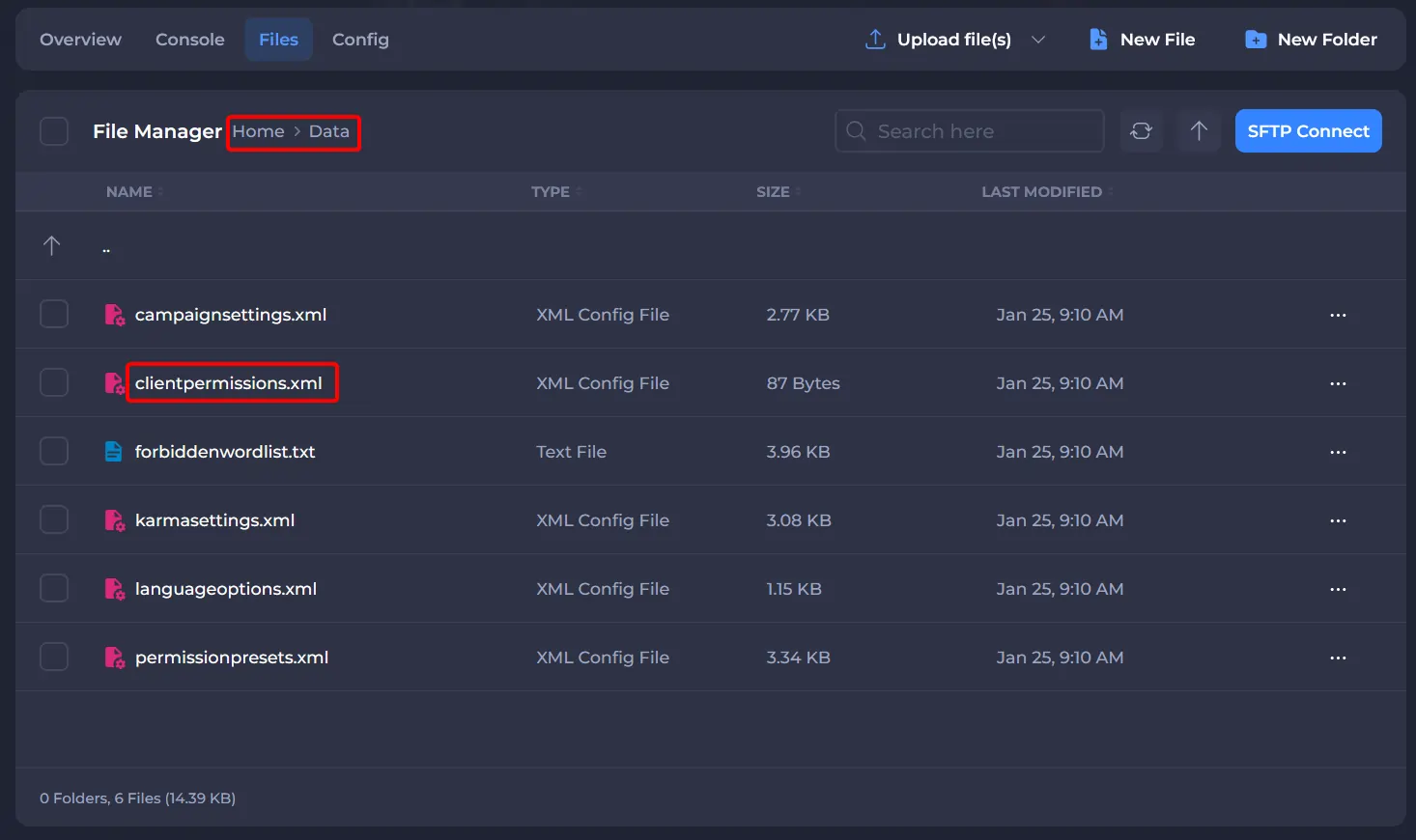
- Navigate to
Dataand editclientpermissions.xml.
- Replace the existing
<ClientPermissions />line with the following snippet (if it hasn't been changed yet):
<ClientPermissions>
</ClientPermissions>
- Enter the following between
<ClientPermissions>and</ClientPermissions>:
<Client
name="NAME"
steamid="STEAM64ID"
preset="Admin"
>
<command name="givecommandperm" />
</Client>
- Save and Start your server.