Still have questions?
Come chat with us and we will get back to you as soon as possible!

Nuno Paiva
Game Integration Specialist @ Shockbyte

How to Enable and Manage a Hytale Whitelist
Whitelisting allows you to control who can access your Hytale server. When enabled, only players that are added to the whitelist will be able to join. This is a great way to keep your server private, limit access to friends, or prevent unwanted players from joining.
#Setting Up a Whitelist
Whitelisting on a Hytale server can be enabled using simple commands and does not require restarting the server.
You can run these commands from the server console in your control panel, or in game if you have admin or operator permissions.
- Access your Control Panel.
- Open your server and navigate to the Console tab.
- Enter the following command to enable the whitelist:
whitelist on
You can disable the whitelist at any time by using:
whitelist off
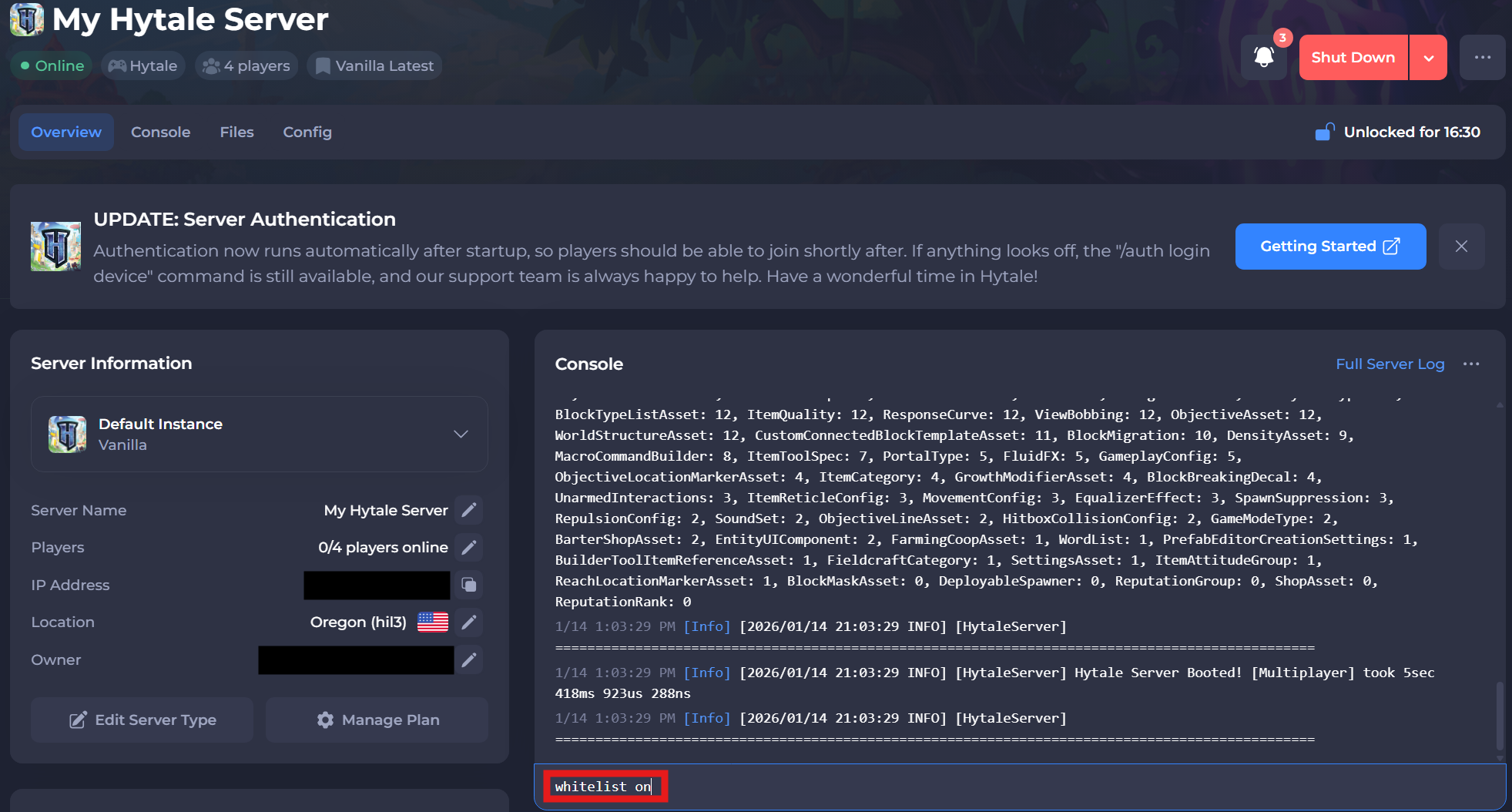
Once enabled, only players on the whitelist and admins will be able to join the server.
#Managing the Whitelist
After enabling the whitelist, you can add or remove players whenever needed.
Add a player to the whitelist:
whitelist add <playername>
Remove a player from the whitelist:
whitelist remove <playername>
These changes apply immediately, so players will gain or lose access as soon as the command is run.
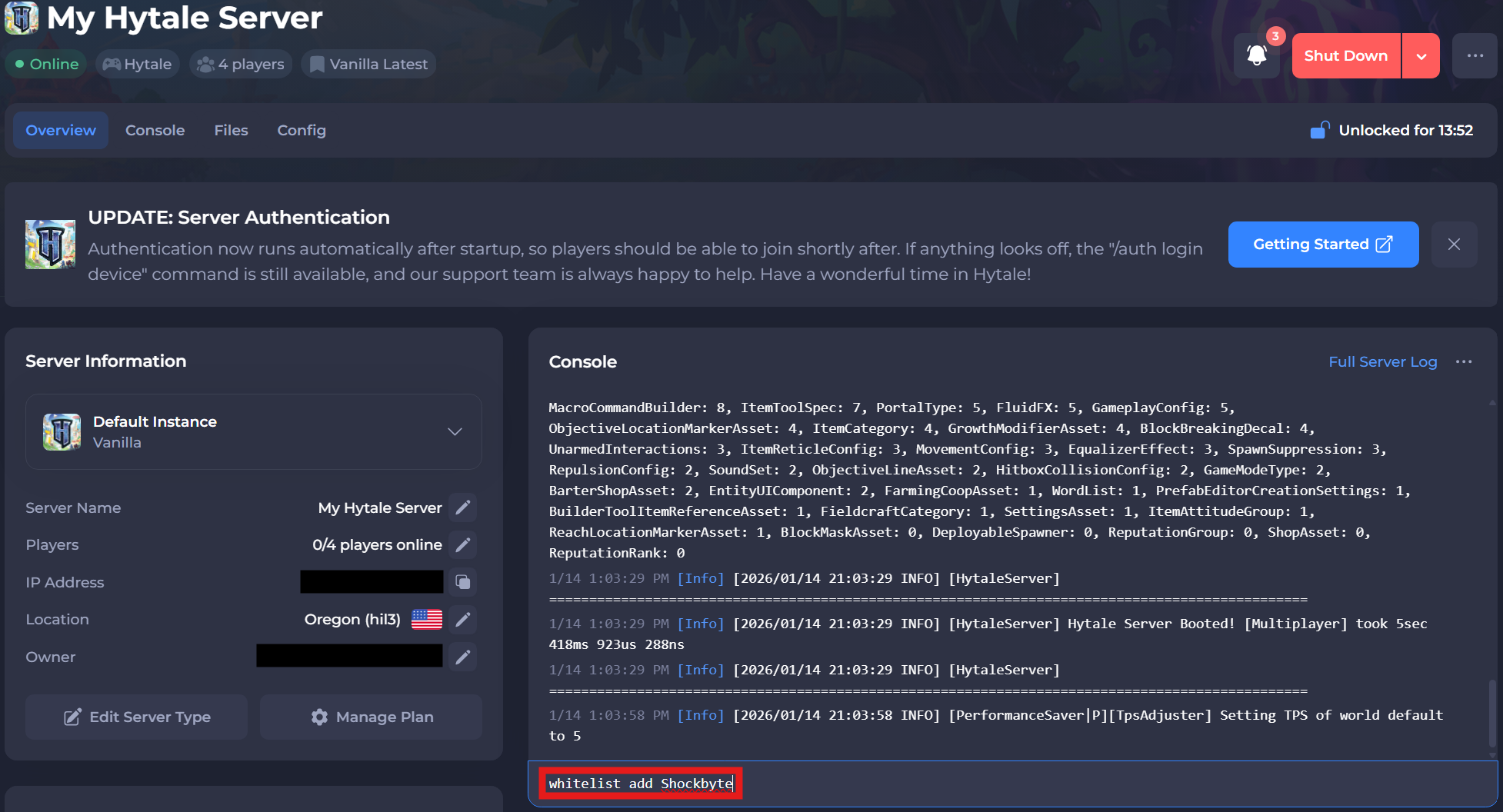
Using a whitelist is a simple and effective way to secure your Hytale server and keep full control over who can join!