Table Of Contents
Adjusting Enemy DifficultyStill have questions?
Come chat with us and we will get back to you as soon as possible!

Nathan Franklin
Game Experience Engineer
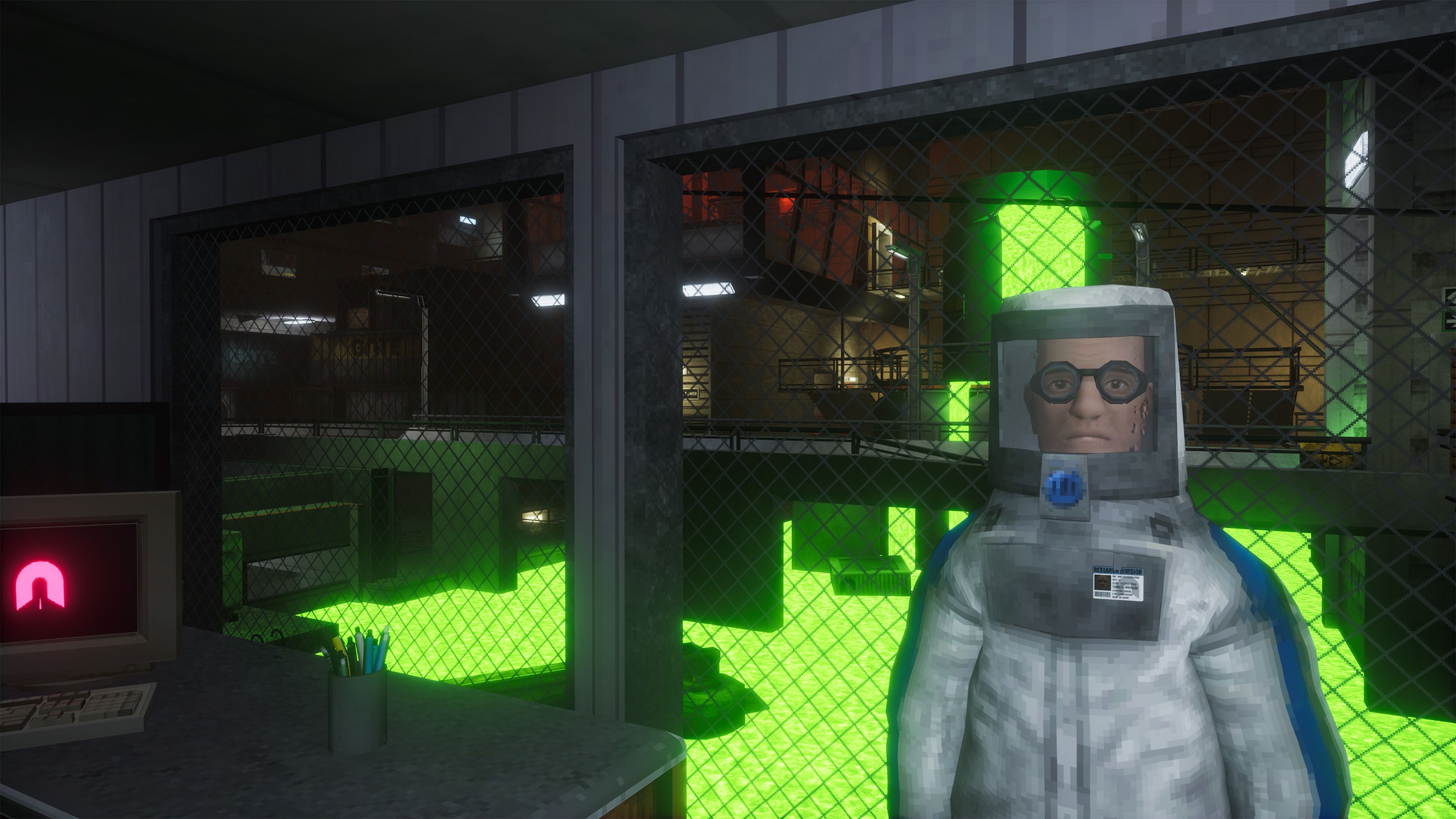
How to Modify Enemy Difficulty on your Abiotic Factor Server
In Abiotic Factor, enemy difficulty impacts combat encounters by adjusting enemy spawn rates, health, damage, and detection speed. Server owners can customize these settings to create a challenging survival experience or an easier, more relaxed environment.
#Adjusting Enemy Difficulty
There are multiple settings available that effect enemy difficulty all found in the SandboxSettings.ini file.
-
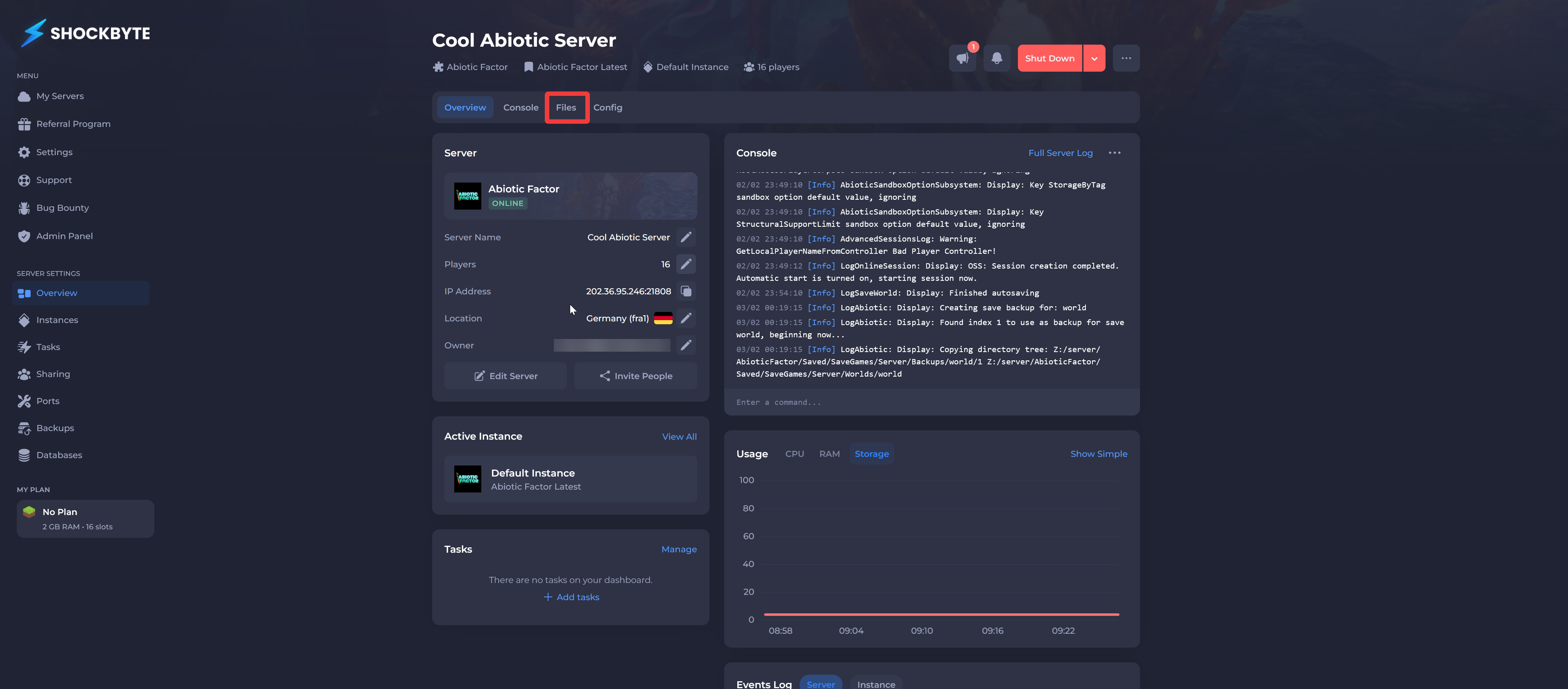
Navigate to the Shockbyte Panel.
-
Click Files.
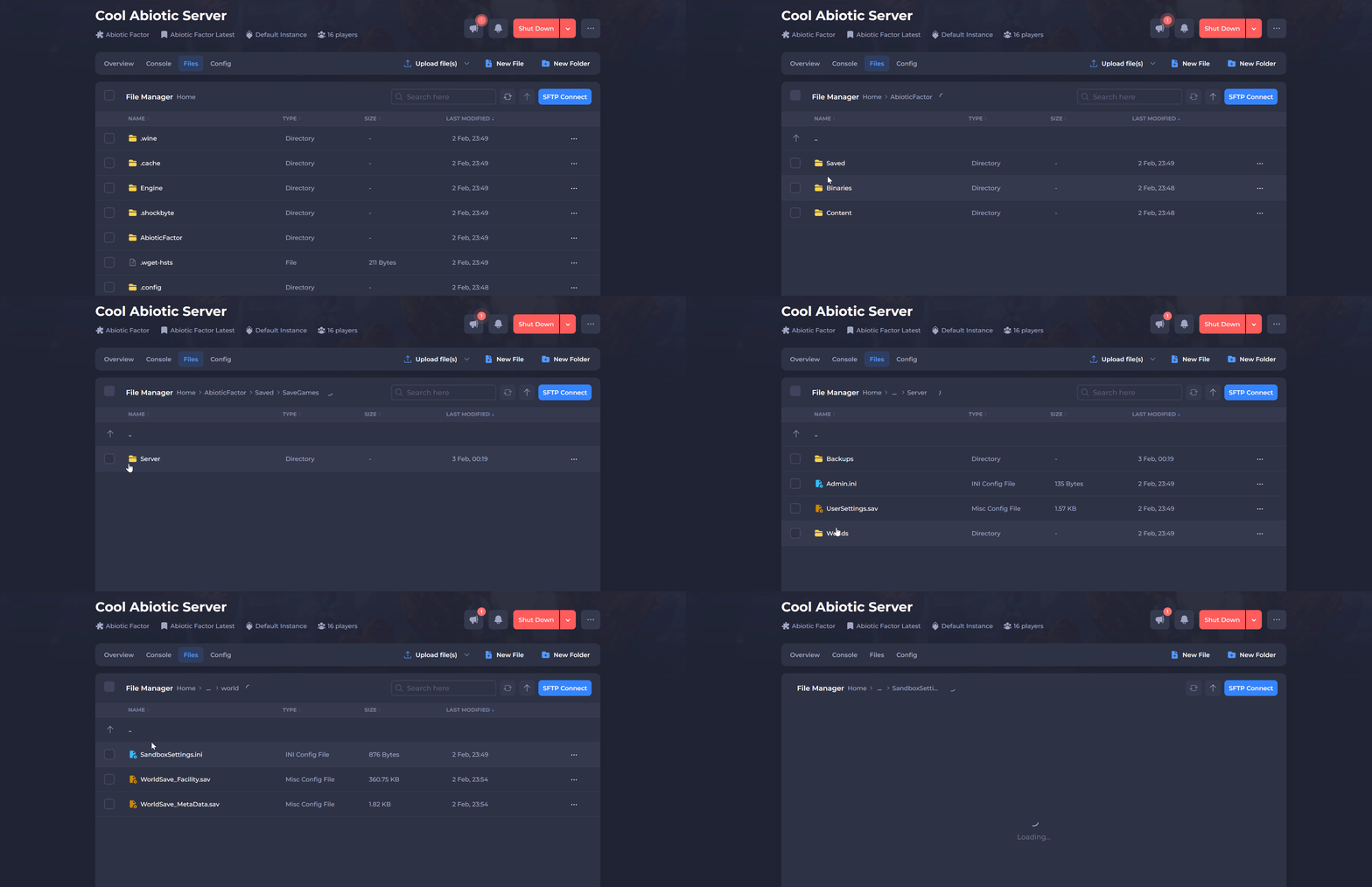
- Navigate to
AbioticFactor/Saved/SaveGames/Server/Worlds/<Your Save Name>.
- Click SandboxSettings.ini.
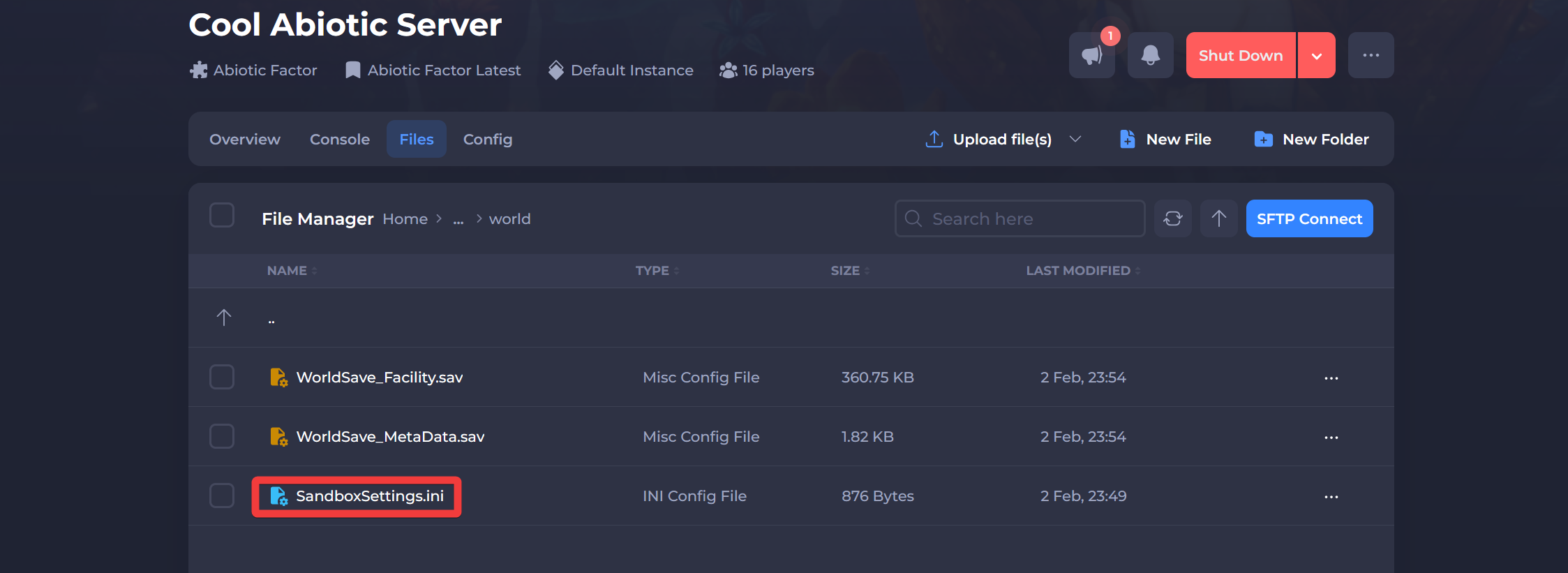
- Locate and modify the following settings based on your preferred difficulty level:
| Setting | Description | Min/Max Range |
|---|---|---|
GameDifficulty | Adjusts enemy aggression, combat reaction speed, and spawn density. | 1 Normal2 Hard3 Apocalyptic |
EnemySpawnRate | Controls how frequently enemies respawn. Higher values mean faster respawns. | 0.5 - 3.0 |
EnemyHealthMultiplier | Adjusts enemy health. Lower values make enemies easier to kill. | 0.75 - 3.0 |
EnemyPlayerDamageMultiplier | Modifies the damage enemies deal to players. | 0.25 - 3.0 |
EnemyDeployableDamageMultiplier | Adjusts how much damage enemies deal to deployable structures. | 0.1 - 5.0 |
DetectionSpeedMultiplier | Determines how quickly enemies detect players. Higher values make enemies more alert. | 0.1 - 3.0 |
- Click Save and Restart your server.
Interested in purchasing an Abiotic Factor servers with instant activation, easy customisation, and great & extensive Knowledgebase articles? Click here to purchase one!
To learn more about Abiotic Factor Server Hosting, you can browse our Knowledgebase article library here.