
 CS:GO server includedAvailable On Steam
Counter Strike 2 Dedicated Servers
Ready for the ultimate tactical showdown? Our Counter Strike 2 dedicated servers deliver smooth, fast-paced action. Customize your matches, invite friends, and play anytime! CS:GO server hosting included with all CS2 purchases!

Choose Your Plan



Exclusive Features
- RCON Support
- Supports All Maps
- Custom Maps
- 99.9% Uptime
- DDoS Protection
- Global Locations
- 24/7 Support
- Self-Serve Guides
- Easy Configuration
- Automatic Backups
- Low Latency
- Full File Access
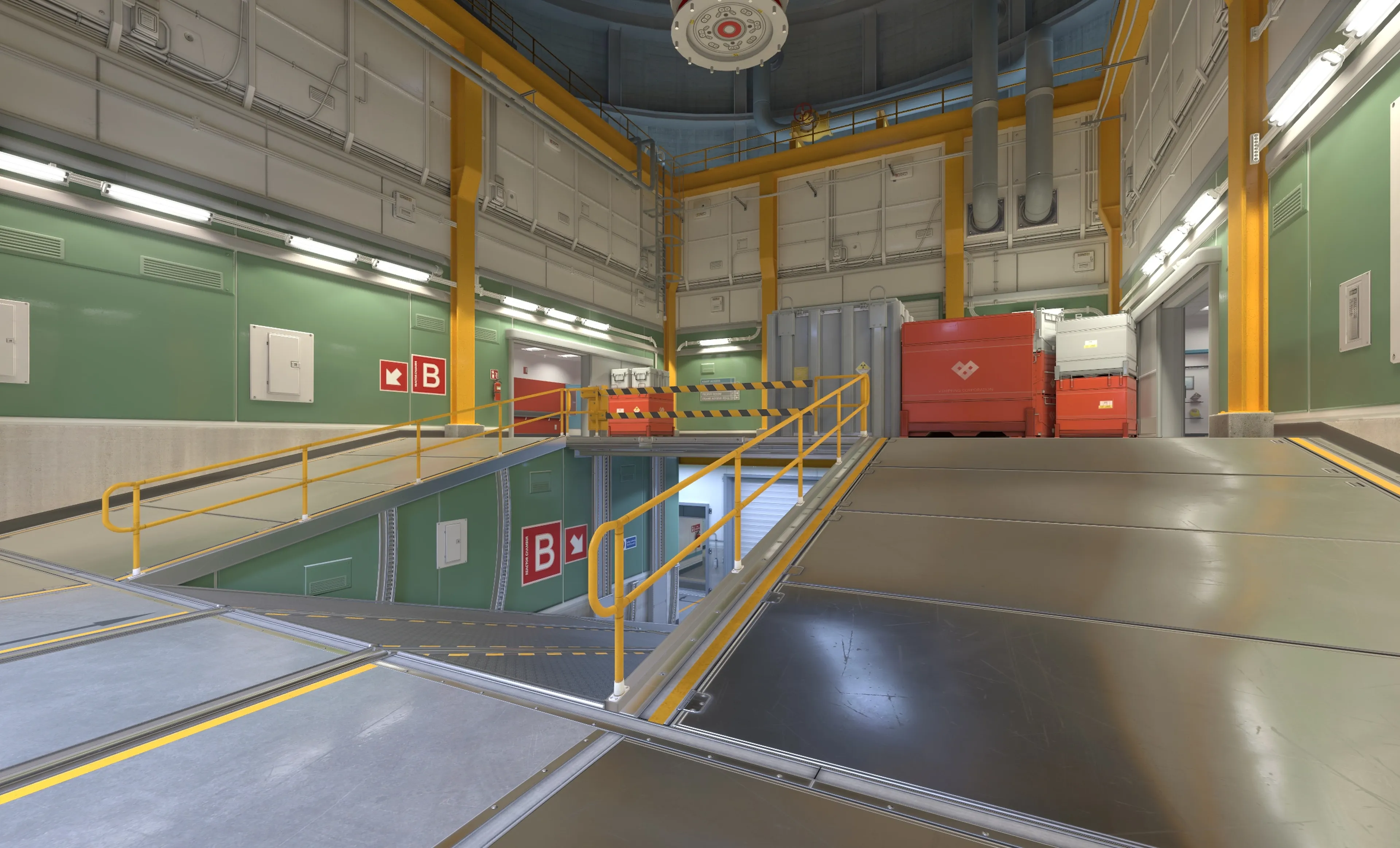
Play Counter Strike 2 With Friends
Take your tactical gameplay to the next level by hosting your own Counter-Strike 2 dedicated server. Whether you're setting up intense competitive matches or creating custom game modes with friends, a dedicated server gives you full control over maps, game modes, and player limits.
Host classic bomb defusal missions, create unique scenarios, or battle it out in PvP on your terms. With a Counter-Strike 2 server, you can craft a custom multiplayer experience and ensure every match is as thrilling as you want it to be.
Learn About Counter Strike 2 Server Hosting
Master your multiplayer setup with our guides and tutorials for Counter-Strike 2 server hosting.
How To Configure Your Counter Strike 2 Server
Customise your CS2 server easily with our custom settings file from Shockbyte for server name, maps, password, and more.
How To Join A Counter Strike 2 Server
Ready to get started? Learn how to join your CS2 server here.
How To Change Map on Your Counter Strike 2 Server
Server owners can mix up gameplay on their CS2 server by choosing maps. Only active duty and 2 hostage maps are available now.
Shockbyte's ease of access
Shockbyte's ease of access to all of your files, video tutorials on how to edit your server to how you want, 24/7 support, and fair pricing on rental plans keeps me staying here with them as my go-to server rental! While I have to occasionally stop renting a server for financial issues, in the end I don't think I'd want to swap out to a different one!
Always used this for minecraft servers…
Always used this for minecraft servers with 0 problems, and today i had and isue with my server. I contacted support and got awesome help by Michael Y. and solved my problem in no time. Really happy with shockbyte in general: prices, ui, support,etc
Extremely good support and fast running…
Extremely good support and fast running servers. Lag on these servers are practically non-existent and I haven't had any issues with this server hosting besides slow support at times, but the wait is definitely worth it because they WILL help you with anything.
Frequently Asked Questions
Here are some of our new customers' frequently asked questions. If you still need help, you can check out our knowledgebase articles or contact support.
To join a server, you need to add it to your favourites on Steam. To do so, open Steam and navigate to View > Game Servers and click 'Favorites'. Click the + button and paste your server's IP address and port. Click 'Ok' and then 'Connect'.