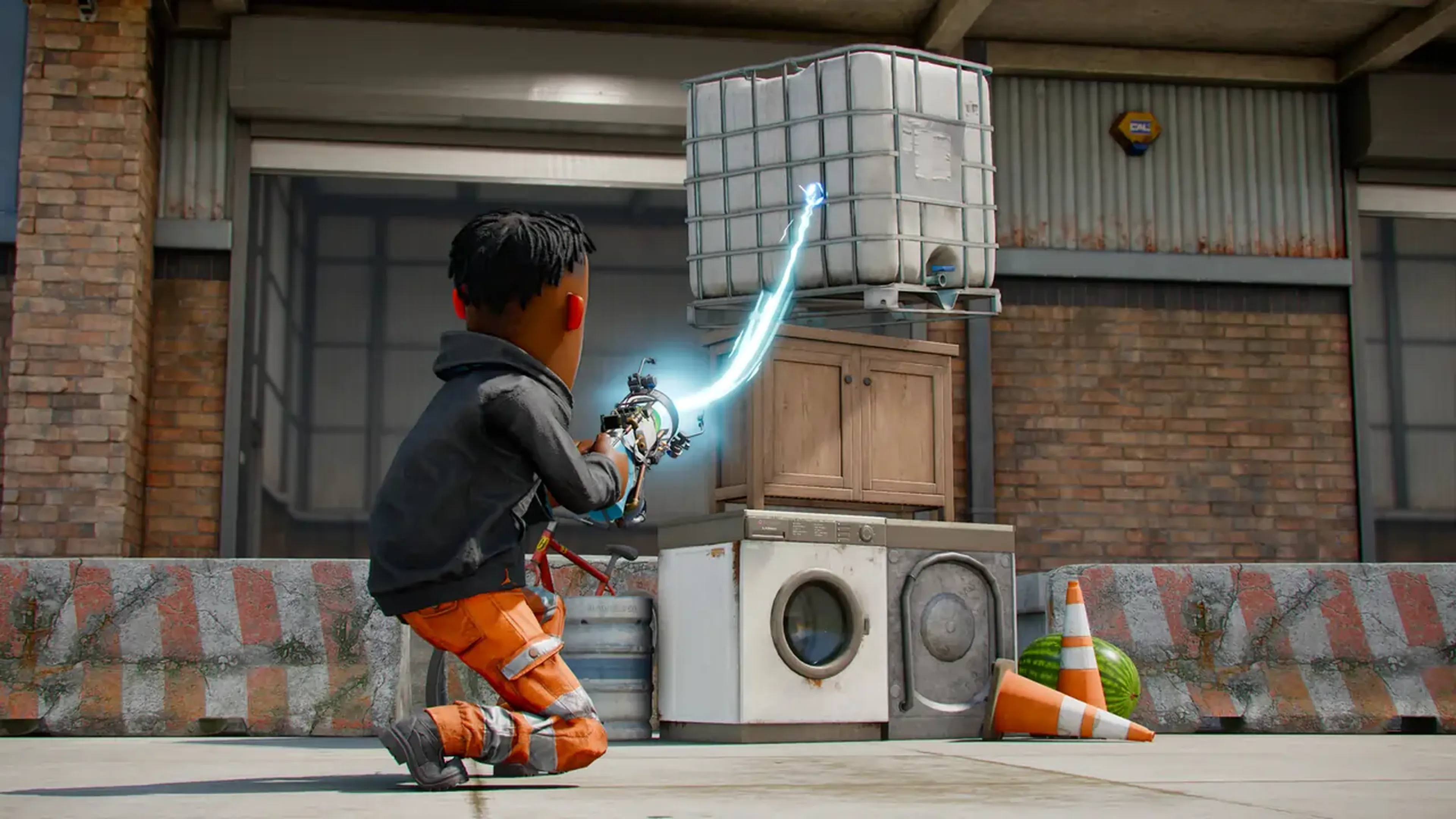
s&box Server Hosting
Unleash your creativity with the spiritual successor to Garry's Mod. Our high-performance s&box server hosting provides the power and flexibility you need to build, play, and share anything you can imagine.

Choose Your Plan



EXCLUSIVE FEATURES
- Mod Support
- 99.9% Uptime
- DDoS Protection
- Global Locations
- 24/7 Support
- Self-Serve Guides
- Easy Configuration
- Automatic Backups
- Low Latency
- Full File Access
PLAY S&BOX MULTIPLAYER
Experience the next generation of creative freedom in s&box with your friends. Whether you are developing complex game modes or just messing around with the latest community creations, a dedicated server ensures your sessions are lag-free and always available.
By hosting your own s&box private server, you gain complete control over the Source 2 engine's capabilities. Invite your community to a stable environment where your custom assets, scripts, and gamemodes can shine without the limitations of peer-to-peer connections.
WHAT IS S&BOX SERVER HOSTING?
s&box server hosting is a dedicated service that runs the game's backend on high-availability hardware, separate from your own PC. This allows players to connect to a persistent world that stays online 24/7, even when you aren't playing.
With a Shockbyte s&box dedicated server, you benefit from professional-grade DDoS protection and ultra-low latency. This is essential for the physics-heavy nature of Source 2, ensuring that every prop interaction and custom mechanic feels responsive for every player on the server.

Get Your Own s&box Server!
Launch your s&box dedicated server in seconds and start creating today.

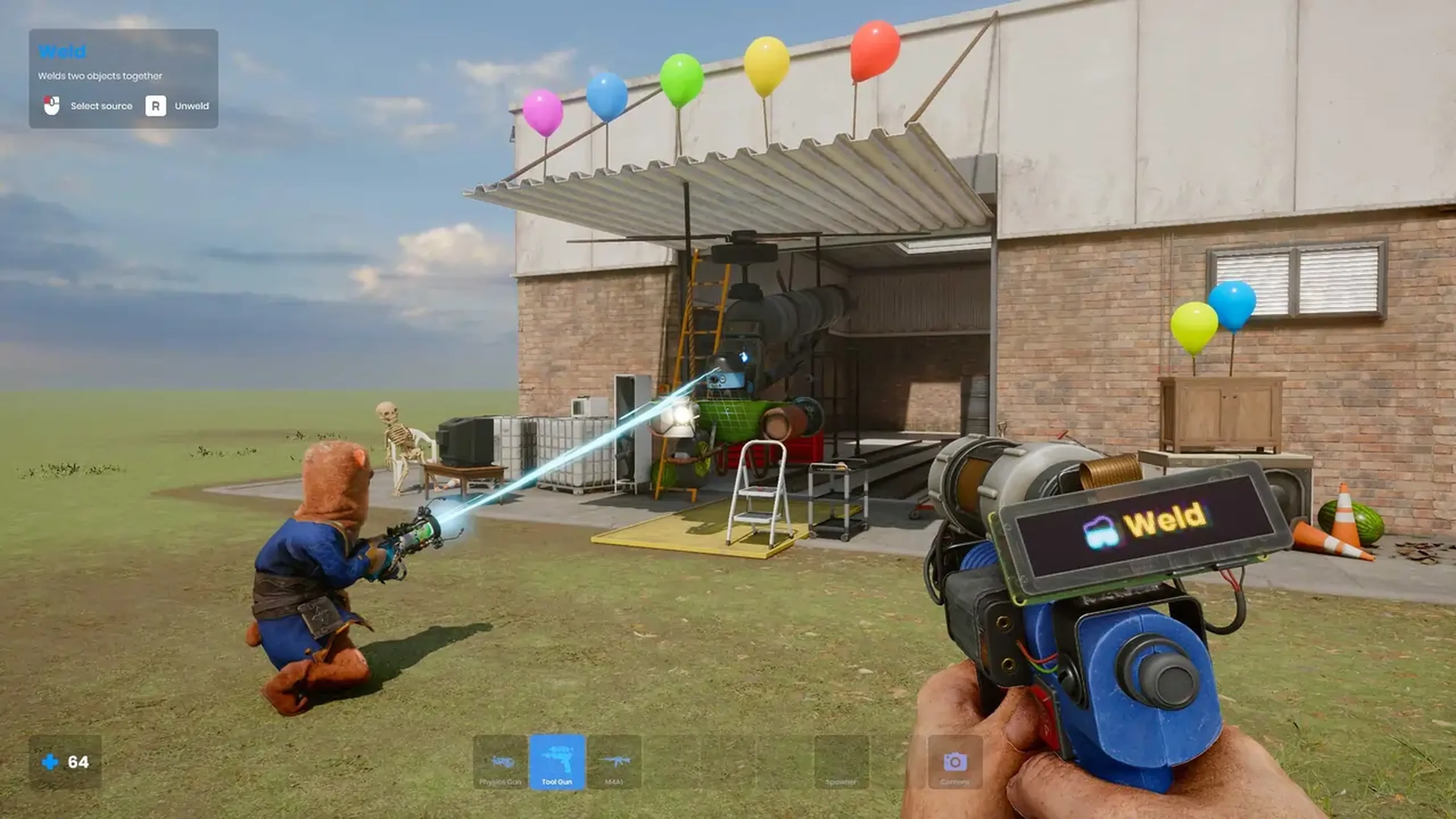
Shockbyte's ease of access
Shockbyte's ease of access to all of your files, video tutorials on how to edit your server to how you want, 24/7 support, and fair pricing on rental plans keeps me staying here with them as my go-to server rental! While I have to occasionally stop renting a server for financial issues, in the end I don't think I'd want to swap out to a different one!
Always used this for minecraft servers…
Always used this for minecraft servers with 0 problems, and today i had and isue with my server. I contacted support and got awesome help by Michael Y. and solved my problem in no time. Really happy with shockbyte in general: prices, ui, support,etc
Extremely good support and fast running…
Extremely good support and fast running servers. Lag on these servers are practically non-existent and I haven't had any issues with this server hosting besides slow support at times, but the wait is definitely worth it because they WILL help you with anything.
FREQUENTLY ASKED QUESTIONS
Here are some of our new customers' frequently asked questions. If you still need help, you can check out our knowledgebase articles or contact support.
It's easy! Pick a plan based on your preferences (number of players, mod usage, etc...), complete the check out and you're done! Now you'll be able to access your server's control panel to adjust any settings you'd like and connect to it using its IP address.