Table Of Contents
Configuring Team SizeStill have questions?
Come chat with us and we will get back to you as soon as possible!

Jay Miller
Game Engineer

How to Configure Team Size on your Rust Server
Rust
·Oct 27, 2024
·1 min read
Team size determines how many players can join a team in Rust. It is 8 by default and can be increased or decreased. However, the Rust Team UI has a hard limit of displaying 8 players.
#Configuring Team Size
-
Access your control panel.
-
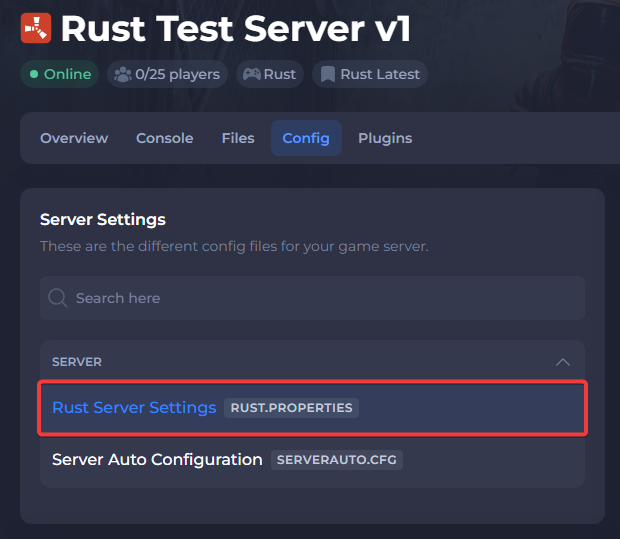
Navigate to the Config tab and open your Rust Server Settings file.
- Search for the Max Team setting and adjust the number as needed.

- Save the file and restart the server.
To learn more about Rust server hosting, you can browse our library of Knowledgebase articles here.