Still have questions?
Come chat with us and we will get back to you as soon as possible!

Shockbyte
Support Team

How to Find and Fix JSON Config Errors
JSON (JavaScript Object Notation) is a strict data format used by many game servers for configuration files. Even a single missing comma or unclosed quote will break the file structure, preventing your server from loading settings properly or causing it to crash on boot.
The root .json files (whitelist, bans, ops) often cause this error. You can delete them and restart your server to regenerate fresh files for a quick fix, but this will reset your lists. Moving forward, use console commands to manage these settings (it's usually not recommended to edit .json files directly).
#Using the Built-in Control Panel Validation
Our built-in text editor automatically validates your .json files in real time as you edit.
-
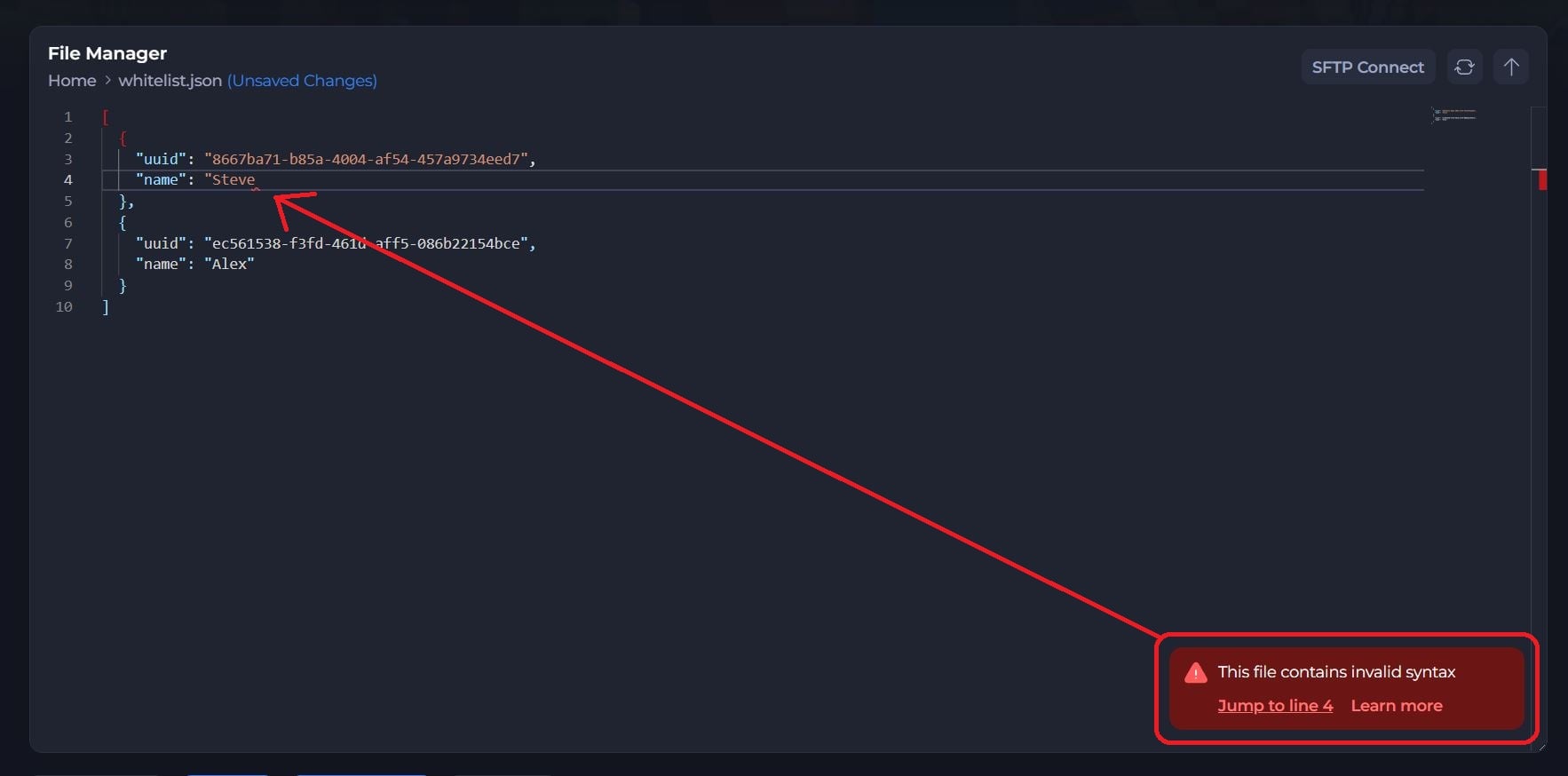
When an error notification appears, click Jump to Section in the bottom-right banner.
-
The editor will automatically scroll to and highlight the exact line containing the error.
-
Look for a red wavy line under the broken code or a red indicator marker on the right.
-
Hover your cursor over the highlighted area to view the error breakdown (The example below shows a basic missing
"at the end of the player name Steve).
#Common JSON Formatting Mistakes
1. Trailing Commas
Commas are used to separate items in an array or properties in an object. However, the last item in a group must NEVER have a comma after it.
- Correct:
{
  "ServerName": "My Shockbyte Server",
  "MaxPlayers": 10
}
- Incorrect:
JSON
{
  "ServerName": "My Shockbyte Server",
  "MaxPlayers": 10,
}
2. Missing Commas Between Entries
Every entry in a JSON block must end with a comma, except the final item before a closing bracket } or ].
- Correct
JSON
{
  "Difficulty": "Hard",
  "PvP": true
}
- Incorrect
JSON
{
  "Difficulty": "Hard"
  "PvP": true
}
3. Unmatched Quotes or Brackets
Every structural symbol must have a corresponding pair:
- Opening braces
{need matching closing braces}. - Opening square brackets
[need matching closing brackets]. - Keys and string values must use double quotes (
"text"). Single quotes ('text') are invalid in JSON.
4. Formatting Values (Booleans, Numbers, Strings)
- Strings (Text): Must always be wrapped in double quotes (e.g.,
"Welcome to the server"). - Numbers: Must not be wrapped in quotes (e.g.,
25565, not"25565"). - Booleans (True/False): Must be lowercase with no quotes (e.g.,
trueorfalse).
#External Troubleshooting Tools
If you are having trouble isolating a syntax error inside the panel, an easy and effective way to locate and fix issues with your JSON code is by using an online JSON validator tool.
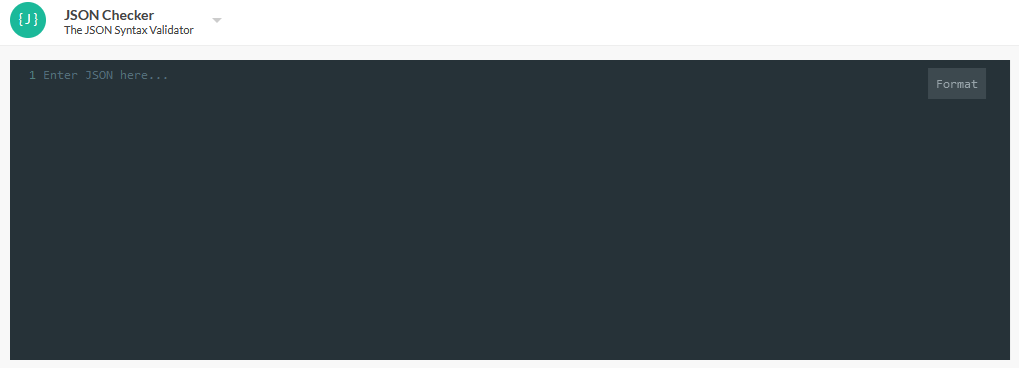
- Open an online JSON validator tool, like this one.
- Paste your JSON code into the input box.
When you paste your code, the website will automatically fix and format any simple spacing errors it finds.
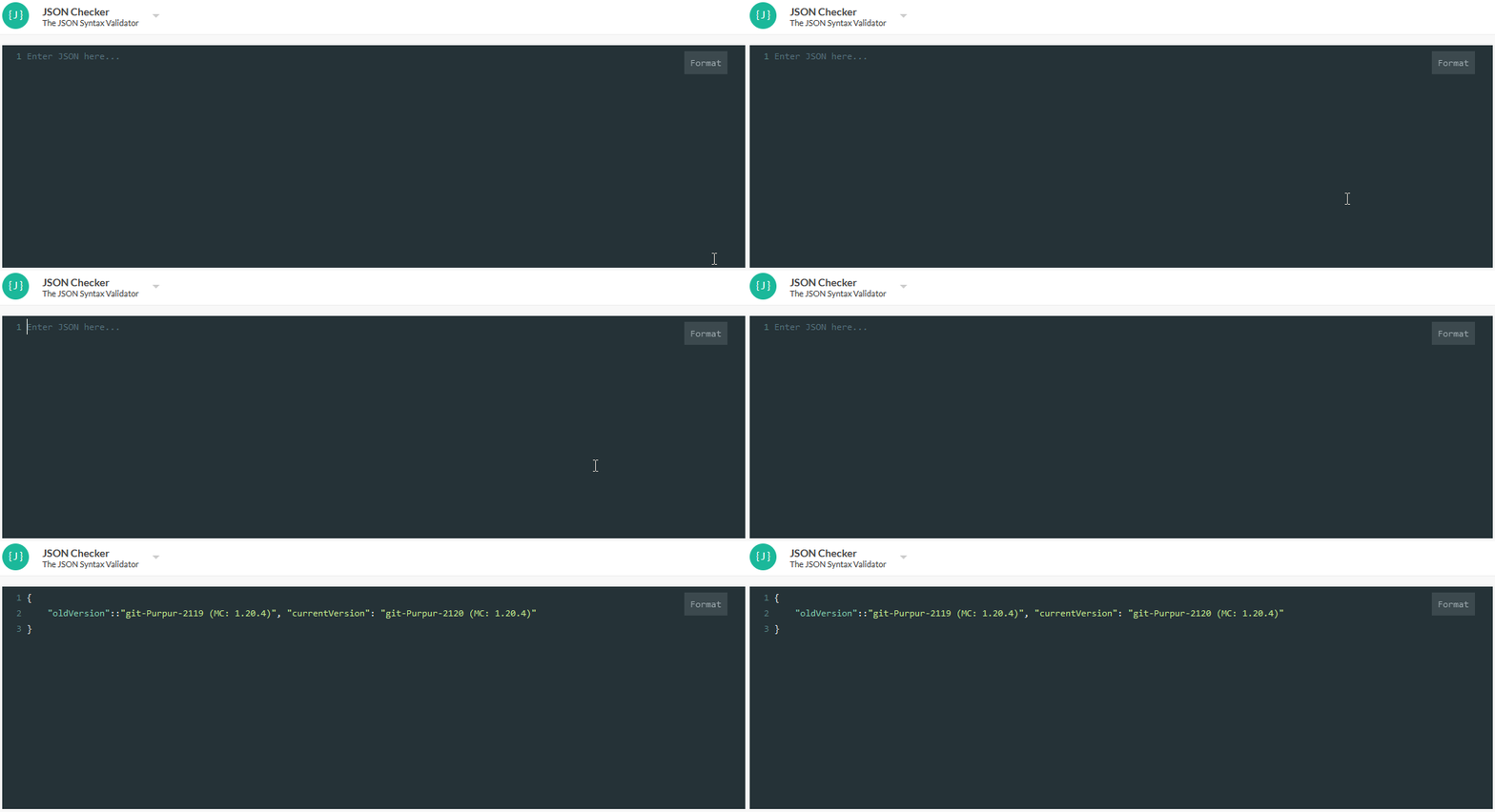
If your JSON still has any errors in it, the line(s) containing the issue(s) will be highlighted red, making it easy to spot the problems.
- Locate and fix any remaining errors.
If there are any other errors detected, the website will point them out to you in notes below the input window. As you can see in the example below, this note shows where the error is, so we can easily fix it.
Once you've finished fixing any errors, you can optionally click the Format button in the top right of the input window to clean up the formatting.