Table Of Contents
Setup and Pair Rust+Still have questions?
Come chat with us and we will get back to you as soon as possible!

Jay Miller
Game Engineer

How to Pair the Rust+ Mobile App with Your Server
Rust+ is the official Rust companion app that allows you to pair servers you play on with the app on your phone. You can view the server status, chat with other players, view the map and more.
#Setup and Pair Rust+
You will be able to set up and pair Rust+ for your server.
-
Download the Rust+ app on your phone (iOS, Android). Push Notifications must be enabled for the app.
-
On your control panel, navigate to the Ports tab.

- Find the port for RustPlus and make a note of it for later.

- In your
server.cfgfile, set the port number you copied earlier and set your server's IP under theappsettings.
- If you are unable to locate the server.cfg file, you can refer to our guide on the topic here.
- The setting lines can be added to the file manually if they are not present.
app.port 12345- Set the port you copied earlierapp.publicip 172.16.0.1- Set your server's IP (Not including the port)
-
Save the file and Restart your server.
-
Once your server is back online, join your server and press Esc to open the menu, then select Rust+.
-
If it worked correctly, you should see a Pair with Server button appear - click it. Otherwise, press refresh (sometimes you need to restart both the game and the mobile app).
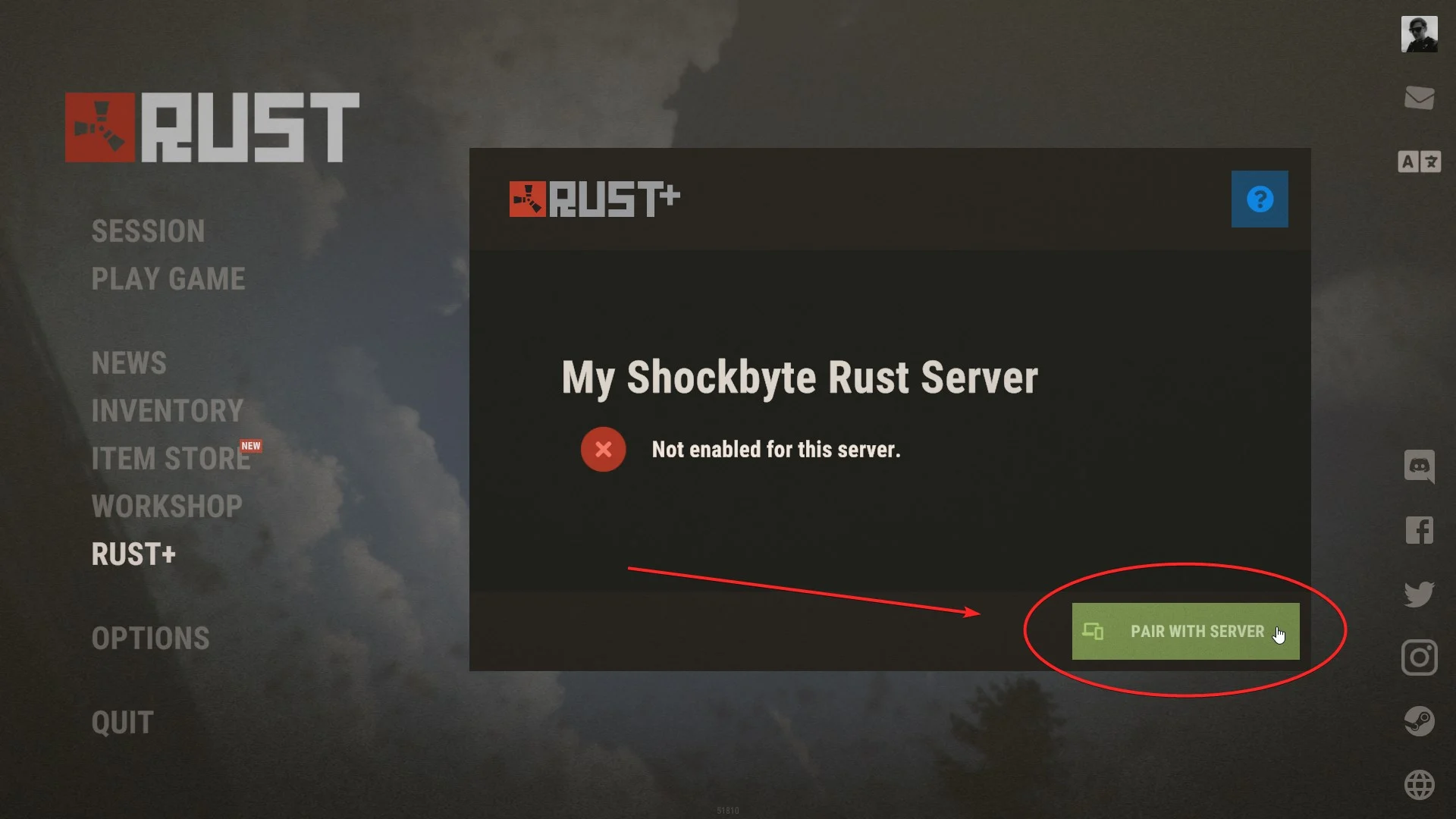
- You will either receive a push notification on your phone or, if the app is open, you should see your server appear, and you will be able to press Pair Server on your phone.

That's it! The app should now be connected successfully.
You can find additional information about setting up the Rust+ companion app for Rust servers on the Wiki.