Still have questions?
Come chat with us and we will get back to you as soon as possible!

Nuno Paiva
Game Integration Specialist @ Shockbyte
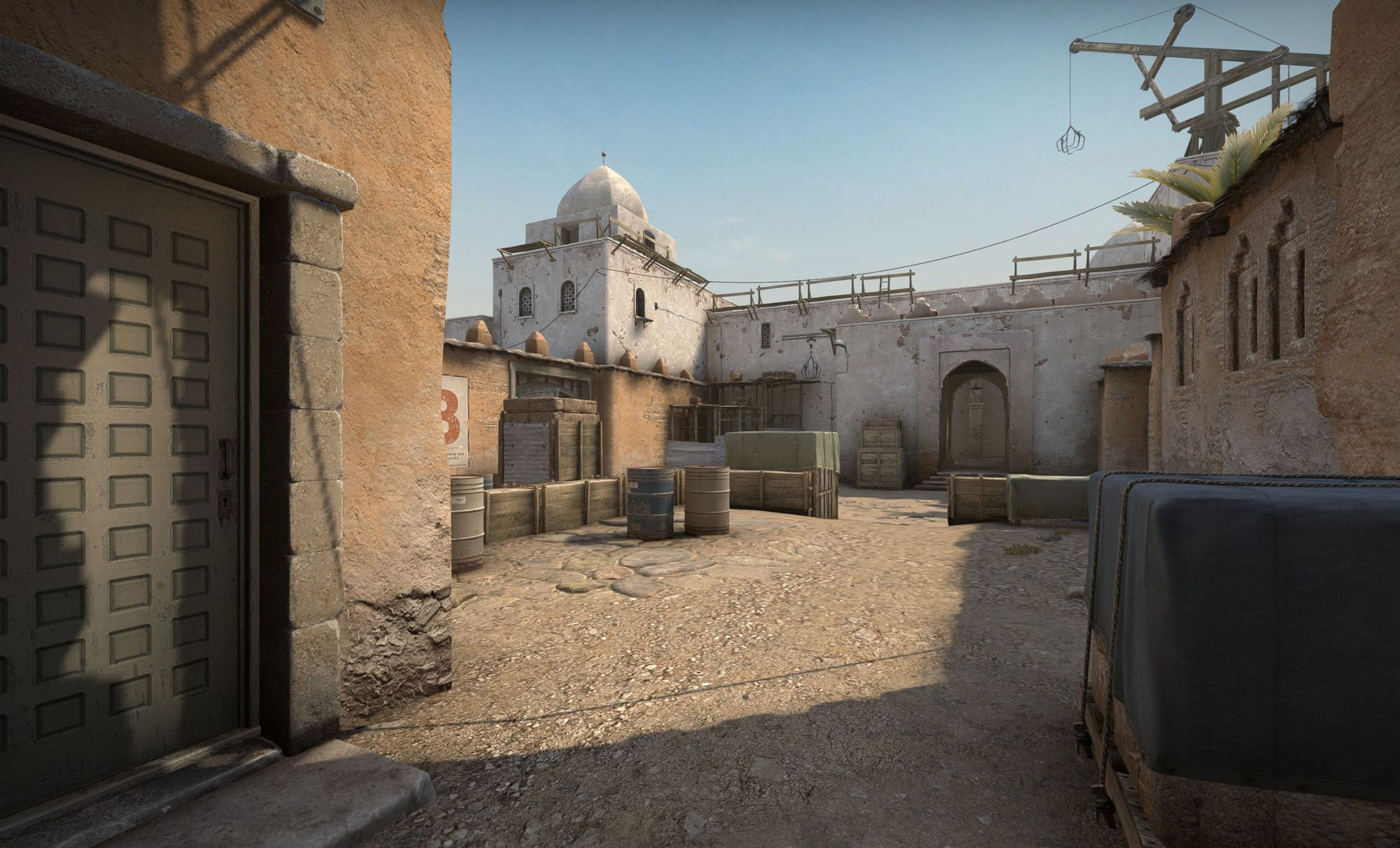
How to Host a Counter Strike 2 Community Server
At Shockbyte, we provide multiple handy and powerful tools to give you all the freedom you need to run, customize, and enjoy your Counter Strike 2 server. Whether you're playing with friends or setting up scrim/competitive matches, getting started is quick and easy.
Interested in purchasing a Counter Strike 2 server with instant activation? Click here to purchase one!
#Step 1: Set Your Server Name
Your server name is how players will identify and connect to your server through the in-game browser. It’s the first thing you should set up.
#Step 2: Add a Server Password (Optional)
If you want to make your server private, you can set a password or hide it entirely from public listings.
#Configuring Your Counter Strike 2 Server
After setting up your server, here are some ways you can configure it to match your needs:
- How to Change Map on your Counter Strike 2 Community Server
- How to Set Your Counter Strike 2 Server Game Mode
- How to Use Steam Workshop Maps and Collections on your Counter Strike 2 Server
- How to Install Plugins and Mods on your Counter Strike 2 Community Server
- How to Switch Between Practice, Warmup, and Scrim Modes on your Counter Strike 2 Server
- How to Enable and Use GOTV on your Counter Strike 2 Community Server
These tools make it easy to customize your experience, whether you're training, competing, or just playing casually.
If you require any further assistance, don't hesitate to get in touch with our support at: https://shockbyte.com/billing/submitticket.php